News

GitHub adds ability to quickly review changed functions in your PHP pull requests

Published
GitHub adds ability to quickly review changed functions in your PHP pull requests image

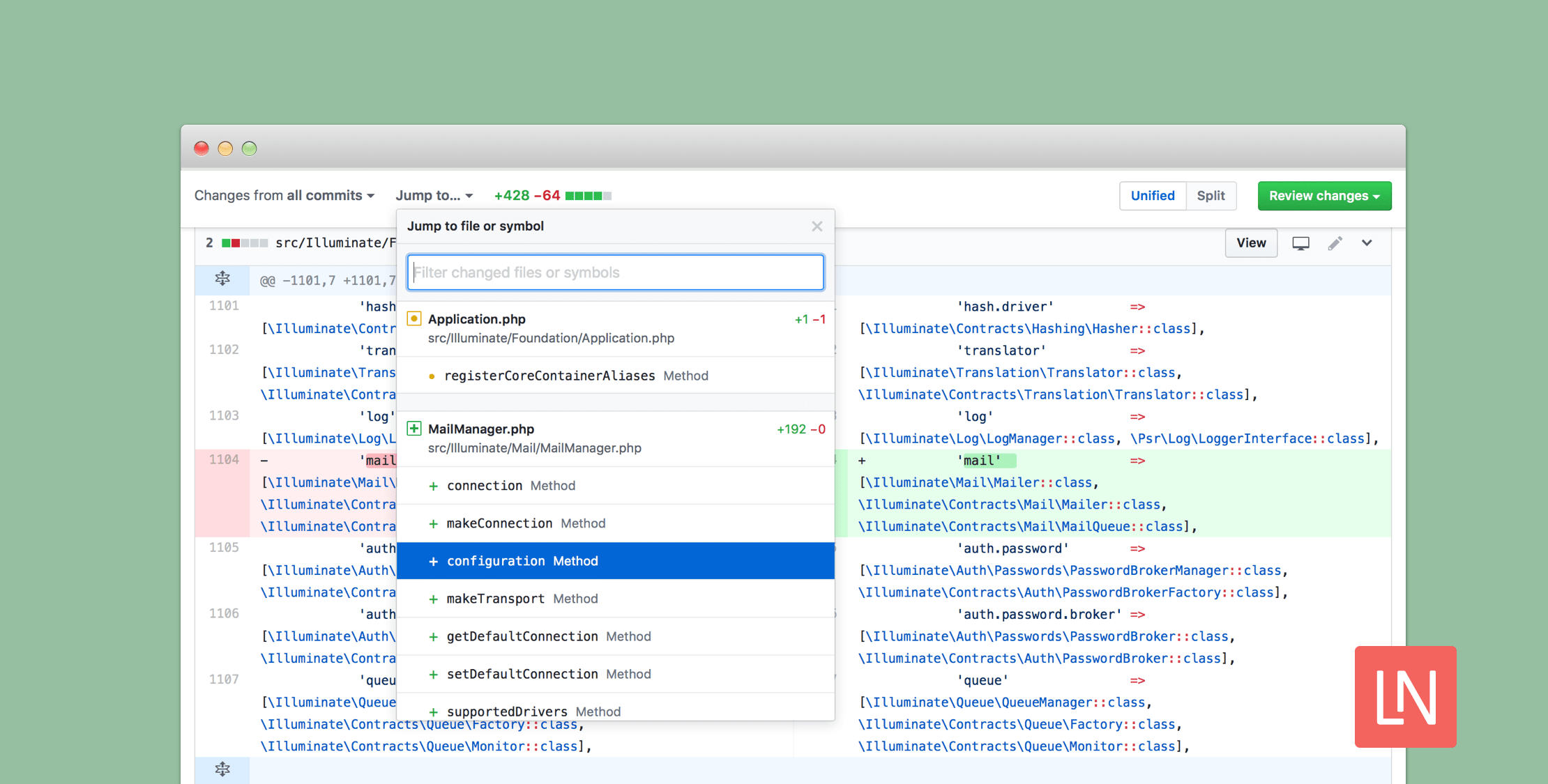
GitHub announced that the pull request screen now supports the ability to quickly review changed functions in PHP projects.

“Searching the file finder for the term function or the name of a changed function in a PHP file will provide you with a filtered view of the results, so you can easily identify and view the most impactful parts of a pull request.”, Josh Vera said in the announcement.

Using this new feature is simple and GitHub has instructions outlined in their documentation but it can be completed in these steps:

Visit the pull requests page and in the list, click the one where you’d like to find the changed functions and methods. Once you are on the pull request, click “Files changed” tab. Now, click “Jump to….” and select the changed function or method from the drop-down menu or enter the name of the function or method to filter results.

Eric L. Barnes photo

Eric is the creator of Laravel News and has been covering Laravel since 2012.

Filed in

Sponsored

masteringlaravel logo
Laravel Code Review

Get expert guidance in a few days with a Laravel code review

Visit Laravel Code Review

The latest

View all →
What's New in PHP 8.6 image

What's New in PHP 8.6

Read article
Building EasyReply: How We Used Laravel to Unify Customer Support image

Building EasyReply: How We Used Laravel to Unify Customer Support

Read article
PostgreSQL Monitoring and Schema Linting for Laravel with Vacuum image

PostgreSQL Monitoring and Schema Linting for Laravel with Vacuum

Read article
PayZephyr: One Payment API for Stripe, Paystack, and PayPal image

PayZephyr: One Payment API for Stripe, Paystack, and PayPal

Read article
Bifrost Turns One With AI Builds and New Workflows image

Bifrost Turns One With AI Builds and New Workflows

Read article
Preview Blade Templates in macOS Finder with Quick Blade image

Preview Blade Templates in macOS Finder with Quick Blade

Read article






