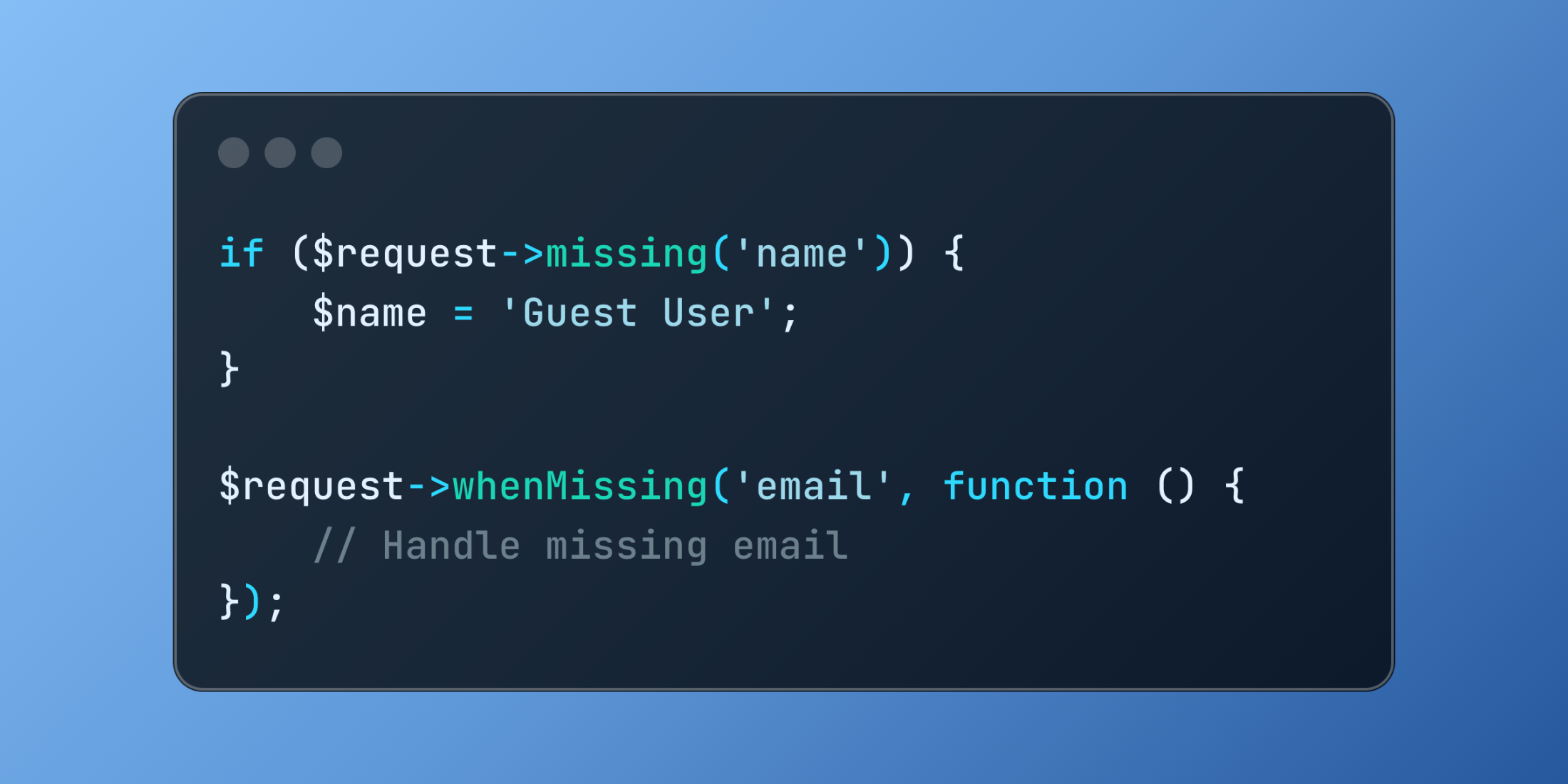
Laravel provides elegant methods for managing absent request data through missing() and whenMissing(). These methods simplify the process of handling optional fields and setting default values, making your code more expressive and maintainable.
// Check for missing input
if ($request->missing('name')) {
    $name = 'Guest User';
}

// Handle missing data with callbacks
$request->whenMissing('email', function () {
    // Handle missing email
});
Let's explore an example of a flexible settings update system:
// app/Controllers/SettingsController.php
<?php

namespace App\Http\Controllers;

use App\Models\Settings;
use Illuminate\Http\Request;

class SettingsController extends Controller
{
    public function update(Request $request, Settings $settings)
    {
        $updates = [];
        // Handle theme preferences
        $request->whenMissing('theme',
            function() use (&$updates) {
                $updates['theme'] = [
                    'mode' => 'system',
                    'color' => 'blue'
                ];
            },
            function() use (&$updates, $request) {
                $updates['theme'] = [
                    'mode' => $request->input('theme.mode', 'light'),
                    'color' => $request->input('theme.color', 'blue')
                ];
            }
        );
        // Handle notification settings
        if ($request->missing('notifications')) {
            $updates['notifications'] = [
                'email' => true,
                'push' => false,
                'frequency' => 'daily'
            ];
        } else {
            $updates['notifications'] = $request->notifications;
        }
        $settings->update($updates);
        return response()->json([
            'message' => 'Settings updated successfully',
            'settings' => $settings->fresh()
        ]);
    }
}
Example usage:
// Input with minimal data
{
    "notifications": {
        "email": true,
        "push": true
    }
}
// Response
{
    "message": "Settings updated successfully",
    "settings": {
        "theme": {
            "mode": "system",
            "color": "blue"
        },
        "notifications": {
            "email": true,
            "push": true,
            "frequency": "daily"
        }
    }
}
// Input with complete data
{
    "theme": {
        "mode": "dark",
        "color": "purple"
    },
    "notifications": {
        "email": false,
        "push": true,
        "frequency": "weekly"
    }
}
The missing() and whenMissing() methods provide a clean way to handle optional request data while maintaining code readability.