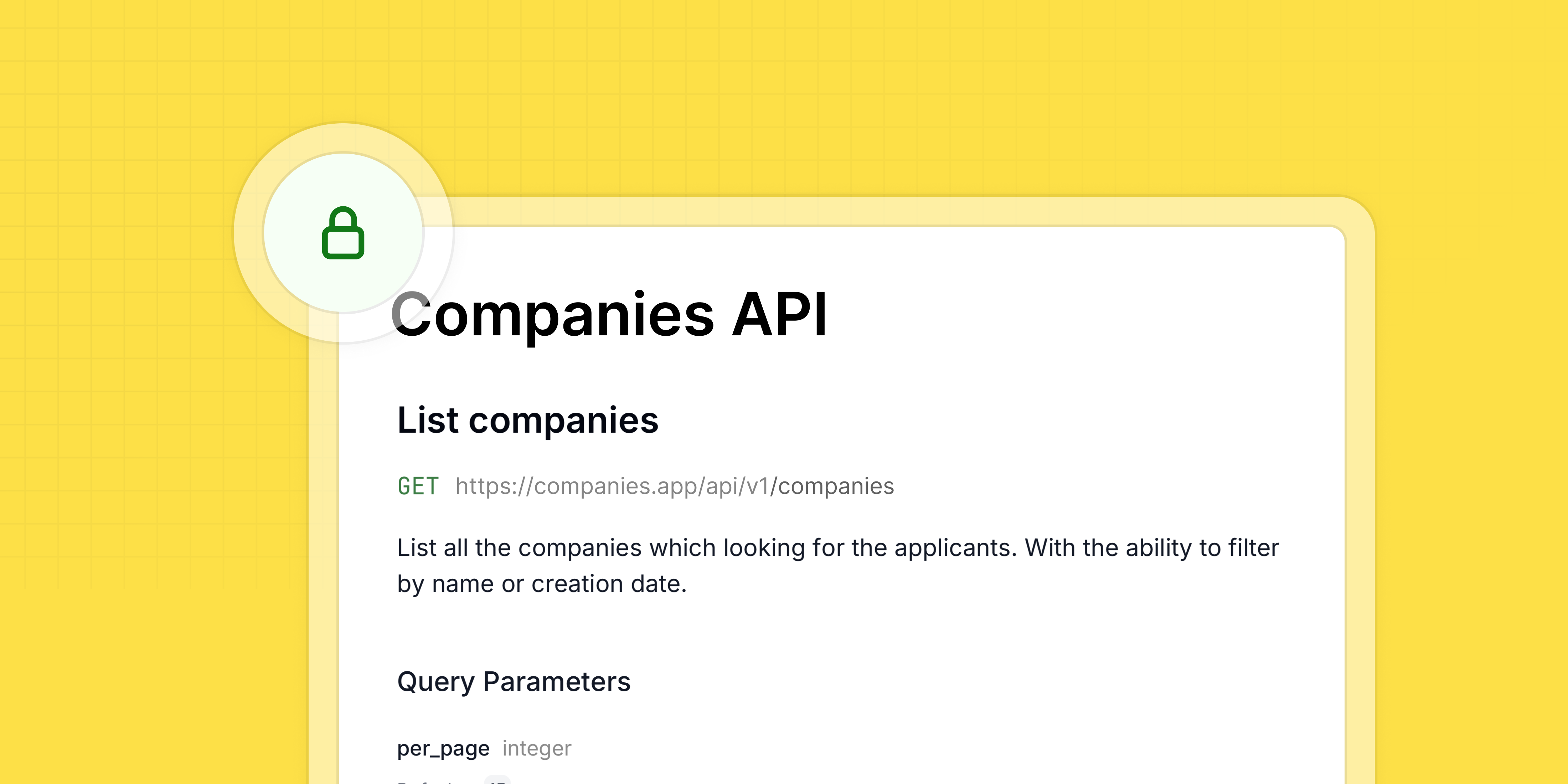
In this post, we'll review common API authentication methods in Laravel and how to document them using Scramble – the modern API documentation tool for Laravel.
The OpenAPI specification supports multiple API authentication methods. With a recent update, Scramble now fully supports OpenAPI 3.1.0 security specification, allowing you to document any authentication method available in the specification.
Sanctum authentication
Sanctum is my go-to authentication method, and I bet it's yours too!
For stateless authentication, Sanctum allows you to send an authentication token in the Authorization header:
Authorization: Bearer ***With Scramble, you can document this authentication using the following code. It should be added to the boot method of any service provider:
use Dedoc\Scramble\Scramble;use Dedoc\Scramble\Support\Generator\OpenApi;use Dedoc\Scramble\Support\Generator\SecurityScheme; public function boot(){ Scramble::configure() ->withDocumentTransformers(function (OpenApi $openApi) { $openApi->secure( SecurityScheme::http('bearer') ); });}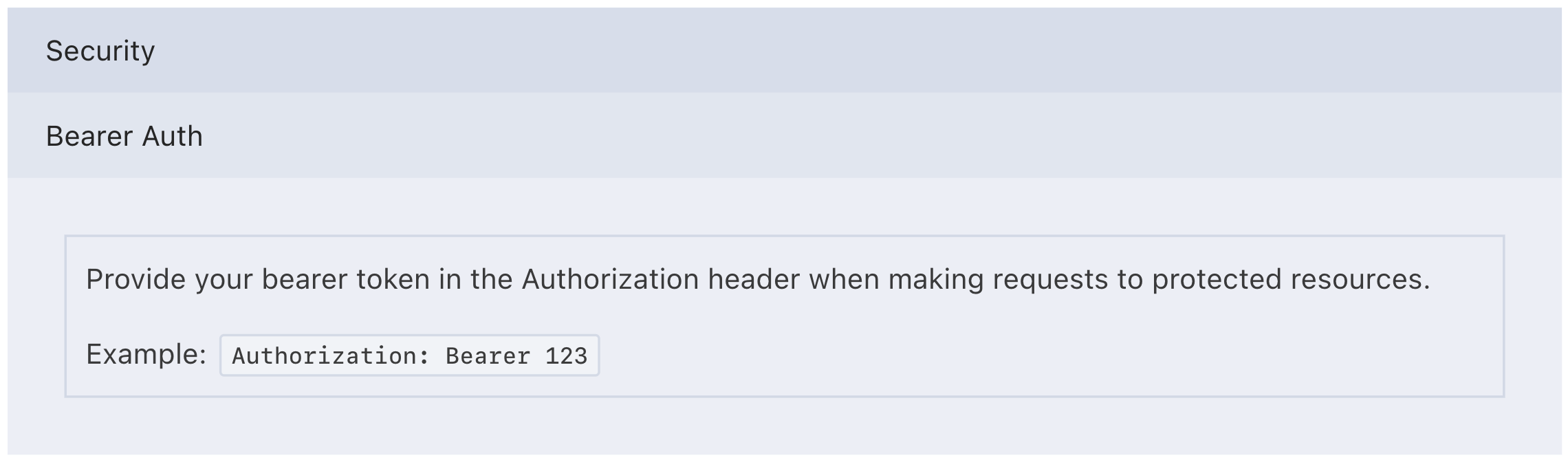 This sets a default security scheme for all endpoints.
If you use Sanctum's stateful authentication and Scramble’s documentation routes are on the correct domain, your authentication session will work automatically in "Try it out."
Passport authentication
For OAuth2 authentication, OpenAPI provides the oauth2 security scheme.
Scramble allows you to specify exactly how oauth2 works:
; use Dedoc\Scramble\Scramble;use Dedoc\Scramble\Support\Generator\OpenApi;use Dedoc\Scramble\Support\Generator\SecurityScheme;use Dedoc\Scramble\Support\Generator\SecuritySchemes\OAuthFlow; public function boot(){ Scramble::configure() ->withDocumentTransformers(function (OpenApi $openApi) { $openApi->secure( SecurityScheme::oauth2() ->flow('authorizationCode', function (OAuthFlow $flow) { $flow ->authorizationUrl(config('app.url').'/oauth/authorize') ->tokenUrl(config('app.url').'/oauth/token') ->addScope('*', 'all'); }) ); });}You can define all scopes as shown here or specify granular scopes for your application.
While the Stoplight Elements UI (Scramble's default UI) displays the oauth2 requirement, other UIs (Scalar, Swagger) also allow users to obtain API tokens directly from the documentation.
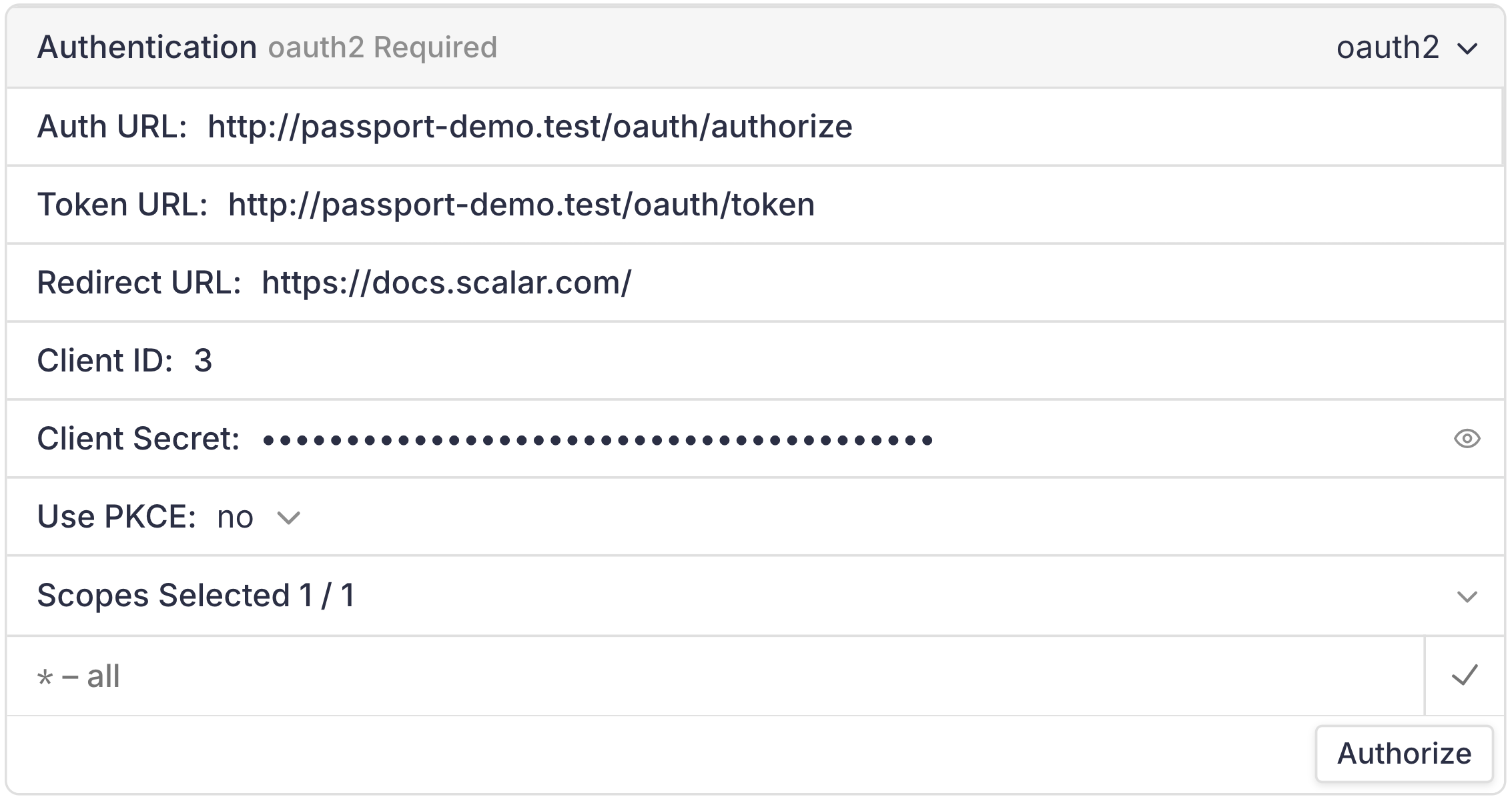
Documenting Sanctum's oauth/token endpoint
You can document Sanctum’s oauth/token endpoint using Scramble. Here’s a community-created extension that helps with this: https://gist.github.com/tech-codivores/ddce2b10a64f06fe0b1bcd4868c17039
Before using the extension, make sure to include it in Scramble’s documentable routes:
Scramble::configure() ->routes(function (Route $r) { return Str::startsWith($r->uri, 'api/']) || $r->uri === 'oauth/token'; })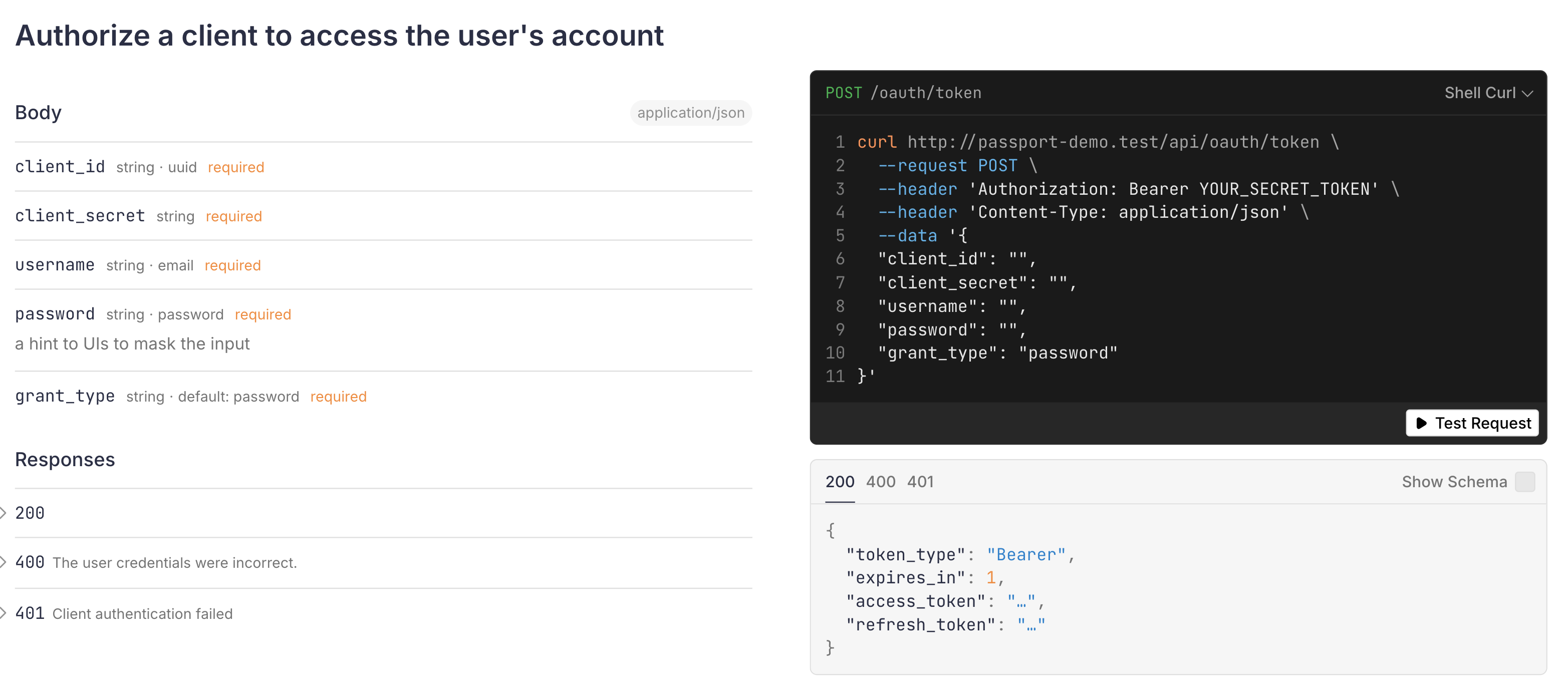
Custom authentication
Multiple header authentication
If your authentication requires multiple headers, you can specify them in the API security requirement:
use Dedoc\Scramble\Scramble;use Dedoc\Scramble\Support\Generator\OpenApi;use Dedoc\Scramble\Support\Generator\SecurityScheme; public function boot(){ Scramble::configure() ->withDocumentTransformers(function (OpenApi $openApi) { $openApi->components->securitySchemes['tenant'] = SecurityScheme::apiKey('header', 'X-Tenant'); $openApi->components->securitySchemes['bearer'] = SecurityScheme::http('bearer'); $openApi->security[] = new SecurityRequirement([ 'tenant' => [], 'bearer' => [], ]); });}In this case, authentication requires both X-Tenant and Authorization headers.
API token in query parameters
If your API token is passed as a query parameter, you can document it with this snippet:
use Dedoc\Scramble\Scramble;use Dedoc\Scramble\Support\Generator\OpenApi;use Dedoc\Scramble\Support\Generator\SecurityScheme; public function boot(){ Scramble::configure() ->withDocumentTransformers(function (OpenApi $openApi) { $openApi->secure( SecurityScheme::apiKey('query', 'api_token'); ); });}You can learn more about available security schemes in Scramble’s documentation: https://scramble.dedoc.co/usage/authentication.
Excluding routes from authentication requirements
To exclude a specific route from authentication, use the @unauthenticated PHPDoc annotation:
/** * @unauthenticated */public function index(Request $request){ return response()->json(/* some data */);}However, operation transformers offer more flexibility.
For example, to remove authentication requirements from routes without auth: middleware:
public function boot(){ Scramble::configure() ->withOperationTransformers(function (Operation $operation, RouteInfo $routeInfo) { $routeMiddleware = $routeInfo->route->gatherMiddleware(); $hasAuthMiddleware = collect($routeMiddleware)->contains( fn ($m) => Str::startsWith($m, 'auth:') ); if (! $hasAuthMiddleware) { $operation->security = []; } })}This automatically marks routes without authentication middleware as public. Using this approach, you can also assign specific security requirements to an operation.
Conclusion
There are many ways to implement API authentication, and OpenAPI covers most of them.
With Scramble, you can document your API’s authentication setup and even automate authentication requirements based on middleware, avoiding manual annotations.
If you haven’t tried Scramble yet, give it a shot! https://scramble.dedoc.co