
When processing extensive data in Laravel applications, memory management becomes critical. Laravel's LazyCollection provides an efficient solution by loading data on demand rather than all at once. Let's explore this powerful feature for handling large datasets effectively.
Understanding LazyCollection
LazyCollection, a feature available since Laravel 6.0, enables efficient processing of substantial datasets by loading items only when needed. This makes it ideal for handling large files or extensive database queries without overwhelming your application's memory.
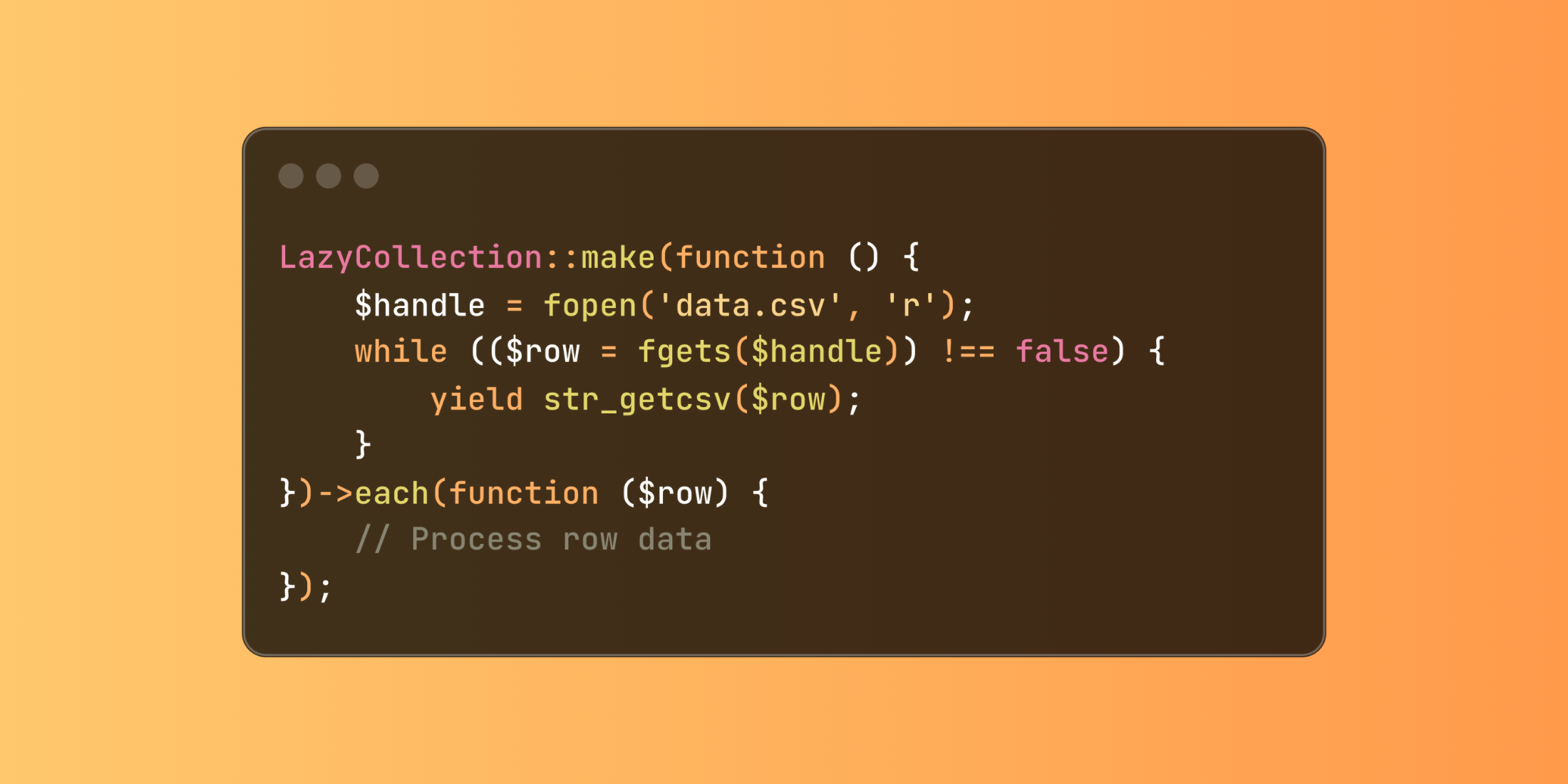
use Illuminate\Support\LazyCollection; LazyCollection::make(function () { $handle = fopen('data.csv', 'r'); while (($row = fgets($handle)) !== false) { yield str_getcsv($row); }})->each(function ($row) { // Process row data});LazyCollection Example
Let's explore a practical example where we process a large transaction log file and generate reports:
<?phpnamespace App\Services; use App\Models\TransactionLog;use Illuminate\Support\LazyCollection; class TransactionProcessor{ public function processLogs(string $filename) { return LazyCollection::make(function () use ($filename) { $handle = fopen($filename, 'r'); while (($line = fgets($handle)) !== false) { yield json_decode($line, true); } }) ->map(function ($log) { return [ 'transaction_id' => $log['id'], 'amount' => $log['amount'], 'status' => $log['status'], 'processed_at' => $log['timestamp'] ]; }) ->filter(function ($log) { return $log['status'] === 'completed'; }) ->chunk(500) ->each(function ($chunk) { TransactionLog::insert($chunk->all()); }); }}Using this approach, we can:
- Read the log file line by line
- Transform each log entry into our desired format
- Filter for completed transactions only
- Insert records in chunks of 500
For database operations, Laravel provides the cursor() method to create lazy collections:
<?php namespace App\Http\Controllers; use App\Models\Transaction;use Illuminate\Support\Facades\DB; class ReportController extends Controller{ public function generateReport() { DB::transaction(function () { Transaction::cursor() ->filter(function ($transaction) { return $transaction->amount > 1000; }) ->each(function ($transaction) { // Process each large transaction $this->processHighValueTransaction($transaction); }); }); }}This implementation ensures efficient memory usage even when processing millions of records, making it perfect for background jobs and data processing tasks.














