
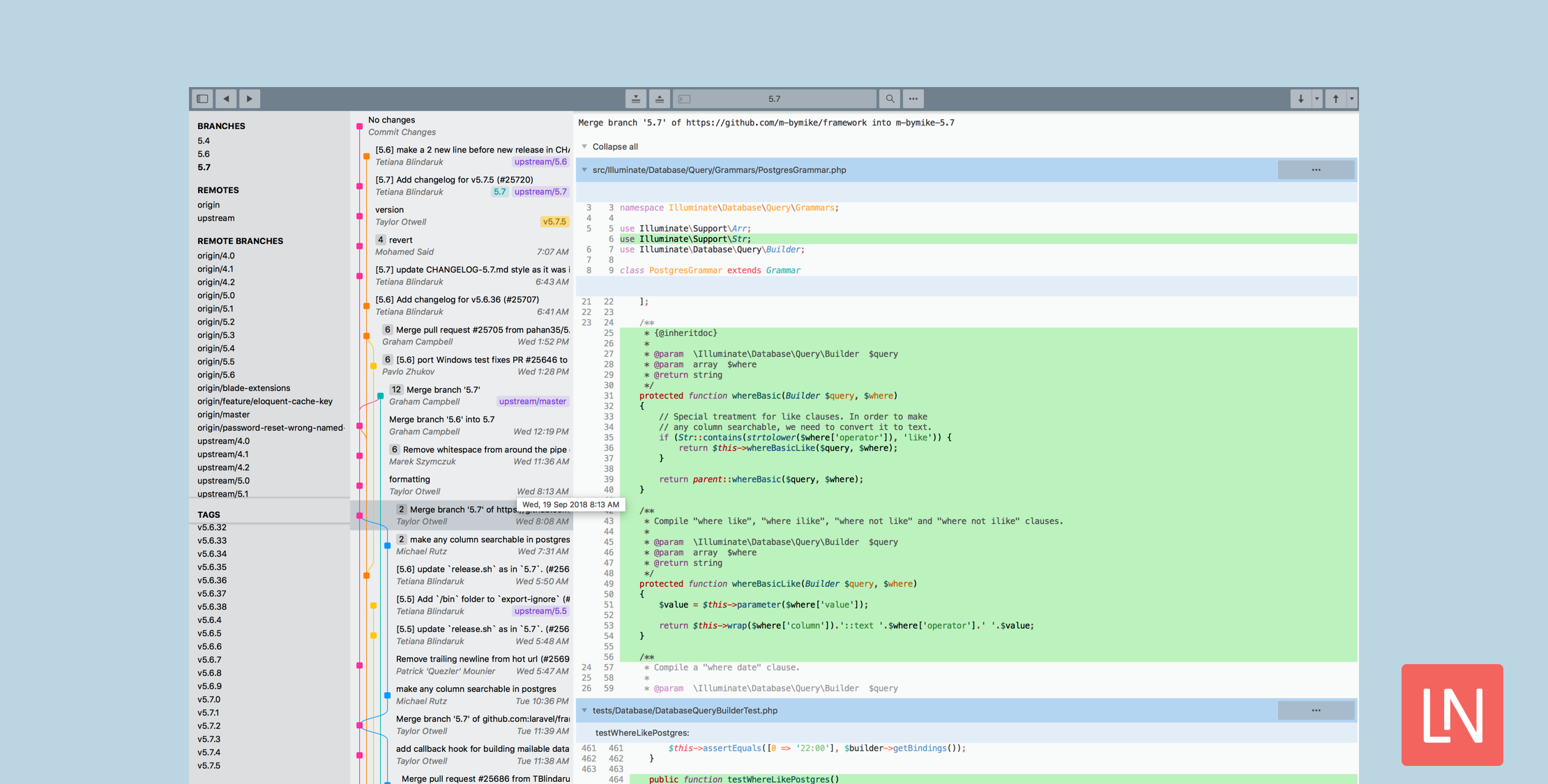
The folks at Sublime Text surprised us (well at least me) today with a new app called Sublime Merge—a git client from the makers of Sublime Text.
After typing git add -p in the terminal one too many times, I thought to myself: we’ve got some pretty great tech in Sublime Text. What if we used it to build a Git client? Could we make it fast? Could we make it buttery smooth, without flickering or blocking? Could we make something that’s really, really right?
Today, I’d like to introduce Sublime Merge. It combines the UI engine of Sublime Text, with a from-scratch implementation of Git*. The result is, to us at least, something pretty special.
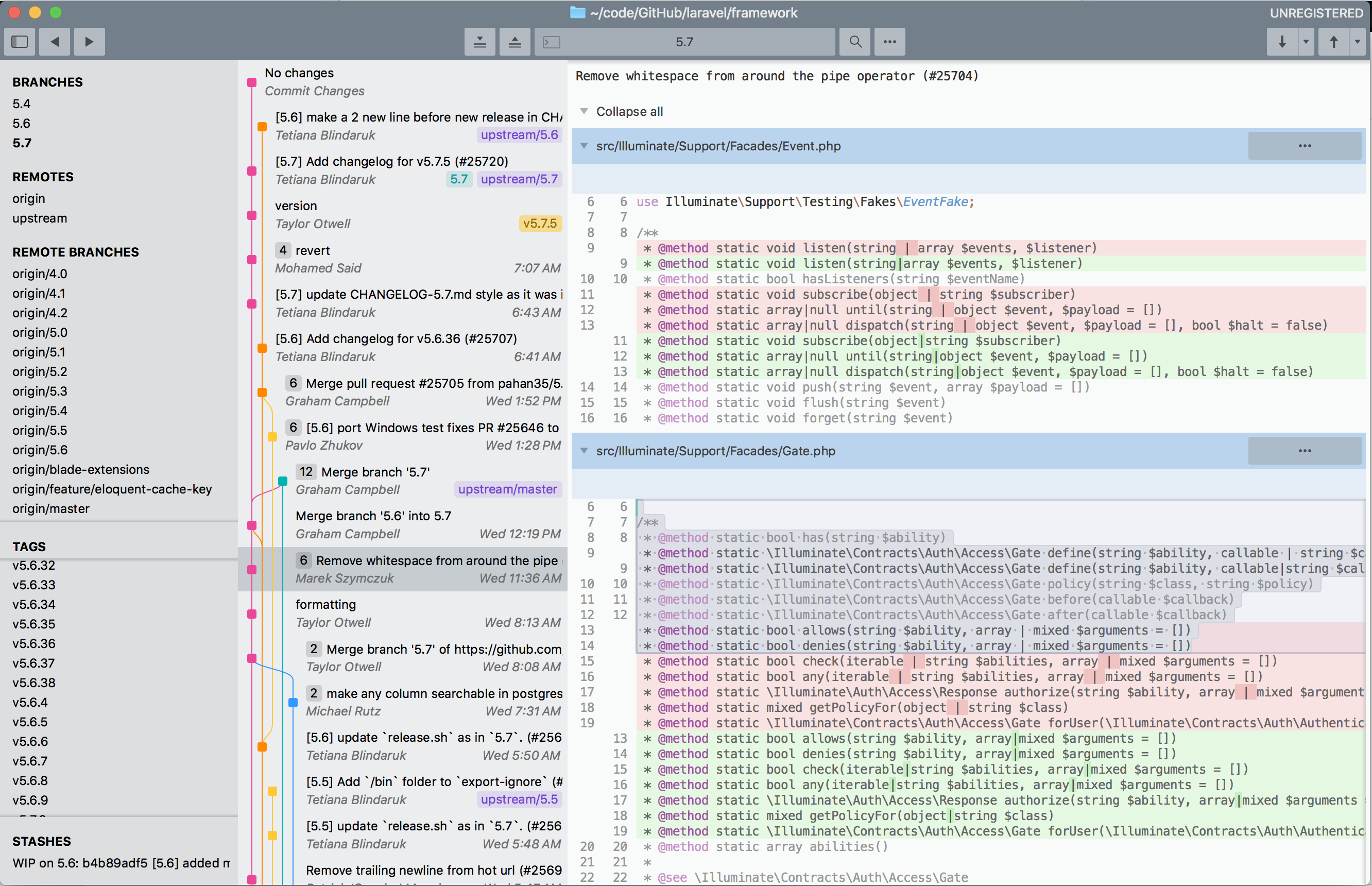
Some of the highlight features include:
- Integrated merge tool
- Unmatched performance thanks to Sublime’s platform and a custom high-performance Git reading library
- Advanced Diffs
- Powerful commit search
- Blame – using the familiar sublime command palette
- File and hunk history
- Syntax highlighting – “We’ll even use any extra syntax definitions that we find in your Sublime Text installation for syntax highlighting!”
To me, Sublime Merge feels closer to the good parts of a terminal integration for Diffs than other GUIs but more snappy and intuitive to use than a terminal integration. As a Sublime user, I also find the shortcuts and thought-process of the UI intuitive and complimentary to my existing Sublime workflow.
This software took me by surprise in a good way, especially in the light of tools like Github Desktop and VS Code repo and diff tools, and GitHub integrations like the VS Code GitHub pull request extension.
I am curious to see if any integrations between Sublime Merge and Sublime Text unfold: such as opening the repository in Sublime Text from Sublime merge and navigating to Sublime Merge from Sublime Text. I have been using the GitHub desktop GUI more, and I find the shortcuts to open the repo in iTerm2 or Sublime to be very convenient.
Sublime Merge is free to use, having no time limits, accounts, etc., but the only catch is that you need a license to unlock the dark theme. You can pay for an individual or a business license in return for three years of updates with the purchase. An individual license is $99 at the time of writing and $75/year for a business subscription.
Check out the official news post for more information: Sublime Merge – Git, Done Sublime. You can download it and get more product information on www.sublimemerge.com.








