The Laravel Data package has many incredible features for working with data objects in Laravel applications. Data objects are rich, typed, and highly configurable objects that can double as API resources, form requests, TypeScript definitions, and more.
One interesting thing I initially didn't realize, but later discovered, was the ability to use Laravel Data objects for Controller request validation. In fact, data objects have powerful validation that you can use in a variety of ways. Let's take a simple ArticleData object as an example:
namespace App\Data; use Carbon\CarbonImmutable;use Spatie\LaravelData\Data; class ArticleData extends Data{ public function __construct( public string $title, public string $content, public ?string $description = null, public ?CarbonImmutable $published_at = null, public ?CarbonImmutable $created_at = null, public ?CarbonImmutable $updated_at = null, ) {}}You wouldn't know by looking at it, but this object infers validation rules from this data object:
App\Data\ArticleData::validate([]) // Illuminate\Validation\ValidationException The title field is required. (and 1 more error).We won't go over every facet of validation in Laravel Data, but the validation docs will walk you through everything. Validation is highly configurable and integrates nicely with Laravel.
Using Laravel Data to Validate a Request
Let's take our article example, and use the object to validate creating a record in the database via our fictitious Article controller:
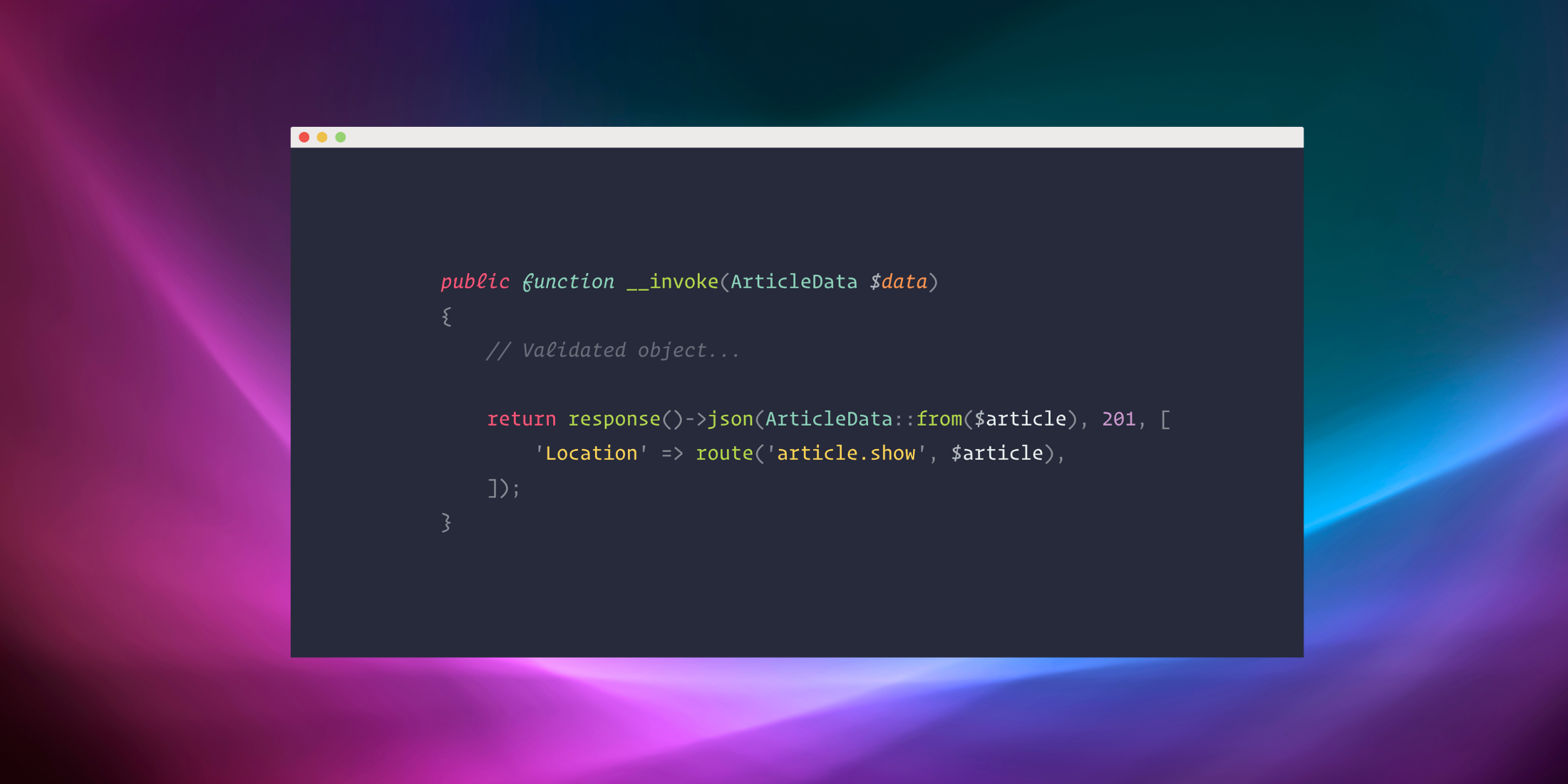
namespace App\Http\Controllers; use App\Data\ArticleData;use App\Models\Article; class CreateArticleController extends Controller{ public function __invoke(ArticleData $data) { $article = Article::create([ 'title' => $data->title, 'content' => $data->content, 'description' => $data->description, 'published_at' => $data->published_at, ]); return response()->json(ArticleData::from($article), 201, [ 'Location' => route('article.show', $article), ]); }}If we wrote a test for this to trigger the default validation, it would look something like the following:
#[Test]public function it_validates_article_creation(){ $response = $this->postJson('/article', []); $response->assertStatus(422); $response->assertJsonValidationErrors([ 'title' => 'The title field is required.', 'content' => 'The content field is required.', ]);}Let's say that we wanted to allow the published_at request parameter optionally, but also want to make sure the published_at date format matched what we expected:
// app/Data/ArticleData.phpuse Spatie\LaravelData\Attributes\Validation\DateFormat; #[DateFormat(DATE_ATOM)]public ?CarbonImmutable $published_at = null,If we sent the published_at field with an invalid format, we would get back the following JSON validation errors:
{ "message": "The title field is required. (and 2 more errors)", "errors": { "title": [ "The title field is required." ], "content": [ "The content field is required." ], "published_at": [ "The published at field must match the format Y-m-d\\TH:i:sP." ] }}Let's say we wanted the validation message to read differently. Like Laravel's Request objects, you can define a messages() method:
public static function messages(): array{ return [ 'published_at.date_format' => 'The entity event timestamp must be in the ISO 8601 format (e.g., 2025-05-14T19:32:31+00:00).', ];}The messages array follows the same patterns that Laravel request objects, supports nested objects, and more. Here's what our updated message would look like for the published_at field:
{ "message": "...", "errors": { "published_at": [ "The entity event timestamp must be in the ISO 8601 format (e.g., 2025-05-14T19:32:31+00:00)." ] }}Learn More
To learn more about using validation with the Laravel Data package, I check out the advanced usage section for Using validation attributes and reference the Validation attributes page for all the available attributes you can use with validation.