One of the most wanted requests we receive at Laravel is introducing better support for multilingual web applications, there are already packages out there that add some nice functionality to Laravel for better handling of multilingual projects requirements, but one of the painful issues when building such applications is managing translation keys.
In previous versions of Laravel, you could insert translated lines using the trans() or trans_choice() helper functions:
trans('auth.verification_number_instructions')
And then you have to include translations for that key in every language your project supports, so for English, you’ll need to have a resources/lang/en/auth.php file that looks like this:
<?php

return [
    'auth.verification_number_instructions' => 'Please enter your 4-digit verification number:'
];
For small projects the number of translation keys are limited so it’s not that hard to manage it; however, for large projects coming up with translation keys that are easy to understand and remember is a serious pain, and for that reason, Laravel 5.4 is shipped with a new translation helper function:
__("Please enter your 4-digit verification number:")
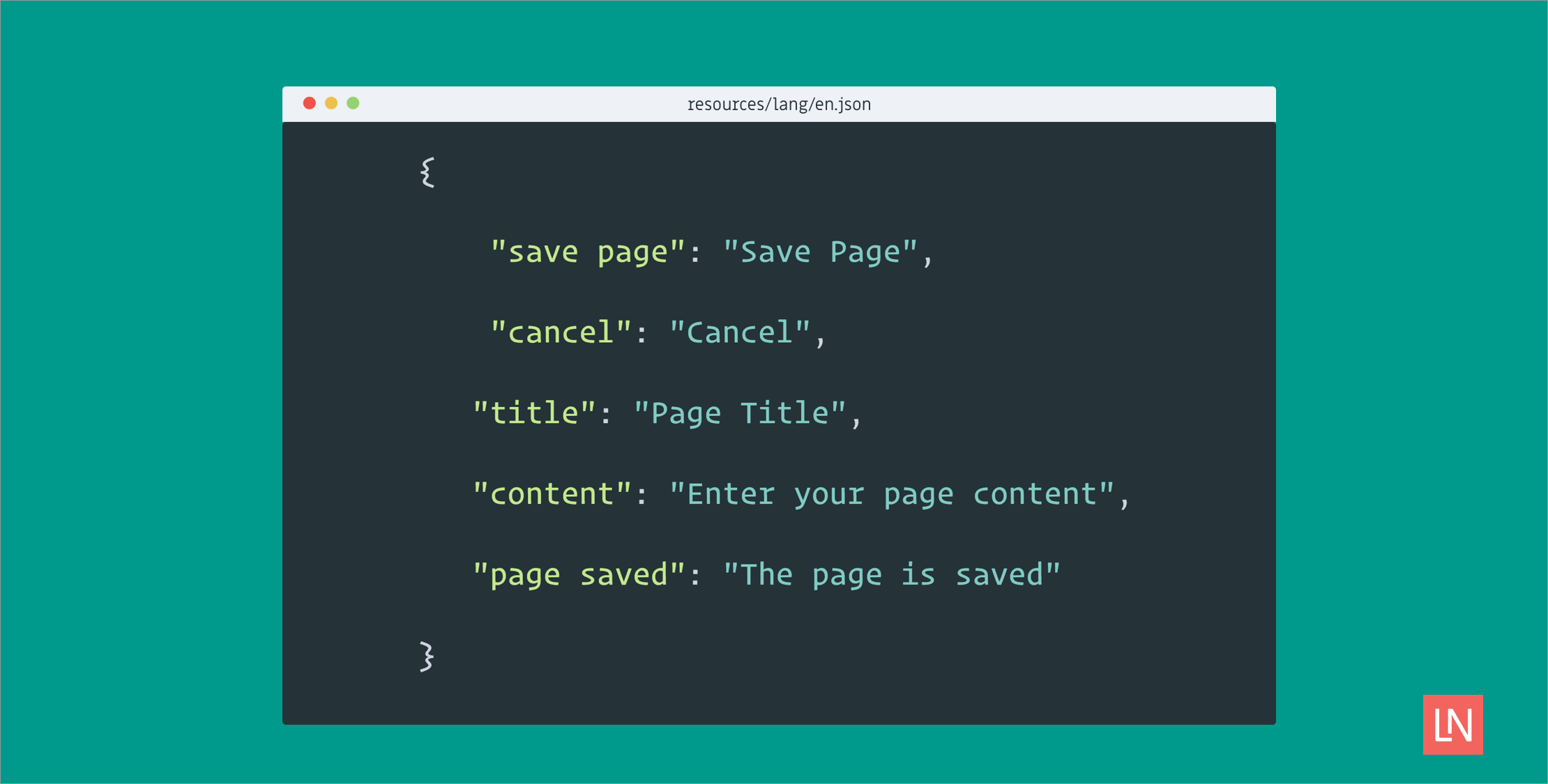
This new function will look for a resources/lang/en.json file, decode it, and bring the corresponding translation value for the line provided based on the application’s current language. The JSON file looks like this:
{"Please enter your 4-digit verification number:": "men fadlak adkhel raqam al tareef"}
This new feature will allow developers to use plain language lines while writing the application, and defer the need to manage translations to a later stage.
As for why we use JSON files, the decision is based on the fact that JSON is easy to read by humans and also computer software, we believe that having translations stored in JSON opens the door for package developers to create better tools for handling application translations.
Passing parameters to the translator
Using the __() method you’ll be able to pass parameters to the translator just like we used to do in previous versions of laravel:
__(
    "Hello :name, you have :unread messages",
    ['name' => $user->name, 'unread' => $notifications->count]
)
The new thing here is that parameter replacement will happen even if the language line wasn’t found, that means you don’t even have to build a translation file for your applications main language. So in the above example even if there’s no en.json file, the output of the method will be something like:
Hello Mohamed, you have 23 messages.
Translation lines in Blade
In version 5.4, Laravel introduces a new enhancement to the @trans blade directive, you’ll be able to do the following.
@trans(['name' => $user->name, 'unread' => $notifications->count])
    Hello :name, you have :unread messages.
@endtrans
We believe that this syntax ensures better readability for long translation lines.