News

Laravel Debugbar Adds Dark Mode

Published
Laravel Debugbar Adds Dark Mode image

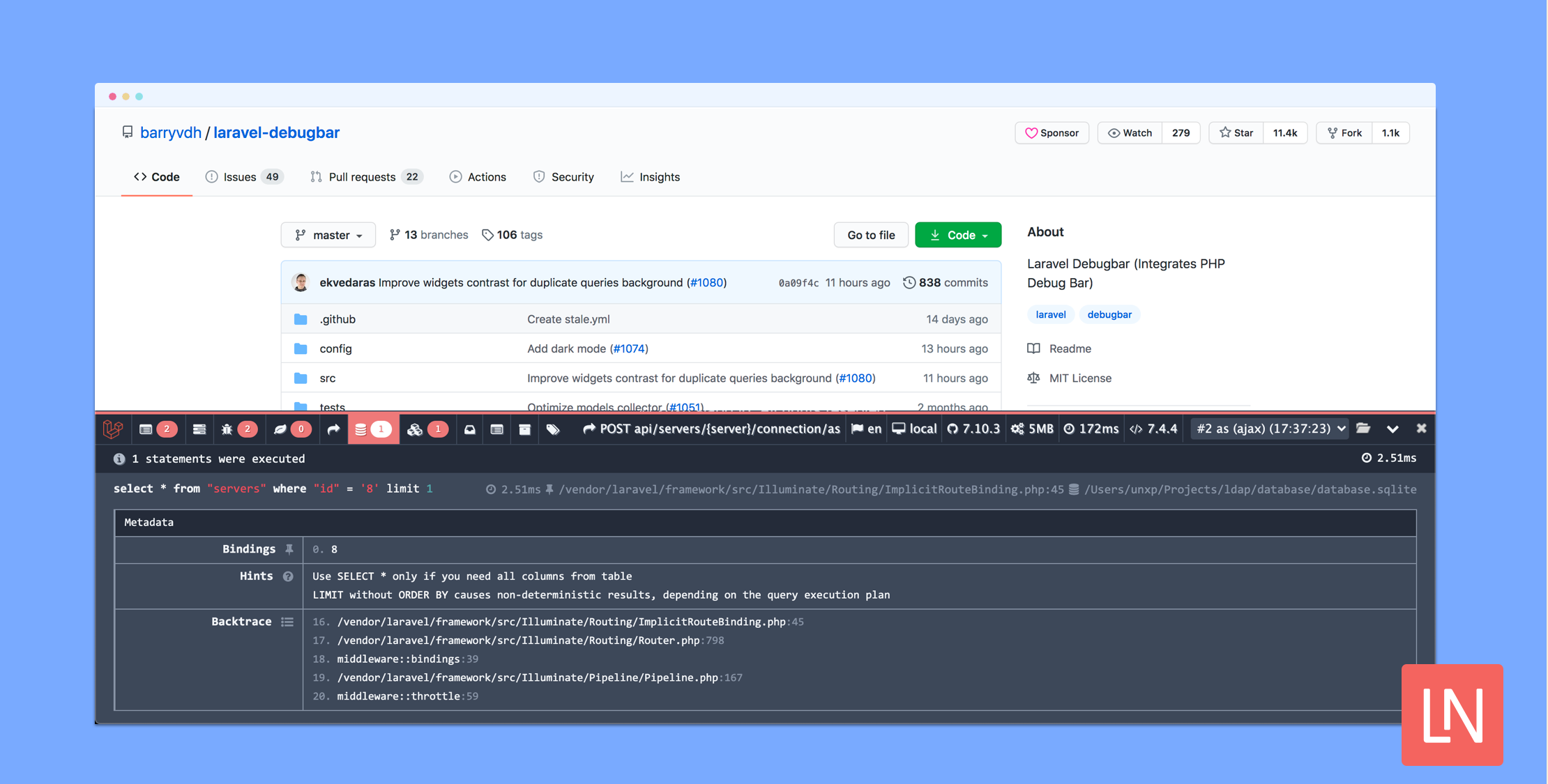
Laravel Debugbar v3.4.0 added a beautiful new dark mode. Existing users with a system preference for dark mode should automatically start seeing the dark theme after updating to v3.4:
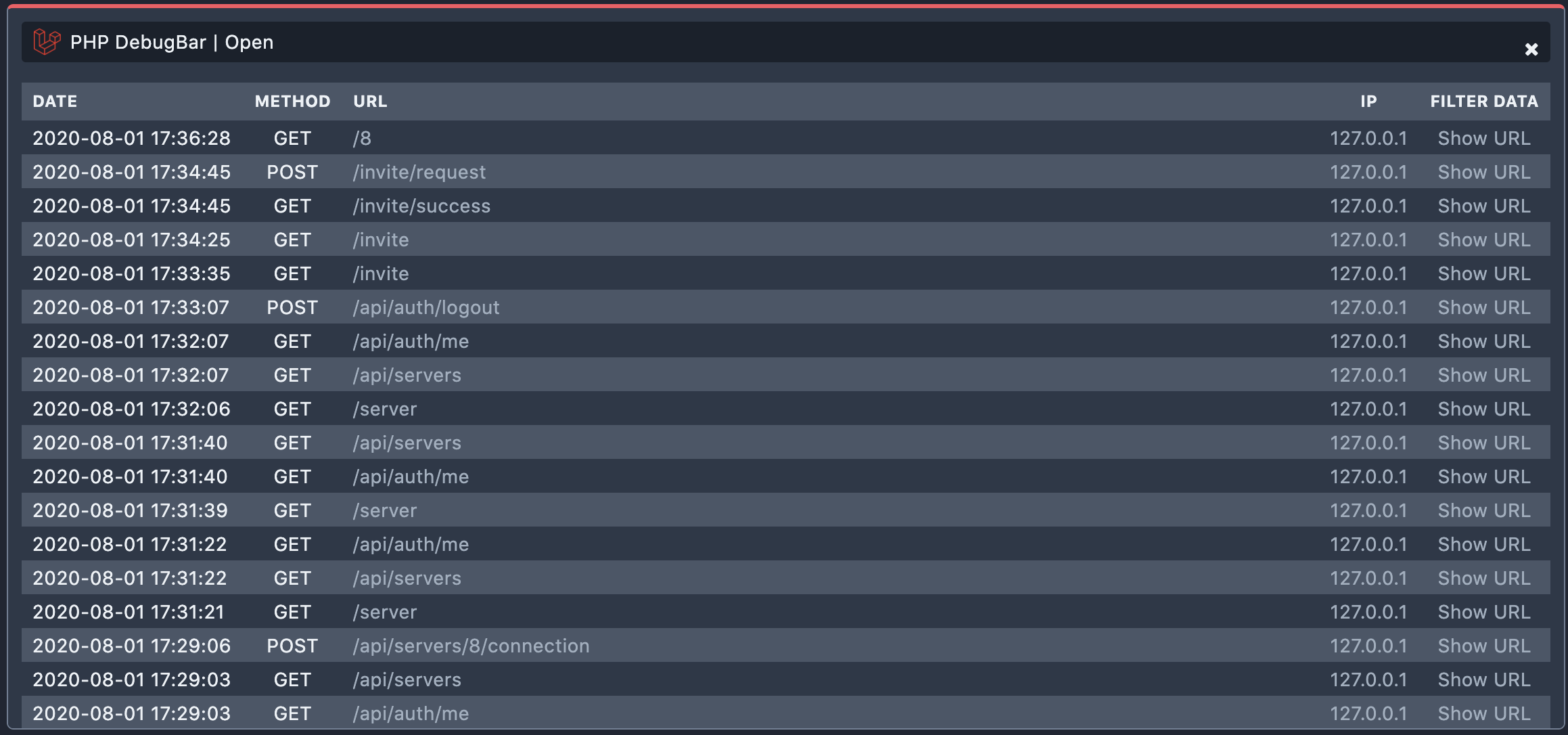
This feature adds a theme configuration option with three possible options: dark, light, and auto. What’s neat about auto (default) is that it will respect system preferences:

@media (prefers-color-scheme: dark) {
/* ... */
}

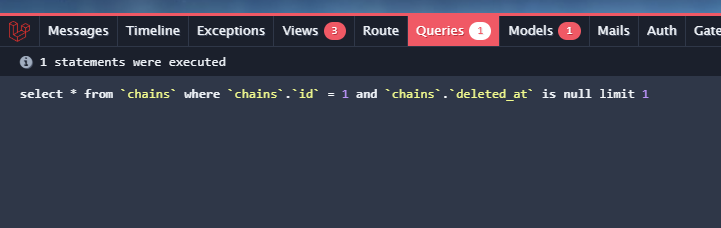
Part of the update includes using the Dracula Dark theme for HighlightJS, to make it a bit more readable and easier on the eyes:
Dark mode builds on the significant UI updates we saw earlier this year. It’s great to see these UI improvements for a tool that so many Laravel developers use every day.

If you want to learn more about the code behind this update, check out Pull Request #1074 submitted by @ekvedaras. Also, the v3.4.0 release has full details.

Paul Redmond photo

Staff writer at Laravel News. Full stack web developer and author.

Filed in

Sponsored

masteringlaravel logo
Laravel Code Review

Get expert guidance in a few days with a Laravel code review

Visit Laravel Code Review

The latest

View all →
Laravel Image Responses: Serve Resized Images From Routes image

Laravel Image Responses: Serve Resized Images From Routes

Read article
Pause All Laravel Queues During a Deploy image

Pause All Laravel Queues During a Deploy

Read article
Laravel Terminal UI for the artisan dev Command image

Laravel Terminal UI for the artisan dev Command

Read article
Pause All Queues and a New artisan dev UI in Laravel 13.25 image

Pause All Queues and a New artisan dev UI in Laravel 13.25

Read article
Laravel monitoring that doesn't bill you by your traffic image

Laravel monitoring that doesn't bill you by your traffic

Read article
Mock PHP Classes in Tests With the Double Library image

Mock PHP Classes in Tests With the Double Library

Read article






