
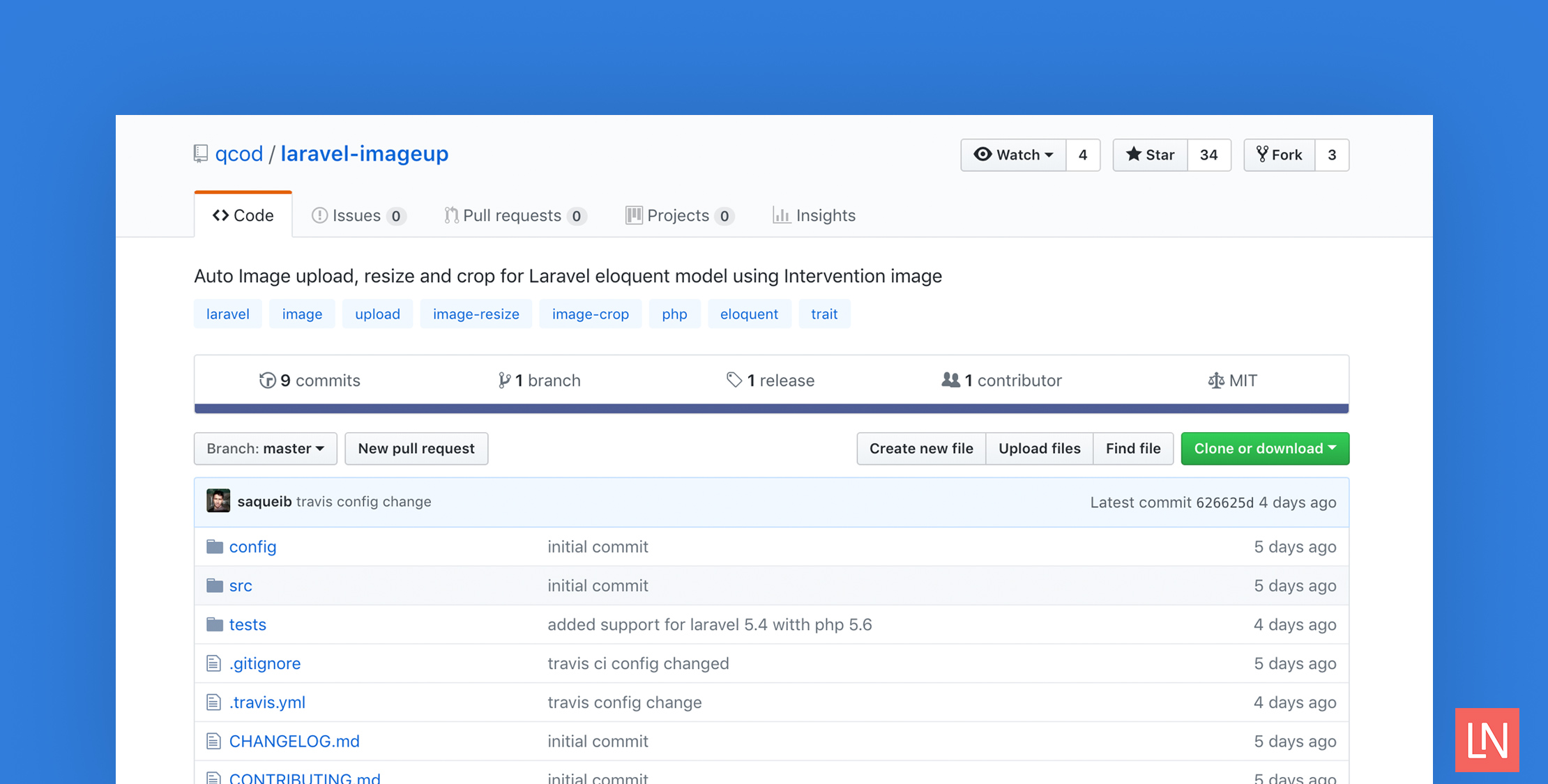
Laravel ImageUp is a package by Mohd. Saqueib Ansari which provides auto Image uploads, resizing, and cropping for Laravel Eloquent models using the Intervention image package.
To use this package, you add a trait to an Eloquent model called HasImageUploads and define all the images that need to be stored in the database for the model.
The readme example demonstrates two image fields on the User model which match accompanying columns in the database:
<?phpnamespace App; use QCod\ImageUp\HasImageUploads;use Illuminate\Database\Eloquent\Model; class User extends Model { use HasImageUploads; // assuming `users` table has 'cover', 'avatar' columns // mark all the columns as image fields protected static $imageFields = [ 'cover', 'avatar' ];}Saving the model will automatically upload the images and store the paths in the database. It will also update existing paths, while even cleaning up by deleting old images.
You can provide tons of configuration for the $imageFields property for handling the upload and resize options:
// all the images fields for modelprotected static $imageFields = [ 'avatar' => [ // width to resize image after upload 'width' => 200, // height to resize image after upload 'height' => 100, // set true to crop image with the given width/height and you can also pass arr [x,y] coordinate for crop. 'crop' => true, // what disk you want to upload, default config('imageup.upload_disk') 'disk' => 'public', // a folder path on the above disk, default config('imageup.upload_directory') 'path' => 'avatars', // placeholder image if image field is empty 'placeholder' => '/images/avatar-placeholder.svg', // validation rules when uploading image 'rules' => 'image|max:2000', // override global auto upload setting coming from config('imageup.auto_upload_images') 'auto_upload' => false, // if request file is don't have same name, default will be the field name 'file_input' => 'photo' ], 'cover' => [ //... ]];You can also customize the image fields on the fly with methods provided by the HasImageUploads trait. For a complete reference of the methods and configuration options available, check out the package’s readme.
You can also manually upload the image with the uploadImage() method (be sure to disable auto-upload on the model):
$user = User::findOrFail($id);$user->uploadImage(request()->file('cover'), 'cover');You can install this package with the composer package with:
composer require qcod/laravel-imageupCheck out this package on GitHub for complete installation and usage. Be sure to check out the repo and give it a star!








