
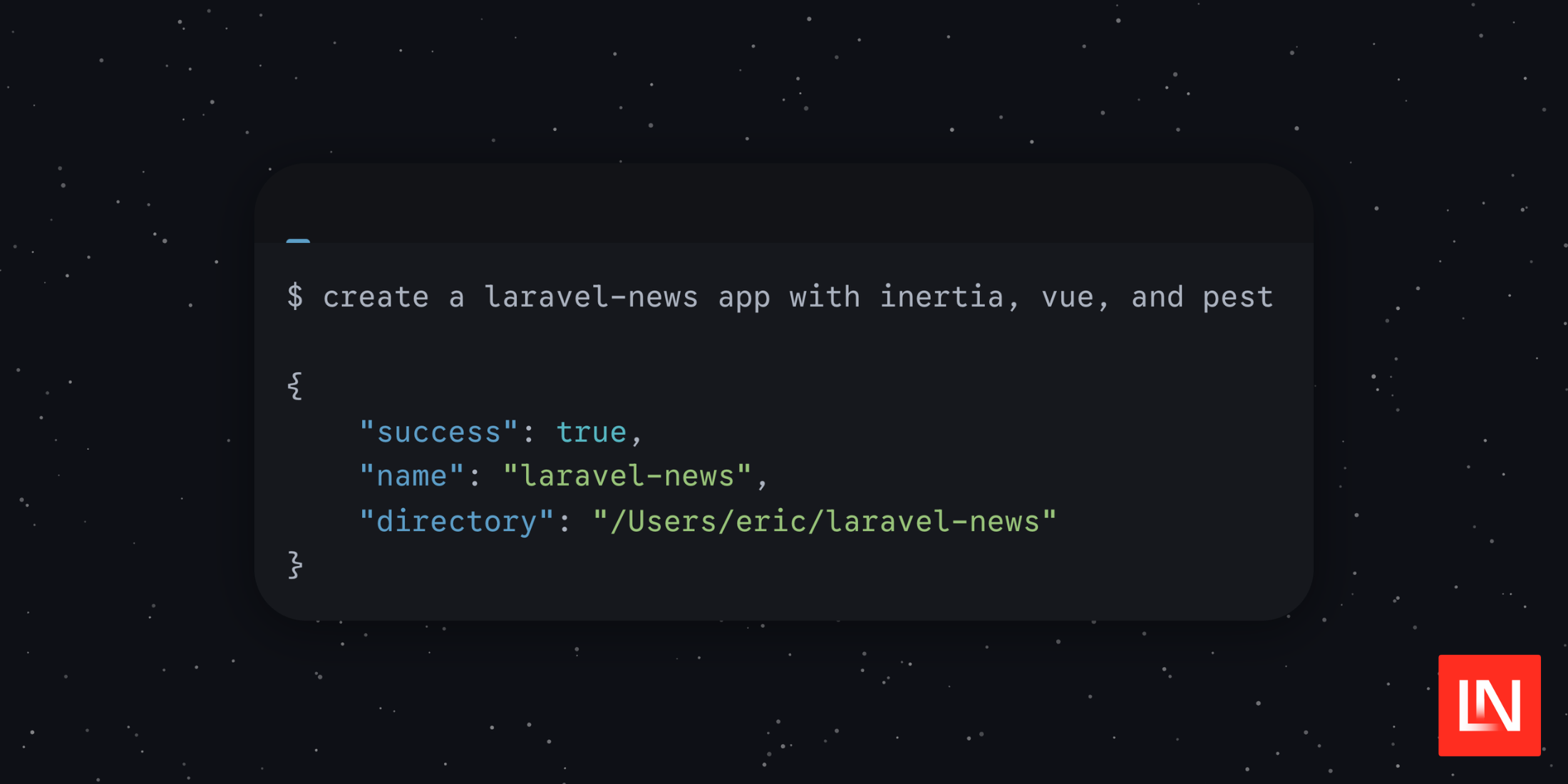
Laravel Installer v5.27.0 adds support for AI agent environments. When laravel new detects it's running inside an agent, it suppresses interactive prompts and decorative output and prints a single line of structured JSON to stdout instead.
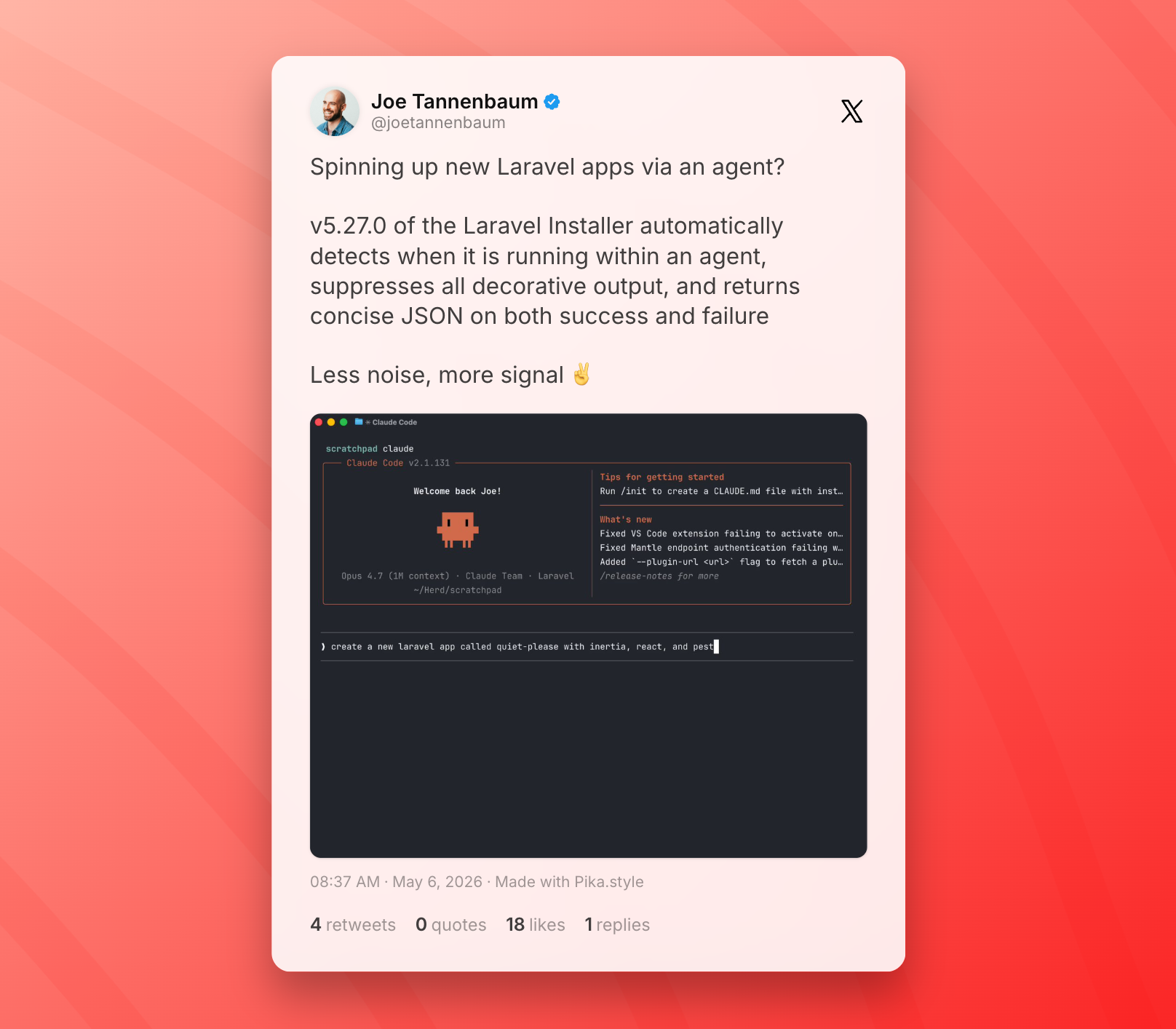
The change comes from Joe Tannenbaum, and it covers the two things an agent actually needs to know: did it work, and if not, why?
A successful run produces:
{ "success": true, "name": "my-app", "directory": "/Users/you/code/my-app"}On failure, the output includes the error message, a path to the full installer log, and a tail of that log — enough context for an agent to understand what went wrong without having to chase down a temp file:
{ "success": false, "name": "my-app", "directory": "/Users/you/code/my-app", "error": "Composer installation failed.", "log": "/tmp/laravel-installer-abc123", "tail": "..."}Detection happens automatically through a new Agent class that checks for environment variables set by common AI coding tools, including Claude Code, Cursor, GitHub Copilot, and Windsurf. No flags to pass or configuration needed — the installer figures out the context on its own.
For agentic workflows the agent runs the command, reads the JSON result, and either continues or handles the error — without trying to parse terminal output that wasn't meant for it.







