
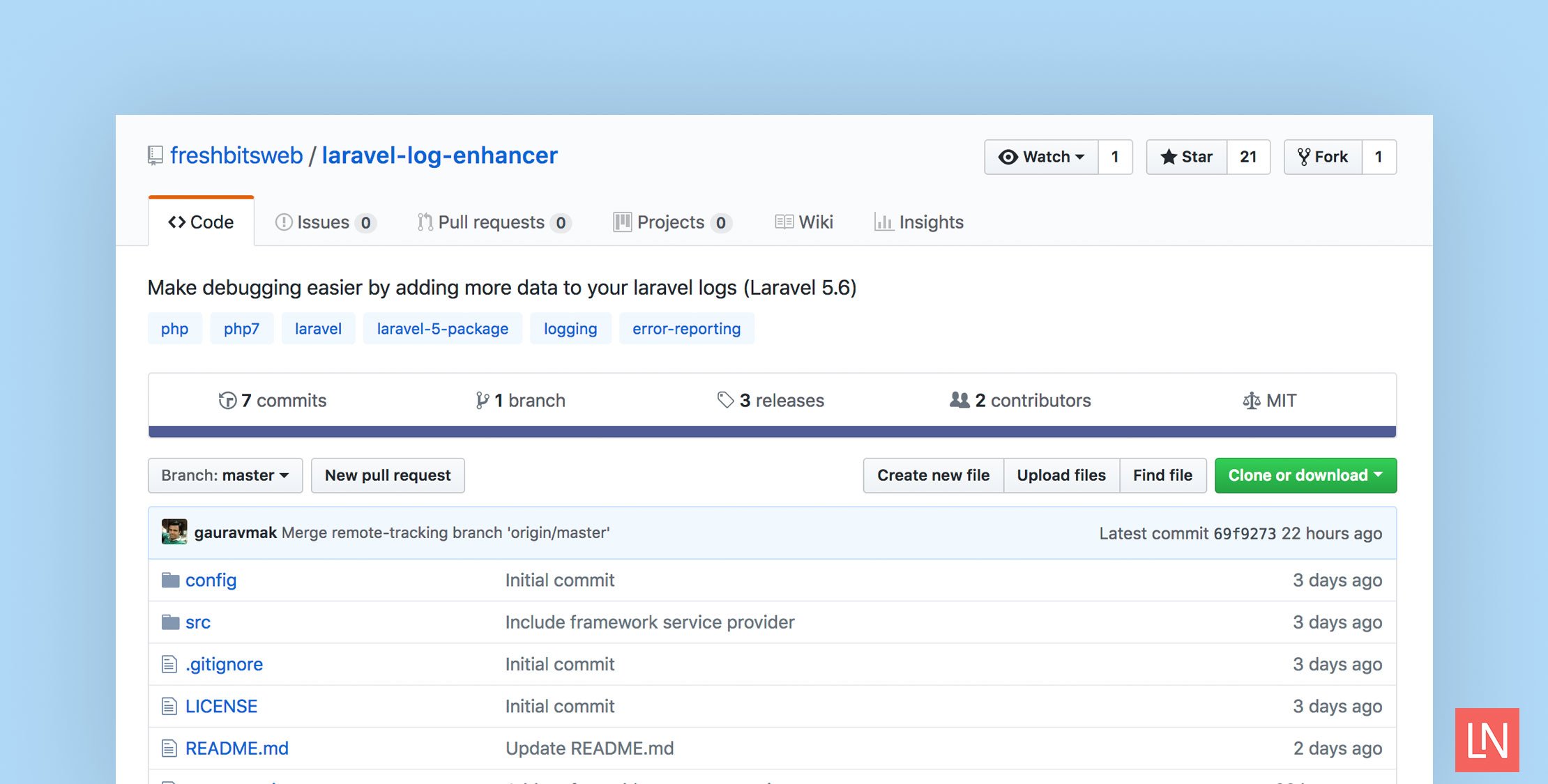
The Laravel Log Enhancer is a package for Laravel 5.6 adds additional data to your Laravel logs. Thanks to Laravel’s logging updates that ship with Laravel 5.6, this package utilizes the features to extend logging and add data like request headers, memory usage, and session data, among other data.
You configure this package by adding the LogEnhancer to the tap option in your log channel in config/logging.php:
'production_stack' => [ 'driver' => 'stack', 'tap' => [Freshbitsweb\LaravelLogEnhancer\LogEnhancer::class], 'channels' => ['daily', 'slack'],],After configuring the logging channel, here’s an example log entry with the additional default information:
[2018-03-30 05:07:23] local.INFO: Testing log {"inputs":[],"session":{"_token":"bZXCPViCzmaULIO6GsdLBbveC1yd3BbyH31zfT8c","_previous":{"url":"http://log-enhancer-demo.test"},"_flash":{"old":[],"new":[]}},"url":"/","ip":"127.0.0.1","http_method":"GET","server":"","referrer":null}Here are the options (also showing you the additional data that’s enabled by default) you can configure for enhanced logging:
<?php return [ 'log_request_details' => true, 'log_input_data' => true, 'log_request_headers' => false, 'log_session_data' => true, 'log_memory_usage' => false, 'log_git_data' => false, // You can specify the inputs from the user that should not be logged 'ignore_input_fields' => ['password', 'confirm_password']];Take note of the ignore_input_fields to avoid accidentally logging sensitive user data like passwords or credit cards. Take extra care that private data doesn’t end up in your logs!
To customize the log enhancer, run artisan vendor:publish to interactively install the configuration file or run:
php artisan vendor:publish --tag=laravel-log-enhancer-configYou can install this package with composer by run the following command in a Laravel 5.6 project:
composer require freshbitsweb/laravel-log-enhancerThanks to Laravel’s automatic package discovery all you need to do is install the package and optionally configure it for your application.
Learn More
Check out the official GitHub repository. Note that this package relies on the new Laravel 5.6 logging so you must be using the latest version of Laravel to use this package.








