
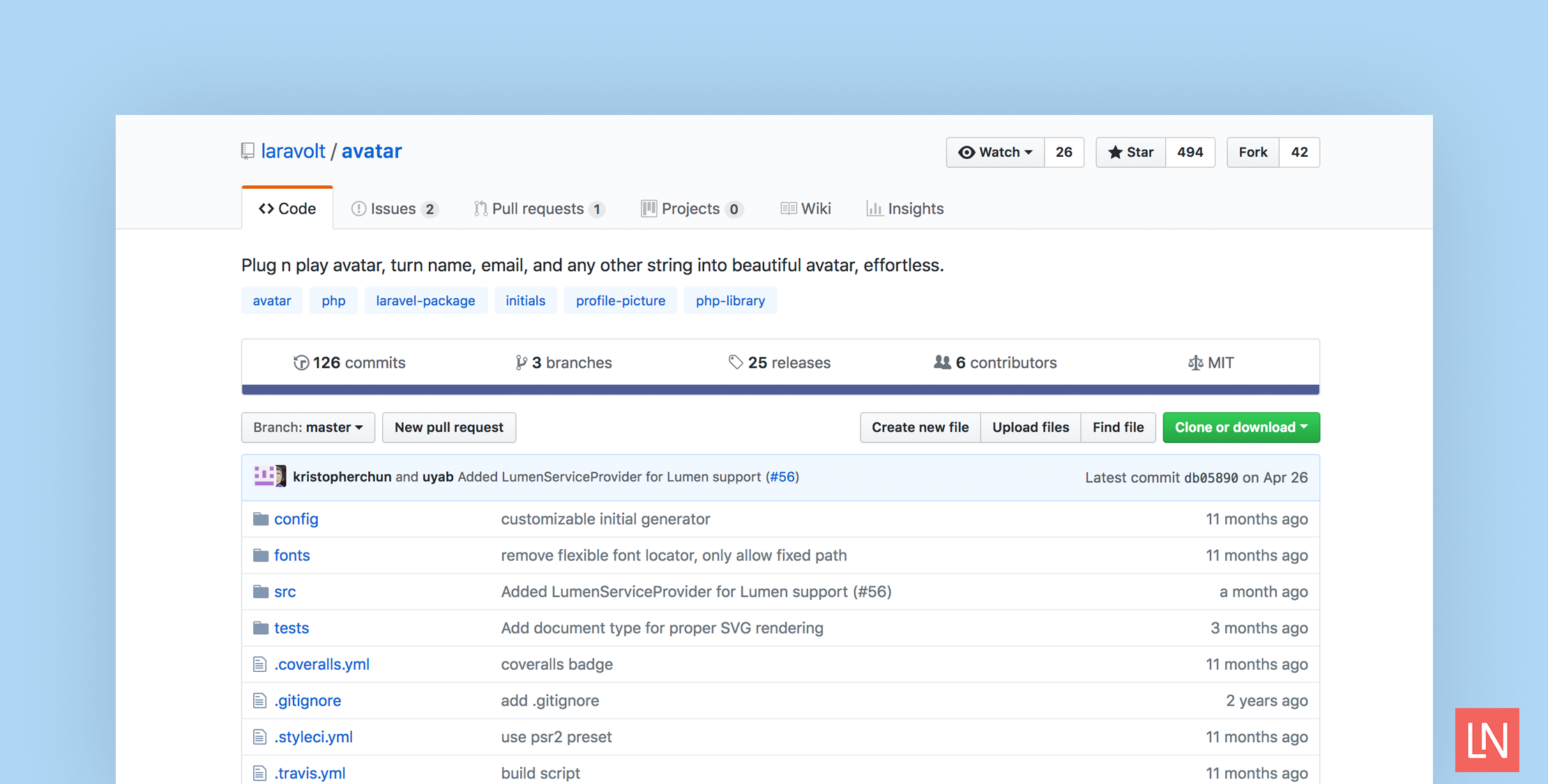
The Laravolt Avatar by Bayu Hendra Winata is a package that turns strings like names into avatars effortlessly. This package uses the Intervention Image package under the hood to generate base64 images on-the-fly, saving as an image, and SVG.
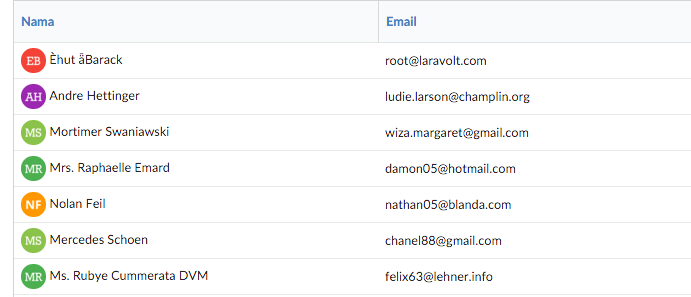
The basic usage looks like this in your Blade templates:
<img src="{{ Avatar::create('Joko Widodo')->toBase64() }}" /> <!-- SVG markup -->{!! Avatar::create('Susilo Bambang Yudhoyono')->toSvg(); !!}This package is highly configurable—you can even configure an individual image on-the-fly while rendering it:
// width = 100, height = 200Avatar::create('Soekarno')->setDimension(100, 200);Avatar::create('Soekarno')->setBackground('#001122');Avatar::create('Soekarno')->setShape('square');Here’s the full configuration at the time of writing so you can get a feel for all the ways you can customize avatar generation:
<?php return [ // Supported: "gd", "imagick" 'driver' => 'gd', // Initial generator class 'generator' => \Laravolt\Avatar\Generator\DefaultGenerator::class, // Whether all characters supplied must be replaced with their closest ASCII counterparts 'ascii' => false, // Image shape: circle or square 'shape' => 'circle', // Image width, in pixel 'width' => 100, // Image height, in pixel 'height' => 100, // Number of characters used as initials. 'chars' => 2, // font size 'fontSize' => 48, // convert initial letter to uppercase 'uppercase' => false, // Fonts used to render text. // If contains more than one fonts, randomly selected based on name supplied 'fonts' => ['path/to/OpenSans-Bold.ttf', 'path/to/rockwell.ttf'], // List of foreground colors to be used, randomly selected based on name supplied 'foregrounds' => [ '#FFFFFF' ], // List of background colors to be used, randomly selected based on name supplied 'backgrounds' => [ '#f44336', '#E91E63', '#9C27B0', '#673AB7', '#3F51B5', '#2196F3', '#03A9F4', '#00BCD4', '#009688', '#4CAF50', '#8BC34A', '#CDDC39', '#FFC107', '#FF9800', '#FF5722', ], 'border' => [ 'size' => 1, // border color, available value are: // 'foreground' (same as foreground color) // 'background' (same as background color) // or any valid hex ('#aabbcc') 'color' => 'foreground' ]];I would like to point out that at the time of writing I tried this package out with the GD extension and a base64 data URI and the image quality resulted in jagged edges. I would recommend experimenting with different configurations. I also tried the SVG output, and it worked well, with perhaps a little bit of font alignment in different browsers.
Learn More
Check out the official GitHub repository for the full readme and install it in your Laravel project with Composer:
composer require laravolt/avatar # Or for Laravel 5.1composer require laravolt/avatar ~0.3Note that if you are using Laravel 5.4 or earlier you need to configure the Avatar facade manually to use it in your templates.








