Livewire Status Board

Published on by

Livewire Status Board image

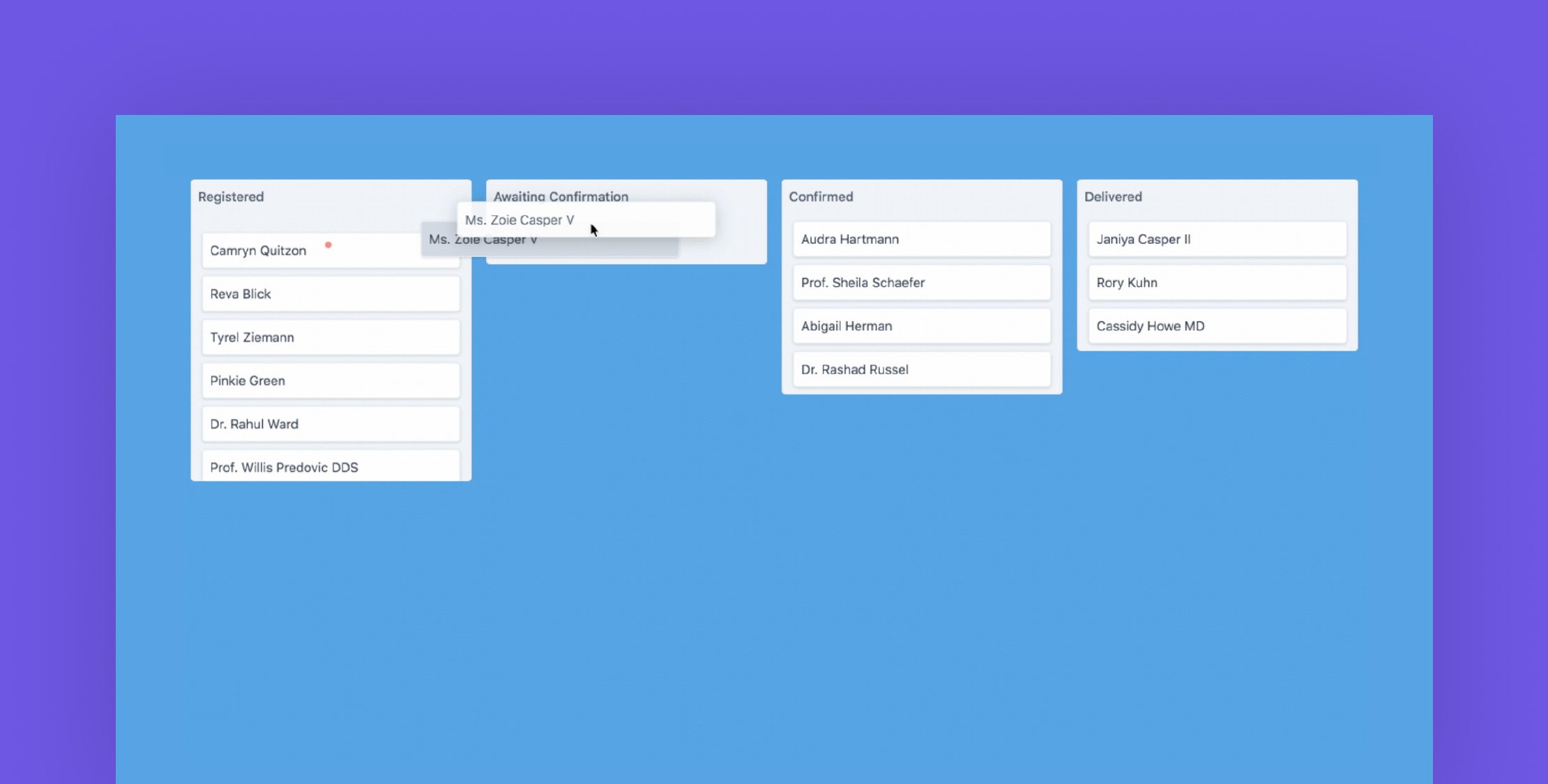
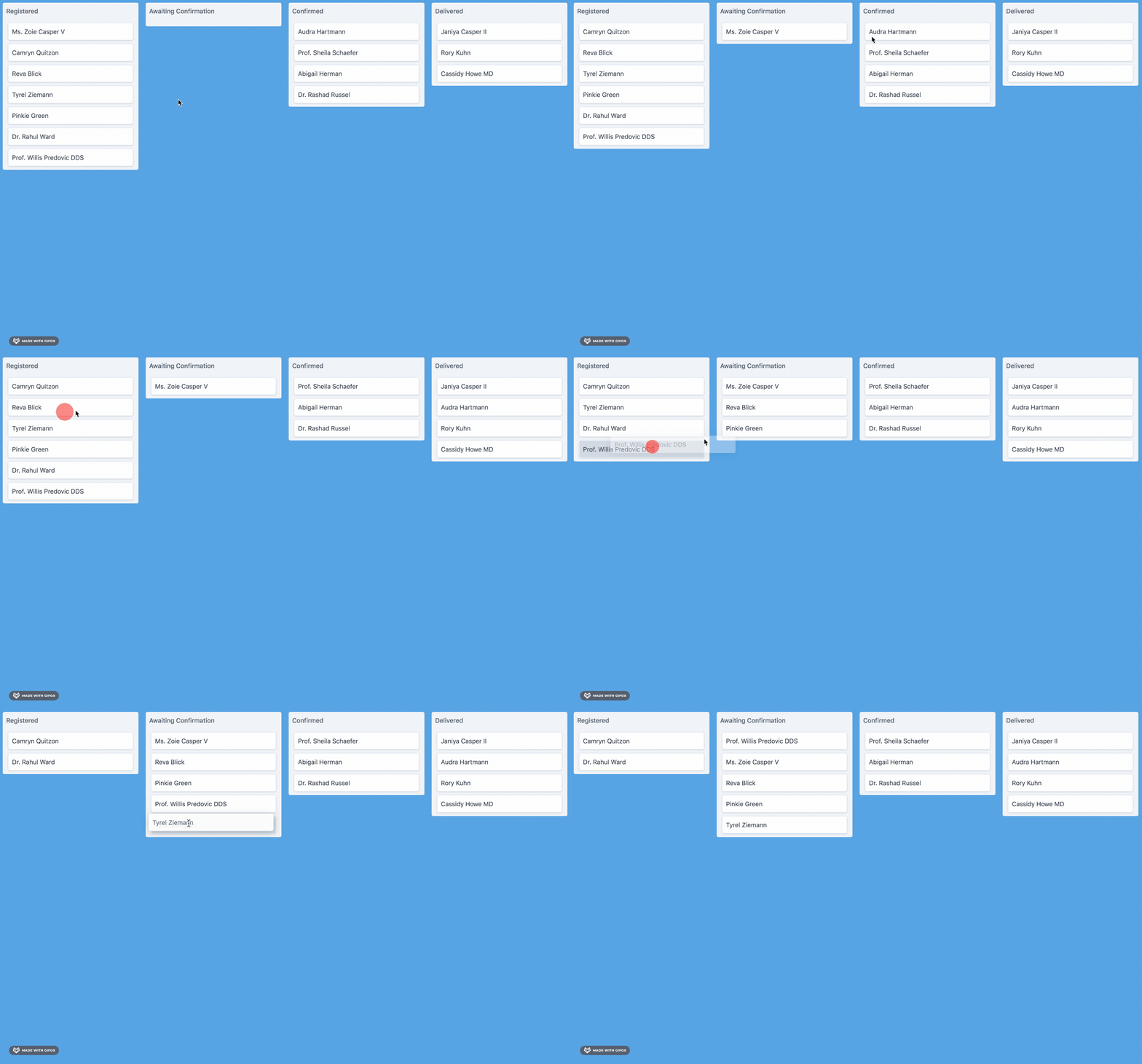
Andrés Santibáñez has just released a new Livewire component to show records according to their current status. Here is a preview for how it works:
Usage

To use this component, you must create a new Livewire component that extends from
LivewireStatusBoard

You can use make:livewire to create a new component. For example.

php artisan make:livewire SalesOrdersStatusBoard

In the SalesOrdersStatusBoard class, instead of extending from the base Livewire Component class,
extend from LivewireStatusBoard. Also, remove the render method.
You’ll have a class similar to this snippet.

class SalesOrdersStatusBoard extends LivewireCalendar
{
//
}

In this class, you must override the following methods to display data

public function statuses() : Collection
{
//
}
 
public function records() : Collection
{
//
}

As you may have noticed, both methods return a collection. statuses() refers to all the different status values
your data may have in different points of time. records() on the other hand, stand for the data you want to show
that could be in any of those previously defined statuses() collection.

To show how these two methods work together, let’s discuss an example of Sales Orders and their different status
along the sales process: Registered, Awaiting Confirmation, Confirmed, Delivered. Each Sales Order might be in a different
status at specific times. For this example, we might define the following collection for statuses()

public function statuses() : Collection
{
return collect([
[
'id' => 'registered',
'title' => 'Registered',
],
[
'id' => 'awaiting_confirmation',
'title' => 'Awaiting Confirmation',
],
[
'id' => 'confirmed',
'title' => 'Confirmed',
],
[
'id' => 'delivered',
'title' => 'Delivered',
],
]);
}

For each status we define, we must return an array with at least 2 keys: id and title.

Now, for records() we may define a list of Sales Orders that come from an Eloquent model in our project

public function records() : Collection
{
return SalesOrder::query()
->map(function (SalesOrder $salesOrder) {
return [
'id' => $salesOrder->id,
'title' => $salesOrder->client,
'status' => $salesOrder->status,
];
});
}

As you might see in the above snippet, we must return a collection of array items where each item must have at least
3 keys: id, title and status. The last one is of most importance since it is going to be used to match to which
status the record belongs to. For this matter, the component matches status and records with the following
comparison

$status['id'] === $record['status'];

To render the component in a view, just use the Livewire tag or include syntax

<livewire:sales-orders-status-board />

The GitHub project readme covers all the details on how to use it, and if you’ve ever needed a quick way to create a UI around status, this is one to add to your arsenal.

Eric L. Barnes photo

Eric is the creator of Laravel News and has been covering Laravel since 2012.

Cube

Laravel Newsletter

Join 40k+ other developers and never miss out on new tips, tutorials, and more.

image
Laravel Cloud

Easily create and manage your servers and deploy your Laravel applications in seconds.

Visit Laravel Cloud
Shift logo

Shift

Running an old Laravel version? Instant, automated Laravel upgrades and code modernization to keep your applications fresh.

Shift
Lucky Media logo

Lucky Media

Get Lucky Now - the ideal choice for Laravel Development, with over a decade of experience!

Lucky Media
Laravel Cloud logo

Laravel Cloud

Easily create and manage your servers and deploy your Laravel applications in seconds.

Laravel Cloud
PhpStorm logo

PhpStorm

The go-to PHP IDE with extensive out-of-the-box support for Laravel and its ecosystem.

PhpStorm
Acquaint Softtech logo

Acquaint Softtech

Acquaint Softtech offers AI-ready Laravel developers who onboard in 48 hours at $3000/Month with no lengthy sales process and a 100 percent money-back guarantee.

Acquaint Softtech
Tinkerwell logo

Tinkerwell

The must-have code runner for Laravel developers. Tinker with AI, autocompletion and instant feedback on local and production environments.

Tinkerwell
Harpoon: Next generation time tracking and invoicing logo

Harpoon: Next generation time tracking and invoicing

The next generation time-tracking and billing software that helps your agency plan and forecast a profitable future.

Harpoon: Next generation time tracking and invoicing
SaaSykit: Laravel SaaS Starter Kit logo

SaaSykit: Laravel SaaS Starter Kit

SaaSykit is a Multi-tenant Laravel SaaS Starter Kit that comes with all features required to run a modern SaaS. Payments, Beautiful Checkout, Admin Panel, User dashboard, Auth, Ready Components, Stats, Blog, Docs and more.

SaaSykit: Laravel SaaS Starter Kit
Kirschbaum logo

Kirschbaum

Providing innovation and stability to ensure your web application succeeds.

Kirschbaum
No Compromises logo

No Compromises

Joel and Aaron, the two seasoned devs from the No Compromises podcast, are now available to hire for your Laravel project. ⬧ Flat rate of $9500/mo. ⬧ No lengthy sales process. ⬧ No contracts. ⬧ 100% money back guarantee.

No Compromises

The latest

View all →
Build a Laravel Scout Search Endpoint With the HTTP QUERY Method image

Build a Laravel Scout Search Endpoint With the HTTP QUERY Method

Read article
Enforce Per-Action Waiting Periods in Laravel with Cooldown image

Enforce Per-Action Waiting Periods in Laravel with Cooldown

Read article
First-Party Image Processing in Laravel 13.20 image

First-Party Image Processing in Laravel 13.20

Read article
Laravel Legacy Bridge: Carry Authenticated Sessions from a Legacy App into Laravel image

Laravel Legacy Bridge: Carry Authenticated Sessions from a Legacy App into Laravel

Read article
Laravel Quota: Usage Budgets for Calendar Periods image

Laravel Quota: Usage Budgets for Calendar Periods

Read article
Find the Security Vulnerabilities in Your Laravel App with Sensagraph image

Find the Security Vulnerabilities in Your Laravel App with Sensagraph

Read article