Laravel Livewire v3 changed how wire:model works, making it one of the few breaking changes from v2. In Livewire v2, wire:model was "live" by default, sending a request to the server after every keystroke. This caused performance issues with too many server requests, especially on text inputs.
In v3, the team made wire:model deferred by default. This means the client-side gets updated on every change, but the server-side gets queued until an action is performed (like clicking a submit button). If you want the old v2 behavior where changes sync immediately as users type, you need wire:model.live.
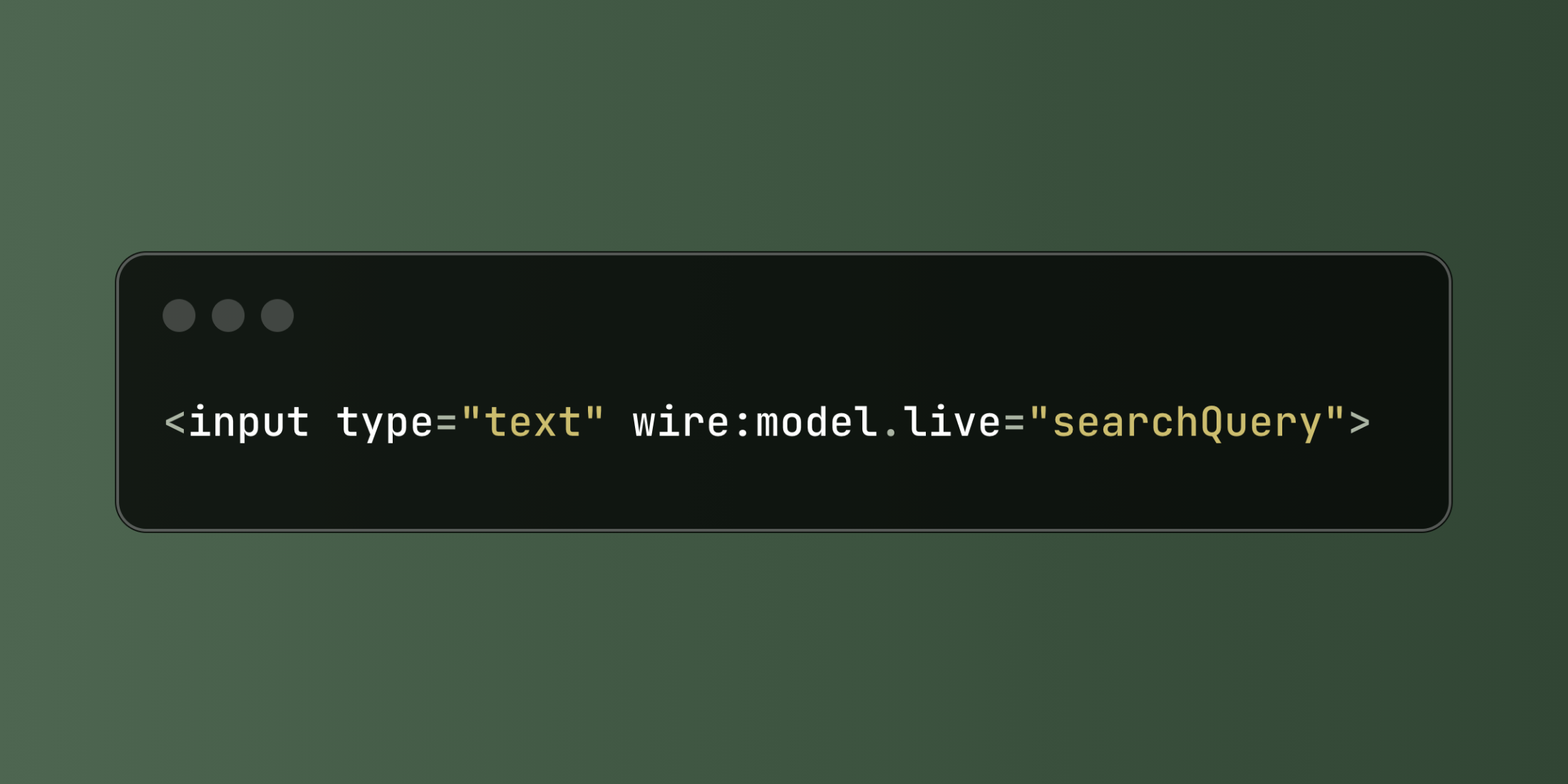
<input type="text" wire:model.live="searchQuery">
The key difference: wire:model waits for an action, wire:model.live syncs on every keystroke. This matters for things like search boxes where you want results to update as users type.
When you use wire:model.live, Livewire automatically adds a 150ms debounce. This means if a user keeps typing, Livewire waits until they stop typing for 150ms before sending the request. This prevents your server from being hammered with requests. You can customize the debounce timing:
<input type="text" wire:model.live.debounce.300ms="userInput">
There's also a .throttle modifier if you want different behavior. While .debounce waits until the user stops typing, .throttle sends requests at regular intervals while the user is still typing. For most cases, debounce is what you want.
Here's a search component that filters a book collection:
<div>
    <input type="text"
           wire:model.live.debounce.250ms="query"
           placeholder="Search books...">

    @if($query && strlen($query) >= 2)
        <div class="results">
            @foreach($books as $book)
                <div class="book-item">
                    <strong>{{ $book->title }}</strong> by {{ $book->author }}
                    <span class="year">({{ $book->year }})</span>
                </div>
            @endforeach

            @if($books->isEmpty())
                <p>No books found for "{{ $query }}"</p>
            @endif
        </div>
    @endif
</div>
The component waits until users type at least 2 characters before searching. This is a common pattern to avoid unnecessary database queries on single characters.
class BookSearch extends Component
{
    public $query = '';
    public $books = [];

    public function updatedQuery()
    {
        if (strlen($this->query) >= 2) {
            $this->books = Book::where('title', 'like', '%' . $this->query . '%')
                ->orWhere('author', 'like', '%' . $this->query . '%')
                ->take(15)
                ->get();
        } else {
            $this->books = collect();
        }
    }

    public function render()
    {
        return view('livewire.book-search');
    }
}
The updatedQuery() method runs whenever the query property changes. This happens because of wire:model.live. Without the .live modifier, this method wouldn't fire until the next form submission or manual action. You can also use other modifiers like wire:model.blur to only update when the user tabs out of the field, or wire:model.change for dropdowns.