Laravel Ocr Space
Laravel Ocr Space stats
- Downloads
- 5
- Stars
- 13
- Open Issues
- 0
- Forks
- 1
OCR PDF's and images with the OCR.Space API from Laravel
Laravel OCR Space
Laravel OCR Space is a package that allows you to use the OCR.Space API in your Laravel application for Optical Character Recognition (OCR).
Installation
You can install the package via composer:
composer require cdsmiths/laravel-ocr-spaceYou can publish the config file with:
php artisan vendor:publish --provider="Codesmiths\LaravelOcrSpace\LaravelOcrSpaceServiceProvider" --tag="config"Usage
Get a free Ocr.Space api key
You can get a free api key from ocr.space. This key is required to use the package.
You should add this key to your .env:
OCR_SPACE_API_KEY="YOUR API KEY"Parsing an Image file
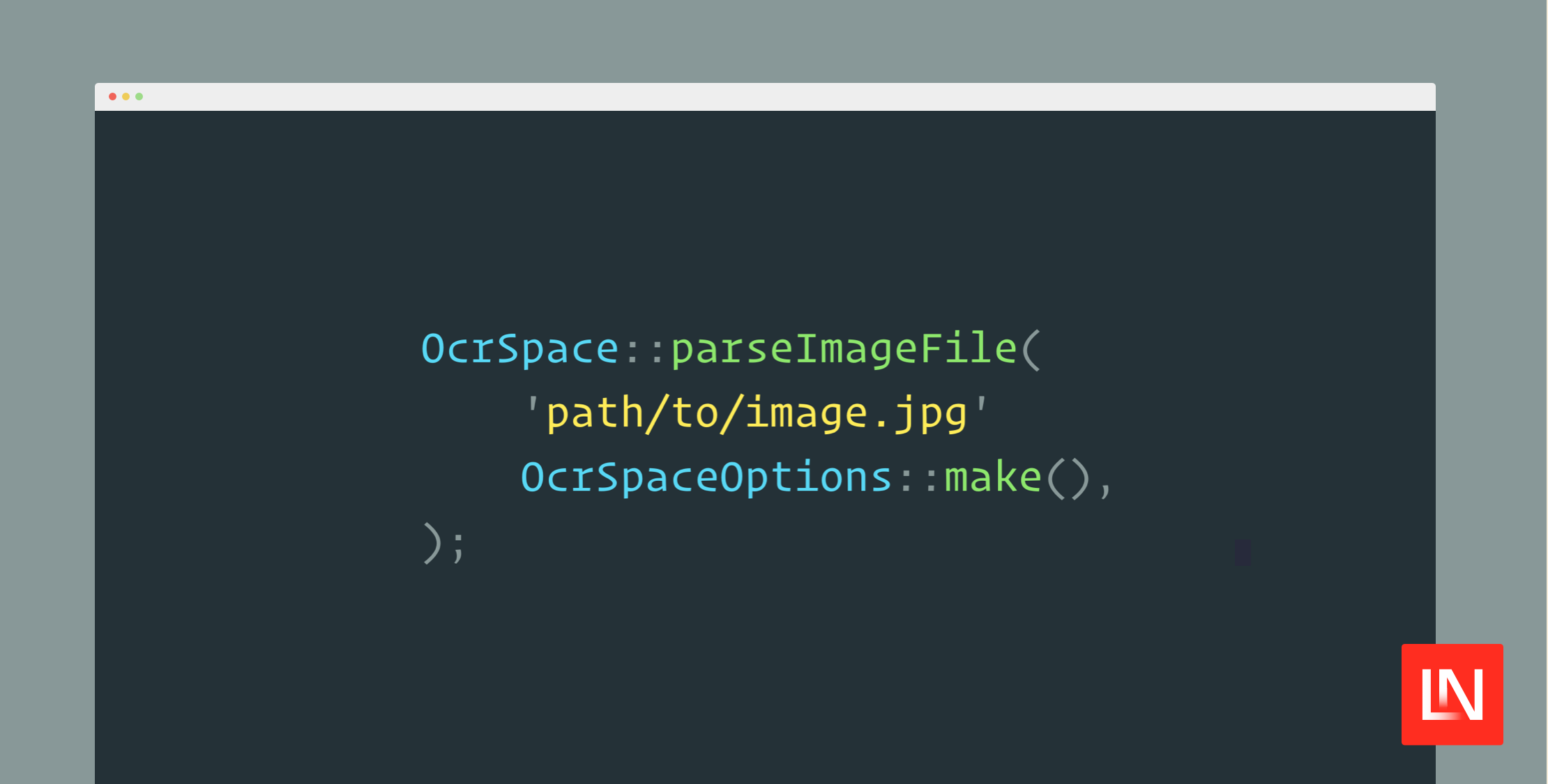
use Codesmiths\LaravelOcrSpace\OcrSpaceOptions;use Codesmiths\LaravelOcrSpace\Facades\OcrSpace; $filePath = 'path/to/image.jpg'; $result = OcrSpace::parseImageFile( $filePath, OcrSpaceOptions::make(),); dd($result);Parsing an Image URL
use Codesmiths\LaravelOcrSpace\OcrSpaceOptions;use Codesmiths\LaravelOcrSpace\Facades\OcrSpace; $imageUrl = 'https://example.com/image.jpg'; $options = new \Codesmiths\LaravelOcrSpace\OcrSpaceOptions(); $result = OcrSapce::parseImageUrl( $imageUrl, OcrSpaceOptions::make(),); dd($result);Parsing an base64 encoded image
use Codesmiths\LaravelOcrSpace\OcrSpaceOptions;use Codesmiths\LaravelOcrSpace\Facades\OcrSpace; $base64Image = 'base64 encoded image'; $result = OcrSpace::parseBase64Image( $base64Image, OcrSpaceOptions::make(),); dd($result);Parsing an binary image
use Codesmiths\LaravelOcrSpace\OcrSpaceOptions;use Codesmiths\LaravelOcrSpace\Facades\OcrSpace; $binaryImage = file_get_contents('path/to/image.jpg'); // File type is required for binary images$options = OcrSpaceOptions::make() ->fileType('image/jpg'); $result = OcrSpace::parseBinaryImage( $binaryImage, $options,); dd($result);Parsing with parseImage method
use Codesmiths\LaravelOcrSpace\OcrSpaceOptions;use Codesmiths\LaravelOcrSpace\Facades\OcrSpace;use Codesmiths\LaravelOcrSpace\Enums\InputType; $filePath = 'path/to/image.jpg'; $result = OcrSpace::parseImage( InputType::File $filePath, OcrSpaceOptions::make(),); dd($result);Options
You can pass options to the parseImageFile, parseImageUrl, parseBase64Image, parseBinaryImage and parseImage methods.
use Codesmiths\LaravelOcrSpace\OcrSpaceOptions;use Codesmiths\LaravelOcrSpace\Enums\Language;use Codesmiths\LaravelOcrSpace\Enums\OcrSpaceEngine; // All possible options$options = OcrSpaceOptions::make() ->language(Language::English) ->overlayRequired(true) ->fileType('image/png') ->detectOrientation(true) ->isCreateSearchablePdf(true) ->isSearchablePdfHideTextLayer(true) ->scale(true) ->isTable(true) ->OCREngine(OcrSpaceEngine::Engine1);Response
All methods return an instance of Codesmiths\LaravelOcrSpace\OcrSpaceResponse which has the following methods:
$response->getParsedResults(); // Returns an Collection `ParsedResult`$response->getOCRExitCode(); // Returns the exit code$response->getIsErroredOnProcessing(); // Returns a boolean$response->getErrorMessage(); // Returns the error message$response->getErrorMessageDetails(); // Returns the error message details$response->getProcessingTimeInMilliseconds(); // Returns the processing time in milliseconds$response->getSearchablePdfUrl(); // Returns the searchable pdf url$response->hasSearchablePdfUrl(); // Returns if the response has a searchable pdf url$response->hasError(); // Returns if the response has an error$repsonse->hasParsedResults(); // Returns if the response has parsed resultsLicense / Credits
This package our Codesmiths is not affiliated with OCR.Space and is not an official package. It is a wrapper around the OCR.Space API.
The MIT License (MIT). Please see License File for more information.