Clockwork
Clockwork stats
- Downloads
- 12.7M
- Stars
- 5,198
- Open Issues
- 60
- Forks
- 305
php dev tools in your browser
Clockwork: Laravel Development Tool
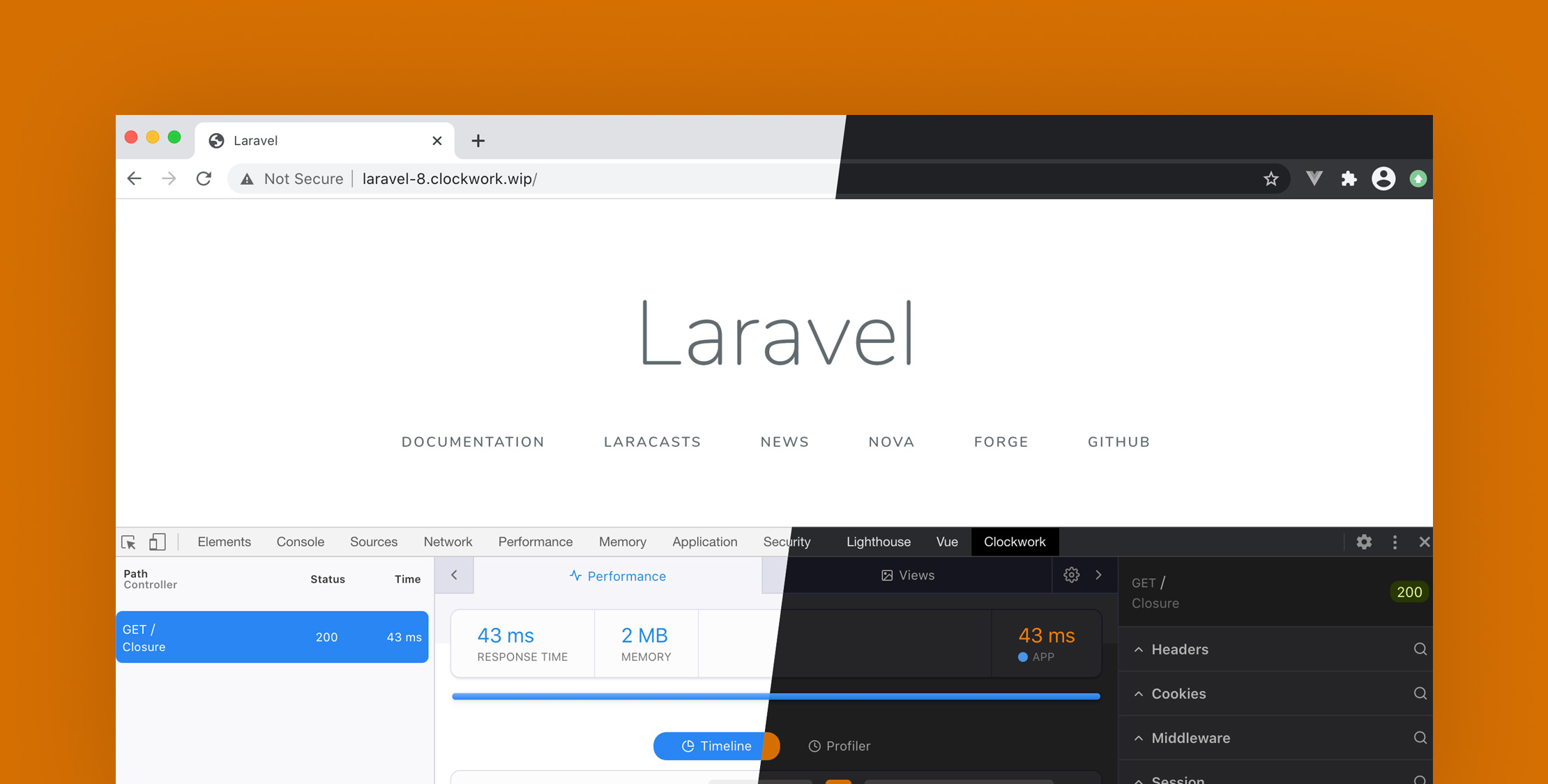
Clockwork is a comprehensive browser-based development tool for PHP, designed to provide detailed insights into your Laravel application's runtime. It captures a wide range of data including request details, performance metrics, log entries, database and cache queries, and much more across HTTP requests, commands, queue jobs, and tests.
Key Features
- Data Collection: Automatically captures and stores crucial data when the application is in debug mode. Configurable settings allow for selective data collection based on request type, response time, and more.
- Viewing Data:
- Web Interface: Accessible via the
/clockworkroute, offering a detailed view of all requests. - Browser Extensions: Available for Chrome and Firefox, integrating directly into the developer tools.
- Toolbar: Displays basic request information directly in your application, with minimal setup required.
- Web Interface: Accessible via the
- Advanced Logging: Utilize the
clock()helper function for in-depth logging of variables, supporting various data types and log levels. - Timeline: Visualize application processes and performance with start, end, and duration markers, enhancing the debugging and profiling process.
Installation
Install Clockwork with Composer:
$ composer require itsgoingd/clockworkPost-installation, you may publish the configuration file using:
$ php artisan vendor:publishNote: Refresh the Laravel route cache if it's in use by running php artisan route:cache.
Usage
Upon installation, Clockwork is ready to collect data for debugging and performance monitoring. Enable specific features like command or queue job profiling by adjusting the settings in the published configuration file.
For more detailed installation and configuration instructions, visit the Clockwork website.
Clockwork is a powerful ally for developers aiming to optimize and debug their applications efficiently, providing a robust suite of tools right in the browser.