Package
Mckenziearts Laravel Notify
Flexible flash notifications for Laravel




Introduction
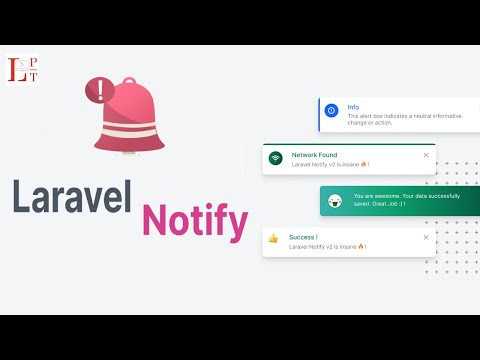
Laravel Notify is a package that lets you add custom notifications to your project. A diverse range of notification design is available.

Android Version
If you need Android version please try this package Aesthetic Dialogs. Happy Coding 👨🏾💻
:film_strip: Video Tutorial
Installation
You can install the package using composer
$ composer require mckenziearts/laravel-notifyThen add the service provider to config/app.php. In Laravel versions 5.5 and beyond, this step can be skipped if package auto-discovery is enabled.
'providers' => [ ... Mckenziearts\Notify\LaravelNotifyServiceProvider::class ...];You can publish the configuration file and assets by running:
$ php artisan vendor:publish --provider="Mckenziearts\Notify\LaravelNotifyServiceProvider"Now that we have published a few new files to our application we need to reload them with the following command:
$ composer dump-autoloadUsage
- Add styles links with
@notifyCss - Add scripts links with
@notifyJs - use
notify()helper function inside your controller to set a toast notification for info, success, warning or error - Include notify partial to your master layout
@include('notify::components.notify')
If you are on Laravel 8 or greater, you can use the tag syntax.
<x:notify-messages />Basic
Within your controllers, before you perform a redirect call the notify method with a message.
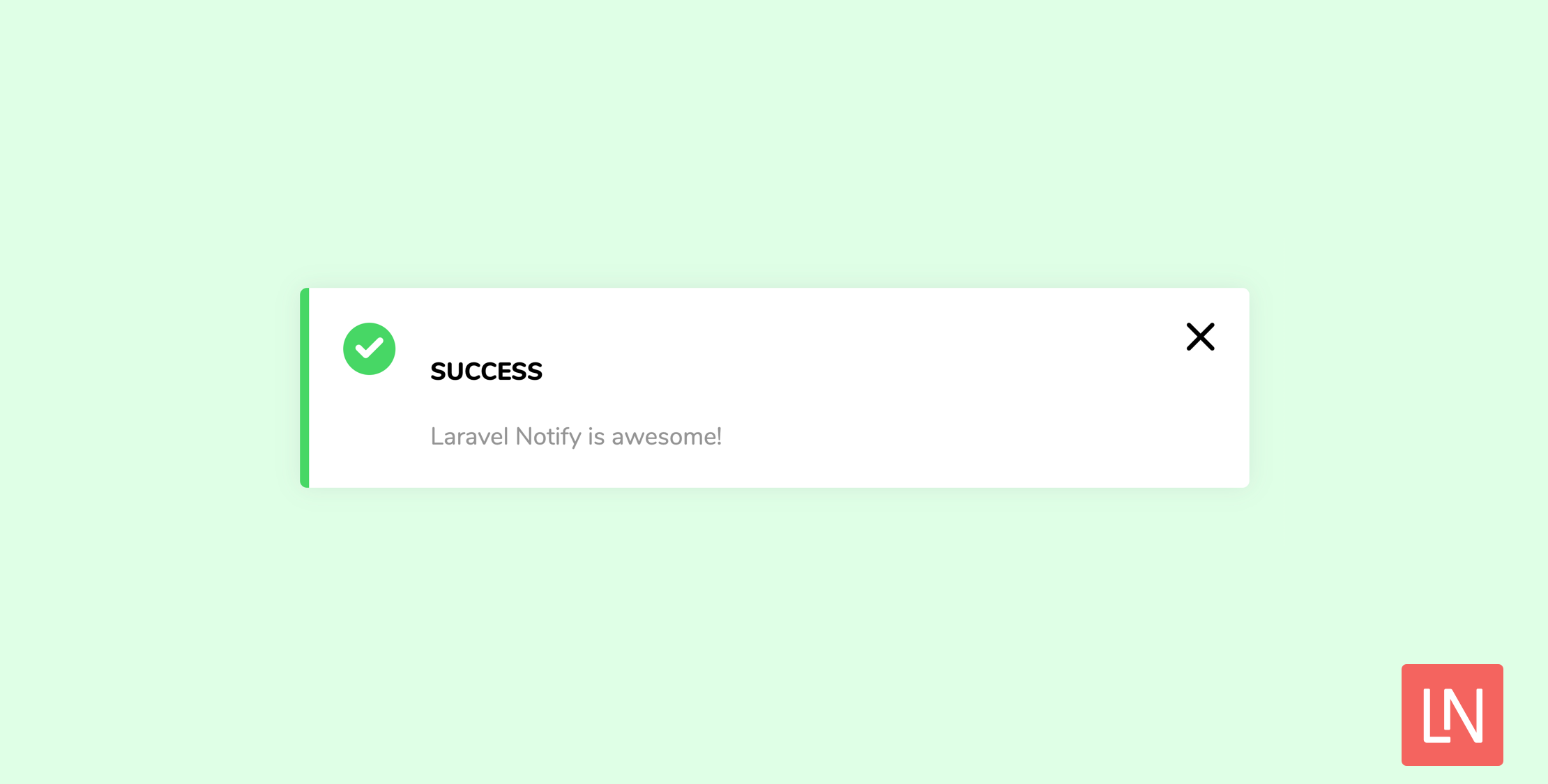
public function store(){ notify()->success('Laravel Notify is awesome!'); return Redirect::home();}A complete example:
<!doctype html><html> <head> <title>Laravel Notify</title> @notifyCss </head> <body> <x-notify::notify /> @notifyJs </body></html>Type of notifications
Laravel Notify actually display 5 types of notifications
toastnotification, (The default notification for Laravel Notify)
notify()->success('Welcome to Laravel Notify ⚡️') or notify()->success('Welcome to Laravel Notify ⚡️', 'My custom title')connectifynotification, example of basic usage
connectify('success', 'Connection Found', 'Success Message Here')drakify(😎) notification, displays an alert only
drakify('success') // for success alertordrakify('error') // for error alertsmilifynotification, displays a simple custom toast notification using the smiley (😊) emoticon
smilify('success', 'You are successfully reconnected')emotifynotification, displays a simple custom toast notification using a vector emoticon
emotify('success', 'You are awesome, your data was successfully created')Preset Notifications
If you have a specific notification that is used across multiple different places in your system, you can define it as a preset notification in your config file. This makes it easier to maintain commonly used notifications in one place. Read how to define preset messages in the Config section below.
As an example, to use a preset notification you have defined called 'common-notification', use the following:
notify()->preset('common-notification')You can override any of the values that are set in the config if you need to. For example, this could be useful if you have a common notification across, but you want to change the icon in one particular place that it's used without having to manually write out a new notification.
To do this, simply pass in an array that has the key of the attribute that you want to override and the value you want to override it with.
As an example, we could override the 'title' of our 'common-notification' by using the following:
notify()->preset('common-notification', ['title' => 'This is the overridden title'])Config
Config file are located at config/notify.php after publishing provider element.
Some awesome stuff. To active dark mode update the theme config, or add global variable NOTIFY_THEME on your .env file
'theme' => env('NOTIFY_THEME', 'dark'),You can define preset notifications in the config file using the following structure:
'preset-messages' => [ 'user-updated' => [ 'message' => 'The user has been updated successfully.', 'type' => 'success', 'model' => 'connect', 'title' => 'User Updated', ], 'user-deleted' => [ 'message' => 'The user has been deleted successfully.', 'type' => 'success', 'model' => 'connect', 'title' => 'User Deleted', ],],The example above shows the config for two preset notifications: 'user-updated' and 'user-deleted'.
Change log
Please see the changelog for more information on what has changed recently.
Contributing
Please see contributing.md for details and a todolist.
Security
If you discover any security related issues, please email author email instead of using the issue tracker.
Credits
License
license. Please see the license file for more information.