Filament Kanban
Filament Kanban stats
- Downloads
- 1.4K
- Stars
- 60
- Open Issues
- 1
- Forks
- 7
Add kanban boards to your Filament pages
Add kanban boards to your Filament pages


Easily add Kanban board pages to your Filament panels.
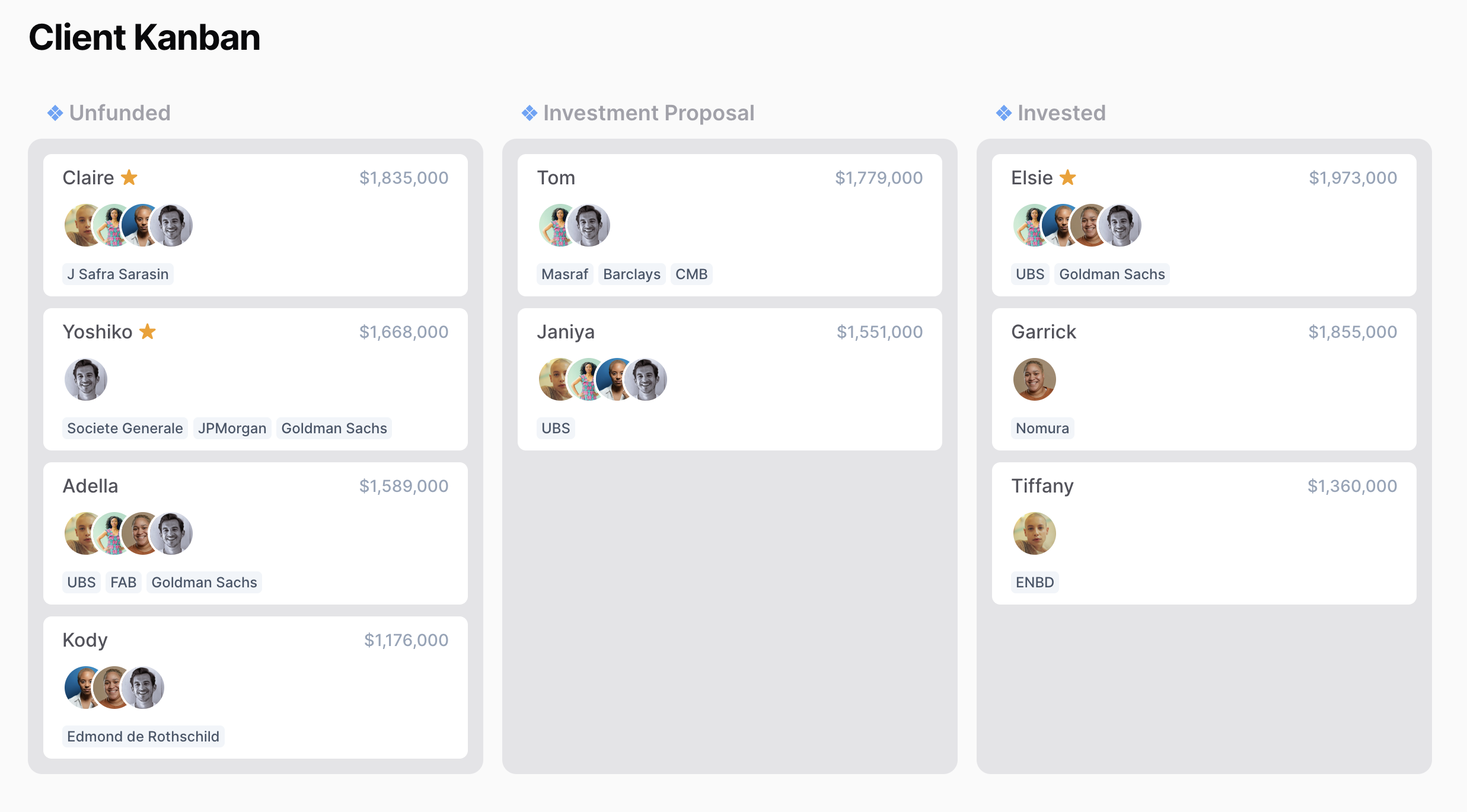
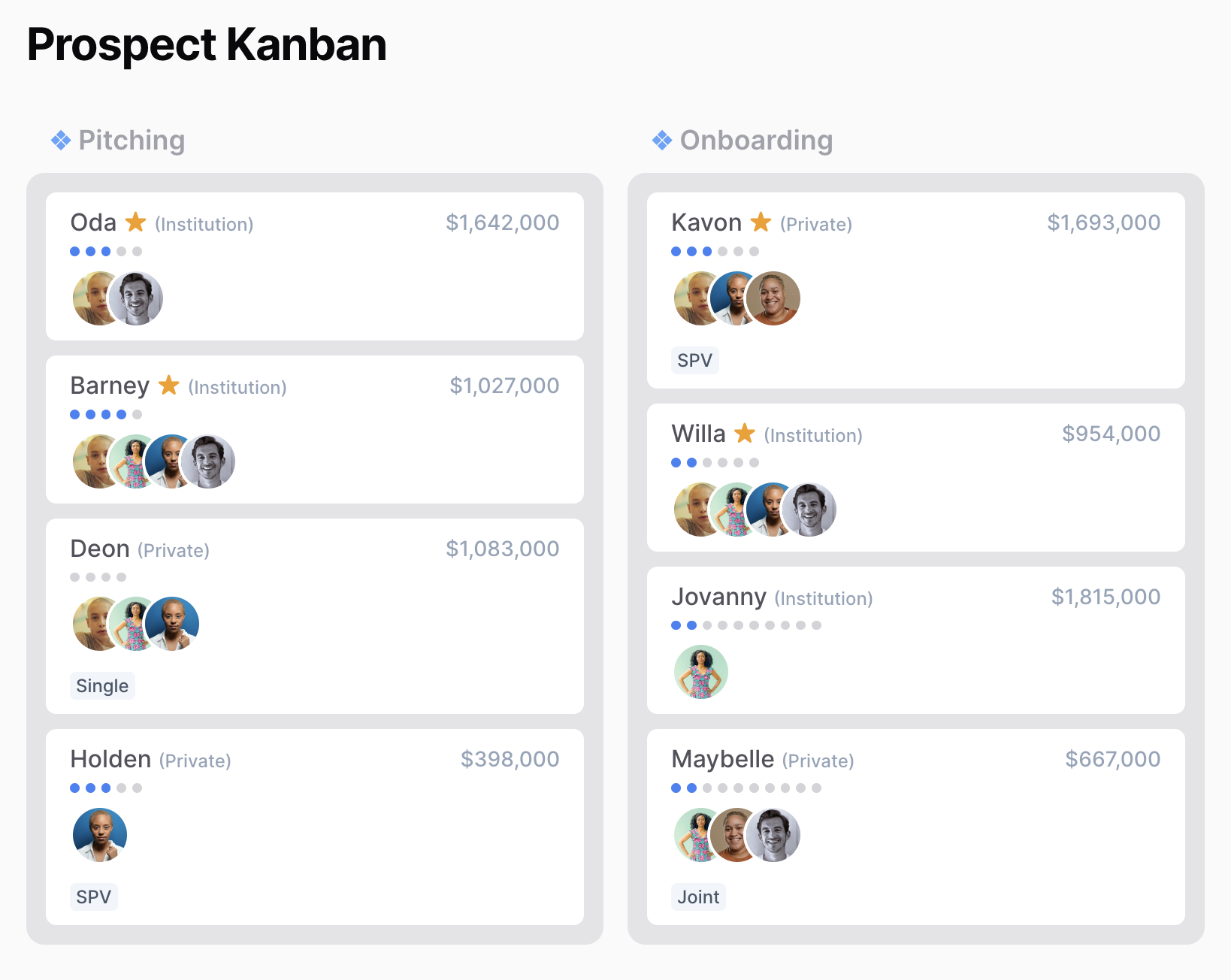
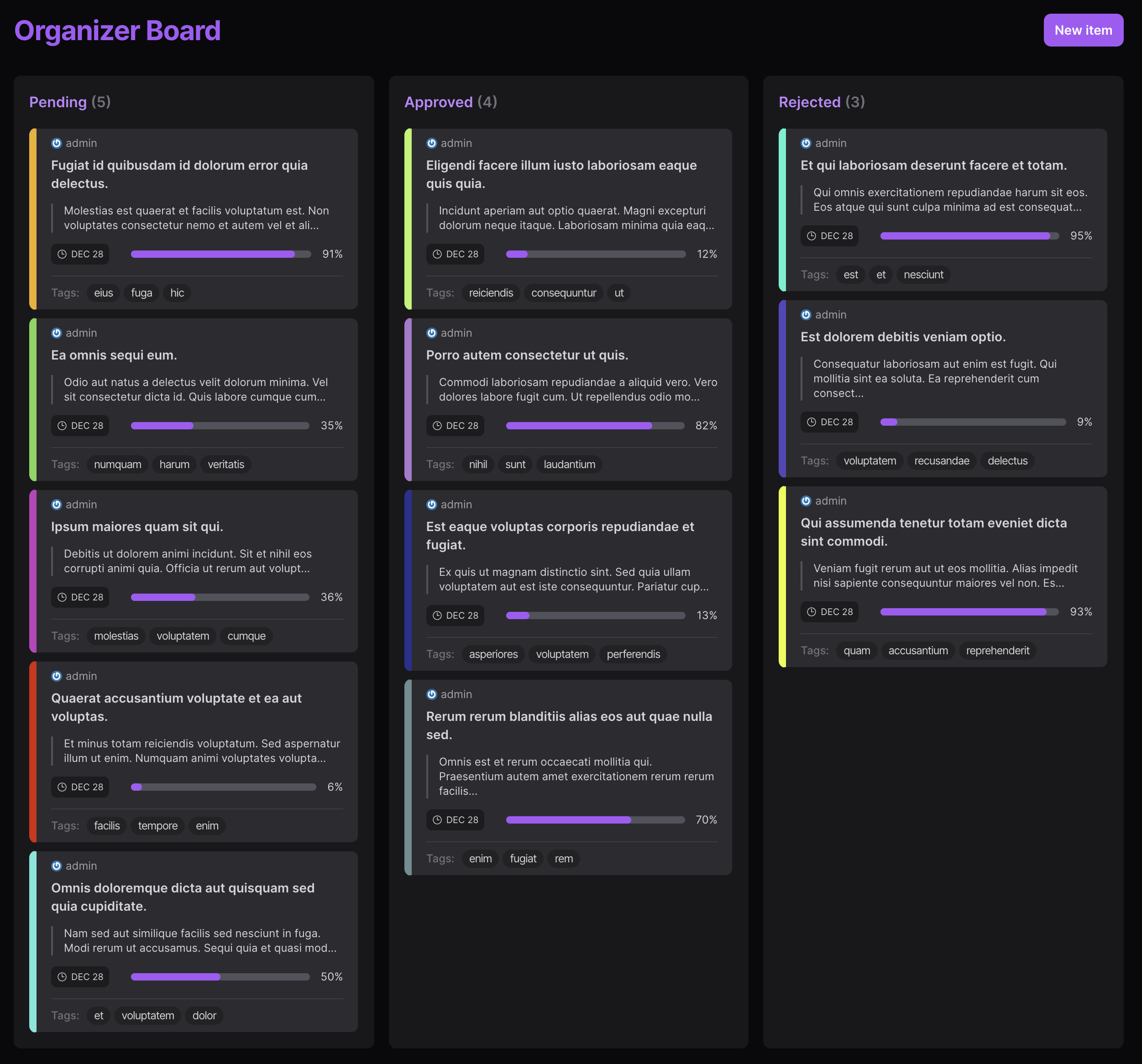
Installation
You can install the package via composer:
composer require mokhosh/filament-kanbanPublish the assets so the styles are correct:
php artisan filament-kanban:installBefore You Start
[!IMPORTANT]
You should have someModelwith astatuscolumn. This column can be calledstatusin the database or anything else.
I'm also assuming there's a title column on your model, but you can have name or any other column to represent a title.
I recommend you create a string backed Enum to define your statuses.
You can use our IsKanbanStatus trait, so you can easily transform your enum cases for the Kanban board using the statuses method on your enum.
use Mokhosh\FilamentKanban\Concerns\IsKanbanStatus; enum UserStatus: string{ use IsKanbanStatus; case User = 'User'; case Admin = 'Admin';}I recommend you cast the status attribute on your Model to the enum that you have created.
[!TIP] I also recommend you use the Spatie Eloquent Sortable package on your
Model, and we will magically add sorting abilities to your Kanban boards.
Usage
You can create a new Kanban board called UsersKanbanBoard using this artisan command:
php artisan make:kanban UsersKanbanBoardThis creates a good starting point for your Kanban board. You can customize the Kanban board to your liking.
You should override the model property, so we can load your records.
protected static string $model = User::class;You should also override the statusEnum property, which defines your statuses.
protected static string $statusEnum = UserStatus::class;Upgrade Guide
If you have version 1.x on your application, and you want to upgrade to version 2.x, here is your checklist:
- [ ] You need to override
$modeland$statusEnumas mentioned in the last part - [ ] If you have published
kanban-record.blade.phpview, you can use$recordas aModelinstance instead of anarray. - [ ] If you're overriding
KanbanBoardmethods just to do the default behaviour, you can safely remove them now. You should be able to get away with overriding 0 methods, if you don't have special requirements 🥳
Advanced Usage
You can override the records method, to customize how the records or items that you want to see on your board are retrieved.
protected function records(): Collection{ return User::where('role', 'admin')->get();}If you don't want to define an Enum for your statuses, or you have a special logic for retrieving your statuses, you can override the statuses method:
protected function statuses(): Collection{ return [ ['id' => 'user', 'title' => 'User'], ['id' => 'admin', 'title' => 'Admin'], ];}You can also override these methods to change your board's behavior when records are dragged and dropped:
onStatusChangedwhich defines what happens when a record is moved between statuses.onSortChangedwhich defines what happens when a record is moved inside the same status.
public function onStatusChanged(int $recordId, string $status, array $fromOrderedIds, array $toOrderedIds): void{ User::find($recordId)->update(['status' => $status]); User::setNewOrder($toOrderedIds);} public function onSortChanged(int $recordId, string $status, array $orderedIds): void{ User::setNewOrder($orderedIds);}Edit modal
Disabling the modal
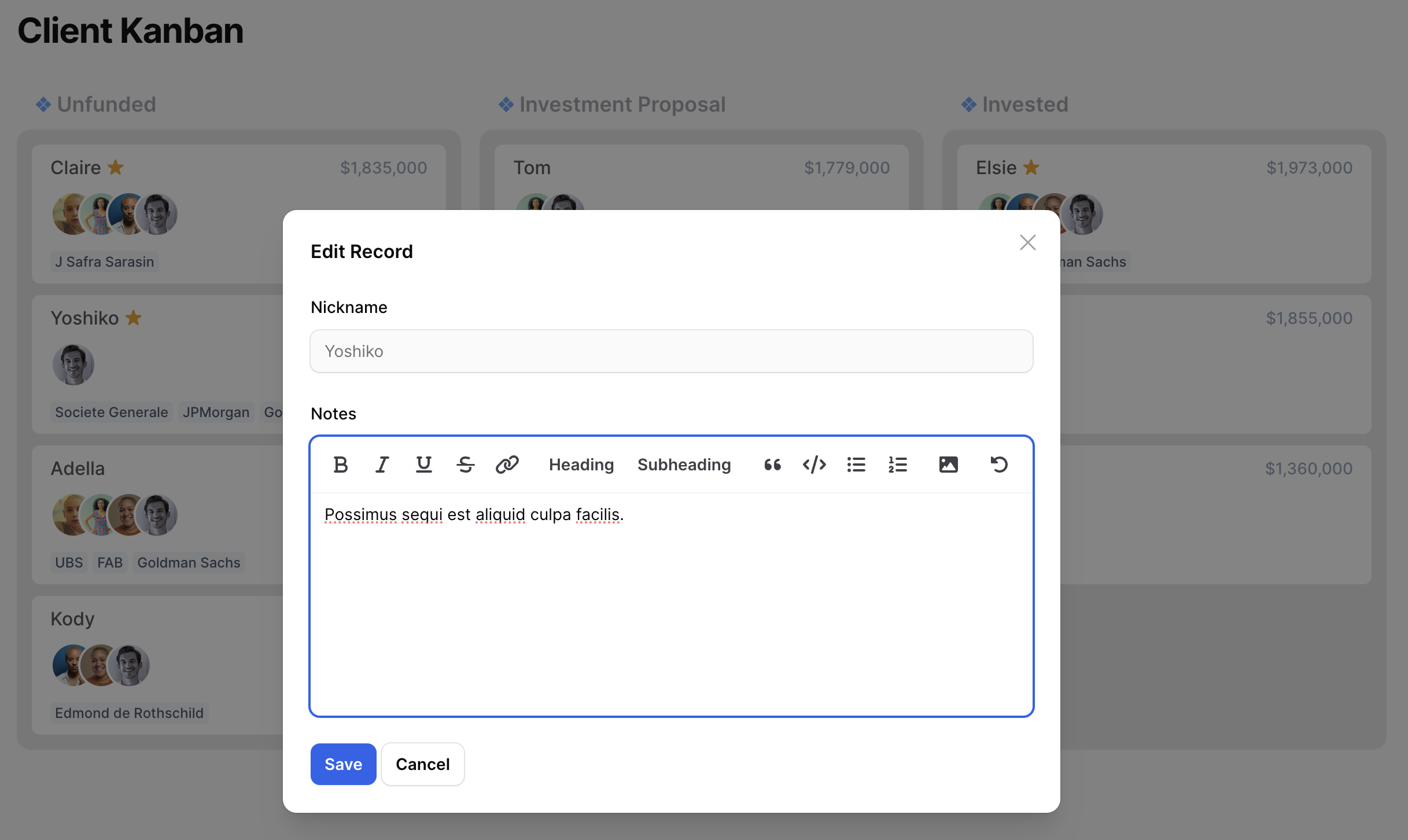
Edit modal is enabled by default, and you can show it by clicking on records.
If you need to disable the edit modal override this property:
public bool $disableEditModal = false;Edit modal form schema
You can define the edit modal form schema by overriding this method:
protected function getEditModalFormSchema(null|int $recordId): array{ return [ TextInput::make('title'), ];}As you can see you have access to the id of the record being edited, if that's helpful in building your schema.
Customizing edit form submit action
You can define what happens when the edit form is submitted by overriding this method:
protected function editRecord($recordId, array $data, array $state): void{ Model::find($recordId)->update([ 'phone' => $data['phone'] ]);}The data array contains the form data, and the state array contains the full record data.
Customizing modal's appearance
You can customize modal's title, size and the labels for save and cancel buttons:
protected string $editModalTitle = 'Edit Record'; protected string $editModalWidth = '2xl'; protected string $editModalSaveButtonLabel = 'Save'; protected string $editModalCancelButtonLabel = 'Cancel';Customization
Changing the navigation icon
protected static ?string $navigationIcon = 'heroicon-o-document-text';Changing the model property that's used as the title
protected static string $recordTitleAttribute = 'title';Changing the model property that's used as the status
protected static string $recordStatusAttribute = 'status';Customizing views
You can publish the views using this artisan command:
php artisan vendor:publish --tag="filament-kanban-views"I recommend you delete the files that you don't intend to customize and keep the ones you want to change. This way you will get any possible future updates for the original views.
The above method will replace the views for all Kanban boards in your applications.
Alternatively, you might want to change views for one of your boards. You can override each view by overriding these properties:
protected static string $view = 'filament-kanban::kanban-board'; protected static string $headerView = 'filament-kanban::kanban-header'; protected static string $recordView = 'filament-kanban::kanban-record'; protected static string $statusView = 'filament-kanban::kanban-status'; protected static string $scriptsView = 'filament-kanban::kanban-scripts';Flashing Recently Updated Records
You get some visual feedback when a record has been just updated.
If you're also using Spatie Eloquent Sortable you might experience all records being flashed at the same time. This is because Eloquent Sortable updates the order_column of all models when the sort changes.
In order to fix that, publish their config and set ignore_timestamps to true.
Video Tutorial
Are you a visual learner? I have created some Youtube videos to get you started with the package:
[!WARNING] These videos are recorded with version 1.x of the package. It is now much simpler to use the package, and requires much less code from you.
Hopefully, version 2.x is simple enough to not require videos, but you can still learn a thing or two from these.







Demos and Examples
Testing
composer testChangelog
Please see CHANGELOG for more information on what has changed recently.
Contributing
Please see CONTRIBUTING for details.
Security Vulnerabilities
Please review our security policy on how to report security vulnerabilities.
TODO
- [ ] remove deprecated recently updated trait
- [ ] stop passing record to view for recordClick
- [ ] use filament actions for edit modal
Credits
- Mo Khosh
- All Contributors
- This original idea and structure of this package borrows heavily from David Vincent's filament-kanban-board
License
The MIT License (MIT). Please see License File for more information.