Package
Spatie Laravel Deleted Models
Automatically copy deleted records to a separate table
Automatically copy deleted records to a separate table




When deleting an Eloquent model, this package will copy the attributes of that model to a new table called deleted_models. You can view this as a sort of "Recycle bin for models".
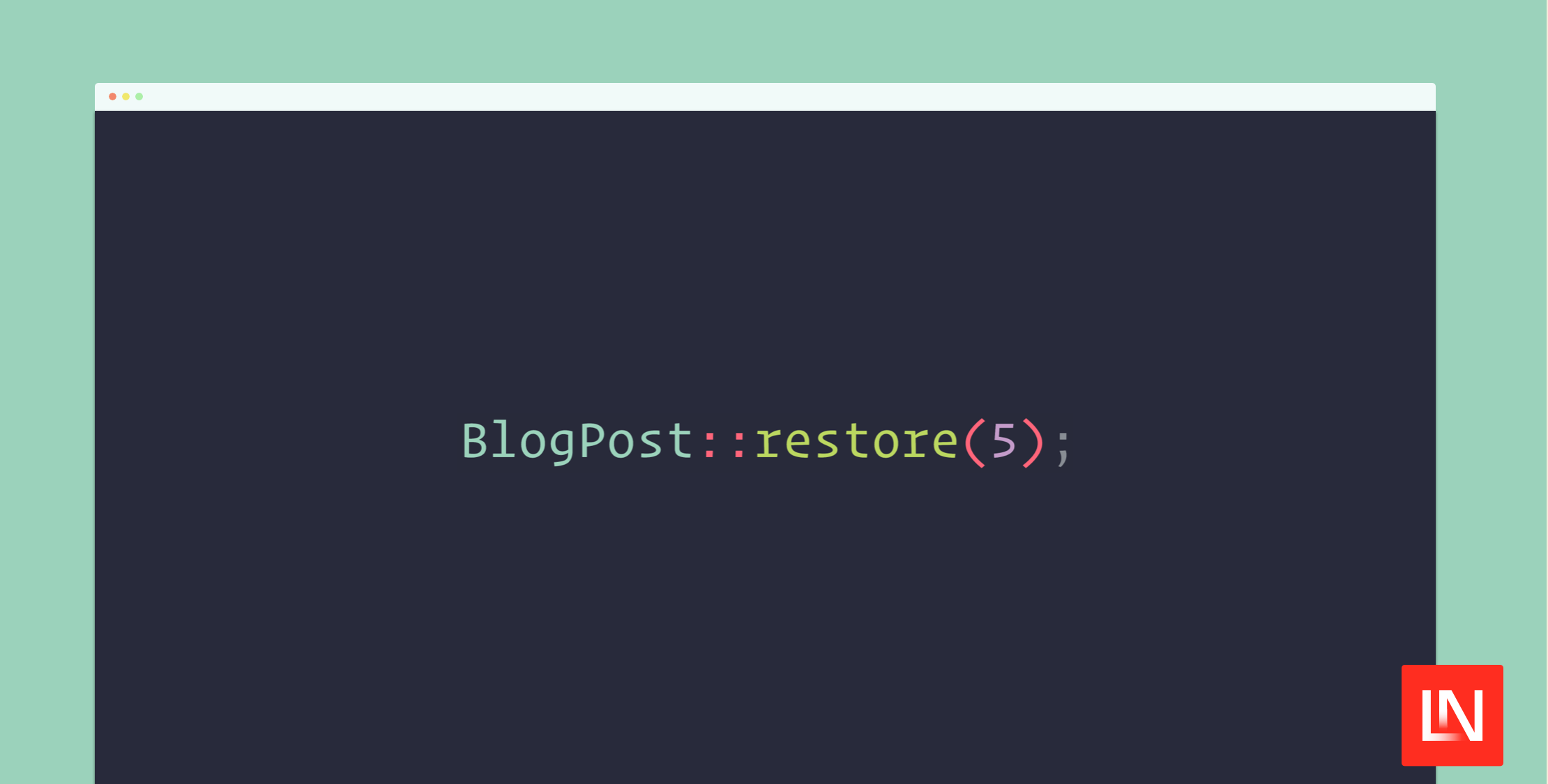
$blogPost = BlogPost::find(5); // an Eloquent model $blogPost->delete(); // values will be copied to the `deleted_models` table.To restore a previous model you can call restore and pass the id.
$blogPost = BlogPost::restore(5); // $blogPost will be restored and returnedThis way of preserving information when deleting can be seen as an alternative to soft deletes. You can read more on the trade-offs in this blog post.
Support us

We invest a lot of resources into creating best in class open source packages. You can support us by buying one of our paid products.
We highly appreciate you sending us a postcard from your hometown, mentioning which of our package(s) you are using. You'll find our address on our contact page. We publish all received postcards on our virtual postcard wall.
Installation
You can install the package via composer:
composer require spatie/laravel-deleted-modelsTo create the deleted_models table, you can publish and run the migrations with:
php artisan vendor:publish --tag="deleted-models-migrations"php artisan migrateOptionally, you can publish the config file with:
php artisan vendor:publish --tag="deleted-models-config"This is the contents of the published config file:
return [ /* * The model uses to store deleted models. */ 'model' => Spatie\DeletedModels\Models\DeletedModel::class, /* * After this amount of days, the records in `deleted_models` will be deleted * * This functionality uses Laravel's native pruning feature. */ 'prune_after_days' => 365,];The pruning of the deleted_models table depends on Laravel's native pruning feature. Don't forget to schedule the model:prune as instructed in Laravel's docs.
$schedule->command('model:prune', [ '--model' => [\Spatie\DeletedModels\Models\DeletedModel::class],])->daily();Usage
You should add the KeepsDeletedModels trait to all models whose attributes should be written to deleted_models whenever the model is deleted.
use Illuminate\Database\Eloquent\Model;use Spatie\DeletedModels\Models\Concerns\KeepsDeletedModels; class BlogPost extends Model{ use KeepsDeletedModels;}With this in place, the attributes will be written to deleted_models when the model is deleted.
$blogPost = BlogPost::find(5); $blogPost->delete(); // values will be copied to the `deleted_models` table.To restore a previous model you can call restore and pass the id.
$blogPost = BlogPost::restore(5); // $blogPost will be restored and returnedIf the model to be restored can't be found in the deleted_models table, a Spatie\DeletedModels\Exceptions\NoModelFoundToRestore exception will be thrown.
Restoring without saving
To restore in memory, without actually saving it, you can call makeRestored.
Keep in mind that calling this method will also remove the record in the deleted_models_table.
// $blogPost will be return, but it is not saved in the db yet$blogPost = Blogpost::makeRestored($id); $blogPost->save();If the model to be restored can't be found in the deleted_models table, null will be returned by makeRestored.
Restoring without emitting events
By default, the Spatie\DeletedModels\Events\RestoringDeletedModelEvent and Spatie\DeletedModels\Events\DeletedModelEvent will be dispatched when calling restore on a model.
If you don't want these events to be dispatched, call restoreQuietly.
BlogPost::restoreQuietly(); // no events will be dispatchedCustomizing the restore process
Using closures passed to restore
The restore function accepts a callable as the second argument. The beforeSaving callable will be executed when the restored model was created in memory, but before saving it in the db.
BlogPost::restore(5, function(BlogPost $post, DeletedModel $deletedModel) { $post->title = "{$post->title} (restored)";})Using methods on the model
If you need to run some logic to before and after restoring a model, you can implement beforeRestoringModel and afterRestoringModel on your model.
use Illuminate\Database\Eloquent\Model;use Spatie\DeletedModels\Models\Concerns\KeepsDeletedModels; class BlogPost extends Model{ use KeepsDeletedModels; public static function beforeRestoringModel(DeletedModel $deletedModel): void { // this will be executed right before restoring a model } public static function afterRestoringModel( Model $restoredMode, DeletedModel $deletedModel ): void { // this will be executed right after restoring a model }}To determine which attributes and values should be kept in deleted_models, you can implement attributesToKeep
use Illuminate\Database\Eloquent\Model;use Spatie\DeletedModels\Models\Concerns\KeepsDeletedModels; class BlogPost extends Model{ use KeepsDeletedModels; public function attributesToKeep(): array { // here you can customize which values should be kept. This is // the default implementation. return $this->toArray(); }}Pruning deleted models
After a while, the deleted_models table can become large. The DeletedModel implements Laravel's native MassPrunable trait.
You can configure the number of days records in the deleted_models will be pruned in the prune_after_days key of the deleted-models.php config file. By default, all deleted models will be kept for 365 days.
Don't forget to schedule the model:prune as instructed in Laravel's docs.
Low-level customization of the delete and restoration process
The DeletedModel model implements most logic to keep and restore deleted models. You can modify any of the behaviour by creating a class that extends Spatie\DeletedModels\Models\DeletedModel. You should put the class name of your extended class in the model key of the deleted-models.php config file.
With this in place you can override any of the methods in DeletedModel.
use Spatie\DeletedModels\Models\DeletedModel; class CustomDeletedModel extends DeletedModel{ protected function makeRestoredModel(string $modelClass): mixed { // add custom logic return parent::makeRestoredModel($modelClass) }}Testing
composer testChangelog
Please see CHANGELOG for more information on what has changed recently.
Contributing
Please see CONTRIBUTING for details.
Security Vulnerabilities
Please review our security policy on how to report security vulnerabilities.
Credits
This package was inspired by these two blog posts:
- Easy, alternative soft deletion
- [this one](https://github.com/spatie/laravel-deleted-models/blob/main/Soft Deletion Probably Isn't Worth It).
License
The MIT License (MIT). Please see License File for more information.