Polyscope - The agent-first dev environment for Laravel

Laravel Google Cloud Storage

spatie/laravel-google-cloud-storage image

Laravel Google Cloud Storage stats

Downloads
2M
Stars
136
Open Issues
1
Forks
39

View on GitHub →

Google Cloud Storage filesystem driver for Laravel

Google Cloud Storage Filesystem Driver for Laravel

This Laravel package, developed by Spatie, integrates Google Cloud Storage (GCS) with Laravel's filesystem, providing a seamless way to manage files in GCS using Laravel's native filesystem operations. The package is compatible with Laravel 9 and utilizes Flysystem v3 along with a specialized GCS adapter.

Key Features:

  • Flexible Configuration: Configure with a JSON key file or directly through environment variables.
  • Public and Signed URLs: Easily generate public and temporary signed URLs for accessing private files.
  • Visibility Control: Supports setting default visibility and handling uniform bucket-level access.
  • Extensive File Operations: Supports common operations like read, write, update, and delete alongside copying, moving, and more.
  • Multi-Environment Support: Works on Google App Engine and Google Compute Engine, utilizing built-in service accounts.

Installation:

Install via composer:

composer require spatie/laravel-google-cloud-storage

Add a new disk configuration to filesystems.php:

'gcs' => [
'driver' => 'gcs',
'key_file_path' => env('GOOGLE_CLOUD_KEY_FILE'),
'project_id' => env('GOOGLE_CLOUD_PROJECT_ID'),
'bucket' => env('GOOGLE_CLOUD_STORAGE_BUCKET'),
'path_prefix' => env('GOOGLE_CLOUD_STORAGE_PATH_PREFIX'),
'visibility' => 'public',
'metadata' => ['cacheControl' => 'public,max-age=86400'],
],

Usage Examples:

$disk = Storage::disk('gcs');
$disk->put('avatars/1', $fileContents);
$url = $disk->url('folder/my_file.txt');
$disk->setVisibility('folder/my_file.txt', 'public');

Authentication Methods:

  • Uses JSON credentials file specified in the disk configuration.
  • Environment variable GOOGLE_APPLICATION_CREDENTIALS pointing to the credentials file.
  • Automatically determines credentials when running in Google Cloud environments.

Generating URLs:

Handles both public and signed URLs, suitable for files with different visibility settings:

$url = $disk->temporaryUrl('folder/my_file.txt', now()->addMinutes(30));

Uniform Bucket-Level Access:

To handle permissions uniformly at the bucket level, configure the visibility_handler:

'visibility_handler' => \League\Flysystem\GoogleCloudStorage\UniformBucketLevelAccessVisibility::class,

Additional Information:

For full list of functionalities, refer to the Laravel filesystem documentation.

Testing:

Run tests using:

composer test

For contributing guidelines, security policies, and more details on changes, check the package's GitHub repository. This package is released under the MIT license.

Credits:

  • Original GCS adapter by Superbalist.
  • Maintained and enhanced by Alex Vanderbist and contributors from Spatie.
spatie photo

We create open source, digital products and courses for the developer community


Spatie Laravel Google Cloud Storage Related Articles

Building a Sitemap in your Laravel app with the Spatie Sitemap image

Building a Sitemap in your Laravel app with the Spatie Sitemap

Read article
Laravel Google Chat Alerts image

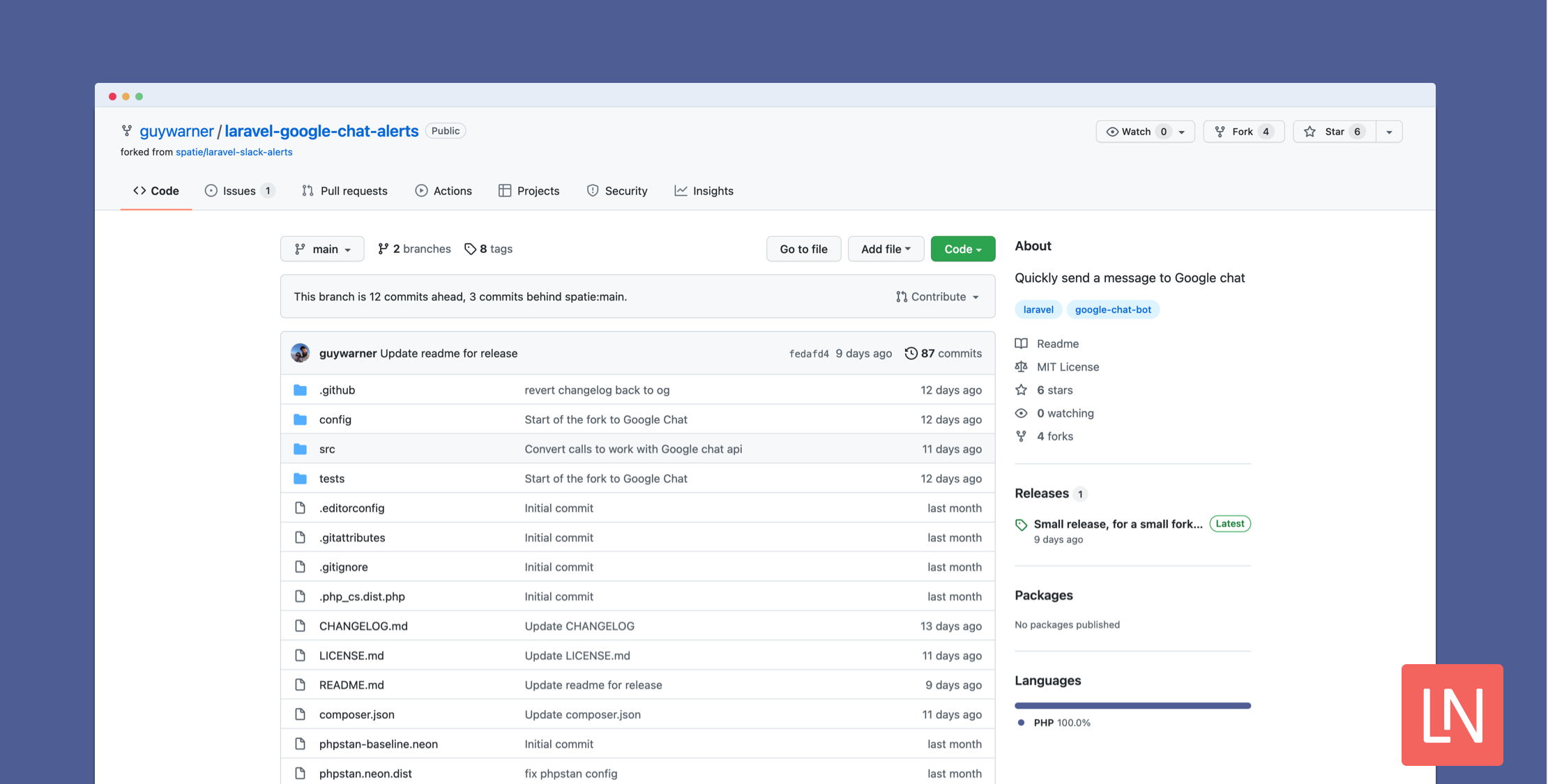
Laravel Google Chat Alerts

Read article
Crawl and Index Your Website with Laravel Site Search image

Crawl and Index Your Website with Laravel Site Search

Read article
Laravel Google Fonts Package image

Laravel Google Fonts Package

Read article
Image Optimization With Spatie Laravel Image Optimizer image

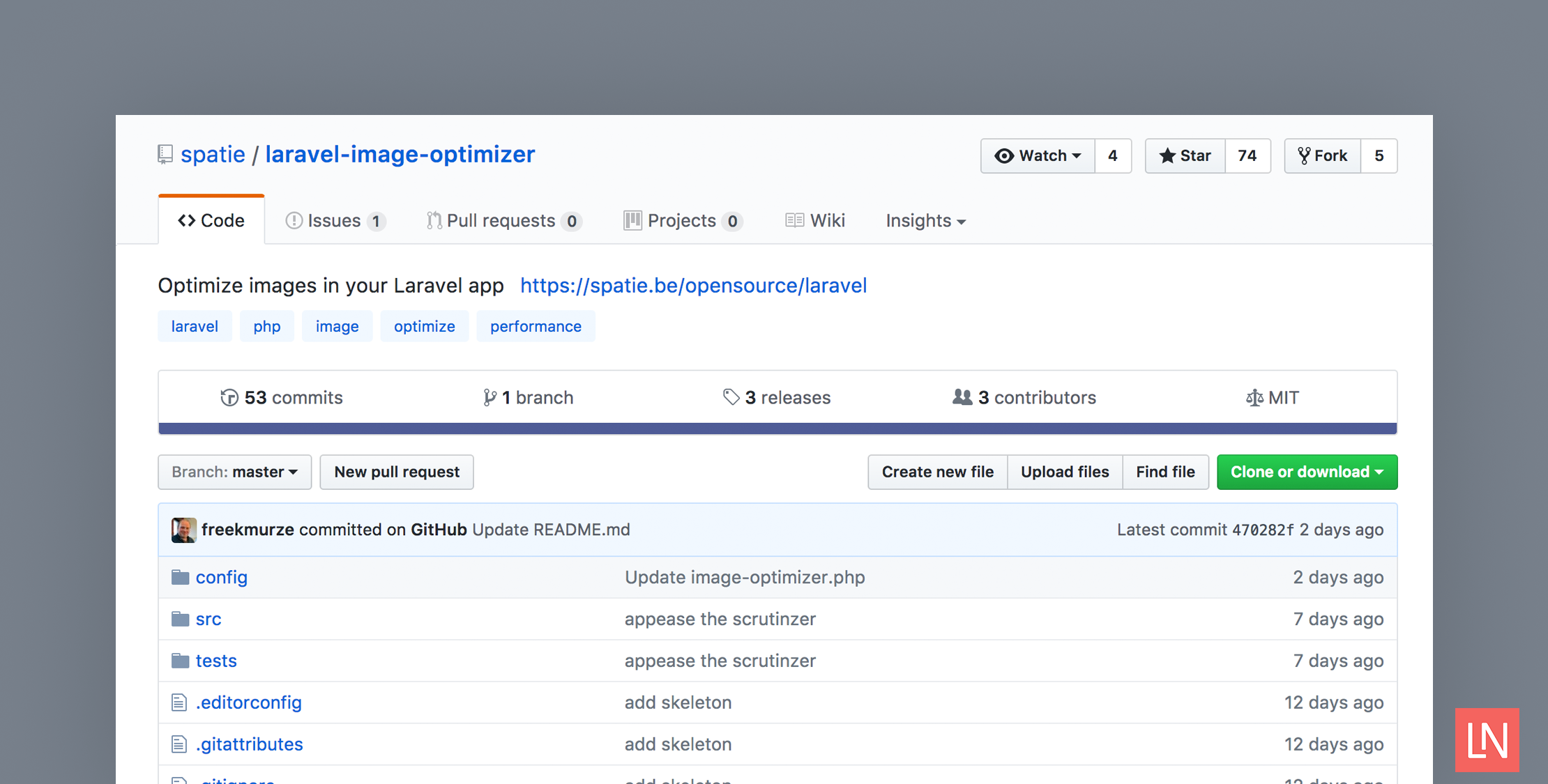
Image Optimization With Spatie Laravel Image Optimizer

Read article
What is the one package you install in all Laravel projects? image

What is the one package you install in all Laravel projects?

Read article
Get expert guidance in a few days with a Laravel code review logo

Get expert guidance in a few days with a Laravel code review

Expert code review! Get clear, practical feedback from two Laravel devs with 10+ years of experience helping teams build better apps.

Get expert guidance in a few days with a Laravel code review
Kirschbaum logo

Kirschbaum

Providing innovation and stability to ensure your web application succeeds.

Kirschbaum
PhpStorm logo

PhpStorm

The go-to PHP IDE with extensive out-of-the-box support for Laravel and its ecosystem.

PhpStorm
Shift logo

Shift

Running an old Laravel version? Instant, automated Laravel upgrades and code modernization to keep your applications fresh.

Shift
Lucky Media logo

Lucky Media

Get Lucky Now - the ideal choice for Laravel Development, with over a decade of experience!

Lucky Media
Laravel Cloud logo

Laravel Cloud

Easily create and manage your servers and deploy your Laravel applications in seconds.

Laravel Cloud