Package
Spatie Laravel Options
Create arrays of options from different sources
Create lists of options from different sources




A typical web application always has many select fields with options. This package makes it simple to transform enums, models, states and arrays to a unified option structure.
Let's say you have the following enum:
enum Hobbit: string{ case Frodo = 'frodo'; case Sam = 'sam'; case Merry = 'merry'; case Pippin = 'pippin';}You can convert this to options like this:
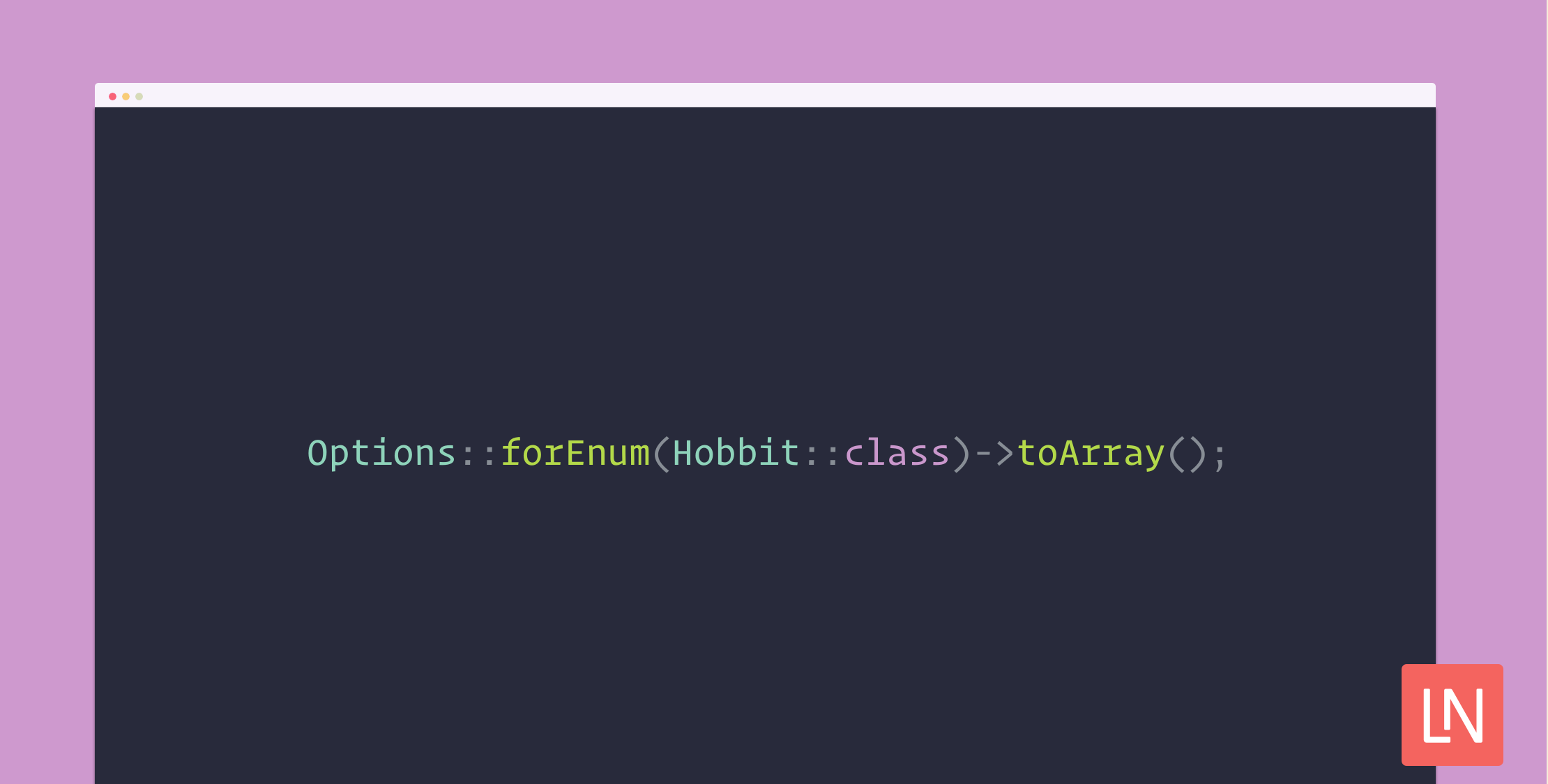
Options::forEnum(Hobbit::class)->toArray();Which will return the following array:
[ ['label' => 'Frodo', 'value' => 'frodo'], ['label' => 'Sam', 'value' => 'sam'], ['label' => 'Merry', 'value' => 'merry'], ['label' => 'Pippin', 'value' => 'pippin'],]Support us

We invest a lot of resources into creating best in class open source packages. You can support us by buying one of our paid products.
We highly appreciate you sending us a postcard from your hometown, mentioning which of our package(s) you are using. You'll find our address on our contact page. We publish all received postcards on our virtual postcard wall.
Installation
You can install the package via composer:
composer require spatie/laravel-optionsYou can publish the config file with:
php artisan vendor:publish --tag="options-config"This is the contents of the published config file:
return [ /* * The key used in an option to describe the label of the option */ 'label_key' => 'label', /* * The key used in an option to describe the value of the option */ 'value_key' => 'value',];Usage
You can create an Options object like this (we'll cover other things then enums later on):
Options::forEnum(Hobbit::class);You can get an array representation of the options like this:
Options::forEnum(Hobbit::class)->toArray();Or a JSON version like this:
Options::forEnum(Hobbit::class)->toJson();You can return options as part of a response in your controller, and they will be automatically converted into JSON:
class ShowHobbitsController{ public function __invoke(RingBearer $ringBearer){ return [ 'ring_bearer' => $ringBearer, 'hobbit_options' => Options::forEnum(Hobbit::class) ] }}Manipulating options
You can sort options by their label like this:
Options::forEnum(Hobbit::class)->sort();Or use a closure to sort the options:
Options::forEnum(Hobbit::class)->sort(fn(Hobbit $hobbit) => $hobbit->value);You can append additional data to the options like this:
Options::forEnum(Hobbit::class)->append(fn(Hobbit $hobbit) => [ 'ring_bearer' => $hobbit === Hobbit::Frodo || $hobbit === Hobbit::Sam]);This will result in the following options array:
[ ['label' => 'Frodo', 'value' => 'frodo', 'ring_bearer' => true], ['label' => 'Sam', 'value' => 'sam', 'ring_bearer' => true], ['label' => 'Merry', 'value' => 'merry', 'ring_bearer' => false], ['label' => 'Pippin', 'value' => 'pippin', 'ring_bearer' => false],]You can filter the options that will be included:
Options::forEnum(Hobbit::class)->filter(fn(Hobbit $hobbit) => $hobbit === Hobbit::Frodo);Which will create a smaller options array:
[ ['label' => 'Frodo', 'value' => 'frodo'],]Or reject specific options to be included:
Options::forEnum(Hobbit::class)->reject(fn(Hobbit $hobbit) => $hobbit === Hobbit::Frodo);Which will create this options array:
[ ['label' => 'Sam', 'value' => 'sam'], ['label' => 'Merry', 'value' => 'merry'], ['label' => 'Pippin', 'value' => 'pippin'],]A unique null option can be added as such:
Options::forEnum(Hobbit::class)->nullable();This will add an option with the value null:
[ ['label' => '-', 'value' => null], ['label' => 'Frodo', 'value' => 'frodo'], ['label' => 'Sam', 'value' => 'sam'], ['label' => 'Merry', 'value' => 'merry'], ['label' => 'Pippin', 'value' => 'pippin'],]The label of the null option can be changed as such:
Options::forEnum(Hobbit::class)->nullable('Gandalf');Another value for null can be set as follows:
Options::forEnum(Hobbit::class)->nullable(label: 'Gandalf', value: 'You Shall Not Pass');It is possible to change the keys used in options by changing the options.php config file. For example:
return [ /* * The key used in an option to describe the label of the option */ 'label_key' => 'name', /* * The key used in an option to describe the value of the option */ 'value_key' => 'id',];Will result in the following options:
[ ['name' => 'Frodo', 'id' => 'frodo'], ['name' => 'Sam', 'id' => 'sam'], ['name' => 'Merry', 'id' => 'merry'], ['name' => 'Pippin', 'id' => 'pippin'],]With enums
You can create options for native PHP enums, Spatie Enums and MyClabs Enums like this:
Options::forEnum(Hobbit::class);By default, the package will look for a static method called labels with the labels for the enum returned as an array:
enum Hobbit: string{ case Frodo = 'frodo'; case Sam = 'sam'; case Merry = 'merry'; case Pippin = 'pippin'; public static function labels(): array { return [ 'frodo' => 'Frodo Baggins', 'sam' => 'Sam Gamgee', 'merry' => 'Merry Brandybuck', 'pippin' => 'Pippin Took', ]; }}Now the options array will look like this:
[ ['label' => 'Frodo Baggins', 'value' => 'frodo'], ['label' => 'Sam Gamgee', 'value' => 'sam'], ['label' => 'Merry Brandybuck', 'value' => 'merry'], ['label' => 'Pippin Took', 'value' => 'pippin'],]You can use another method name for the labels as such:
Options::forEnum(Hobbit::class, 'hobbitLabels');Or use a closure to resolve the label for the enum:
Options::forEnum(Hobbit::class, fn(Hobbit $hobbit) => $hobbit->name. ' from the shire'));With models
You can create options for Laravel models like this:
Options::forModels(Wizard::class);Use a single model like this:
Options::forModels(Wizard::first());Or for a collection of models:
Options::forModels(Wizard::all());You can also pass a Builder instance:
Options::forModels(Wizard::query()->where('name', 'gandalf'));By default, the model's key (usually id) will be taken as a value and the name field as the label.
You can change the value field like this:
Options::forModels(Wizard::class, value: 'uuid');Or use a closure for determining the value:
Options::forModels(Wizard::class, value: fn(Wizard $wizard) => $wizard->uuid());You can change the label field as such:
Options::forModels(Wizard::class, label: 'full_name');Or you can use a closure to resolve the label:
Options::forModels(Wizard::class, label: fn(Wizard $wizard) => $wizard->getName());With Select Options
If you're using options for a model in a lot of places, then each time, manually defining the label and/or value fields can become quite tedious:
Options::forModels( Wizard::class, label: fn(Wizard $wizard) => $wizard->getUuid(), value: fn(Wizard $wizard) => $wizard->getName(),); // A lot of times within your code baseYou can implement Selectable on a model (or any PHP class), which will automatically convert a model into an option with the correct fields:
class Wizard extends Model implements Selectable{ public function toSelectOption(): SelectOption { return new SelectOption( $this->getName(), $this->getUuid() ) }}Now you can omit the label and value field definitions:
Options::forModels(Wizard::class);You can also pass some extra data with the SelectOption like the append method we saw earlier:
public function toSelectOption(): SelectOption{ return new SelectOption( $this->getName(), $this->getUuid(), ['color' => $this->color] )}Now the options array will look like this:
[ ['label' => 'Gandalf', 'id' => '...', 'color' => 'gray'], ['label' => 'Saruman', 'id' => '...', 'color' => 'white'],]As said earlier, implementing Selectable is not limited to models. You can implement it on any PHP class. In such a case, you can create options like this:
Options::forSelectableOptions([ SelectableOption::find(1), SelectableOption::find(2), SelectableOption::find(3),]);With states
It is possible to create options from the Spatie model states package like this:
Options::forStates(RingState::class);You can pass in a model like this (otherwise, a temporary model is created):
Options::forStates(RingState::class, $ring);The package will automatically look for a label public method to use as a label:
class LostRingState extends RingsState{ public function label(): string { return 'Lost'; }}Or a label public property:
class DestroyedRingState extends RingsState{ public string $label = 'destroyed';}You can change the name of the method or property which will be used as a label as such:
Options::forStates(RingState::class, label: 'ringLabel');Or use a closure to resolve the label for the state:
Options::forStates(RingState::class, label: fn(RingState $state) => $state->label());With Arrays
You can create a set of options from an associative array:
Options::forArray([ 'gondor' => 'Gondor', 'rohan' => 'Rohan', 'mordor' => 'Mordor',])You can also use a plain array as such:
Options::forArray([ 'Gondor', 'Rohan', 'Mordor',],useLabelsAsValue: true)In this case, the labels and values will be equal.
Without anything
Lastly, you can create an empty options list like this:
Options::empty();Using for validation
Options, can be converted to a Laravel validation rule:
$request->validate([ // ['in:frodo,sam,merry,pippin'] 'hobbit' => Options::forEnum(Hobbit::class)->toValidationRule()]);When options are nullable, the validation rule automatically will become nullable:
$request->validate([ // ['nullable', 'in:frodo,sam,merry,pippin'] 'hobbit' => Options::forEnum(Hobbit::class)->nullable()->toValidationRule()]);Iterating
It is possible to iterator over a set of options:
foreach(Options::forEnum(Hobbit::class) as $option){ echo "<option value={$option['value']}>{$option['label']}</option>";}Testing
composer testChangelog
Please see CHANGELOG for more information on what has changed recently.
Contributing
Please see CONTRIBUTING for details.
Security Vulnerabilities
Please review our security policy on how to report security vulnerabilities.
Credits
License
The MIT License (MIT). Please see License File for more information.