Package
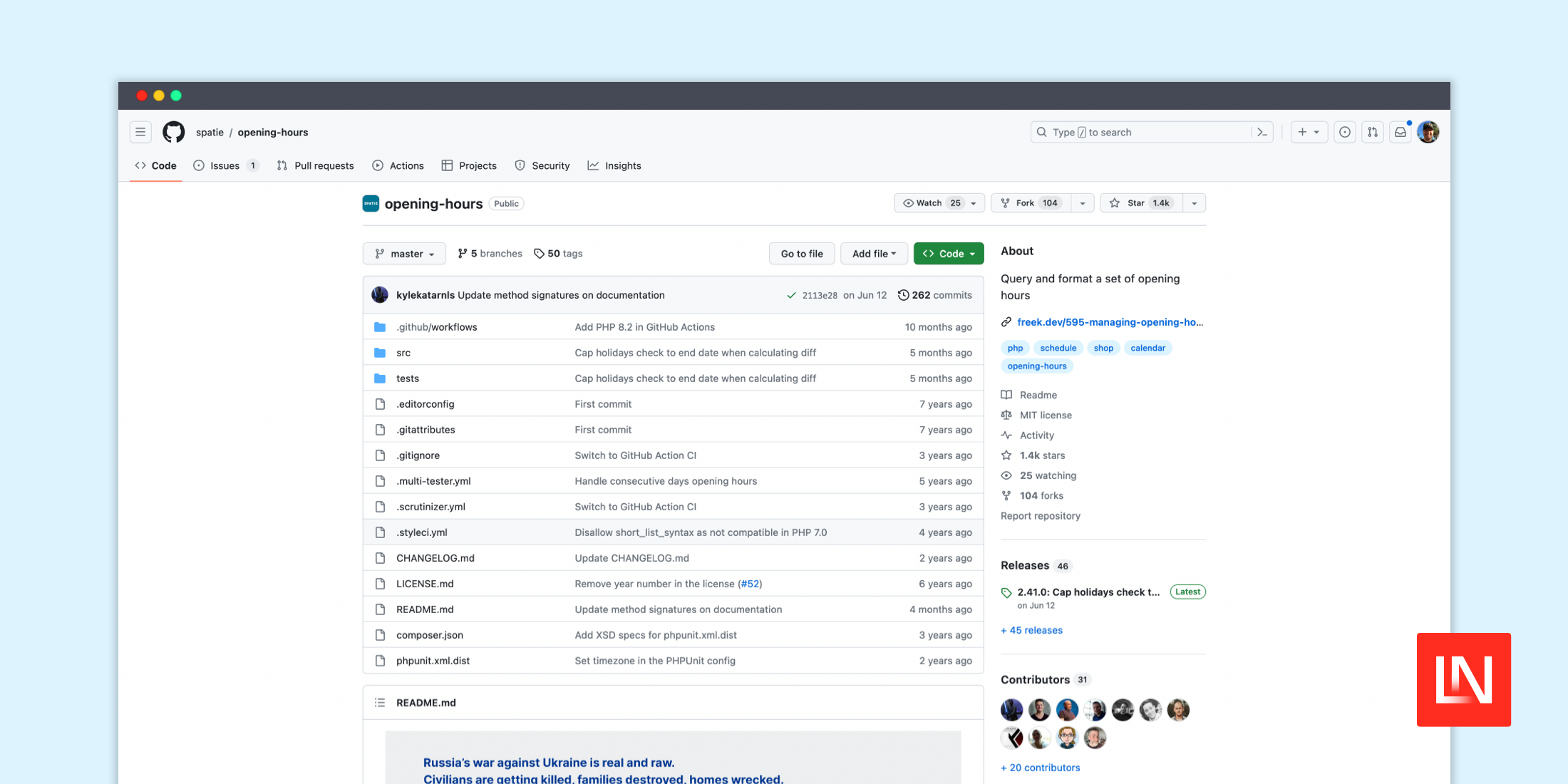
Spatie Opening Hours
A helper to query and format a set of opening hours
Spatie Opening Hours
The spatie/opening-hours package provides a robust toolset for managing business hours, allowing you to define, query, and format opening times efficiently. This package integrates seamlessly with PHP's DateTime functionality and extends its utility by offering detailed management of business schedules, including handling exceptions and querying specific dates or times.
Features
- Define Regular Schedules: Set up standard weekly hours for each day.
- Manage Exceptions: Easily override regular hours for specific dates, including recurring exceptions.
- Integration with Carbon: Utilize with Carbon dates for enhanced date operations.
- Query Open or Closed Status: Check if the business is open or closed at a given time or on a specific day.
- Flexible Time Definitions: Support for overnight hours and data embedding within time definitions.
- Output Formatting: Retrieve opening times formatted for display or further processing.
- Timezone Support: Handle different timezones for input and output operations.
Installation
Install the package via composer:
composer require spatie/opening-hoursUsage
Create an instance by defining the weekly schedule and exceptions:
use Spatie\OpeningHours\OpeningHours; $openingHours = OpeningHours::create([ 'monday' => ['09:00-12:00', '13:00-18:00'], 'exceptions' => [ '2016-12-25' => [], ],]);Basic Queries
Check if open on a specific day or time:
$isOpen = $openingHours->isOpenOn('monday'); // true$isClosed = $openingHours->isClosedAt(new DateTime('2016-12-25 10:00')); // trueAdvanced Features
Handle overflowing time ranges (e.g., for night clubs):
$openingHours = OpeningHours::create([ 'overflow' => true, 'friday' => ['20:00-03:00'],]);Retrieve next open or close times:
$nextOpen = $openingHours->nextOpen(new DateTime('2016-12-25 10:00'));$nextClose = $openingHours->nextClose(new DateTime('2016-12-24 10:00'));Customization and Filters
Add custom data or use filters to determine hours dynamically based on dates:
$openingHours = OpeningHours::create([ 'monday' => ['09:00-12:00', 'data' => 'Typical Monday'], 'filters' => [ function ($date) { /* Custom open/close logic */ }, ],]);Contributing
Contributions to the package are welcome, and the guide is available in the repository's CONTRIBUTING file.
For a complete overview of the API and more detailed documentation, refer to the package's README on GitHub.