Package
Spatie Tabular Assertions
Write tabular assertions with Pest or PHPUnit
Write tabular assertions with Pest or PHPUnit




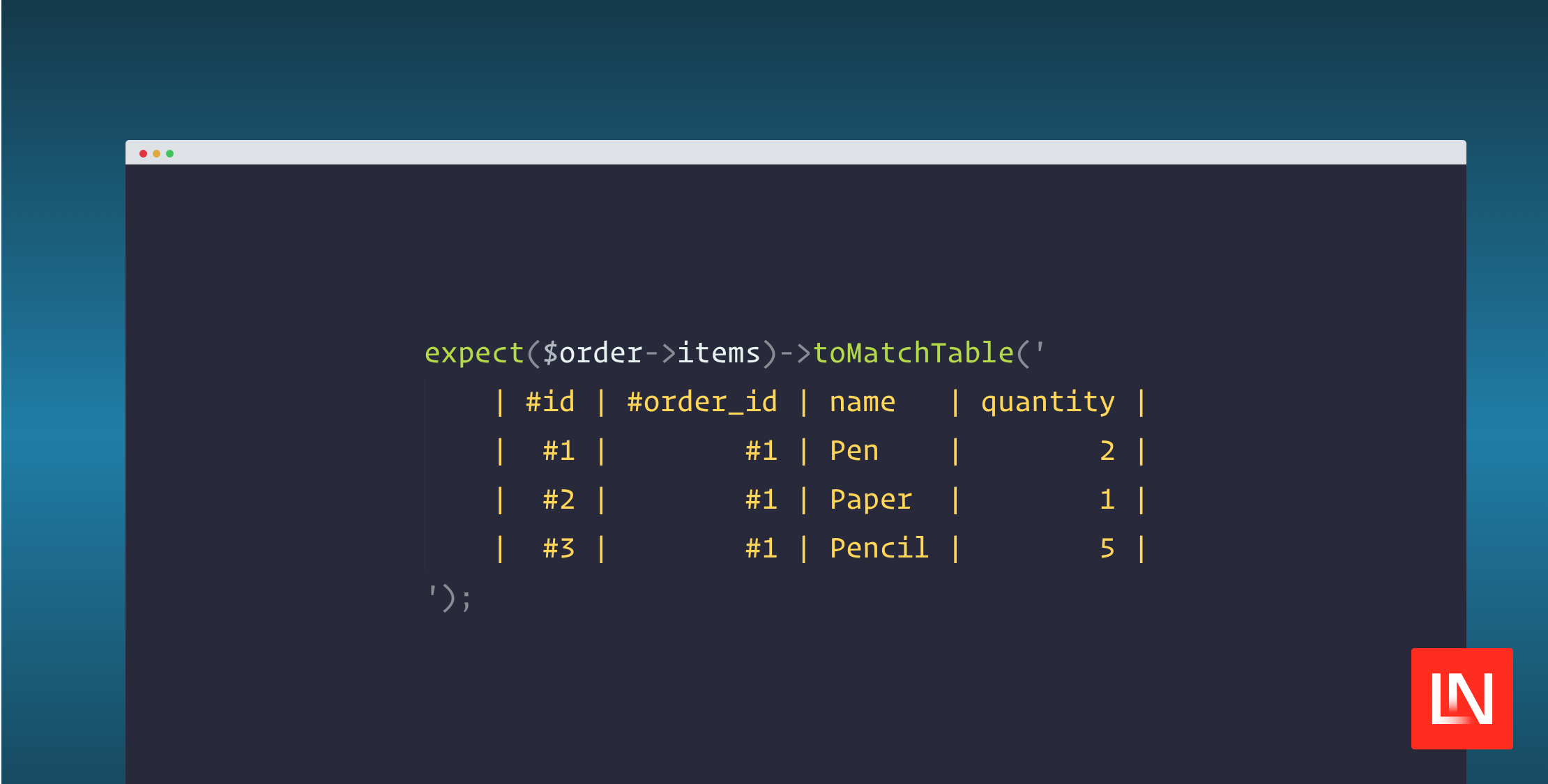
Tabular assertions allow you to describe data in a Markdown table-like format and compare it to the actual data. This is especially useful when comparing large, ordered data sets like financial data or a time series.
With Pest:
test('it compares a table', function () { $order = Order::factory() ->addItem('Pen', 2) ->addItem('Paper', 1) ->addItem('Pencil', 5) ->create(); expect($order->items)->toMatchTable(' | #id | #order_id | name | quantity | | #1 | #1 | Pen | 2 | | #2 | #1 | Paper | 1 | | #3 | #1 | Pencil | 5 | ');});With PHPUnit:
use PHPUnit\Framework\TestCase;use Spatie\TabularAssertions\PHPUnit\TabularAssertions; class PHPUnitTest extends TestCase{ use TabularAssertions; public function test_it_contains_users(): void { $order = Order::factory() ->addItem('Pen', 2) ->addItem('Paper', 1) ->addItem('Pencil', 5) ->create(); $this->assertMatchesTable(' | #id | #order_id | name | quantity | | #1 | #1 | Pen | 2 | | #2 | #1 | Paper | 1 | | #3 | #1 | Pencil | 5 | ', $order->items); }}Support us

We invest a lot of resources into creating best in class open source packages. You can support us by buying one of our paid products.
We highly appreciate you sending us a postcard from your hometown, mentioning which of our package(s) you are using. You'll find our address on our contact page. We publish all received postcards on our virtual postcard wall.
Installation
You can install the package via composer:
composer require spatie/tabular-assertionsWhy tabular assertions?
Tabular assertions have two major benefits over other testing strategies: expectations are optimized for readability & failed assertions can display multiple errors at once.
1. You can hand-write expectations that contain a lot of data and are optimized for readability. Text-based tables are compact, allow you to compare the data in two dimensions.
The alternative would be to write multiple assertions.
expect($items[0]['order_id'])->toBe($order->id);expect($items[0]['name'])->toBeDate('Pen');expect($items[0]['quantity'])->toBe(2); expect($items[1]['order_id'])->toBe($order->id);expect($items[1]['name'])->toBeDate('Paper');expect($items[1]['quantity'])->toBe(1); // …Expectations require you to assert each property individually. This makes it hard to see all dates at a glance, and is less readable in general.
Associative arrays require a lot of repetition with labels.
expect($items[0])->toBe([ 'order_id' => $order->id, 'name' => 'Pen', 'quantity' => 2,]); expect($items[1])->toBe([ 'order_id' => $order->id, 'date' => 'Paper', 'quantity' => 1,]); // …Arrays without keys can't be aligned properly (manually maintained spaces would be striped by code style fixers). This becomes unclear when asserting multiple columns with different lengths.
expect($items)->toBe([ [$order->id, 'Pen', 2], [$order->id, 'Paper', 1], // …]);With tabular assertions, we get a compact, readable overview of the data, and because it's stored in a single string code style fixers won't reformat it.
expect($items)->toMatchTable(' | #id | #order_id | name | quantity | | #1 | #1 | Pen | 2 | | #2 | #1 | Paper | 1 | | #3 | #1 | Pencil | 5 |');2. Errors that can display multiple problems. With separate expectations, tests fail on the first failed assertion which means you don't have the full picture (small issue vs. everything broken)
If you serialize two datasets to a table, you can get a nice output in a visual diff like PhpStorm's output when you use assertEquals.
In this assertions, you can see one value is wrong and one row is missing in one glance. With separate assertions, you only see the first error your test runner comes across.

This style of testing really shines when you have a lot of data to assert. This example has 9 rows and 9 columns, which means we're comparing 81 data points while keeping it all readable.
expect($order->logs)->toLookLike(" | type | reason | #product_id | #tax_id | #shipping_id | #payment_id | price | paid | refunded | | product | created | #1 | | | | 80_00 | 80_00 | 0_00 | | tax | created | #1 | #1 | | | 5_00 | 5_00 | 0_00 | | tax | created | #1 | #2 | | | 10_00 | 10_00 | 0_00 | | shipping | created | #1 | | #1 | | 5_00 | 5_00 | 0_00 | | product | paid | #1 | | | #1 | 0_00 | 0_00 | 2_00 | | tax | paid | #1 | #1 | | #1 | 0_00 | 0_00 | 0_00 | | tax | paid | #1 | #2 | | #1 | 0_00 | 0_00 | 0_00 | | shipping | paid | #1 | | #1 | #1 | 0_00 | 0_00 | 0_00 |");Usage
Basic usage: Pest
With Pest, the plugin will be autoloaded and readily available. Use the custom toMatchTable() expectation to compare data with a table.
Basic usage: PHPUnit
With PHPUnit, add the Spatie\TabularAssertions\PHPUnit\TabularAssertions trait to the tests you want to use tabular assertions with. Use $this->assertMatchesTable() to compare data with a table.
Dynamic values
Sometimes you want to compare data without actually comparing the exact value. For example, you want to assert that each person is in the same team, but don't know the team ID because the data is randomly seeded on every run. A column can be marked as "dynamic" by prefixing its name with a #. Dynamic columns will replace values with placeholders. A placeholder is unique for the value in the column. So a team with ID 123 would always be rendered as #1, another team 456 with #2 etc.
For example, Sebastian & Freek are in team Spatie which has a random ID, and Christoph is in team Laravel with another random ID.
| name | #team_id || Sebastian | #1 || Freek | #1 || Christoph | #2 |Custom assertions
Tabular assertions will cast the actual values to strings. We're often dealing with data more complex than stringables, in those cases it's worth creating a custom assertion method that prepares the data.
Consider the following example with a User model that has an id, name, and date_of_birth which will be cast to a Carbon object.
expect(User::all())->toMatchTable(' | id | name | date_of_birth | | 1 | Sebastian | 1992-02-01 00:00:00 |');Because Carbon objects automatically append seconds when stringified, our table becomes noisy. Instead, we'll create a custom toMatchUsers assertion to prepare our data before asserting.
expect()->extend('toMatchUsers', function (string $expected) { $users = $this->value->map(function (User $user) { return [ 'id' => $user->id, 'name' => $user->name, 'date_of_birth' => $user->date_of_birth->format('Y-m-d'), ]; }); expect($users)->toBe($expected);});expect(User::all())->toMatchTable(' | id | name | date_of_birth | | 1 | Sebastian | 1992-02-01 |');In PHPUnit, this would be a custom assertion method.
class UserTest extends TestCase{ use TabularAssertions; private function assertMatchesUsers(string $expected, Collection $users): void { $users = $users->map(function (User $user) { return [ 'id' => $user->id, 'name' => $user->name, 'date_of_birth' => $user->date_of_birth->format('Y-m-d'), ]; }); $this->assertMatchesTable($expected, $users); }}This can also useful for any data transformations or truncations you want to do before asserting. Another example: first_name and last_name might be separate columns in the database, but in assertions they can be combined to reduce unnecessary whitespace in the table.
expect(User::all())->toMatchTable(' | id | name | date_of_birth | | 1 | Sebastian De Deyne | 1992-02-01 |');expect()->extend('toMatchUsers', function (string $expected) { $users = $this->value->map(function (User $user) { return [ 'id' => $user->id, 'name' => $user->first_name . ' ' . $user->last_name, 'date_of_birth' => $user->date_of_birth->format('Y-m-d'), ]; }); expect($users)->toBe($expected);});Inspiration & alternatives
The idea for this was inspired by Jest, which allows you to use a table as a data provider.
Snapshot testing is also closely related to this. But snapshots aren't always optimized for readability, are stored in a separate file (not alongside the test), and are hard to write by hand (no TDD).
Testing
Tests are written with Pest. You can either use Pest's CLI or run composer test to run the suite.
composer testIn addition to tests, PhpStan statically analyses the code. Use composer analyse to run PhpStan.
composer analyseChangelog
Please see CHANGELOG for more information on what has changed recently.
Contributing
Please see CONTRIBUTING for details.
Security Vulnerabilities
Please review our security policy on how to report security vulnerabilities.
Credits
License
The MIT License (MIT). Please see License File for more information.