Eventy
Eventy stats
- Downloads
- 356.3K
- Stars
- 394
- Open Issues
- 2
- Forks
- 48
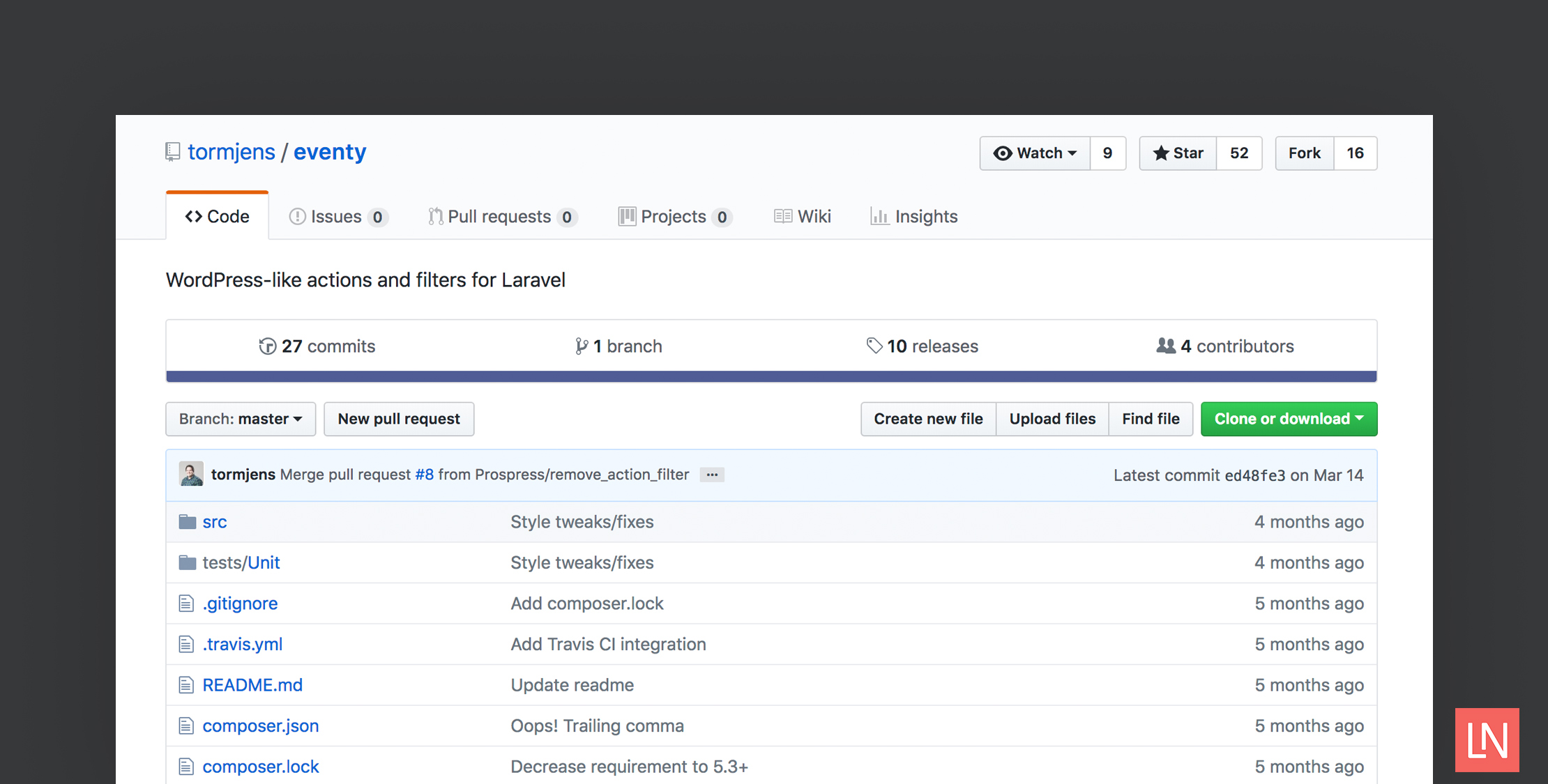
The WordPress filter/action system in Laravel


Actions and filters in Laravel. WordPress-style.
Eventy (for lack of a better name) is a simple action and filter (or hooks if you like) system.
About
Actions are pieces of code you want to execute at certain points in your code. Actions never return anything but merely serve as the option to hook in to your existing code without having to mess things up.
Filters are made to modify entities. They always return some kind of value. By default they return their first parameter and you should too.
When would I use Eventy?
Eventy is best used as a way to allow extensibility to your code. Whether you're creating a package or an application, Eventy can bring the extensibility you need.
For example, Eventy can lay down the foundation for a plugin/module based system. You offer an "action" that allows plugins to register themselves. You might offer a "filter" so plugins can change the contents of an array in the core. You could even offer an "action" so plugins can modify the menu of your application.
Eventy is in no way unique in its approach. Laravel provides the Macroable trait that allows you to "hack" in to a class and events so you can act on specific points in your code right out of the box.
Installation
- Install using Composer
composer require tormjens/eventyIf you're using Laravel 5.5 or later you can start using the package at this point. Eventy is auto-discovered by the Laravel framework.
- Add the service provider to the providers array in your
config/app.php.
'TorMorten\Eventy\EventServiceProvider','TorMorten\Eventy\EventBladeServiceProvider',- Add the facade in
config/app.php
'Eventy' => TorMorten\Eventy\Facades\Events::class,Usage
Actions
Anywhere in your code you can create a new action like so:
use TorMorten\Eventy\Facades\Events as Eventy; Eventy::action('my.hook', $user);The first parameter is the name of the hook; you will use this at a later point when you'll be listening to your hook. All subsequent parameters are sent to the action as parameters. These can be anything you'd like. For example you might want to tell the listeners that this is attached to a certain model. Then you would pass this as one of the arguments.
To listen to your hooks, you attach listeners. These are best added to your AppServiceProvider boot() method.
For example if you wanted to hook in to the above hook, you could do:
Eventy::addAction('my.hook', function($user) { if ($user->is_awesome) { $this->doSomethingAwesome($user); }}, 20, 1);Again the first argument must be the name of the hook. The second would be a callback. This could be a Closure, a string referring to a class in the application container (MyNamespace\Http\Listener@myHookListener), an array callback ([$object, 'method']) or a globally registered function function_name. The third argument is the priority of the hook. The lower the number, the earlier the execution. The fourth parameter specifies the number of arguments your listener accepts.
Filters
Filters work in much the same way as actions and have the exact same build-up as actions. The most significant difference is that filters always return their value.
To add a filter:
$value = Eventy::filter('my.hook', 'awesome');If no listeners are attached to this hook, the filter would simply return 'awesome'.
This is how you add a listener to this filter (still in the AppServiceProvider):
Eventy::addFilter('my.hook', function($what) { $what = 'not '. $what; return $what;}, 20, 1);The filter would now return 'not awesome'. Neat!
You could use this in conjunction with the previous hook:
Eventy::addAction('my.hook', function($what) { $what = Eventy::filter('my.hook', 'awesome'); echo 'You are '. $what;});Using in Blade
Given you have added the EventBladeServiceProvider to your config, there are two directives available so you can use this in your Blade templates.
Adding the same action as the one in the action example above:
@action('my.hook', $user)Adding the same filter as the one in the filter example above:
You are @filter('my.hook', 'awesome')Using it to enable extensibility
Here's an example of how Eventy could be used in a real application where you have the concept of plugins.
Plugin A has a class where it builds a query to fetch all published posts
class PostsQueryBuilder{ public function query() { return Post::where('published_at', '>', now()); }}Using Eventy I can offer a filter for other plugins to hook in to this:
use TorMorten\Eventy\Facades\Events as Eventy;class PostsQueryBuilder{ public function query() { $query = resolve(Post::where('published_at', '>', now()); return Eventy::filter('posts-query-builder:query', $query); }}Then, Plugin B comes along a needs to modify said query in other to only include posts with the word foo in the title.
In Plugin B's service provider (preferably in the boot method, since it will always be fired after Eventy has been made available) we'll add a listener for the event.
use TorMorten\Eventy\Facades\Events as Eventy; class PluginBServiceProvider extends ServiceProvider{ public function boot() { Eventy::addFilter('posts-query-builder:query', function($query) { return $query->where('title', 'like', '%foo%'); }); }}Here's an example of an action being added to the a blade template for extensibility by plugins that can be conditionally loaded. Abstracting controller dependancies within your template views.
@foreach ($posts as $post) ... <p>{{ $post->body }}</p> ... @action('blade-posts-loop-post-footer', $post)@endforeachThis would allow for your plugins/controllers to hook into each blog post footer.
In this example a share link is added.
use TorMorten\Eventy\Facades\Events as Eventy;class SharePostsController{ public function boot() { Eventy::addAction('blade-posts-loop-post-footer', function($post) { echo '<a href="twitter.com?share='.$post->url.'">Twitter</a>'; printf('<a href="https://xyz.com?share='.$post->url.'">XYZbook</a>'); }); }}In this example a comment count is added.
use TorMorten\Eventy\Facades\Events as Eventy;class CommentsPostsController{ public function boot() { Eventy::addAction('blade-posts-loop-post-footer', function($post) { echo 'Comments: ' . count($post->comments); }); }}Credits
- Created by Tor Morten Jensen
- Logo by Caneco