Laravel Query Expressions
Laravel Query Expressions stats
- Downloads
- 5.2K
- Stars
- 263
- Open Issues
- 0
- Forks
- 13
Database-independent Query Expressions as a replacement to DB::raw calls
Laravel Query Expressions to replace DB::raw() calls






Laravel's database implementation provides a good way of working with multiple databases while abstracting away their inner workings. You don't have to consider minor syntax differences when using a query builder or how each database handles specific operations slightly differently.
However, when we want to use more database functionality than Laravel provides, we must fall back to raw SQL expressions and write database-specific code. The Query Expressions package builds on new features introduced in Laravel 10 to solve that problem. All provided implementations abstract some SQL functionality that is automatically transformed to the correct syntax with the same behaviour for your used database engine. And if your version is still supported by Laravel but is missing a feature, it is emulated by the implementations. So you can even do things that were not possible before.
You can make your queries database independent:
// Instead of:User::query() ->when(isPostgreSQL(), fn ($query) => $query->selectRaw('coalesce("user", "admin") AS "value"')) ->when(isMySQL(), fn ($query) => $query->selectRaw('coalesce(`user`, `admin`) AS `value`')) // You can use:User::select(new Alias(new Coalesce(['user', 'admin']), 'count'));And you can also create new powerful queries:
// Aggregate multiple statistics with one query for dashboards:Movie::select([ new CountFilter(new Equal('released', new Value(2021))), new CountFilter(new Equal('released', new Value(2022))), new CountFilter(new Equal('genre', new Value('Drama'))), new CountFilter(new Equal('genre', new Value('Comedy'))),])->where('streamingservice', 'netflix');Installation
You can install the package via composer:
composer require tpetry/laravel-query-expressionsUsage
This package implements a lot of expressions you can use for selecting data, do better filtering or ordering of rows.
Every expression can be used exactly as stated by the documentation, but you can also combine them as shared in the example before.
Whenever an expression class needs a string|Expression parameter, you can pass a column name or another (deeply nested) expression object.
Note A string passed for a
string|Expressionparameter is always used as a column name that will be automatically quoted.
Warning The generated SQL statements of the examples are only for explanatory purposes. The real ones will be automatically tailored to your database using proper quoting and its specific syntax.
Language
Values
As stated before, an expression is always a column name.
But if you want to e.g. do an equality check, you may want to compare something to a specific value.
That's where you should use the Value class.
Its values will always be automatically escaped within the query.
use Tpetry\QueryExpressions\Value\Value; new Value(42);new Value("Robert'); DROP TABLE students;--");Note The
Valueclass in isolation is not that usefull. But it will be used more in the next examples.
Alias
use Illuminate\Contracts\Database\Query\Expression;use Tpetry\QueryExpressions\Language\Alias;use Tpetry\QueryExpressions\Value\Value; new Alias(string|Expression $expression, string $name) User::select([ new Alias('last_modified_at', 'modification_date'), new Alias(new Value(21), 'min_age_threshold'),])->get();Note The
Aliasclass in isolation is not that usefull because Eloquent can already do this. But it will be used more in the next examples.
Operators
Arithmetic Operators
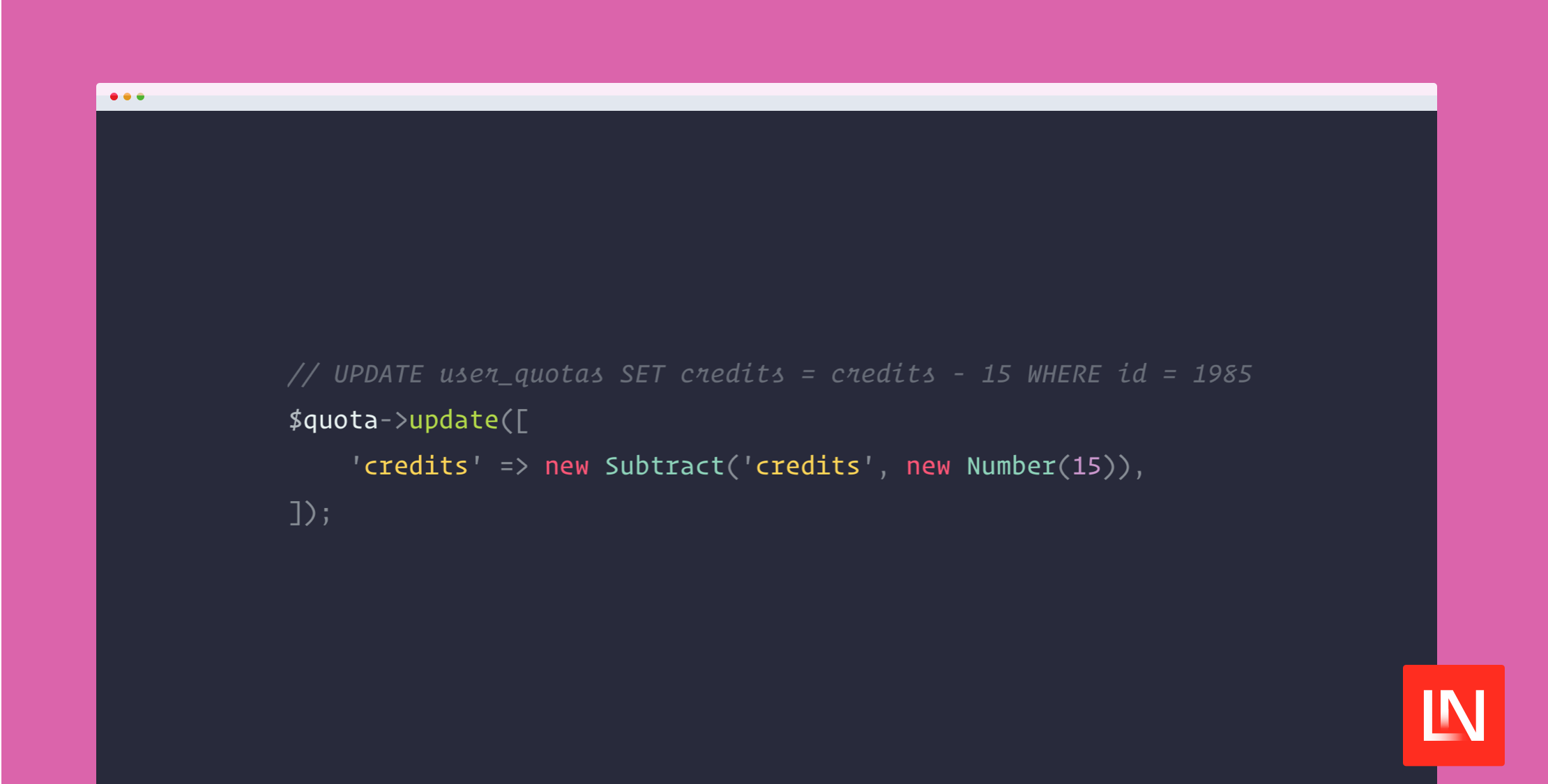
use Illuminate\Contracts\Database\Query\Expression;use Tpetry\QueryExpressions\Operator\Arithmetic\{ Add, Divide, Modulo, Multiply, Power, Subtract,};use Tpetry\QueryExpressions\Operator\Value\Value; new Add(string|Expression $value1, string|Expression $value2);new Divide(string|Expression $value1, string|Expression $value2);new Modulo(string|Expression $value1, string|Expression $value2);new Multiply(string|Expression $value1, string|Expression $value2);new Power(string|Expression $value1, string|Expression $value2);new Subtract(string|Expression $value1, string|Expression $value2); // UPDATE user_quotas SET credits = credits - 15 WHERE id = 1985$quota->update([ 'credits' => new Subtract('credits', new Value(15)),]); // SELECT id, name, (price - discount) * 0.2 AS vat FROM productsProduct::select([ 'id', 'name', new Alias(new Multiply(new Subtract('price', 'discount'), new Value(0.2)), 'vat')])->get();Bitwise Operators
use Illuminate\Contracts\Database\Query\Expression;use Tpetry\QueryExpressions\Operator\Bitwise\{ BitAnd, BitNot, BitOr, BitXor, ShiftLeft, ShiftRight,};use Tpetry\QueryExpressions\Operator\Value\Value; new BitAnd(string|Expression $value1, string|Expression $value2);new BitNot(string|Expression $value);new BitOr(string|Expression $value1, string|Expression $value2);new BitXor(string|Expression $value1, string|Expression $value2);new ShiftLeft(string|Expression $value, string|Expression $times);new ShiftRight(string|Expression $value, string|Expression $times); // SELECT * FROM users WHERE (acl & 0x8000) = 0x8000User::where(new BitAnd('acl', new Value(0x8000)), 0x8000) ->get();Comparison & Logical Operators
use Illuminate\Contracts\Database\Query\Expression;use Tpetry\QueryExpressions\Operator\Comparison\{ Between, DistinctFrom, Equal, GreaterThan, GreaterThanOrEqual, LessThan, LessThanOrEqual, NotDistinctFrom, NotEqual};use Tpetry\QueryExpressions\Function\Comparison\{ StrListContains};use Tpetry\QueryExpressions\Operator\Logical\{ CondAnd, CondNot, CondOr, CondXor}; new Between(string|Expression $value, string|Expression $min, string|Expression $max);new DistinctFrom(string|Expression $value1, string|Expression $value2);new Equal(string|Expression $value1, string|Expression $value2);new GreaterThan(string|Expression $value1, string|Expression $value2);new GreaterThanOrEqual(string|Expression $value1, string|Expression $value2);new LessThan(string|Expression $value1, string|Expression $value2);new LessThanOrEqual(string|Expression $value1, string|Expression $value2);new NotDistinctFrom(string|Expression $value1, string|Expression $value2);new NotEqual(string|Expression $value1, string|Expression $value2); new StrListContains(string|Expression $strList, string|Expression $str); new CondAnd(string|Expression $value1, string|Expression $value2);new CondNot(string|Expression $value);new CondOr(string|Expression $value1, string|Expression $value2);new CondXor(string|Expression $value1, string|Expression $value2); // Examples in Aggregates::countFilter()You can use these expressions directly with Laravel's where() method:
BlogVistis::where(new Equal('url', new Value('/exam\'ple1')))->get()Functions
Aggregates
use Illuminate\Contracts\Database\Query\Expression;use Tpetry\QueryExpressions\Function\Aggregate\{ Avg, Count, CountFilter, Max, Min, Sum, SumFilter,};use Tpetry\QueryExpressions\Operator\Value\Value; new Avg(string|Expression $value);new Count(string|Expression $value, bool $distinct = false);new CountFilter(string|Expression $filter);new Max(string|Expression $value);new Min(string|Expression $value);new Sum(string|Expression $value);new SumFilter(string|Expression $value, string|Expression $filter); // SELECT COUNT(*) AS visits, AVG(duration) AS duration FROM blog_visits WHERE ...BlogVisit::select([ new Alias(new Count('*'), 'visits'), new Alias(new Avg('duration'), 'duration'),])->whereDay('created_at', now())->get(); // SELECT// COUNT(*) FILTER (WHERE (released = 2021)) AS released_2021,// COUNT(*) FILTER (WHERE (released = 2022)) AS released_20212,// COUNT(*) FILTER (WHERE (genre = 'Drama')) AS genre_drama,// COUNT(*) FILTER (WHERE (genre = 'Comedy')) AS genre_comedy// FROM movies// WHERE streamingservice = 'netflix'Movie::select([ new Alias(new CountFilter(new Equal('released', new Value(2021))), 'released_2021'), new Alias(new CountFilter(new Equal('released', new Value(2022))), 'released_2022'), new Alias(new CountFilter(new Equal('genre', new Value('Drama'))), 'genre_drama'), new Alias(new CountFilter(new Equal('genre', new Value('Comedy'))), 'genre_comedy'),]) ->where('streamingservice', 'netflix') ->get();Conditional
use Tpetry\QueryExpressions\Function\Conditional\{ Coalesce, Greatest, Least};use Tpetry\QueryExpressions\Language\Alias; new Coalesce(array $expressions);new Greatest(array $expressions);new Least(array $expressions); // SELECT GREATEST(published_at, updated_at, created_at) AS last_modification FROM blog_articlesBlogArticle::select([ new Alias(new Greatest('published_at', 'updated_at', 'created_at'), 'last_modification')])->get();String
use Tpetry\QueryExpressions\Function\String\{ Concat, Lower, Upper, Uuid4}; new Concat(array $expressions);new Lower(string|Expression $expression);new Upper(string|Expression $expression);new Uuid4(); Schema::table('users', function (Blueprint $table): void { $table->uuid()->default(new Uuid4())->unique();});Warning The
Uuid4expression is not available for all database versions. With PostgreSQL you need at least v13 and with MariaDB at least v10.10.
Time
use Tpetry\QueryExpressions\Function\Time\Now;use Tpetry\QueryExpressions\Function\Time\TimestampBin; new Now();new TimestampBin(string|Expression $expression, DateInterval $step, ?DateTimeInterface $origin = null); BlogVisit::select([ 'url', new TimestampBin('created_at', DateInterval::createFromDateString('5 minutes')), new Count('*'),])->groupBy( 'url', new TimestampBin('created_at', DateInterval::createFromDateString('5 minutes')))->get();// | url | timestamp | count |// |-----------|---------------------|-------|// | /example1 | 2023-05-16 09:50:00 | 2 |// | /example1 | 2023-05-16 09:55:00 | 1 |// | /example1 | 2023-05-16 09:50:00 | 1 | Schema::table('users', function (Blueprint $table): void { $table->uuid()->default(new Uuid4())->unique();});Changelog
Please see CHANGELOG for more information on what has changed recently.
Credits
License
The MIT License (MIT). Please see License File for more information.