Package
Usmanhalalit Laracsv
A Laravel package to easily generate CSV files from Eloquent model.
LaraCSV
A Laravel package to easily generate CSV files from Eloquent model.

Basic usage
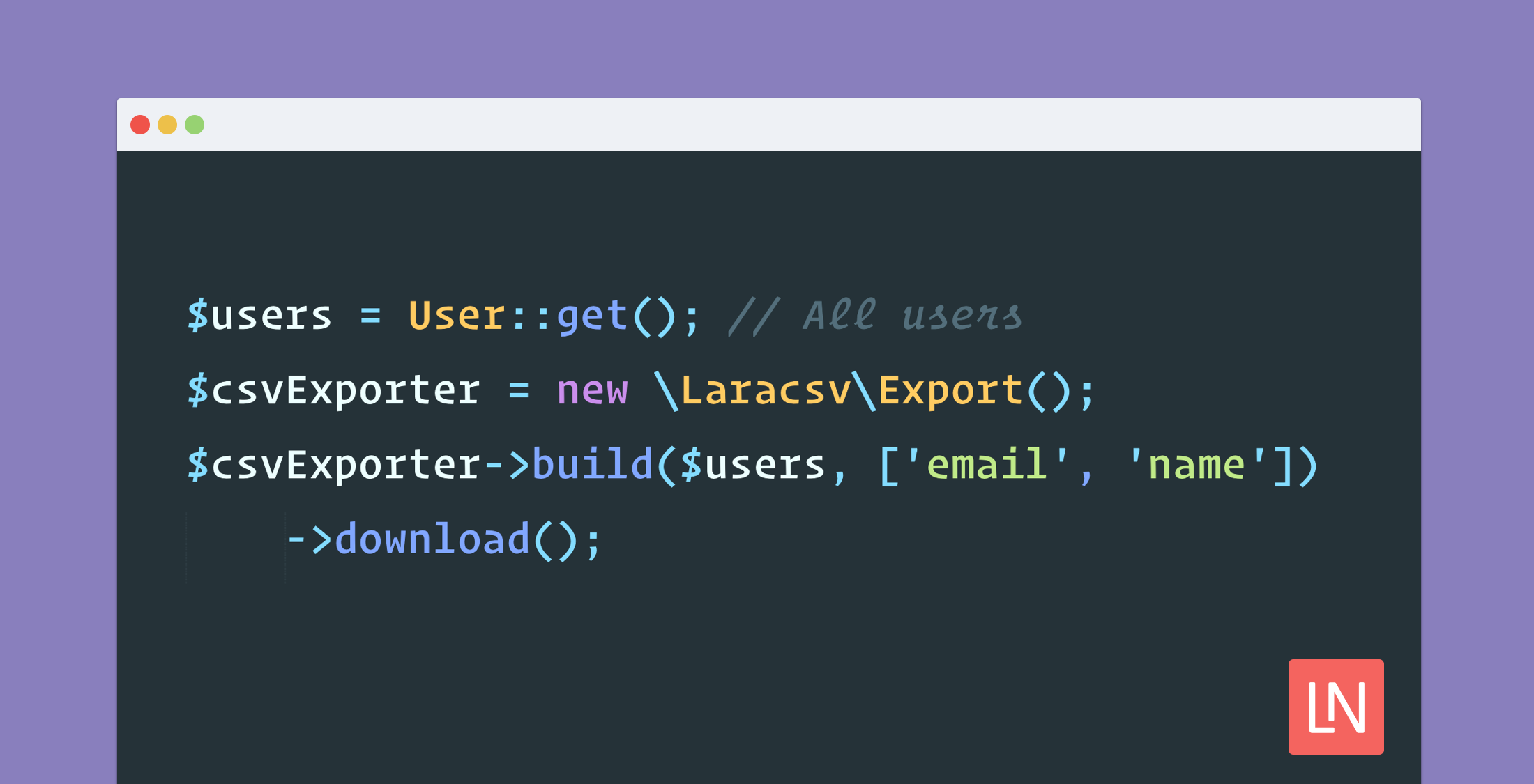
$users = User::get(); // All users$csvExporter = new \Laracsv\Export();$csvExporter->build($users, ['email', 'name'])->download();And a proper CSV file will be downloaded with email and name fields. As simple as it sounds!
Installation
Just run this on your terminal:
composer require usmanhalalit/laracsv:^2.1and you should be good to go.
Full Documentation
Build CSV
$exporter->build($modelCollection, $fields) takes three parameters.
First one is the model (collection of models), seconds one takes the field names
you want to export, third one is config, which is optional.
$csvExporter->build(User::get(), ['email', 'name', 'created_at']);Output Options
Download
To get file downloaded to the browser:
$csvExporter->download();You can provide a filename if you wish:
$csvExporter->download('active_users.csv');If no filename is given a filename with date-time will be generated.
Advanced Outputs
LaraCSV uses League CSV. You can do what League CSV is able to do. You can get the underlying League CSV writer and reader instance by calling:
$csvWriter = $csvExporter->getWriter();$csvReader = $csvExporter->getReader();And then you can do several things like:
$csvString = $csvWriter->getContent(); // To get the CSV as string$csvReader->jsonSerialize(); // To turn the CSV in to an arrayFor more information please check League CSV documentation.
Custom Headers
Above code example will generate a CSV with headers email, name, created_at and corresponding rows after.
If you want to change the header with a custom label just pass it as array value:
$csvExporter->build(User::get(), ['email', 'name' => 'Full Name', 'created_at' => 'Joined']);Now name column will show the header Full Name but it will still take
values from name field of the model.
No Header
You can also suppress the CSV header:
$csvExporter->build(User::get(), ['email', 'name', 'created_at'], [ 'header' => false,]);Modify or Add Values
There is a hook which is triggered before processing a database row. For example, if you want to change the date format you can do so.
$csvExporter = new \Laracsv\Export();$users = User::get(); // Register the hook before building$csvExporter->beforeEach(function ($user) { $user->created_at = date('f', strtotime($user->created_at));}); $csvExporter->build($users, ['email', 'name' => 'Full Name', 'created_at' => 'Joined']);Note: If a beforeEach callback returns false then the entire row will be
excluded from the CSV. It can come handy to filter some rows.
Add fields and values
You may also add fields that don't exists in a database table add values on the fly:
// The notes field doesn't exist so values for this field will be blank by default$csvExporter->beforeEach(function ($user) { // Now notes field will have this value $user->notes = 'Add your notes';}); $csvExporter->build($users, ['email', 'notes']);Model Relationships
You can also add fields in the CSV from related database tables, given the model has relationships defined.
This will get the product title and the related category's title (one to one):
$csvExporter->build($products, ['title', 'category.title']);You may also tinker relation things as you wish with hooks:
$products = Product::with('categories')->where('order_count', '>', 10)->orderBy('order_count', 'desc')->get();$fields = ['id', 'title','original_price' => 'Market Price', 'category_ids',];$csvExporter = new \Laracsv\Export();$csvExporter->beforeEach(function ($product) { $product->category_ids = implode(', ', $product->categories->pluck('id')->toArray());});Build by chunks
For larger datasets, which can become more memory consuming, a builder instance can be used to process the results in chunks. Similar to the row-related hook, a chunk-related hook can be used in this case for e.g. eager loading or similar chunk based operations. The behaviour between both hooks is similar; it gets called before each chunk and has the entire collection as an argument. In case false is returned the entire chunk gets skipped and the code continues with the next one.
// Perform chunk related operations$export->beforeEachChunk(function ($collection) { $collection->load('categories');}); $export->buildFromBuilder(Product::select(), ['category_label']);The default chunk size is set to 1000 results but can be altered by passing a different value in the $config passed to buildFromBuilder. Example alters the chunk size to 500.
// ... $export->buildFromBuilder(Product::select(), ['category_label'], ['chunk' => 500]);© Muhammad Usman. Licensed under MIT license.