Package
Xchimx Laravel Unsplash
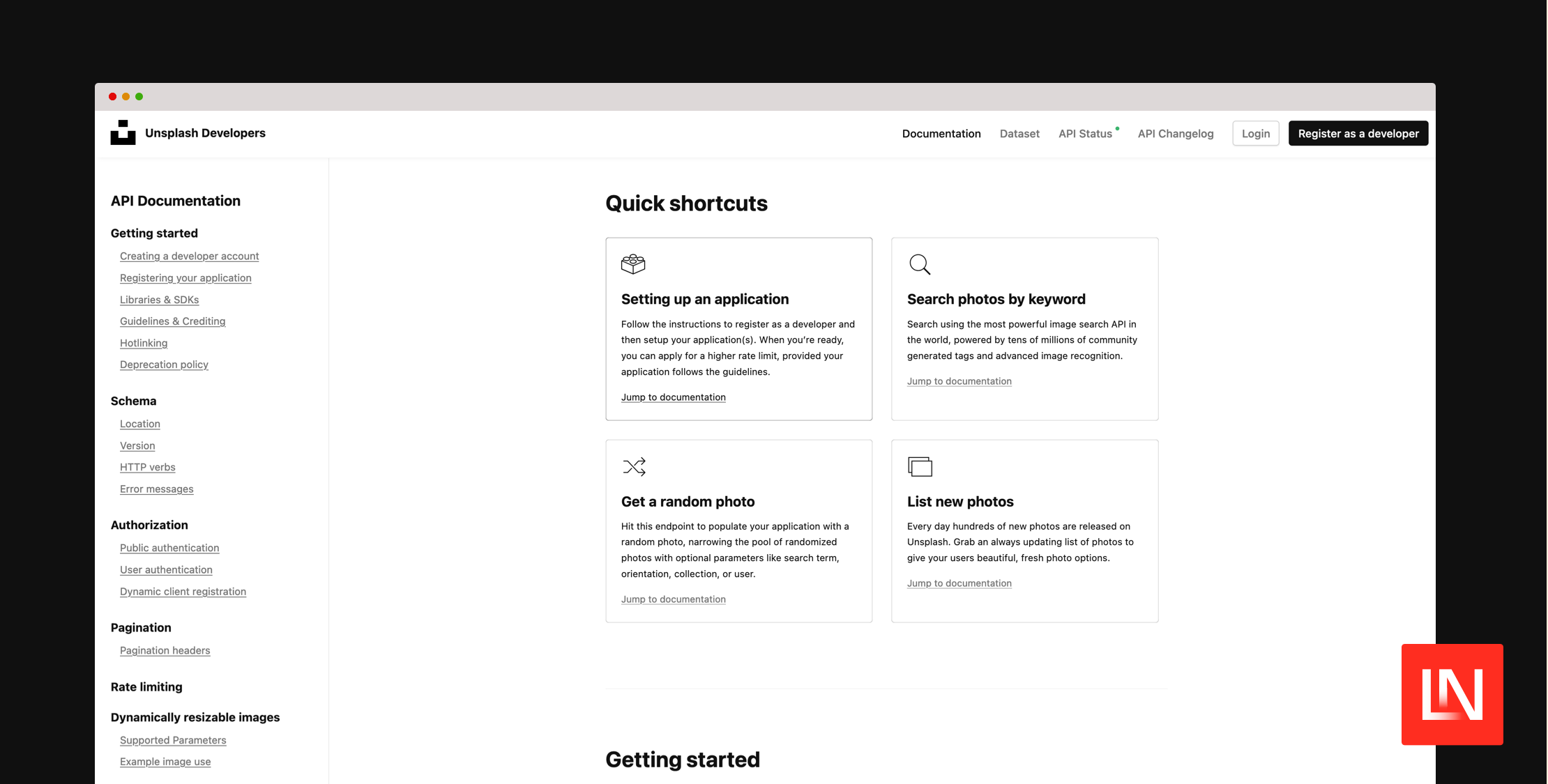
Laravel package for easy integration with the Unsplash API. It allows you to use the Unsplash API in your Laravel applications to fetch photos, collections, and user data.
About Laravel-Unsplash
A Laravel package for easy integration with the Unsplash API. It allows you to use the Unsplash API in your Laravel applications to fetch photos, collections, and user data.
---
- About Laravel-Unsplash
Installation
You can install the package via composer:
composer require xchimx/laravel-unsplashPublish the config file using the artisan CLI tool:
php artisan vendor:publish --provider="Xchimx\UnsplashApi\UnsplashServiceProvider" --tag="config"finally set the API Key in your ENV file:
UNSPLASH_ACCESS_KEY=your_unsplash_access_keyOptional Rate Limiting settings in ENV file:
UNSPLASH_RATE_LIMITING_ENABLED=trueUNSPLASH_RATE_LIMITING_THRESHOLD=10Usage
Basic Usage
You can use the UnsplashService in your controllers by injecting it via Dependency Injection:
use Xchimx\UnsplashApi\UnsplashService; class UnsplashController extends Controller{ protected $unsplashService; public function __construct(UnsplashService $unsplashService) { $this->unsplashService = $unsplashService; } public function search() { $photos = $this->unsplashService->searchPhotos('Nature'); return view('unsplash.search', compact('photos')); }}Using the Facade
Alternatively, you can use the provided Unsplash facade:
use Xchimx\UnsplashApi\Facades\Unsplash; class UnsplashController extends Controller{ public function search() { $photos = Unsplash::searchPhotos('Nature'); return view('unsplash.search', compact('photos')); }}UnsplashService Methods
The UnsplashService provides the following methods:
- searchPhotos($query, $perPage = 10, $page = 1)
- searchPhotosAdvanced(array $params)
- getPhoto($id)
- getRandomPhoto(array $params = [])
- getPhotoDownloadLink($id)
- listCollections($perPage = 10, $page = 1)
- getCollection($id)
- getUser($username)
- getUserPhotos($username, $perPage = 10, $page = 1)
- searchCollections($query, $perPage = 10, $page = 1)
- withOptions(array $options)
Controller Examples
Here are comprehensive controller examples showing how to use the various methods of the UnsplashService in your Laravel controllers.
1. searchPhotos
namespace App\Http\Controllers; use Illuminate\Http\Request;use Xchimx\UnsplashApi\Facades\Unsplash; class UnsplashController extends Controller{ public function search(Request $request) { $query = $request->input('query', 'Nature'); $photos = Unsplash::searchPhotos($query); return view('unsplash.search', compact('photos', 'query')); }}Blade View:
@extends('layouts.app') @section('content')<h1>Photo by {{ $photo['user']['name'] }}</h1><img src="{{ $photo['urls']['regular'] }}" alt="{{ $photo['alt_description'] }}"><p>{{ $photo['description'] ?? 'No description available.' }}</p>@endsection2. searchPhotosAdvanced
namespace App\Http\Controllers; use Illuminate\Http\Request;use Xchimx\UnsplashApi\Facades\Unsplash; class UnsplashController extends Controller{ public function advancedSearch(Request $request) { $params = [ 'query' => $request->input('query', 'Nature'), 'color' => $request->input('color'), 'orientation' => $request->input('orientation'), 'per_page' => $request->input('per_page', 15), 'page' => $request->input('page', 1), ]; $params = array_filter($params); $response = Unsplash::searchPhotosAdvanced($params); $photos = $response['results']; return view('unsplash.advanced_search', compact('photos', 'params')); }}3. getPhoto
namespace App\Http\Controllers; use Xchimx\UnsplashApi\Facades\Unsplash; class UnsplashController extends Controller{ public function show($id) { $photo = Unsplash::getPhoto($id); return view('unsplash.show', compact('photo')); }}Blade View:
@extends('layouts.app') @section('content')<h1>Photo by {{ $photo['user']['name'] }}</h1><img src="{{ $photo['urls']['regular'] }}" alt="{{ $photo['alt_description'] }}"><p>{{ $photo['description'] ?? 'No description available.' }}</p>@endsection4. getRandomPhoto
namespace App\Http\Controllers; use Xchimx\UnsplashApi\Facades\Unsplash; class RandomPhotoController extends Controller{ public function show() { $photo = Unsplash::getRandomPhoto(); return view('photos.random', compact('photo')); }}Blade View:
@extends('layouts.app') @section('content')<h1>Random Photo</h1><img src="{{ $photo['urls']['regular'] }}" alt="{{ $photo['alt_description'] }}"><p>Photo by {{ $photo['user']['name'] }}</p>@endsection5. getPhotoDownloadLink
namespace App\Http\Controllers; use Xchimx\UnsplashApi\Facades\Unsplash; class UnsplashController extends Controller{ public function download($id) { $downloadUrl = Unsplash::getPhotoDownloadLink($id); return redirect($downloadUrl); }}6. listCollections
namespace App\Http\Controllers; use Illuminate\Http\Request;use Xchimx\UnsplashApi\Facades\Unsplash; class CollectionController extends Controller{ public function index(Request $request) { $page = $request->input('page', 1); $collections = Unsplash::listCollections(15, $page); return view('collections.index', compact('collections')); }}Blade View:
@extends('layouts.app') @section('content')<h1>Collections</h1>@foreach ($collections as $collection)<div> <h2>{{ $collection['title'] }}</h2> <p>{{ $collection['description'] ?? 'No description' }}</p> <a href="{{ route('collections.show', $collection['id']) }}">View Details</a></div>@endforeach@endsection7. getCollection
namespace App\Http\Controllers; use Xchimx\UnsplashApi\Facades\Unsplash; class CollectionController extends Controller{ public function show($id) { $collection = Unsplash::getCollection($id); return view('collections.show', compact('collection')); }}Blade View:
@extends('layouts.app') @section('content')<h1>{{ $collection['title'] }}</h1><p>{{ $collection['description'] ?? 'No description available.' }}</p><!-- Display additional details -->@endsection8. getUser
namespace App\Http\Controllers; use Illuminate\Http\Request;use Xchimx\UnsplashApi\Facades\Unsplash; class UserController extends Controller{ public function user($username, Request $request) { $user = Unsplash::getUser($name); return view('user', compact('user')); }}9. getUserPhotos
namespace App\Http\Controllers; use Illuminate\Http\Request;use Xchimx\UnsplashApi\Facades\Unsplash; class UserController extends Controller{ public function photos($username, Request $request) { $page = $request->input('page', 1); $photos = Unsplash::getUserPhotos($username, 15, $page); return view('users.photos', compact('photos', 'username')); }}Blade View:
@extends('layouts.app') @section('content')<h1>Photos by {{ $username }}</h1>@foreach ($photos as $photo)<div> <img src="{{ $photo['urls']['small'] }}" alt="{{ $photo['alt_description'] }}"> <p>{{ $photo['description'] ?? 'No description' }}</p></div>@endforeach@endsection10. searchCollections
namespace App\Http\Controllers; use Illuminate\Http\Request;use Xchimx\UnsplashApi\Facades\Unsplash; class CollectionController extends Controller{ public function search(Request $request) { $query = $request->input('query', 'Nature'); $page = $request->input('page', 1); $collections = Unsplash::searchCollections($query, 15, $page); return view('collections.search', compact('collections', 'query')); }}Blade View:
@extends('layouts.app') @section('content')<h1>Search Results for Collections: "{{ $query }}"</h1>@foreach ($collections['results'] as $collection)<div> <h2>{{ $collection['title'] }}</h2> <p>{{ $collection['description'] ?? 'No description' }}</p> <a href="{{ route('collections.photos', $collection['id']) }}">View Photos</a> @endforeach@endsection</div>11. withOptions
namespace App\Http\Controllers; use Illuminate\Http\Request;use Xchimx\UnsplashApi\Facades\Unsplash; class CollectionController extends Controller{ public function searchWithTimeout(Request $request) { // Use withOptions to set custom Guzzle options, e.g., timeout $photos = Unsplash::withOptions(['timeout' => 2])->searchPhotos('Nature'); return view('unsplash.search', compact('photos')); }}Blade View:
@extends('layouts.app') @section('content')<h1>Search Results for Collections: "{{ $query }}"</h1>@foreach ($collections['results'] as $collection)<div> <h2>{{ $collection['title'] }}</h2> <p>{{ $collection['description'] ?? 'No description' }}</p> <a href="{{ route('collections.photos', $collection['id']) }}">View Photos</a> @endforeach@endsection</div>Rate Limiting Middleware
This package includes middleware to monitor and handle the Unsplash API rate limits. The middleware is enabled by default and can be customized in the configuration options.
Configuration
The rate limiting settings are located in config/unsplash.php:
'rate_limiting' => [ 'enabled' => env('UNSPLASH_RATE_LIMITING_ENABLED', true), 'threshold' => env('UNSPLASH_RATE_LIMITING_THRESHOLD', 10),],- enabled: Enables or disables the rate limiting middleware.
- threshold: The threshold for remaining requests at which the middleware intervenes.
Usage
To use the middleware in your routes, add it as follows:
Route::middleware(['unsplash.rate_limit'])->group(function () { Route::get('/unsplash/search', [UnsplashController::class, 'search'])->name('unsplash.search'); // Other routes...});Error Handling
It's important to handle errors during API calls, especially when communicating with external services.
public function search(Request $request){ try { $photos = Unsplash::searchPhotos('Nature'); } catch (\Exception $e) { // Log the error or display a user-friendly message return back()->withErrors('There was a problem communicating with the Unsplash API.'); } return view('unsplash.search', compact('photos'));}Notes on the Unsplash API
- Rate Limits: The Unsplash API has rate limits. Be sure to monitor the number of requests and use the provided middleware.
- Attribution: When using photos, you must credit the photographers according to Unsplash's guidelines.
- API Documentation: For more details, refer to the Unsplash API Documentation.
License
This package is released under the MIT License.