Parsel parses PDFs, Word documents, spreadsheets, presentations, and images through a single fluent PHP API. Built by Pushpak Chhajed, it wraps the liteparse lit CLI and performs all work locally, so files are never sent to an external service. It requires PHP 8.4, and Parsel includes a command to install the lit binary.
A single API across file types
The same fluent API supports all formats. Call text() for plain text or parse() for a structured Document object:
use Shipfastlabs\Parsel; $text = Parsel::file('contract.pdf')->text(); $document = Parsel::file('amendment.docx')->parse();The returned Document exposes the full text, document metadata, a pageCount(), and a pages collection. Each page carries its number, width, height, text, and a list of positioned items.
Positioned text with coordinates
Every text item includes its location and font information, which is useful for reading tables, finding signature blocks, or mapping clauses back to their position on the page. Each item has text, x, y, width, height, fontName, fontSize, and a confidence score:
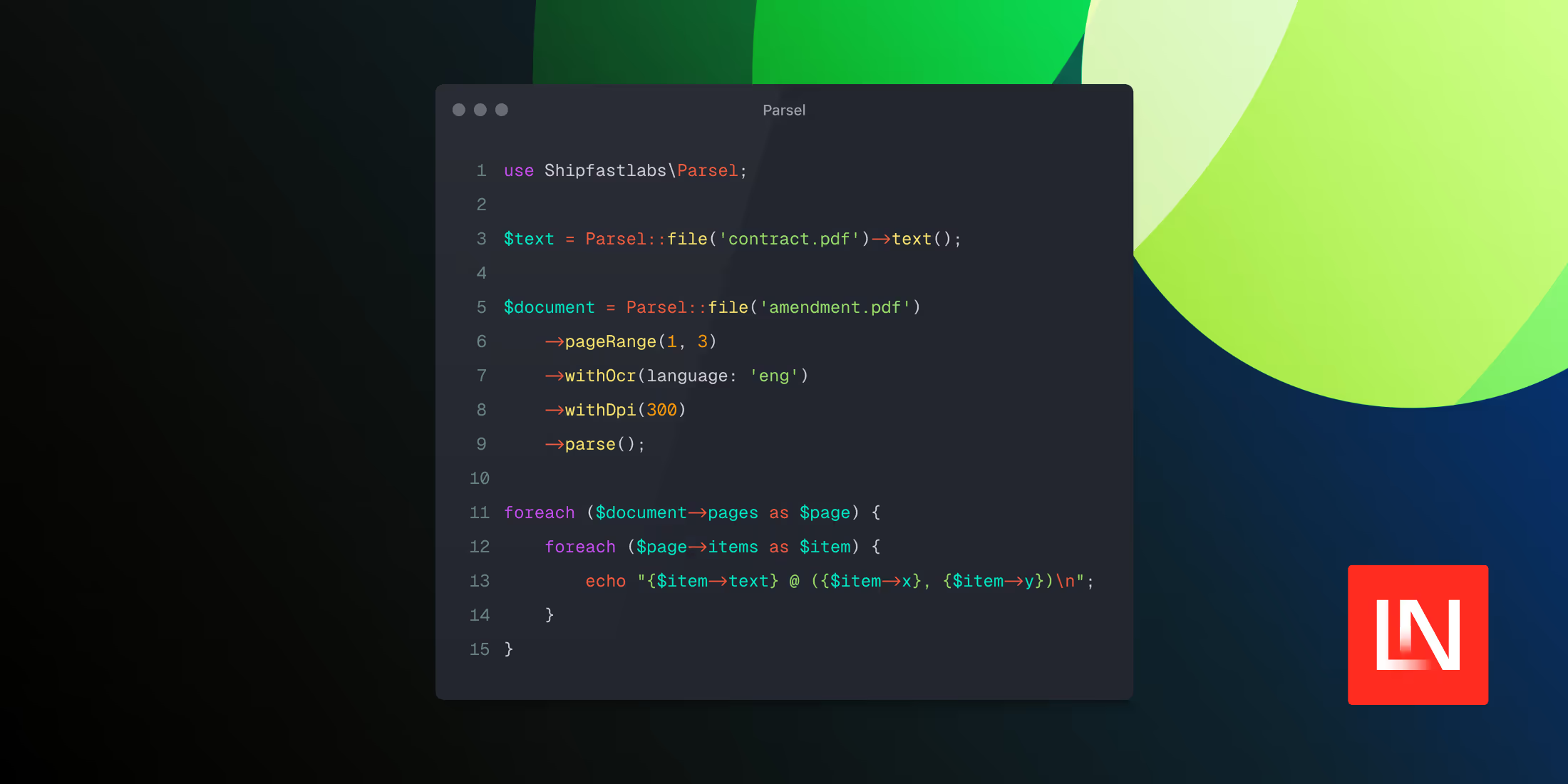
$document = Parsel::file('contract.pdf')->parse(); foreach ($document->pages as $page) { foreach ($page->items as $item) { echo "{$item->text} @ ({$item->x}, {$item->y})\n"; }}Page selection and streaming
You can limit work to specific pages with page(), pages(), pageRange(), or maxPages(). page() takes a single page number, pages() accepts a list of numbers or range strings, and pageRange() takes a start and end:
// Just the cover page$summary = Parsel::file('contract.pdf')->page(1)->text(); // A mix of individual pages and a range$selected = Parsel::file('contract.pdf')->pages('1-3', 12)->parse(); // A continuous range of clauses$body = Parsel::file('contract.pdf')->pageRange(2, 6)->parse();These calls are additive, so you can combine them before parsing, and maxPages() caps the total number of pages processed:
$document = Parsel::file('contract.pdf') ->pageRange(1, 5) ->page(12) ->maxPages(20) ->parse();For large files, lazyPages() processes one page at a time to keep memory use flat:
foreach (Parsel::file('contract.pdf')->lazyPages() as $page) { // handle one page at a time}OCR for scanned documents
OCR is off by default. Turn it on with withOcr() and pass named arguments for the language, tessdata path, an OCR server URL, and worker count:
$text = Parsel::file('signed-contract.png') ->withOcr( language: 'eng', tessdataPath: '/usr/share/tessdata', serverUrl: 'http://localhost:8828/ocr', workers: 8, ) ->text();Rendering page previews
Turn pages into image files with screenshots(), passing an output directory:
$screenshots = Parsel::file('contract.pdf')->screenshots(storage_path('previews'));Passwords and rendering options
Encrypted files open with withPassword(), and a few chainable methods adjust how lit renders a document before parsing. withDpi() raises the render resolution, which sharpens both OCR and screenshots; preserveSmallText() keeps fine print such as footnotes from being dropped; and withTimeout() sets a per-file time limit so a large document cannot stall a request:
$document = Parsel::file('contract.pdf') ->withPassword('hunter2') ->withDpi(300) ->preserveSmallText() ->withTimeout(120) ->parse();Testing without the binary
Parsel ships a fake runner so tests don't have to shell out to the real lit binary. You map command fragments to canned output and assert on the commands that were recorded:
$fake = Parsel::fake([ '--format json' => file_get_contents(__DIR__.'/fixtures/contract.json'),]); $document = Parsel::file('contract.pdf')->parse(); expect($fake->recordedCommands()[0])->toContain('--format', 'json');Installation
Install the package with Composer:
composer require shipfastlabs/parselThen install the lit binary:
vendor/bin/parsel-install-litFor Office documents and images, you can pull in the additional system dependencies:
vendor/bin/parsel-install-lit --with-system-dependenciesIf you'd rather manage lit yourself, for example, in a CI image that already has it, the binary is also available through common package managers (npm, pnpm, bun, pip, cargo) and can be installed independently.
You can view the source and full documentation on GitHub.