
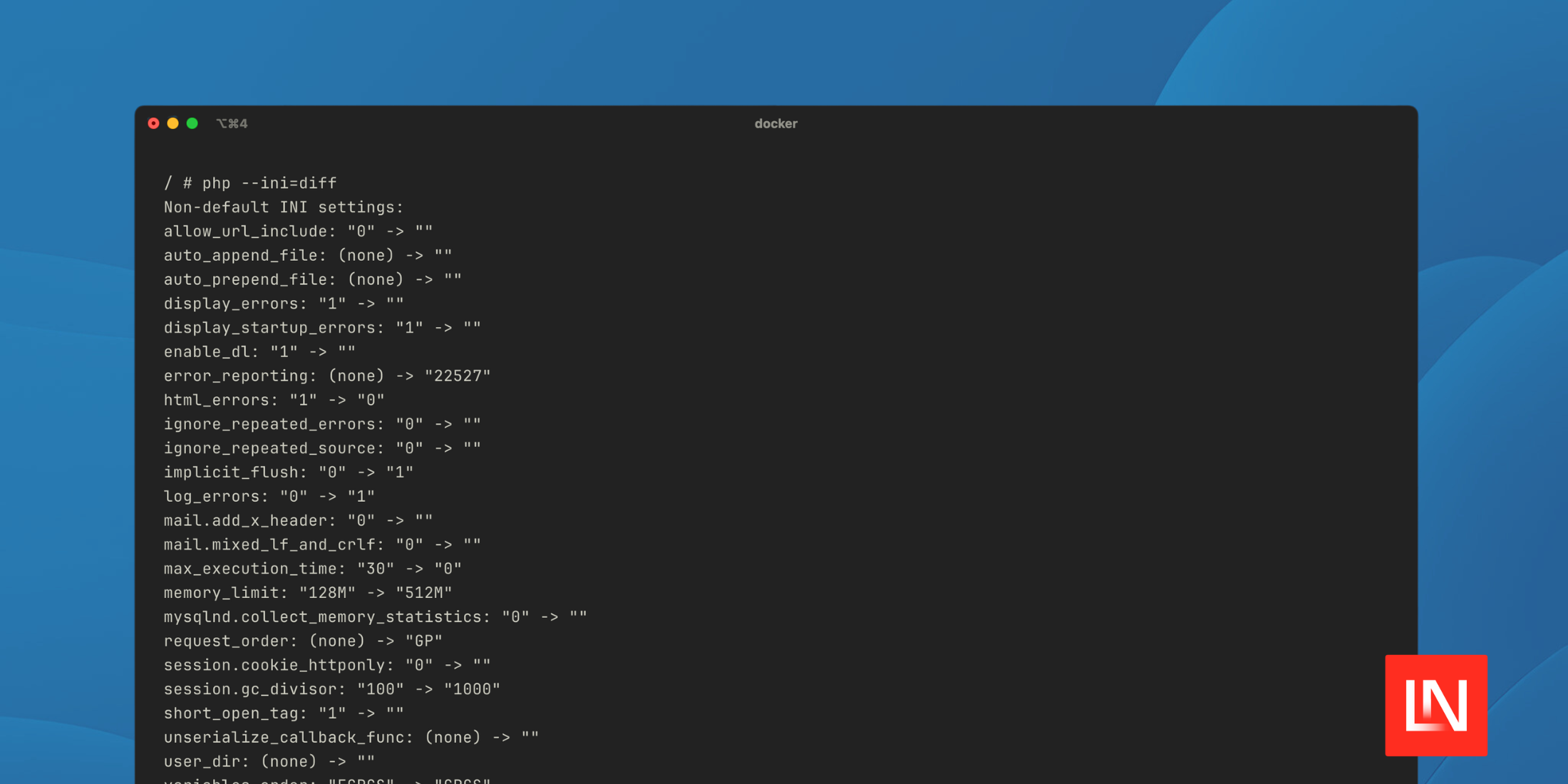
PHP 8.5 introduces a diff option for the php --ini flag that makes it easy to identify changed INI values in your configuration. The --ini flag is helpful to show the loaded php.ini configuration file, as well as additional .ini files parsed:
$ php --iniConfiguration File (php.ini) Path: "/usr/local/etc/php"Loaded Configuration File: "/usr/local/etc/php/php.ini"Scan for additional .ini files in: "/usr/local/etc/php/conf.d"Additional .ini files parsed: /usr/local/etc/php/conf.d/docker-php-ext-opcache.ini,/usr/local/etc/php/conf.d/docker-php-ext-sodium.ini,/usr/local/etc/php/conf.d/zz-app.iniStarting in PHP 8.5, you can use diff as follows to show you INI values that are different from built-in default values:
$ php --ini=diffNon-default INI settings:allow_url_include: "0" -> ""auto_append_file: (none) -> ""auto_prepend_file: (none) -> ""display_errors: "1" -> ""display_startup_errors: "1" -> ""enable_dl: "1" -> ""error_reporting: (none) -> "22527"...Try it out
As of July 3, 2025, PHP released the first alpha version of the upcoming 8.5 version. While builds are available, the easiest way for you to experiment with PHP 8.5 is going to be using the official PHP Docker containers.
Let's walk through how to experiment with the new php --ini=diff flag and other PHP features like The Pipe Operator. If you want to follow along, you can create a new folder with a Dockerfile and a few other example files:
mkdir php-85-democd $_touch Dockerfilemkdir php/touch php/app.iniBefore we make changes, we can quickly see what INI values have changed in the official PHP image:
docker run --rm -it php:8.5-rc-alpine sh # in the Docker containerphp --ini=diffNon-default INI settings:html_errors: "1" -> "0"implicit_flush: "0" -> "1"max_execution_time: "30" -> "0"We ran a container using the 8.5-rc-alpine tag and can see that out of the box, the PHP image changes three INI settings. If you look carefully, the PHP image doesn't load an INI file by default, so it's almost 100% defaults:
$php --iniConfiguration File (php.ini) Path: "/usr/local/etc/php"Loaded Configuration File: (none)...Usually, you'll copy the premade php.ini files that ship with the Docker PHP image — let's use the production INI template to see what non-default INI values change when using the production php.ini file:
FROM php:8.5-rc-alpine RUN cp $PHP_INI_DIR/php.ini-production $PHP_INI_DIR/php.iniCOPY php/app.ini $PHP_INI_DIR/conf.d/app.iniOur Dockerfile copies the php.ini-production INI file into the path PHP expects the php.ini file. Next, we copy an example app.ini file that is in the path PHP loads additional INI files.
Next, let's add a custom setting to our php/app.ini file that will show up in our diff:
memory_limit=512MIf we build our image and start a container, we can check what diffs we have:
$ docker build -t php85-demo .$ docker run -it --rm php85-demo sh # Inside the Docker container$ php --ini=diffNon-default INI settings:allow_url_include: "0" -> ""auto_append_file: (none) -> ""auto_prepend_file: (none) -> ""display_errors: "1" -> ""display_startup_errors: "1" -> ""enable_dl: "1" -> ""error_reporting: (none) -> "22527"html_errors: "1" -> "0"ignore_repeated_errors: "0" -> ""ignore_repeated_source: "0" -> ""implicit_flush: "0" -> "1"log_errors: "0" -> "1"mail.add_x_header: "0" -> ""mail.mixed_lf_and_crlf: "0" -> ""max_execution_time: "30" -> "0"memory_limit: "128M" -> "512M"mysqlnd.collect_memory_statistics: "0" -> ""request_order: (none) -> "GP"session.cookie_httponly: "0" -> ""session.gc_divisor: "100" -> "1000"short_open_tag: "1" -> ""unserialize_callback_func: (none) -> ""user_dir: (none) -> ""variables_order: "EGPCS" -> "GPCS"zend.assertions: "1" -> "-1"zend.exception_ignore_args: "0" -> "1"zend.exception_string_param_max_len: "15" -> "0"zlib.output_compression: "0" -> ""The production INI file contains several changes to the default INI values. What's neat is that we can quickly see everything that's different without having to cross-check values in the php.ini file.







