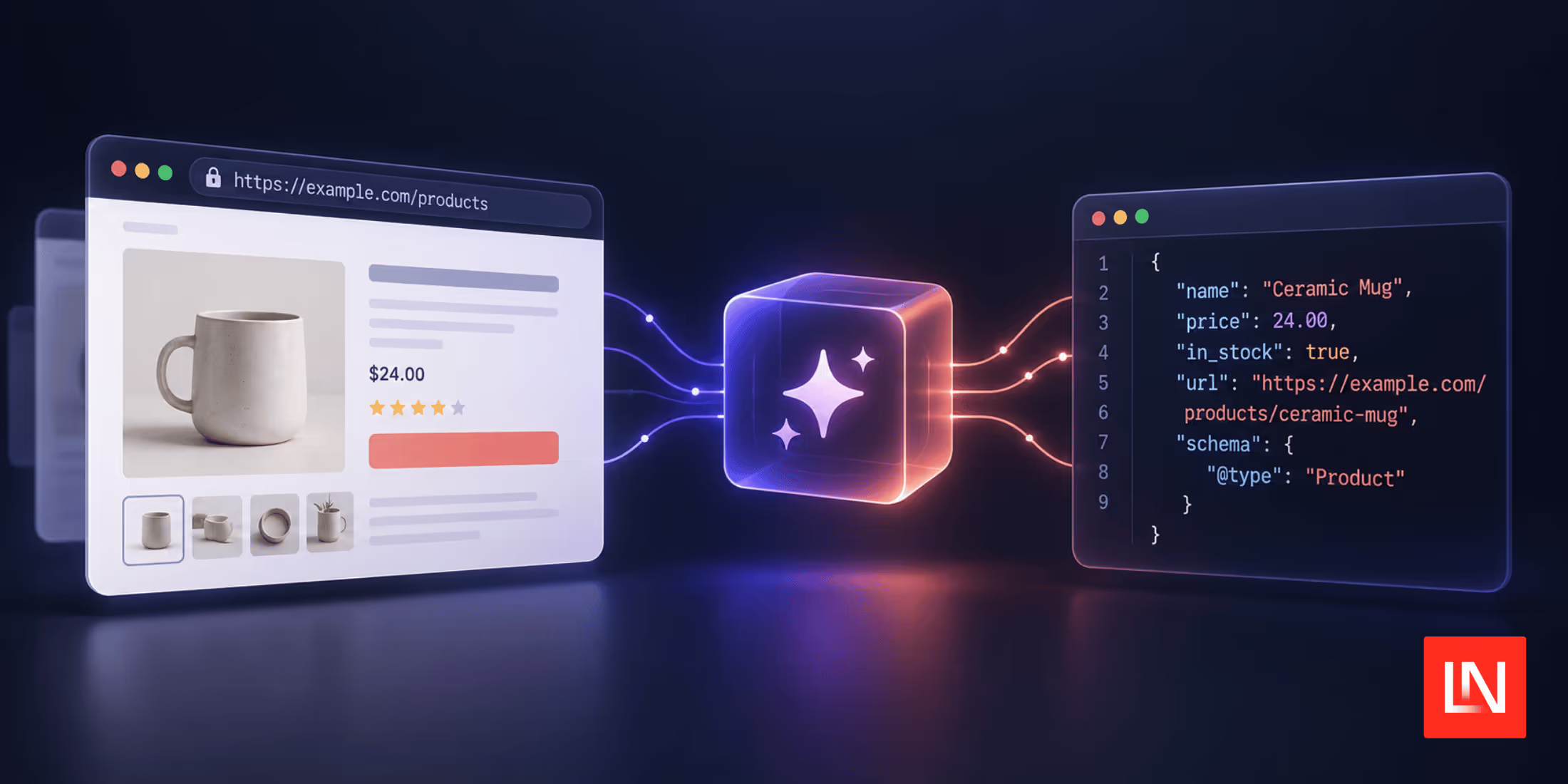
The Model Context Protocol (MCP) is an open protocol that standardises how LLM clients and tools exchange structured context and capabilities. The PHP MCP Server SDK is a package that makes it incredibly easy to build your MCP-compliant servers. Created by Kyrian Obikwelu, its core goal is to allow you to expose specific methods of your existing PHP application as MCP Tools, Resources, or Prompts with minimal effort.
Key Features
- Modern Architecture: Built with PHP 8.1+ features, PSR standards, and modular design principles. The library follows established PHP conventions while incorporating cutting-edge language features.
- Multiple Transport Options: Supports stdio (perfect for command-line tools), HTTP with Server-Sent Events, and enhanced streamable HTTP with resumability - giving you deployment flexibility from simple scripts to high-scale production environments.
- Attribute-Based Definition: Use PHP 8 attributes like
#[McpTool],#[McpResource], and#[McpPrompt]for zero-configuration element registration. Annotate your methods and let the library handle the rest. - Intelligent Schema Generation: Automatic JSON schema generation from method signatures, docblocks, and optional
#[Schema]attribute enhancements. Your existing type hints become rich validation schemas. - Advanced Session Management: Multiple storage backends, including in-memory, cache-based, and custom implementations, with persistent sessions across reconnections.
- Dependency Injection Support: Full PSR-11 container support with automatic dependency injection for your handlers, making it easy to integrate with existing applications.
- Production-Ready Features: Comprehensive error handling, batch request processing, event sourcing, resumable connections, and extensive logging capabilities.
Hands-On Example: Building a simple File System MCP Server
Let's explore how easy it is to create a simple MCP server. We'll develop a file system browser that enables AI assistants to interact with your local files securely and efficiently.
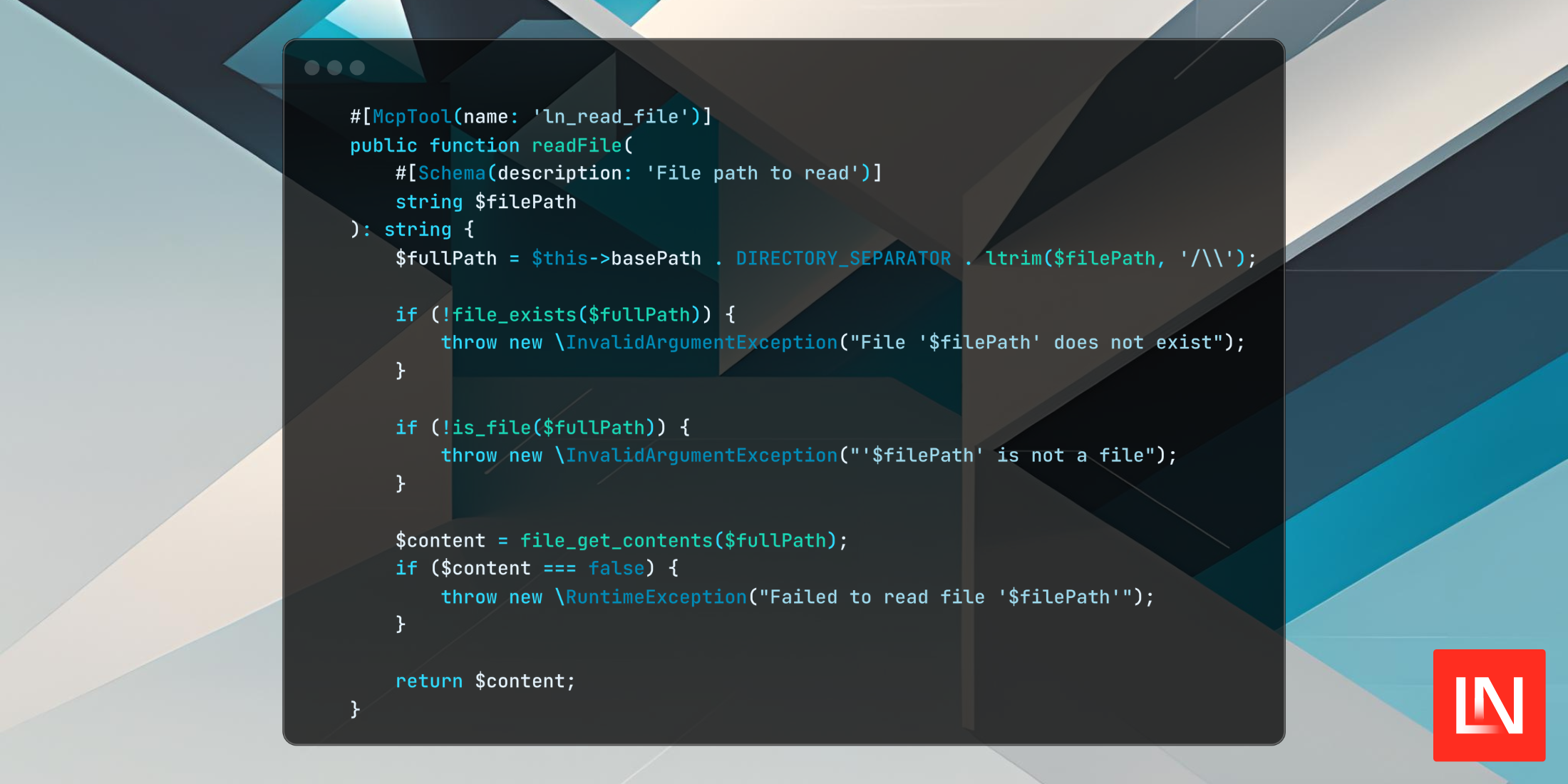
<?php// src/FileSystemElements.php declare(strict_types=1); namespace App; use PhpMcp\Server\Attributes\McpTool;use PhpMcp\Server\Attributes\McpResource;use PhpMcp\Server\Attributes\Schema; /** * File System MCP Elements * * Simple file operations for educational purposes */class FileSystemElements{ private string $basePath; public function __construct() { // Set base path to current directory for safety $this->basePath = getcwd(); } /** * List files in a directory */ #[McpTool(name: 'ln_list_files')] public function listFiles( #[Schema(description: 'Directory path relative to base', default: '.')] string $path = '.' ): array { $fullPath = $this->basePath . DIRECTORY_SEPARATOR . ltrim($path, '/\\'); if (!is_dir($fullPath)) { throw new \InvalidArgumentException("'$path' is not a directory"); } $files = []; foreach (scandir($fullPath) as $item) { if ($item === '.' || $item === '..') continue; $itemPath = $fullPath . DIRECTORY_SEPARATOR . $item; $files[] = [ 'name' => $item, 'type' => is_dir($itemPath) ? 'directory' : 'file', 'size' => is_file($itemPath) ? filesize($itemPath) : null ]; } return ['path' => $path, 'items' => $files]; } /** * Read file contents */ #[McpTool(name: 'ln_read_file')] public function readFile( #[Schema(description: 'File path to read')] string $filePath ): string { $fullPath = $this->basePath . DIRECTORY_SEPARATOR . ltrim($filePath, '/\\'); if (!file_exists($fullPath)) { throw new \InvalidArgumentException("File '$filePath' does not exist"); } if (!is_file($fullPath)) { throw new \InvalidArgumentException("'$filePath' is not a file"); } $content = file_get_contents($fullPath); if ($content === false) { throw new \RuntimeException("Failed to read file '$filePath'"); } return $content; } /** * Search for files by name */ #[McpTool(name: 'ln_search_files')] public function searchFiles( #[Schema(description: 'Search pattern (supports wildcards)')] string $pattern ): array { $results = []; $iterator = new \RecursiveIteratorIterator( new \RecursiveDirectoryIterator($this->basePath) ); foreach ($iterator as $file) { if ($file->isFile() && fnmatch($pattern, $file->getFilename())) { $relativePath = str_replace($this->basePath . DIRECTORY_SEPARATOR, '', $file->getPathname()); $results[] = [ 'path' => $relativePath, 'name' => $file->getFilename(), 'size' => $file->getSize() ]; } } return [ 'pattern' => $pattern, 'results' => $results, 'count' => count($results) ]; } /** * Get current working directory info */ #[McpResource( uri: 'filesystem://info', mimeType: 'application/json' )] public function getFilesystemInfo(): array { return [ 'base_path' => $this->basePath, 'working_directory' => getcwd(), 'php_version' => PHP_VERSION, 'os' => PHP_OS ]; }}The server setup is equally straightforward:
<?php// server.phpdeclare(strict_types=1); require_once __DIR__ . '/vendor/autoload.php'; use PhpMcp\Server\Server;use PhpMcp\Server\Transports\StdioServerTransport; try { // Build the server with attribute discovery $server = Server::make() ->withServerInfo('Simple File System Server', '1.0.0') ->build(); // Discover MCP elements via attributes $server->discover( basePath: __DIR__, scanDirs: ['src'] ); // Start listening via stdio transport $transport = new StdioServerTransport(); $server->listen($transport); } catch (\Throwable $e) { fwrite(STDERR, "[ERROR] " . $e->getMessage() . "\n"); exit(1);}Now with this in place, you can add our MCP Server to your AI Assistant of choice. Let's say we want to add this to the AI Assistant in PHPStorm.
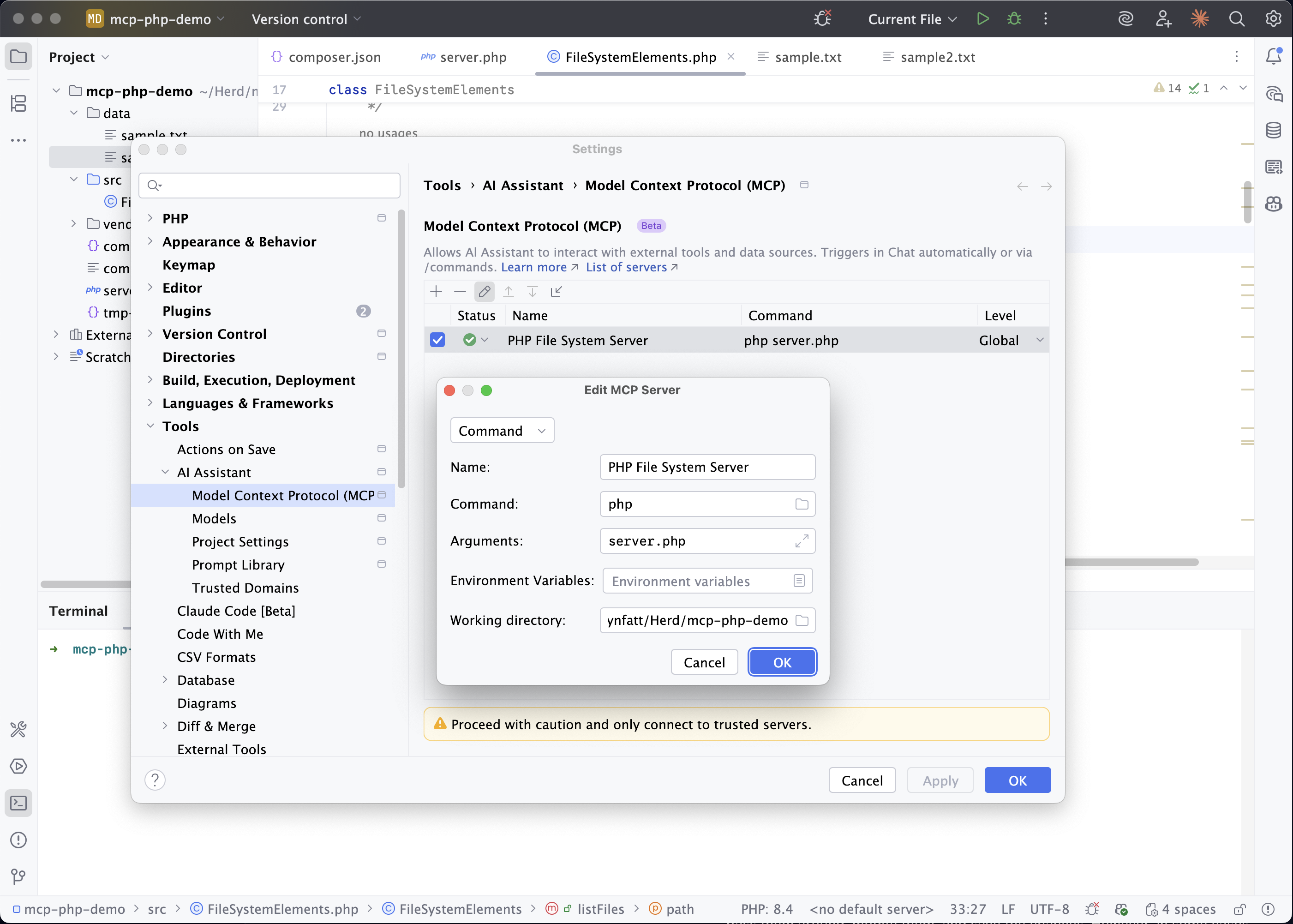
- We could go to
Settings > Tools > AI Assistant > Model Context Protocol (MCP). - Click "Add" and configure your server:
- Name: PHP File System Server
- Command: php
- Arguments: /absolute/path/to/your/server.php
- Working directory: Your project root
Now, if we open the AI Chat within PHP Storm, we can begin using our MCP Tools.
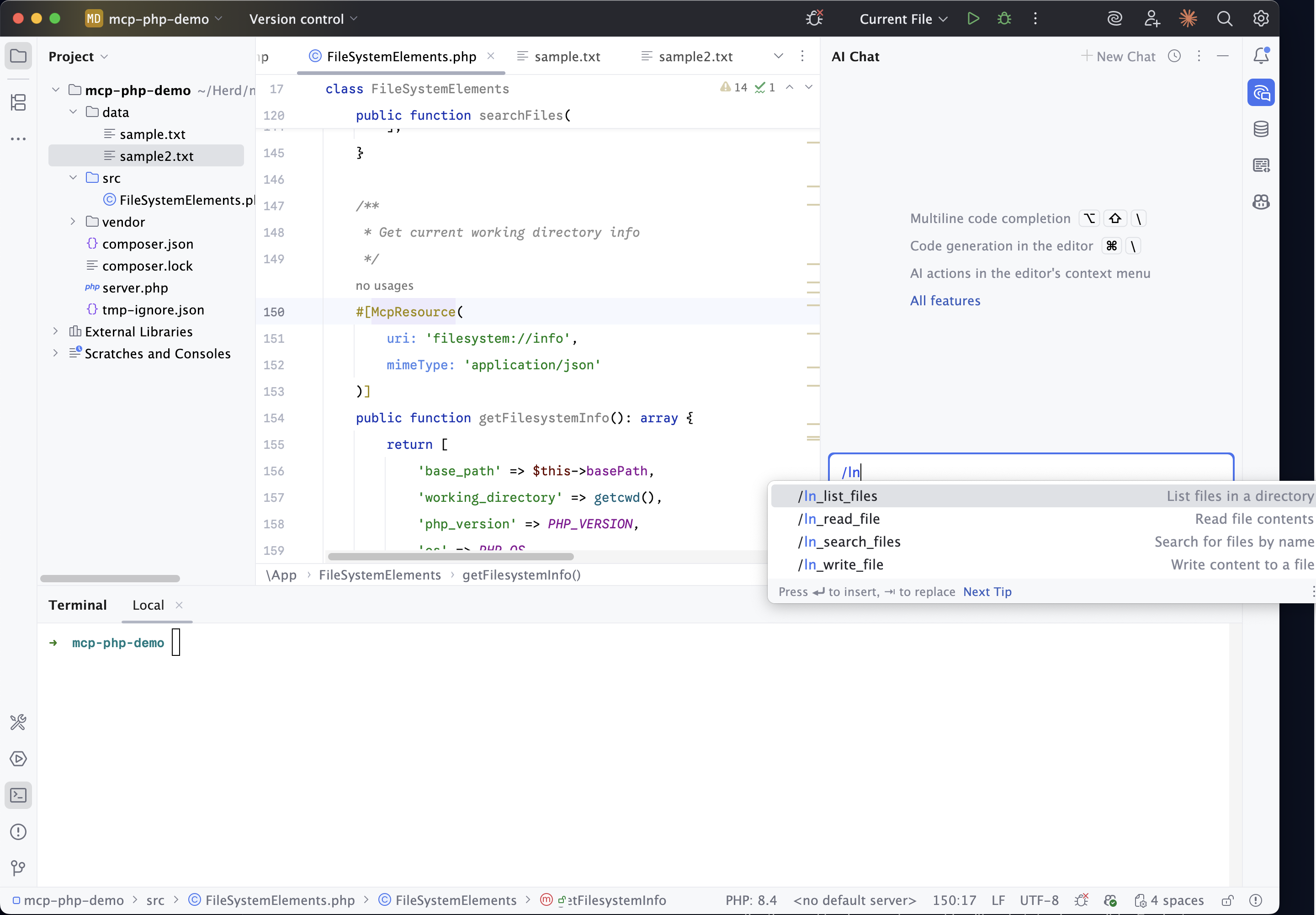
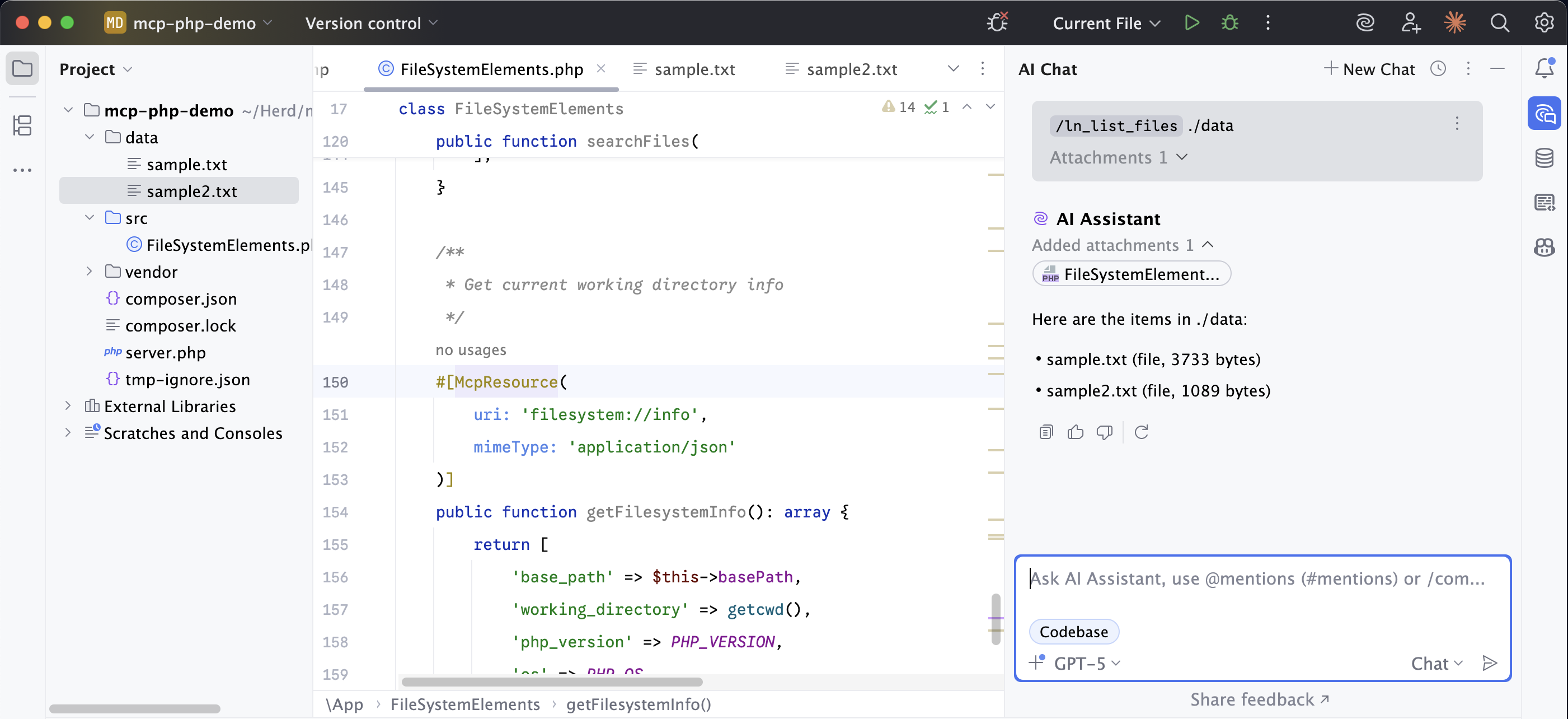
For example, we can run /ln_list_files ./data, and our Assistant will now use our MCP tool to list the files in our data directory.
The Model Context Protocol represents a fundamental shift in how we build AI-integrated applications. Instead of creating custom integrations for each AI assistant, we can build once and connect anywhere using the MCP standard.
The PHP-MCP library makes this vision accessible to PHP developers with its modern architecture, comprehensive feature set, and developer-friendly approach. Whether you're building simple file tools or complex business logic integrations, the library provides the foundation you need.
Ready to start building? Install this package via Composer:
composer require php-mcp/serverVisit the PHP-MCP GitHub repository to explore comprehensive documentation, additional examples, and community resources.
In a follow-up article, we will use the Laravel-specific version of the SDK for seamless integration with the framework, configuration management, and Artisan commands.