News

Manage PHP and Valet from the macOS Status Bar

Published
Manage PHP and Valet from the macOS Status Bar image

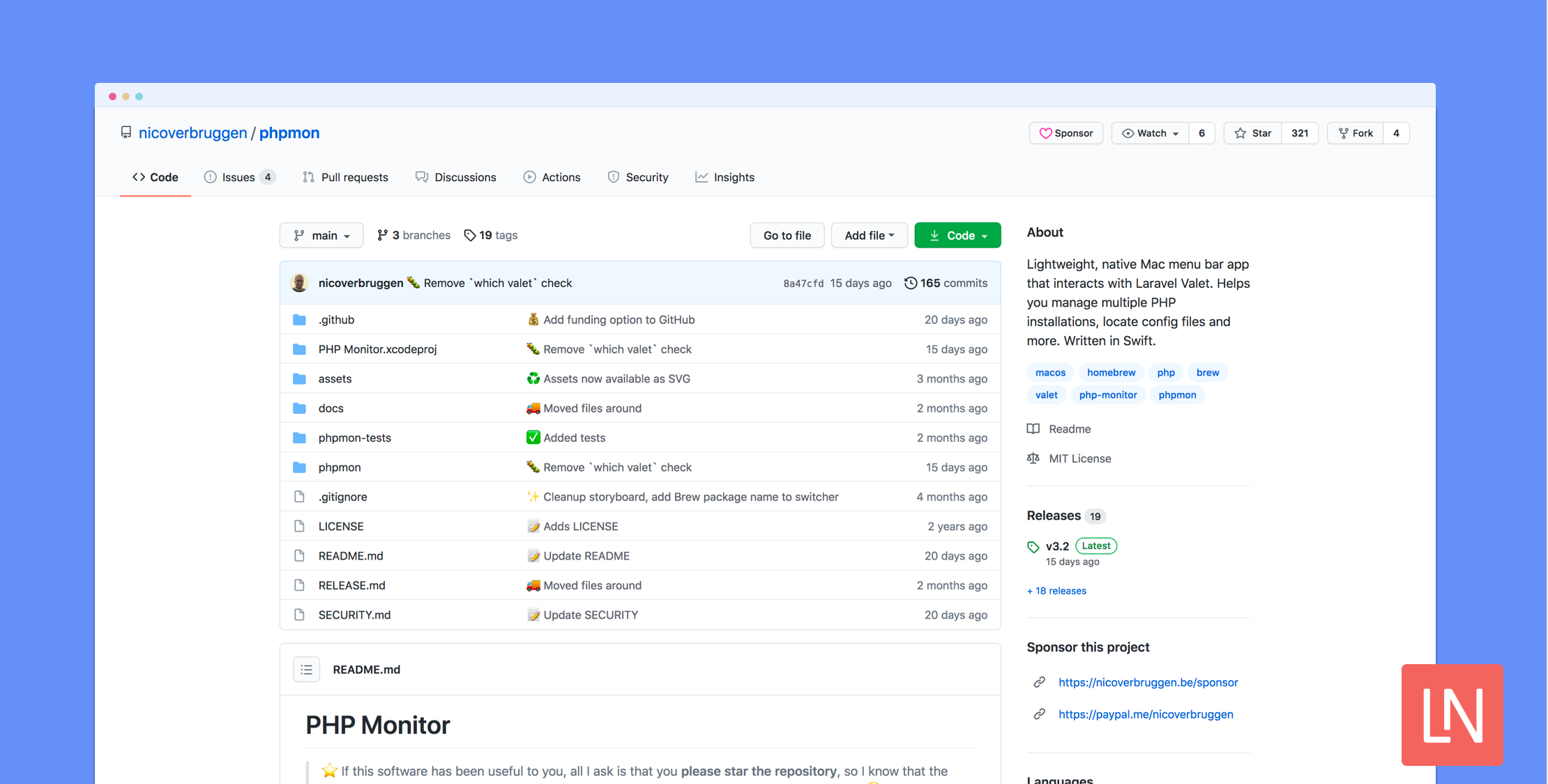
PHP Monitor is a lightweight macOS menubar app for managing PHP and Valet services. It helps you manage multiple PHP instances, switch between PHP versions, locate config files, and gives you helpful information about your setup:
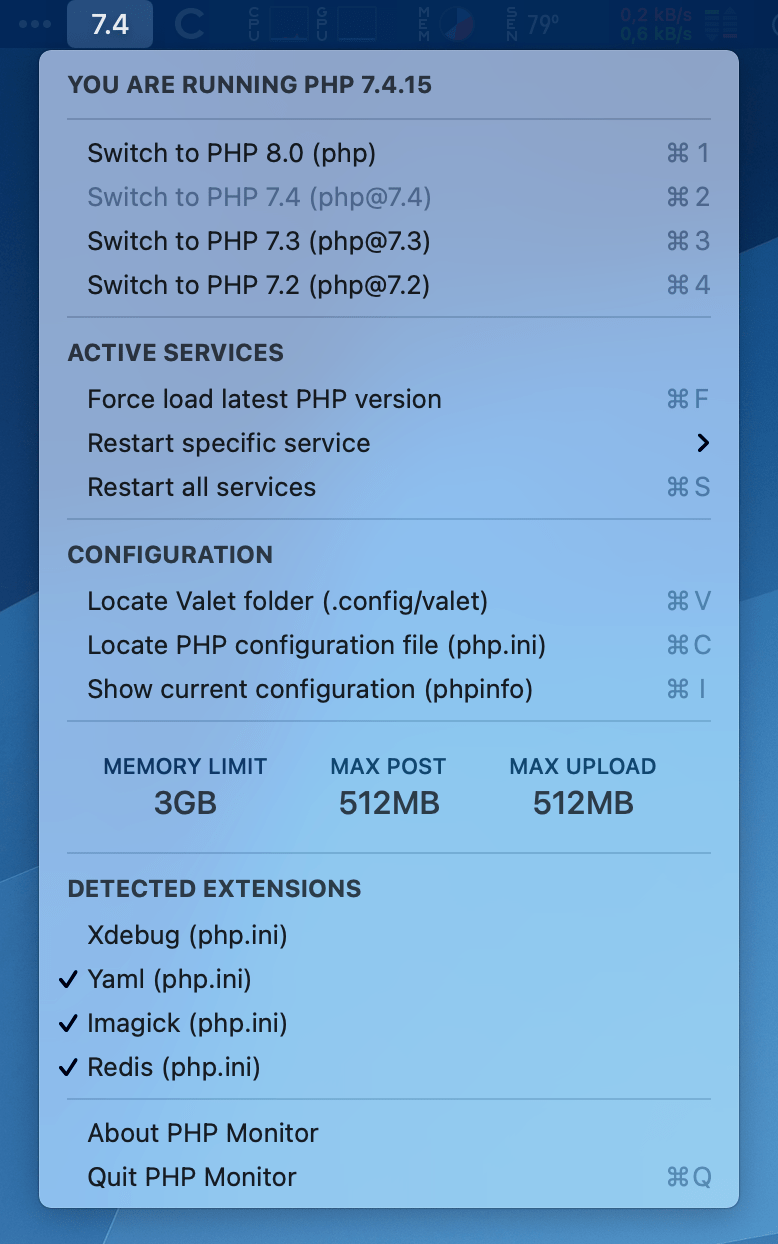
As you can see in the screenshot, it surfaces other useful PHP information from the php.ini file like memory limit, max post size, and max upload size. If you need to restart all brew services to change PHP versions and restart Valet, this app can help with an easily-accessible GUI.

You can install this app using macOS Homebrew:

brew tap nicoverbruggen/homebrew-cask
brew install --cask phpmon

You can learn more about this app, get full installation instructions, and view the source code on GitHub. PHP Monitor is written in Swift and is an excellent example if you've never looked into developing macOS apps utilizing the menu bar. If you find PHP Monitor useful, consider starring the project and donating.

Paul Redmond photo

Staff writer at Laravel News. Full stack web developer and author.

Sponsored

laravelcloud logo
Laravel Cloud

Easily create and manage your servers and deploy your Laravel applications in seconds.

Visit Laravel Cloud

The latest

View all →
PayZephyr: One Payment API for Stripe, Paystack, and PayPal image

PayZephyr: One Payment API for Stripe, Paystack, and PayPal

Read article
Bifrost Turns One With AI Builds and New Workflows image

Bifrost Turns One With AI Builds and New Workflows

Read article
Preview Blade Templates in macOS Finder with Quick Blade image

Preview Blade Templates in macOS Finder with Quick Blade

Read article
Artisan Debugging Commands in Laravel Telescope 5.24.0 image

Artisan Debugging Commands in Laravel Telescope 5.24.0

Read article
Queue totalSize() and JobInterrupted Event in Laravel 13.31 image

Queue totalSize() and JobInterrupted Event in Laravel 13.31

Read article
Find Unexpected Test Inputs with Fuzz for Pest image

Find Unexpected Test Inputs with Fuzz for Pest

Read article