
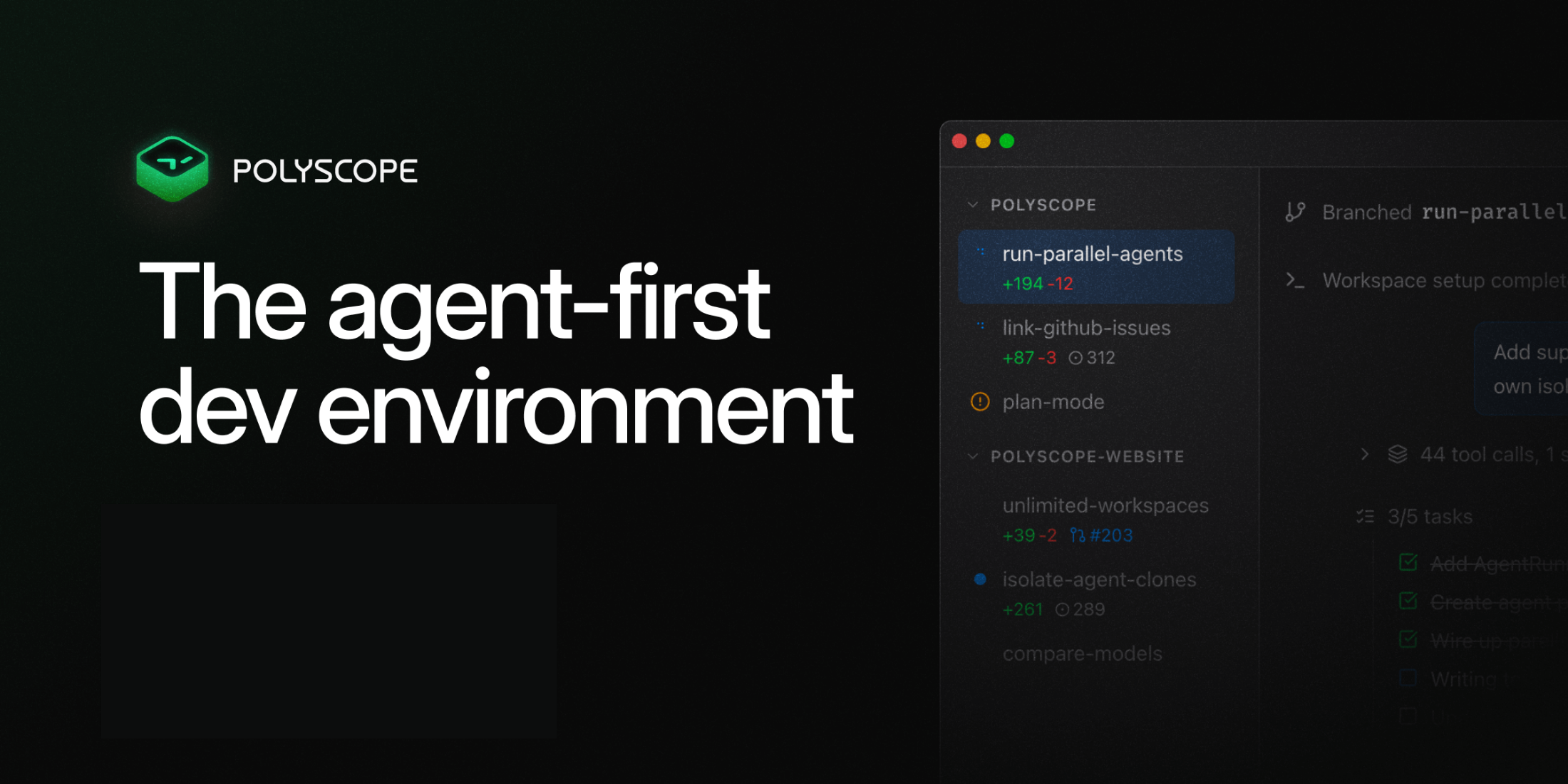
Polyscope is now available for Windows, bringing the same app and architecture as the macOS version to Windows users.
Polyscope is designed for Laravel developers who want to work with AI agents across multiple workspaces, branches, and projects without constantly switching context. With the Windows release, developers can now use Polyscope on their operating system of choice, with Linux support coming next.
Laravel and Herd Integration
Polyscope detects Laravel Herd and wires Herd commands directly into your workspace.
One of Polyscope’s standout features is support for parallel branches. This lets you keep multiple workspaces alive at the same time, each with its own .test domain.
For example, you can work on a large billing feature at feature-billing.test while also reviewing a teammate’s pull request at review-pr-482.test, without switching branches, stashing changes, or disrupting your current work.
Built-in Checkpoints
Polyscope creates a checkpoint every time you send a message to the agent. These snapshots make it easy to review exactly what changed and roll back with a single click if needed.
After an agent completes a task, you can inspect the diff, continue working, or revert the changes before moving forward.
Process Runner for Your Development Stack
Polyscope also includes a process runner that can boot your project’s stack when a workspace opens.
You can define run scripts in polyscope.json and enable autostart: true to automatically start services like:
- Queue workers
- The scheduler
npm run dev- Any other project-specific commands
This removes the need to manually open multiple terminal tabs or remember to start background processes while debugging.
Mobile Workspace UI
Polyscope’s workspace UI also works on mobile. You can leave your development machine running, check on an agent from your phone, review diffs, send follow-up prompts, or revert changes through Polyscope’s end-to-end encrypted relay.
Linux Support Coming Next
With Windows now available, the Polyscope team says Linux support is next.
You can download it from the official Polyscope website.











