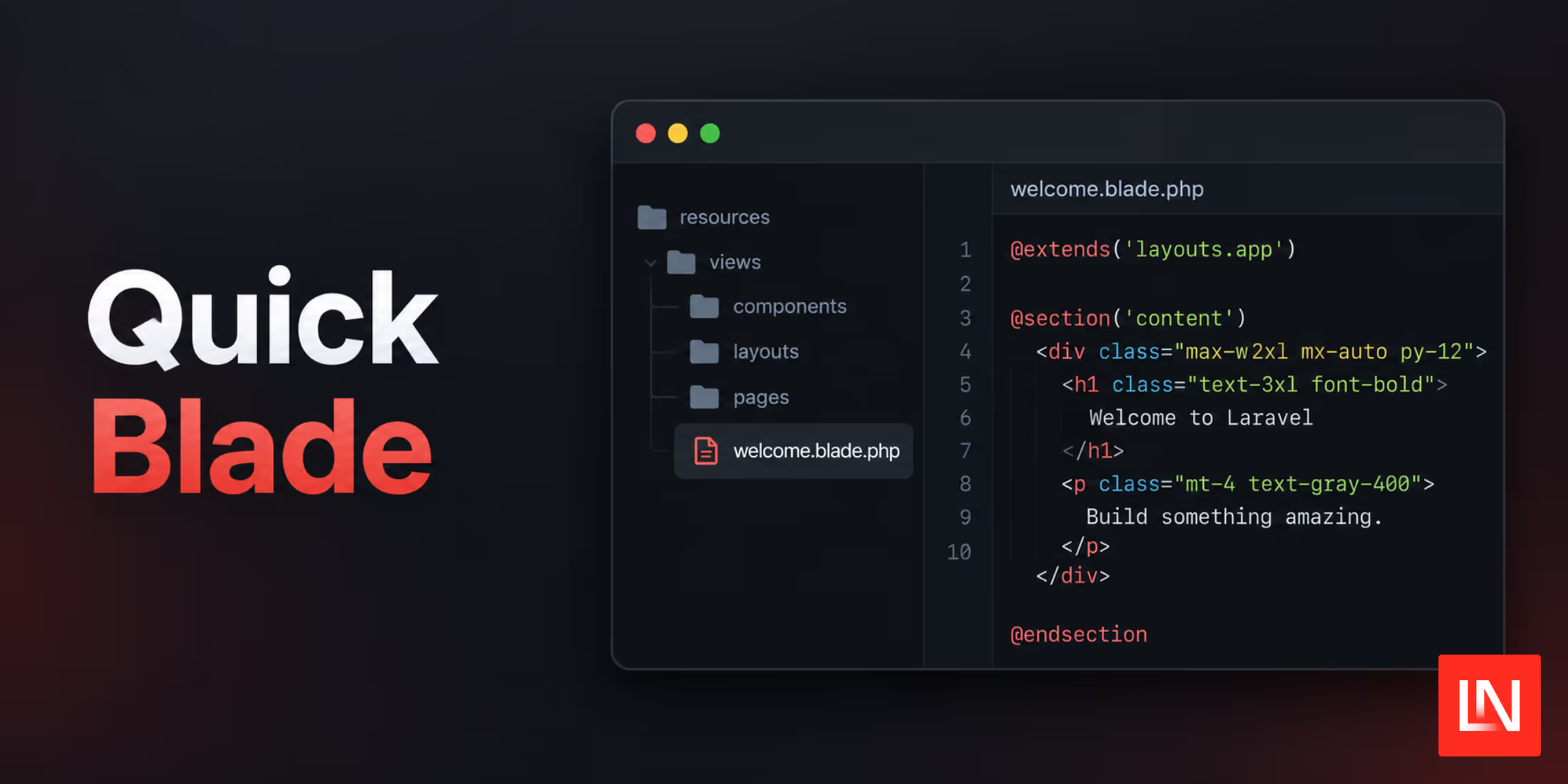
Quick Blade is a macOS Quick Look extension from Tim Gavin. Select a .blade.php file in Finder, press the space bar, and you get the rendered page. It reads the project on disk, so you need no dev server, no database, and no network connection.
Here is what it does with a template:
- Resolves the layout
- Inlines your compiled CSS
- Converts the Blade directives to HTML
- Fills echoes with stand-in data
- Styles Flux and Livewire tags
- Draws Finder thumbnails
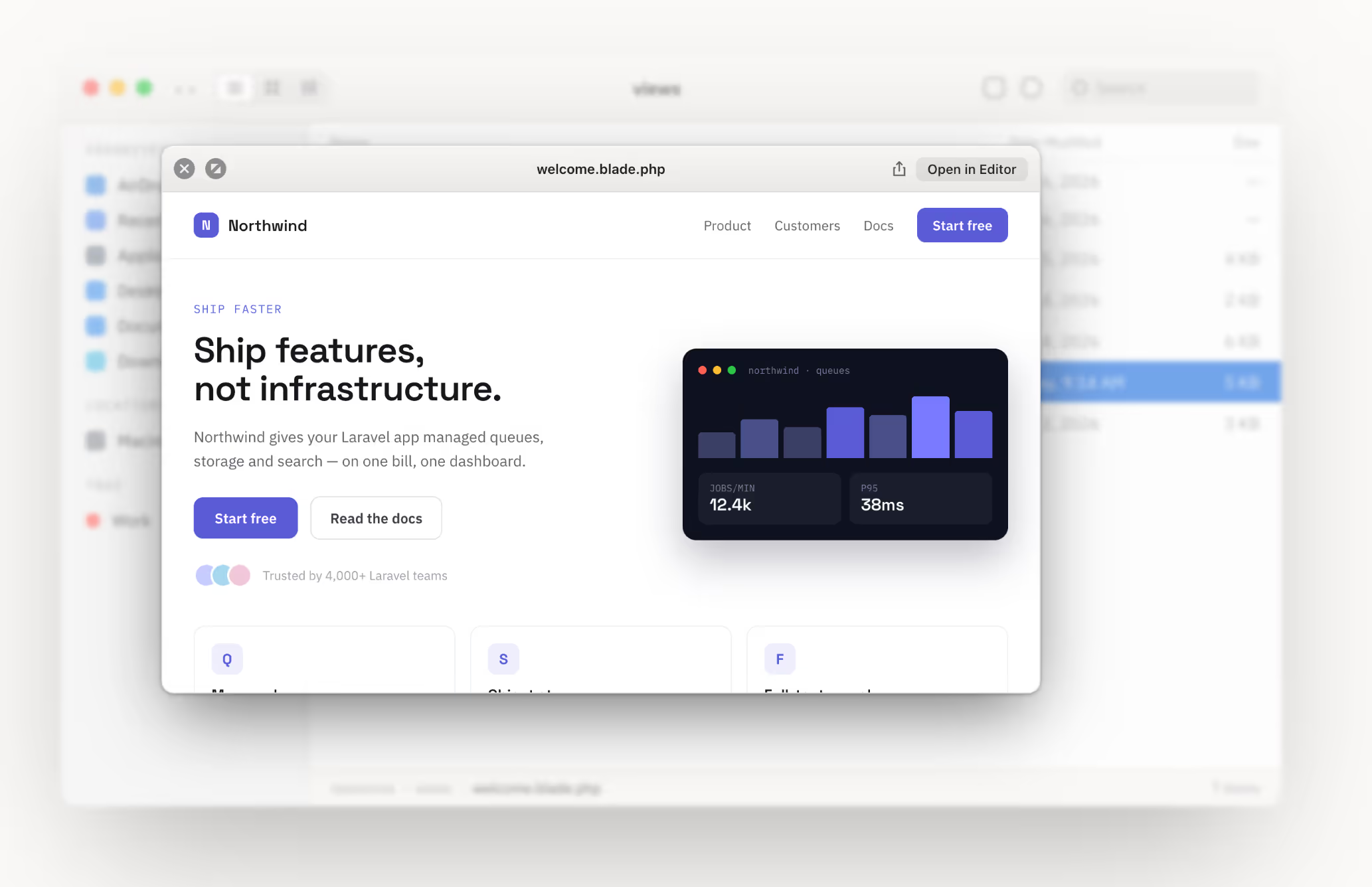
Finding the Layout
Quick Blade finds the Laravel project root relative to the file you open. Then it looks for the layout three ways, in order: an <x-layouts.name> component tag, an @extends directive, and the layout attached to a Livewire component class. Files with no layout still render against a built-in stylesheet, as do files outside a Laravel project.
Installing
brew install --cask timgavin/tap/quick-bladeSee the GitHub project installation instructions for more details.
Learn More
You can view the source code on GitHub, with more details at quickblade.app.