In Laravel 5.6.12 a new signed URLs feature was introduced. In this article, we’ll work on enabling signed URLs in an application and look at a few options of how to use them.
Setup
First, you’ll need to run composer update laravel/framework in your terminal to pull the latest changes.
Second, you’ll need to add the new ValidateSignature to your route middleware in /app/Http/Kernel.php.
protected $routeMiddleware = [ // ... 'guest' => \App\Http\Middleware\RedirectIfAuthenticated::class,+ 'signed' => \Illuminate\Routing\Middleware\ValidateSignature::class, 'throttle' => \Illuminate\Routing\Middleware\ThrottleRequests::class, ]; }That’s it! Now you can start adding signed URLs to your application.
Starting Point
Let’s say we have an event planning application that we let users RSVP to upcoming events. We want to email all users a link so they can quickly respond “yes” or “no” if they are going. However, we don’t want to force them to log into the application again if they happen to be logged out.
Currently, we have the following event.rsvp route in our routes/web.php file.
Route::get('event/{id}/rsvp/{user}/{response}', function ($id, $user, $response) { // Add response from user for event.})->name('event.rsvp');and our URL is generated like so
use \Illuminate\Support\Facades\URL; Url::route('event.rsvp', ['id' => 25, 'user' => 100, 'response' => 'yes']);which generates:
https://example.com/event/25/rsvp/100/yesWe can see that a curious or malicious user will be easily able to change any variables in the URL, which is far from ideal.
Signing a URL
Now that we have a prime candidate for a signed URL let’s add the signature handling.
First, we’ll need to add the signed middleware to our route definition.
Route::get('event/{id}/rsvp/{user}/{response}', function ($id, $user, $response) { // Add response from user for event.})->name('event.rsvp')->middleware('signed');Next, we’ll change our Url::route() to Url::signedRoute() in our application.
use \Illuminate\Support\Facades\URL; Url::signedRoute('event.rsvp', ['id' => 25, 'user' => 100, 'response' => 'yes']);Laravel will generate a new signed URL given the route name, and all of the parameters, which generates a URL similar to the following:
https://example.com/event/25/rsvp/100/yes?signature=30a3877b00890fff0d7ca25f82c6387ff16a98d21008ddc9689ed3c20ef13cd4Now by using this signed URL if that same “curious” user tries to tamper with the user id, changing it from 100 to 101, or the signature ending with 4 to 5 Laravel will throw an Illuminate\Routing\Exceptions\InvalidSignatureException.
Temporary URLs
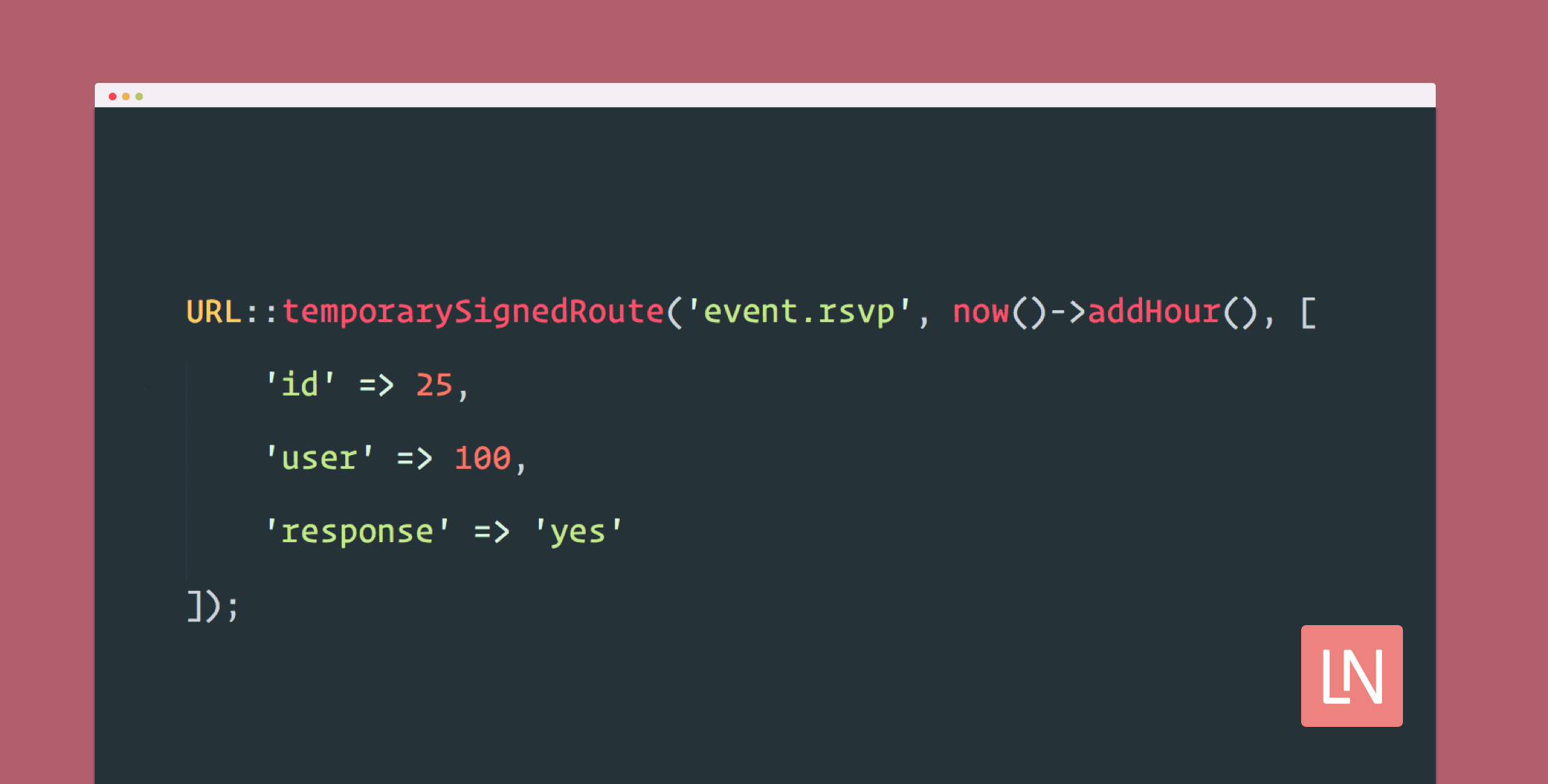
In addition to just signing a URL, Laravel gives us a great way to add an expiration to a signature as well. If we want the link to expire in 1 hour from generation, we can update our code to the following.
use \Illuminate\Support\Facades\URL; URL::temporarySignedRoute('event.rsvp', now()->addHour(), [ 'id' => 25, 'user' => 100, 'response' => 'yes']);which generates the following:
https://example.com/event/25/rsvp/100/yes?expires=1521543365&signature=d32f53ced4a781f287b612d21a3b7d3c38ebc5ae53951115bb9af4bc3f88a87aLearn More
I encourage you to take a look at the Laravel Documentation and API Documentation for additional information and alternative usages.