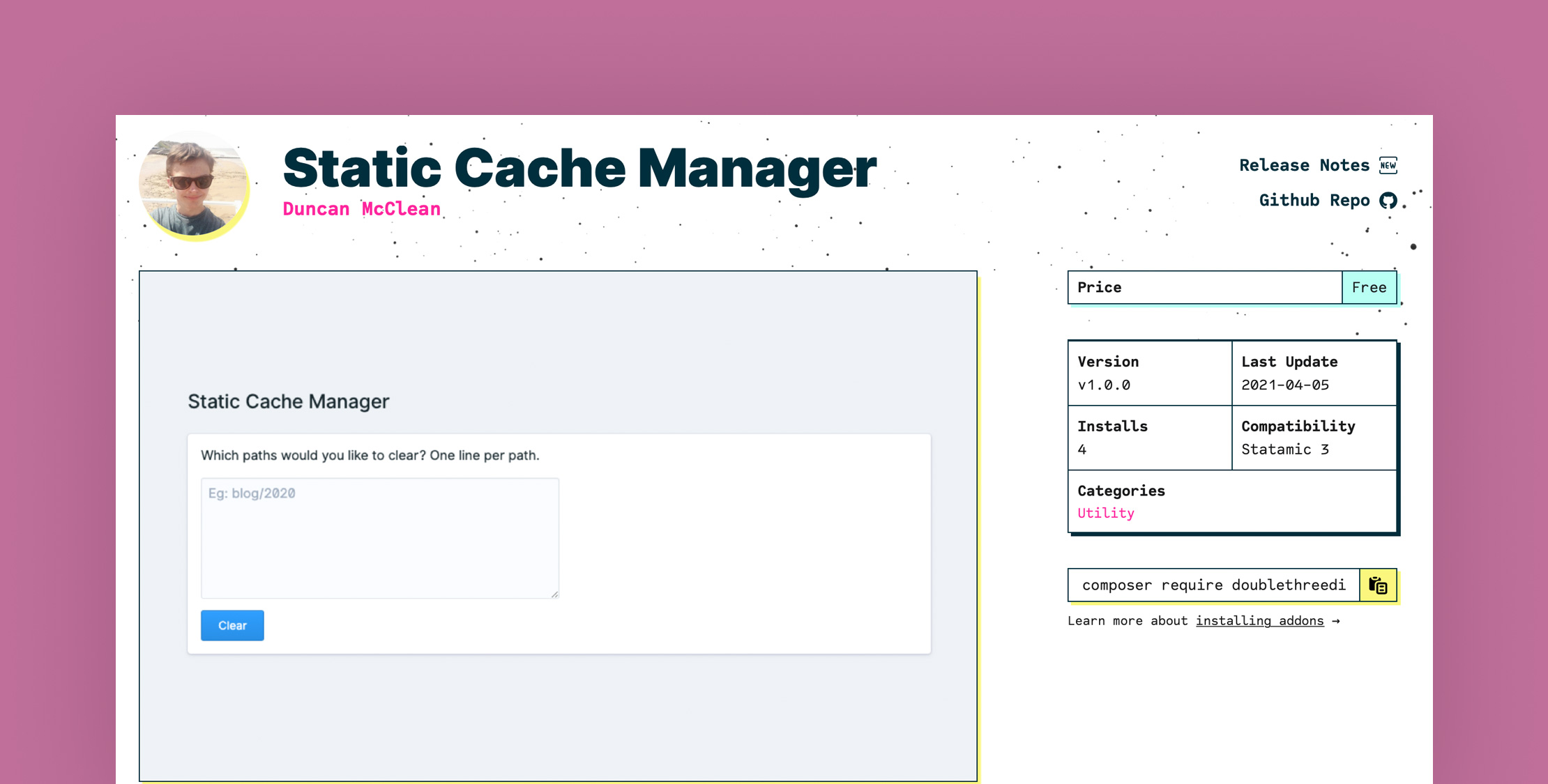
With the recent relaunch of the Laravel News site, we are using Statamic as the CMS and heavily caching everything with their static caching system.
Behind the scenes, what static caching does in Statamic is when a page is first loaded, the compiled HTML is generated and stored in a static directory as a completely flat file. Then the webserver attempts to load the static HTML first, so it loads super fast.
This method works great, but one downside we discovered is we have many pages on this site. A full cache can generate over 2,000 static files, and most of the time, we rarely need to totally clear this cache, and it's not performant for us to clear it unless it's for a good reason.
With that said, there are times when we need a subset of the cache to be cleared when we move a post to a new category or add a tag or some other unique reason.
The only way to clear a subset of the cache is to SSH in and then run an rm command like this to clear everything in a category:
rm static/news*
This uses the star wildcard and clears any file in the static directory that starts with news. This works great and is easy, but it would be nice to do this directly from the Statamic control panel.
Enter the Static Cache Manager plugin that Duncan McClean created to make this easy. It's a pretty simple utility plugin, and in the Control Panel, it gives you a single textarea where you can enter any paths you want to be cleared, and then it removes them.
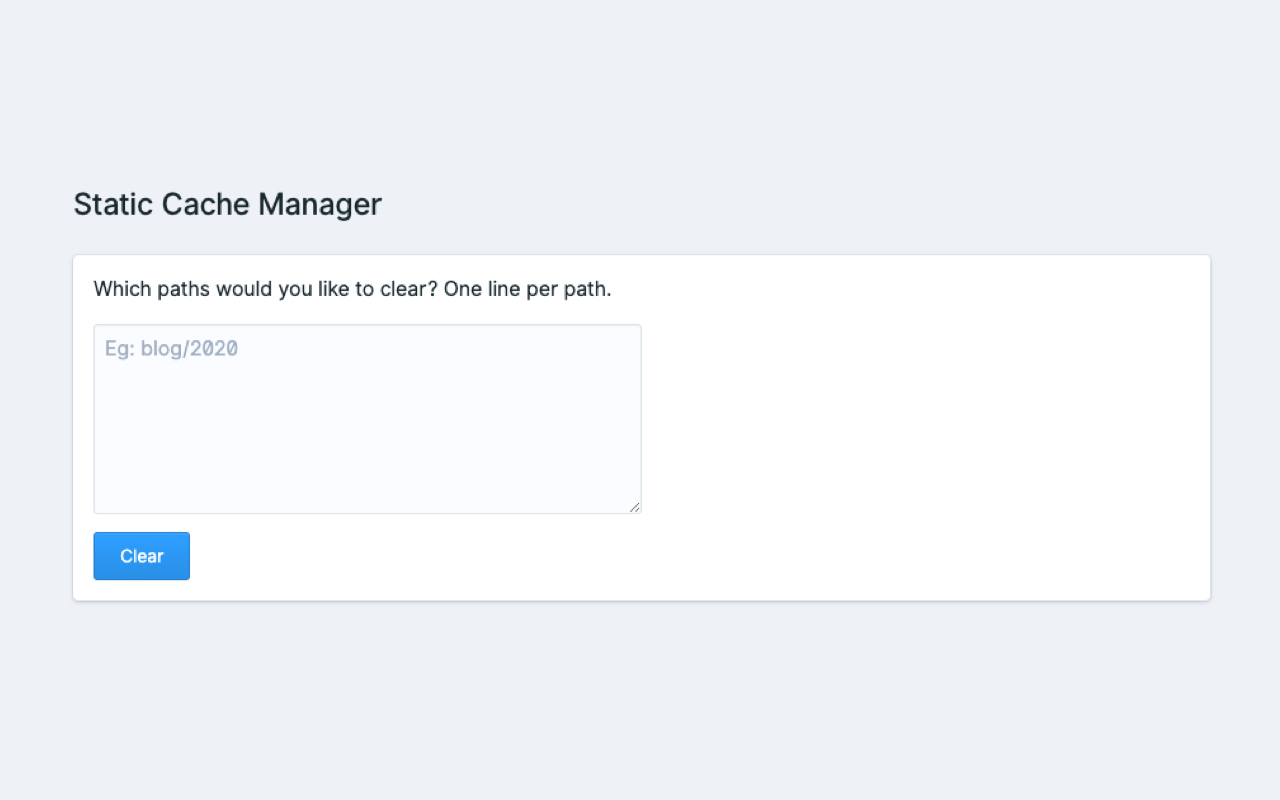
What makes this powerful is by utilizing PHP's glob function, you can use wildcard paths to clear out multiple files at once. For example,
blog/2020/laravel*
statamic*
home.html
These would remove any files that start with laravel and are in the blog/2020 directory, any files that start with statamic, and the home.html file.
If you utilize Statamic full caching and are looking for a simple way of clearing a subset of the cache, give this add-on a try.