Easily Manage Temporary Files in Laravel

Published on by

Easily Manage Temporary Files in Laravel image

I recently had a queue job that needed to temporarily download a file to the server, process it, and finally clean up the temporary file. That’s not difficult in PHP, and you might have started with something like the following:

file_put_contents('/tmp/' . $tmpFile, file_get_contents($video));

To make it more cross-platform compatible, perhaps perhaps you’d use PHP’s built-in sys_get_temp_dir() function to get the directory path used for temporary files:

$basePath = rtrim(sys_get_temp_dir(), DIRECTORY_SEPARATOR);
$tmpPath = $basePath.$tmpFile;
 
// Download the file
// Process it
// Clean up

This is all fine; however, Spatie has a simple but effective package that nicely cleans up this boilerplate code with a small package called spatie/temporary-directory. I have covered various Spatie packages, but this one surprised me and is one of my favorites.

This package is one class (and two exception classes) and provides a nice object-oriented interface for creating and managing temporary files:

use Spatie\TemporaryDirectory\TemporaryDirectory;
 
$tmpDir = (new TemporaryDirectory())->create();
 
// Or using the make() static constructor
$tmpDir = TemporaryDirectory::make();
 
// Return a path inside the temporary directory
$tmpDir->path('659c896e52a29.mov');
// return /tmp/490784976-0213323001704757672/659c896e52a29.mov

Using my example of processing a video file, I can download the file to the temporary path easily with Laravel’s HTTP client’s sink() method:

use Illuminate\Support\Facades\Http;
use Spatie\TemporaryDirectory\TemporaryDirectory;
 
// Normalize the video and get the filename
$videoUrl = str($videoUrl)->replace(' ', '%20');
$tmpFile = $videoUrl->afterLast('/');
 
// Create a temporary directory and download a file to that path
$tmpDir = TemporaryDirectory::make();
$tmpPath = $tmpDir->path($tmpFile);
Http::sink($tmpPath)->throw()->get($videoUrl->toString());
 
// Process the file
 
// Cleanup the temporary file
$tmpFile->delete();

Neat! We have an encapsulated, consistent way of creating a temporary directory and files within it and the ability to clean up afterward. Spatie also makes the cleanup even more convenient by using the following method when you create the object:

$tmpDir = (new TemporaryDirectory())
->deleteWhenDestroyed()
->create();
 
// Or via `make()`
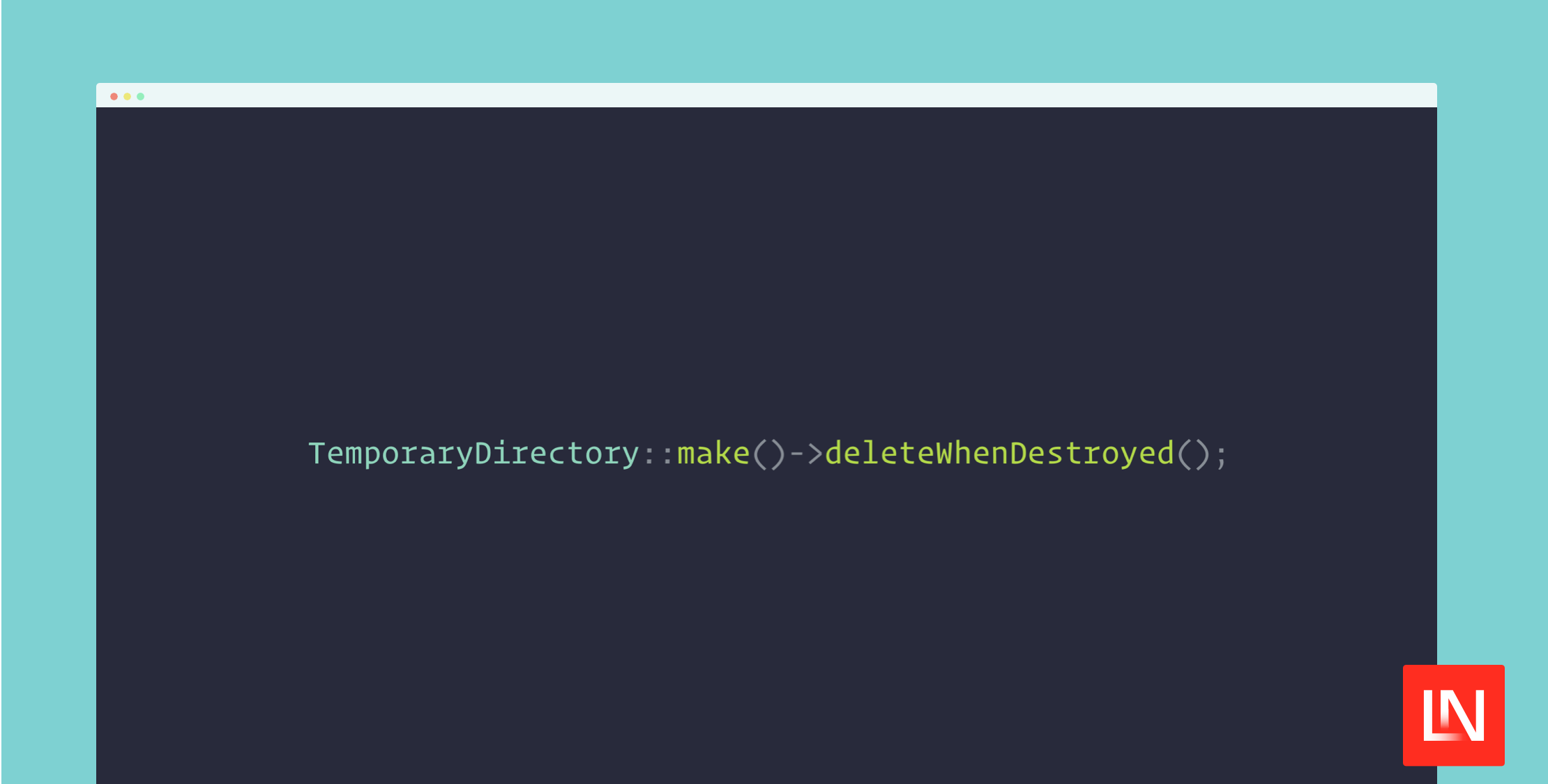
$tmpDir = TemporaryDirectory::make()->deleteWhenDestroyed();

The deleteWhenDestroyed() will remove the directory using the object’s __destruct() method, so you don’t have to worry about cleaning up afterward.

This package has other conveniences, such as a custom directory name and location and a method to empty the temporary directory of all files. You can see the documentation in the project's readme, located in the repository on GitHub at spatie/temporary-directory.

Paul Redmond photo

Staff writer at Laravel News. Full stack web developer and author.

Cube

Laravel Newsletter

Join 40k+ other developers and never miss out on new tips, tutorials, and more.

image
SerpApi

The Web Search API for Your LLM and AI Applications

Visit SerpApi
SaaSykit: Laravel SaaS Starter Kit logo

SaaSykit: Laravel SaaS Starter Kit

SaaSykit is a Multi-tenant Laravel SaaS Starter Kit that comes with all features required to run a modern SaaS. Payments, Beautiful Checkout, Admin Panel, User dashboard, Auth, Ready Components, Stats, Blog, Docs and more.

SaaSykit: Laravel SaaS Starter Kit
PhpStorm logo

PhpStorm

The go-to PHP IDE with extensive out-of-the-box support for Laravel and its ecosystem.

PhpStorm
Acquaint Softtech logo

Acquaint Softtech

Acquaint Softtech offers AI-ready Laravel developers who onboard in 48 hours at $3000/Month with no lengthy sales process and a 100 percent money-back guarantee.

Acquaint Softtech
Tinkerwell logo

Tinkerwell

The must-have code runner for Laravel developers. Tinker with AI, autocompletion and instant feedback on local and production environments.

Tinkerwell
Harpoon: Next generation time tracking and invoicing logo

Harpoon: Next generation time tracking and invoicing

The next generation time-tracking and billing software that helps your agency plan and forecast a profitable future.

Harpoon: Next generation time tracking and invoicing
No Compromises logo

No Compromises

Joel and Aaron, the two seasoned devs from the No Compromises podcast, are now available to hire for your Laravel project. ⬧ Flat rate of $9500/mo. ⬧ No lengthy sales process. ⬧ No contracts. ⬧ 100% money back guarantee.

No Compromises
Laravel Cloud logo

Laravel Cloud

Easily create and manage your servers and deploy your Laravel applications in seconds.

Laravel Cloud
Lucky Media logo

Lucky Media

Get Lucky Now - the ideal choice for Laravel Development, with over a decade of experience!

Lucky Media
Shift logo

Shift

Running an old Laravel version? Instant, automated Laravel upgrades and code modernization to keep your applications fresh.

Shift
Kirschbaum logo

Kirschbaum

Providing innovation and stability to ensure your web application succeeds.

Kirschbaum

The latest

View all →
JSON Schema Deserialization in Laravel 13.14 image

JSON Schema Deserialization in Laravel 13.14

Read article
Generate Short, URL-Safe IDs From Numbers With Sqids image

Generate Short, URL-Safe IDs From Numbers With Sqids

Read article
Scheduler List: A Web Dashboard for Laravel's Scheduled Tasks image

Scheduler List: A Web Dashboard for Laravel's Scheduled Tasks

Read article
Community Laravel Extension for Zed image

Community Laravel Extension for Zed

Read article
Advanced Eloquent Query Filtering with Filterable image

Advanced Eloquent Query Filtering with Filterable

Read article
Bulk Job Dispatching with Bus::bulk() in Laravel 13.13 image

Bulk Job Dispatching with Bus::bulk() in Laravel 13.13

Read article