The Laravel team has released some sweet updates to Inertia.js v2 and the Laravel adapter, introducing new features, an improved developer experience, and more. A massive shout-out to Pascal Baljet, who shared the highlight features below and worked on all these features, as well as everyone else involved in working on Inertia!
Check if a Page Component Exists
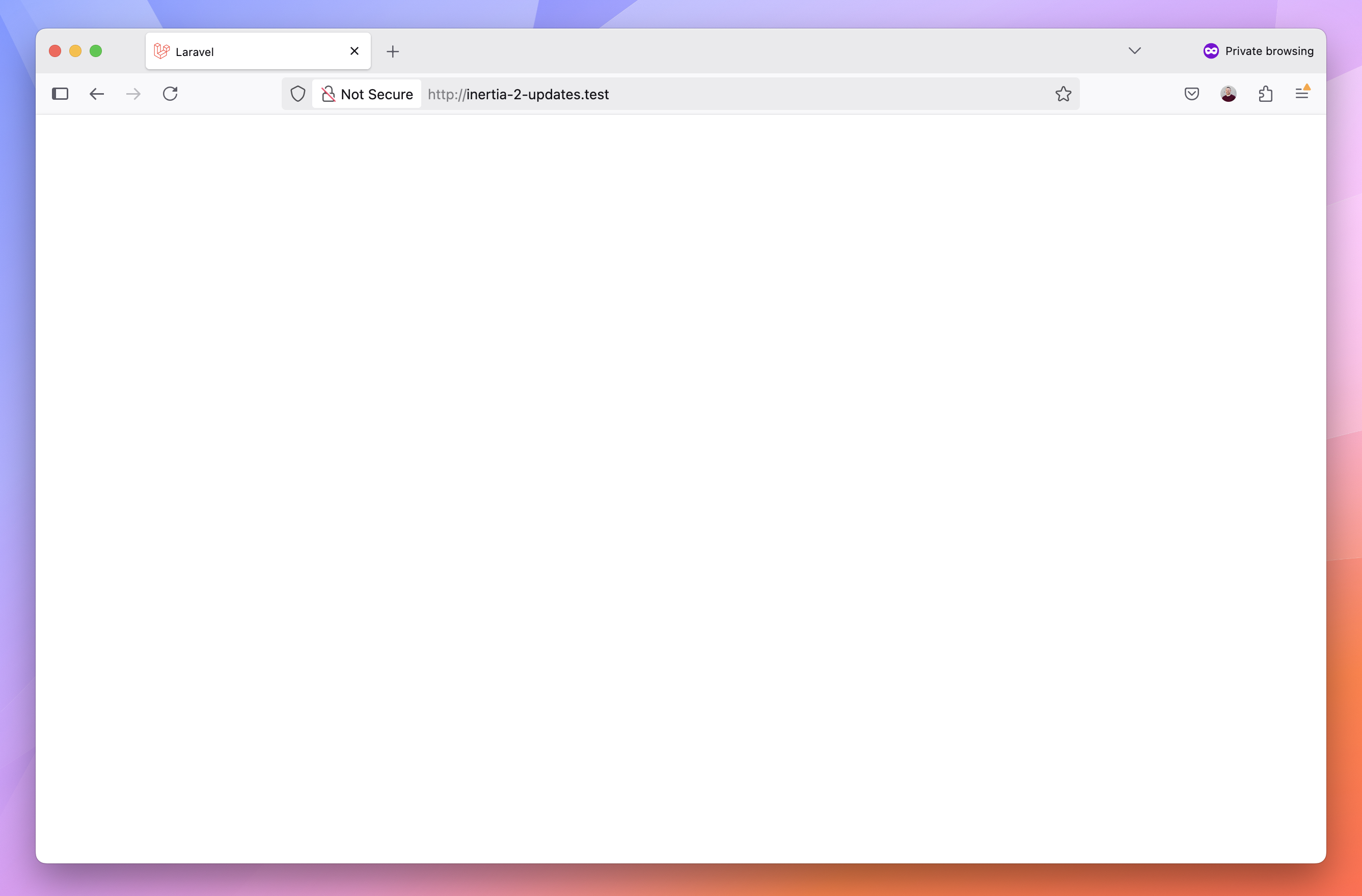
Typically, when an Inertia component does not exist, it fails silently, displaying a blank page with no details about the error. Now, if you enable the inertia.ensure_pages_exist, the Laravel adapter will throw an exception if the page doesn't exist.
Let's say that you attempt to render a page component but make a typo:
Route::get('/', function () { return Inertia::render('welcome.missing');})->name('home');You'll get a blank page if you accidentally make a typo or forget to create the file:
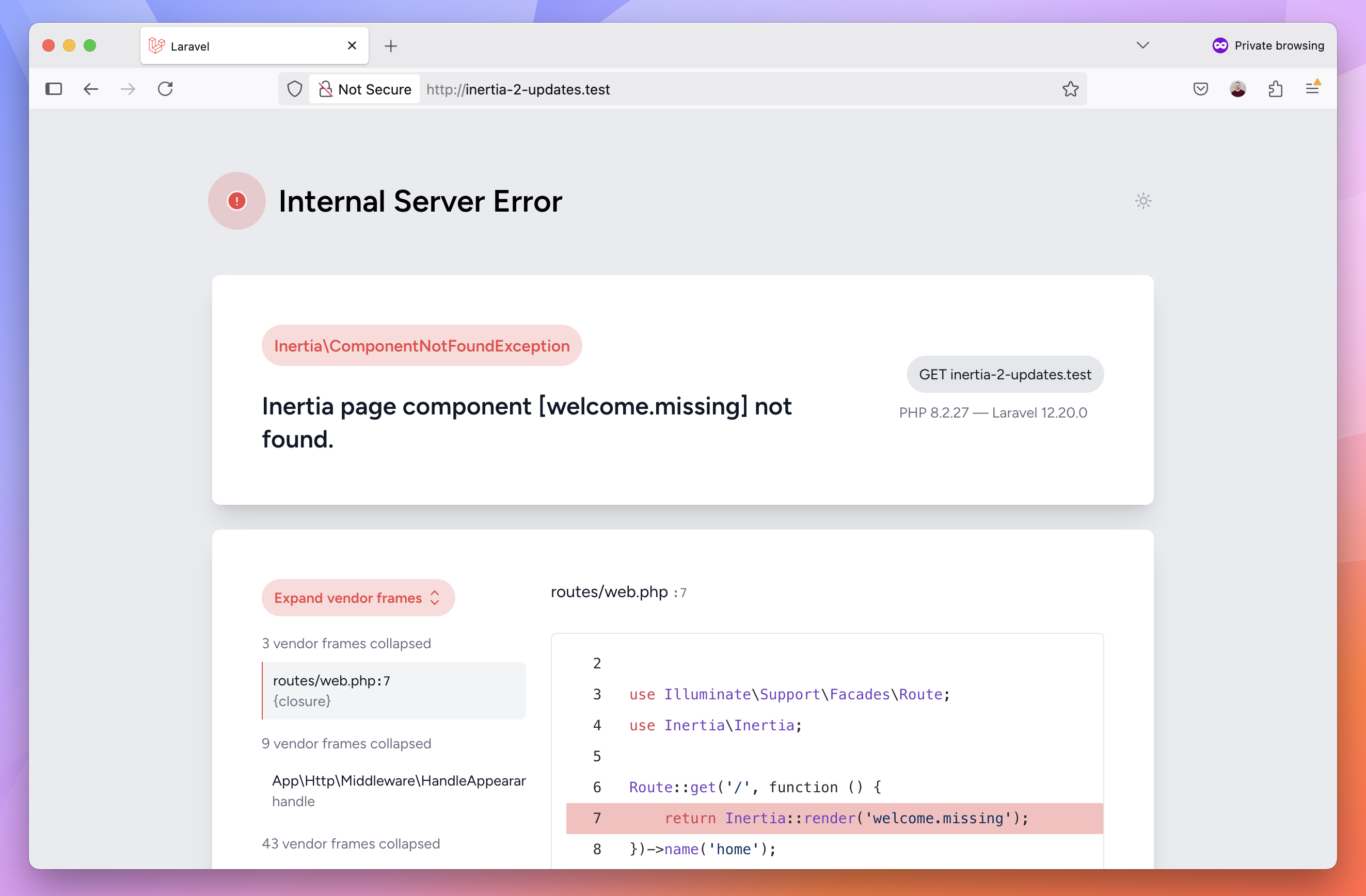
If you enable the ensure_pages_exist setting, you'll get a helpful exception message:
To see this configuration option, you might need to re-publish or update your config/inertia.php configuration file, depending on whether you used one of the Laravel starter kits or installed from scratch:
php artisan vendor:publish --provider="Inertia\ServiceProvider" --forceImportant: Make sure your inertia.php config file is under version control or backed up before forcing an update.
Artisan inertia:check-ssr Command
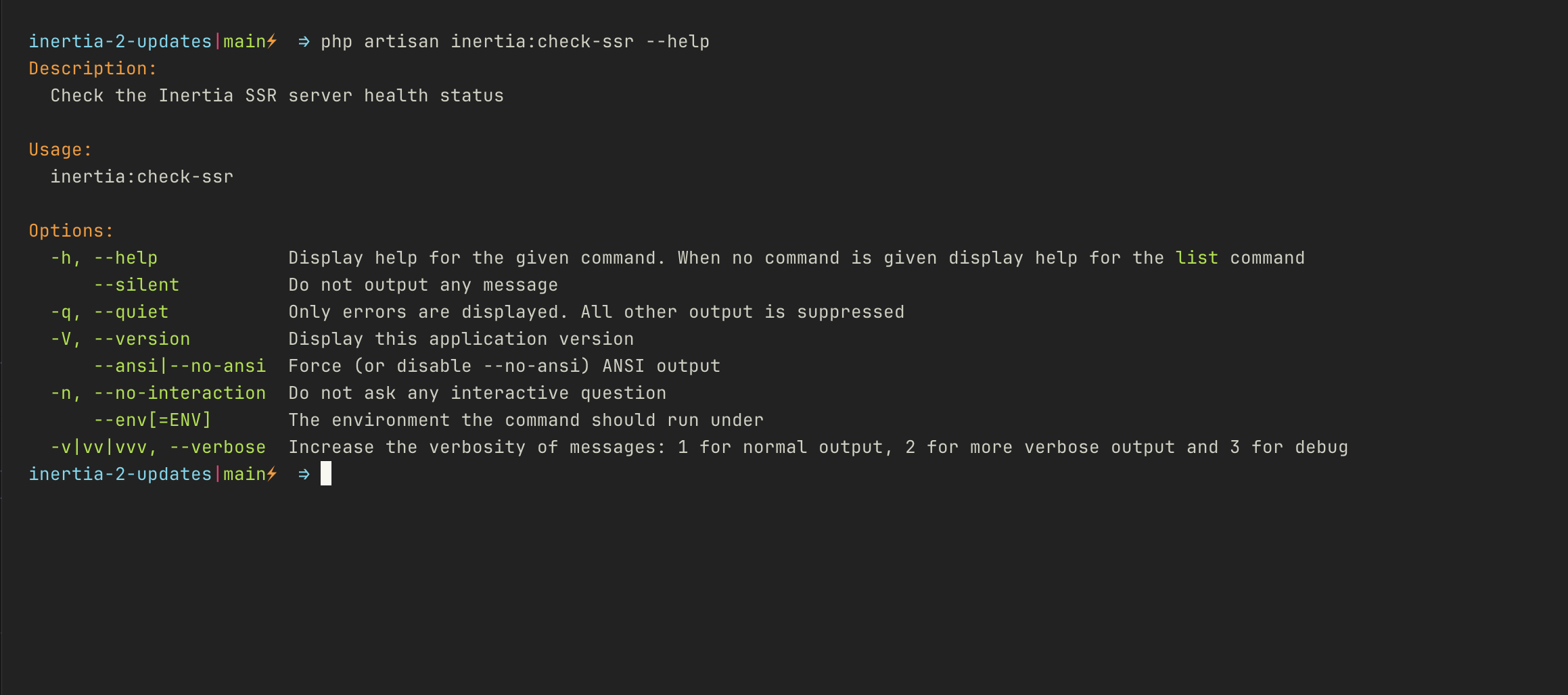
The Inertia Laravel adapter has an inertia:check-ssr console command to check the status of the SSR server. This health check can be a useful feature to ensure server-side rendering is working as expected during or just after a deployment, as well as periodically:
Form Helper Improvement
When using the form helper, you can reset form state and clear errors using separate methods. When you want to do both, you can now call a new function to do both:
// Called separatelyform.reset()form.clearErrors() // Both reset and clearform.resetAndClearErrors()See Pull Request #2414 in the Inertiajs/inertia project for details.
Client-side Visit Callbacks
When making a manual visit, you can now define onSuccess(), onError(), and onFinish() callbacks:
import { router } from '@inertiajs/react' router.push({ props: { search: 'Laravel' }, onSuccess: (page) => {}, onError: (errors) => {}, onFinish: (visit) => {},})Testing Partial Reloads
When you want to test how your application responds to partial reloads, you can use the reloadOnly() and reloadExcept() methods to perform follow-up requests and assert:
$response->assertInertia(fn (Assert $page) => $page ->has('orders') ->missing('statuses') ->reloadOnly('statuses', fn (Assert $reload) => $reload ->missing('orders') ->has('statuses', 5) ));See the testing partial reloads testing documentation for details.
Learn More
If you want to learn more about all the features, bugfixes, and work being done on Inertia, check the inertiajs/inertia releases and the inertiajs/inertia-laravel releases. The official documentation has details on everything covered in this update.