News

Use 1Password to Authenticate with Forge and Vapor Securely

Published
Use 1Password to Authenticate with Forge and Vapor Securely image

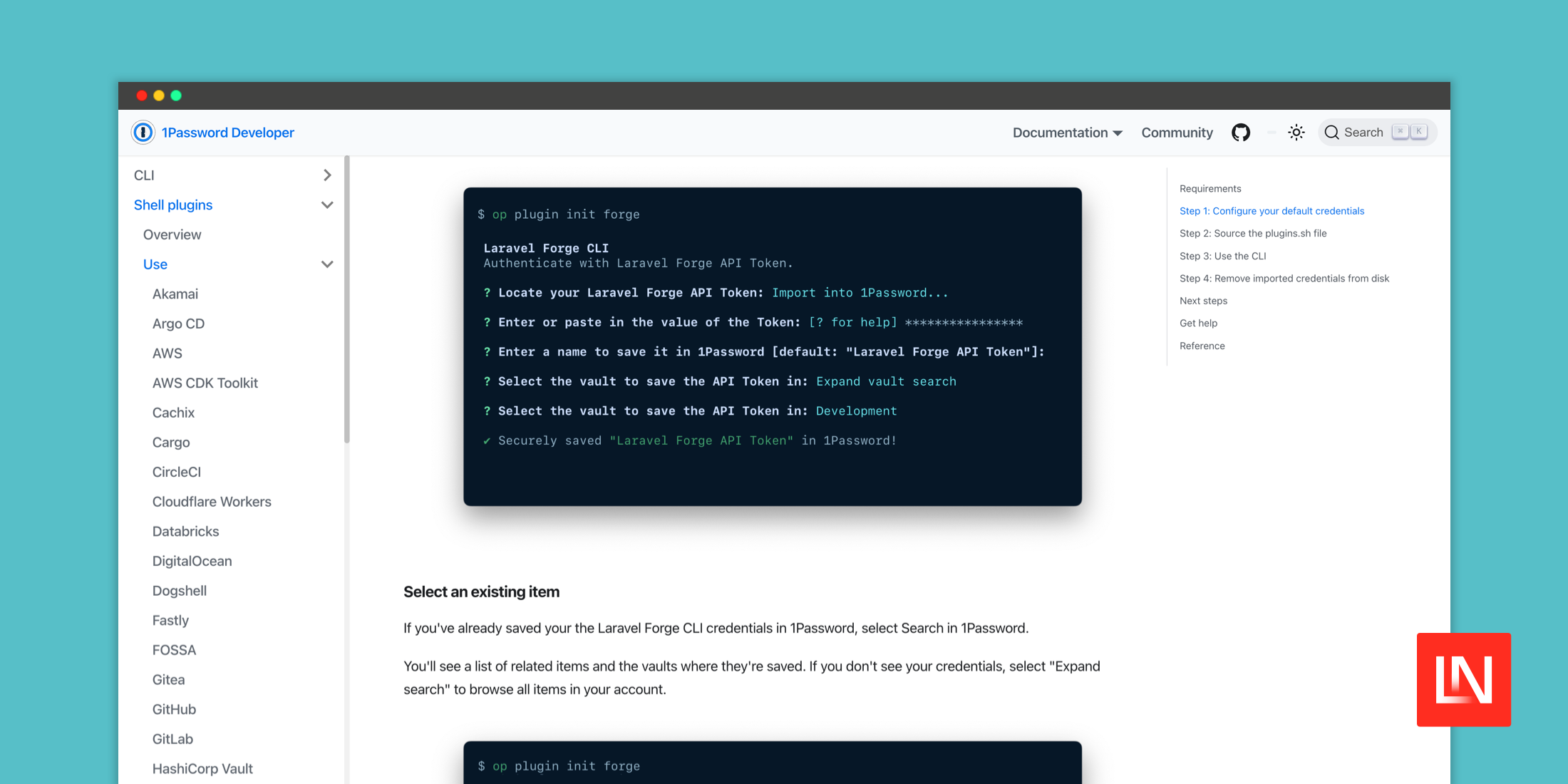
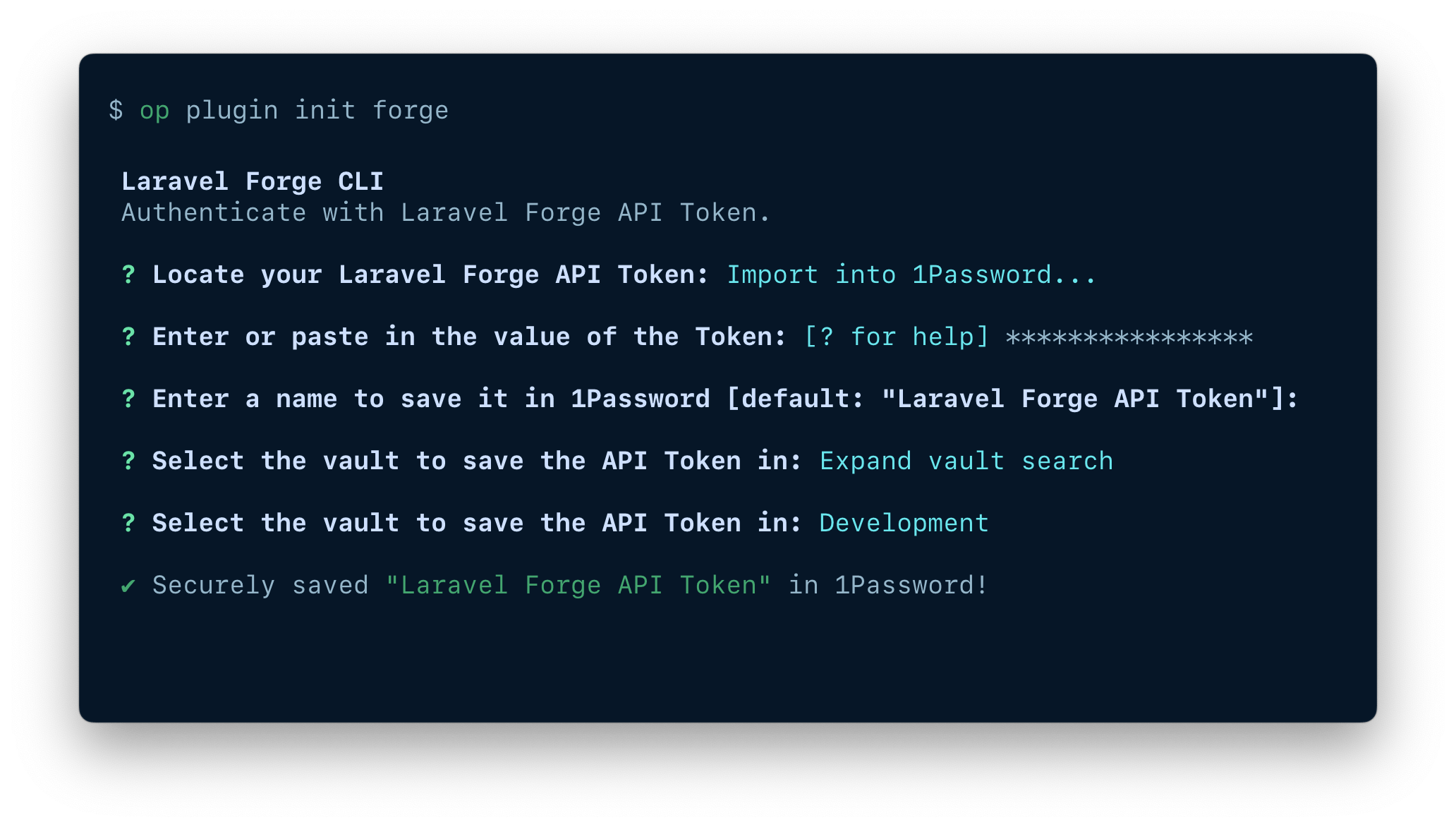
Laravel community member Andre Sayej recently published two 1Password Plugins for Forge and Vapor CLIs, that enable you to securely authenticate with your fingerprint, Apple Watch, or system authentication.

Since your credentials are securely stored in 1Password, you never have to enter or use them in plaintext:
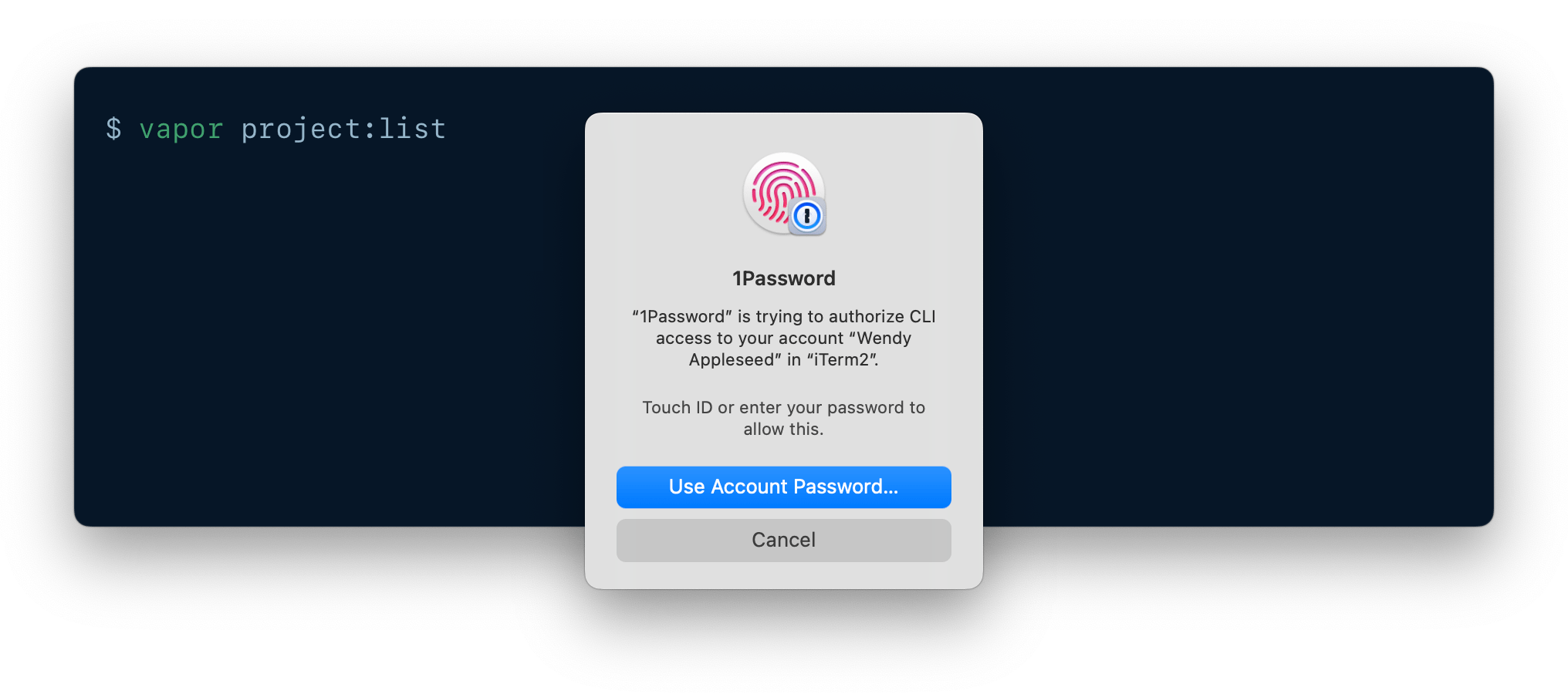
Once you've followed the installation instructions, you will be prompted to authenticate with 1Password when running the Forge/Vapor CLI:
To get started with these plugins, you can find the installation instructions in the 1Password Developer documentation:

Paul Redmond photo

Staff writer at Laravel News. Full stack web developer and author.

Sponsored

serpapi logo
SerpApi

The Web Search API for Your LLM and AI Applications

Visit SerpApi

The latest

View all →
NativePHP v4: Build Native iOS and Android UI in Blade image

NativePHP v4: Build Native iOS and Android UI in Blade

Read article
Laravel Lock: Distributed Locks for Models and Routes image

Laravel Lock: Distributed Locks for Models and Routes

Read article
Laravel Image Responses: Serve Resized Images From Routes image

Laravel Image Responses: Serve Resized Images From Routes

Read article
Pause All Laravel Queues During a Deploy image

Pause All Laravel Queues During a Deploy

Read article
Laravel Terminal UI for the artisan dev Command image

Laravel Terminal UI for the artisan dev Command

Read article
Pause All Queues and a New artisan dev UI in Laravel 13.25 image

Pause All Queues and a New artisan dev UI in Laravel 13.25

Read article