
We featured View Components in Laravel, written by Jeff Ochoa, as an alternative approach to View Composers.
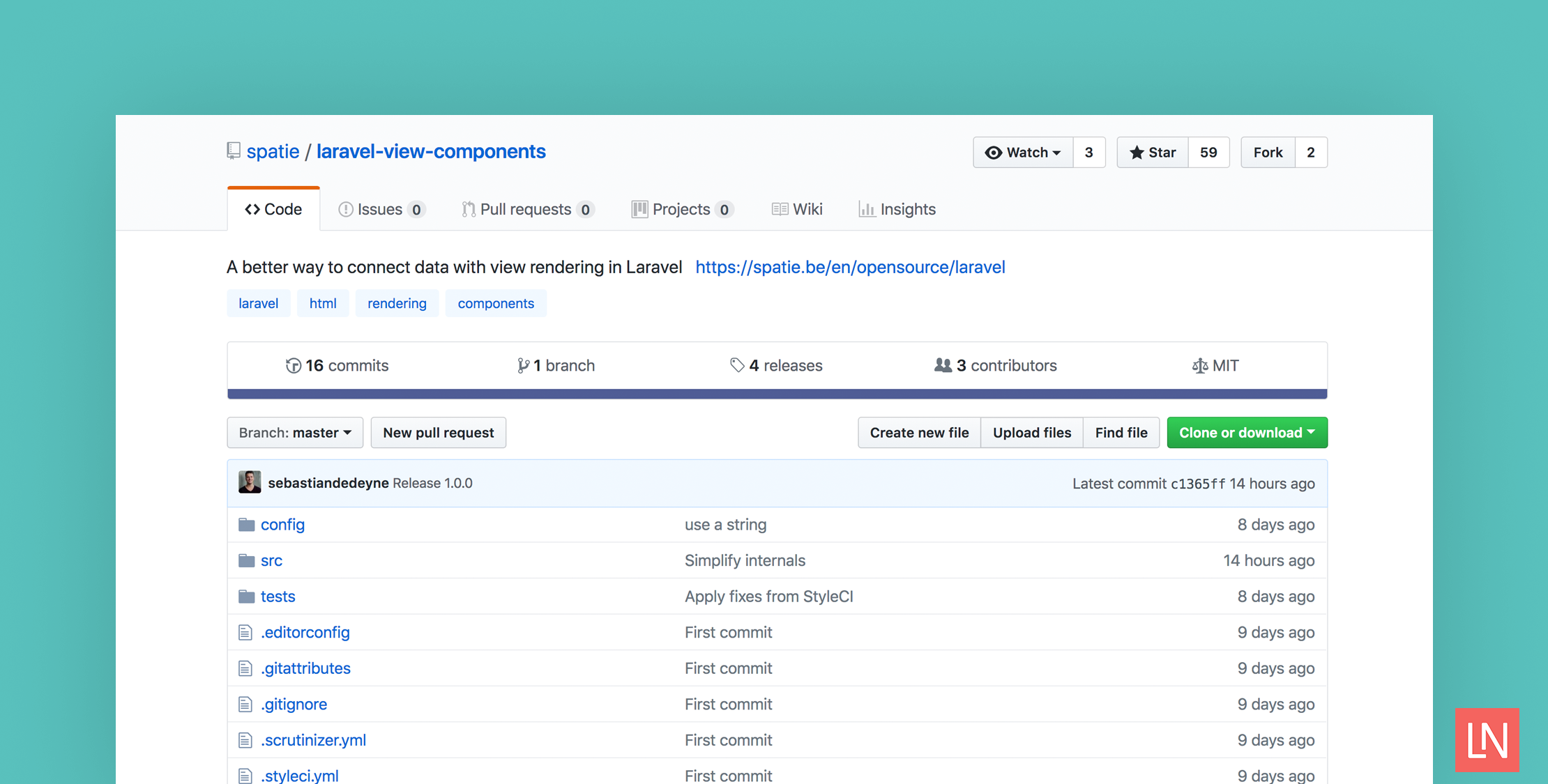
Inspired by Jeff’s article, Sebastian De Deyne of Spatie created a Laravel package that brings the concept of a View Component to Laravel applications. The package headline is: “A better way to connect data with view rendering in Laravel.”
One of the nice things about this approach over using view composers, is that view components help organize logic and data tied to a view in one place:
The benefit over view composers is that data and rendering logic are explicitly tied together in components instead of being connected afterwards. They also allow you to seamlessly combine properties and dependency injection.
Overview
The overall concept of a view component, is using the @render directive in a template. For example:
@render(App\Http\ViewComponents\NavigationComponent::class, ['backgroundColor' => 'black'])The first argument in the @render directive ties back to a class that implements the HtmlAble contract. For example, the following component is from the package’s readme:
namespace App\Http\ViewComponents; use Illuminate\Http\Request;use Illuminate\Contracts\Support\Htmlable; class NavigationComponent implements Htmlable{ /** \Illuminate\Http\Request */ private $request; /** @var string */ private $backgroundColor; public function __construct(Request $request, string $backgroundColor) { $this->request = $request; $this->backgroundColor = $backgroundColor; } public function toHtml(): string { return view('components.navigation', [ 'activeUrl' => $this->request->url(), 'backgroundColor' => $this->backgroundColor, ]); }}Rendering
You can render view components by referencing the component’s fully qualified name (as seen above), or a string class name:
@render('navigationComponent', ['backgroundColor' => 'black'])Since the component can be anything that implements the HtmlAble contract, you are not required to only using blade views to render components. Check the package’s readme for an example of wrapping an HTML package in a component.
Learn More
Check out the GitHub project to learn more about using this package. I’d also encourage you to read the original post on view components in Laravel that inspired this package.








