News

Visual Studio Announces Live Share – Real-Time Editor Collaboration

Published
Visual Studio Announces Live Share – Real-Time Editor Collaboration image

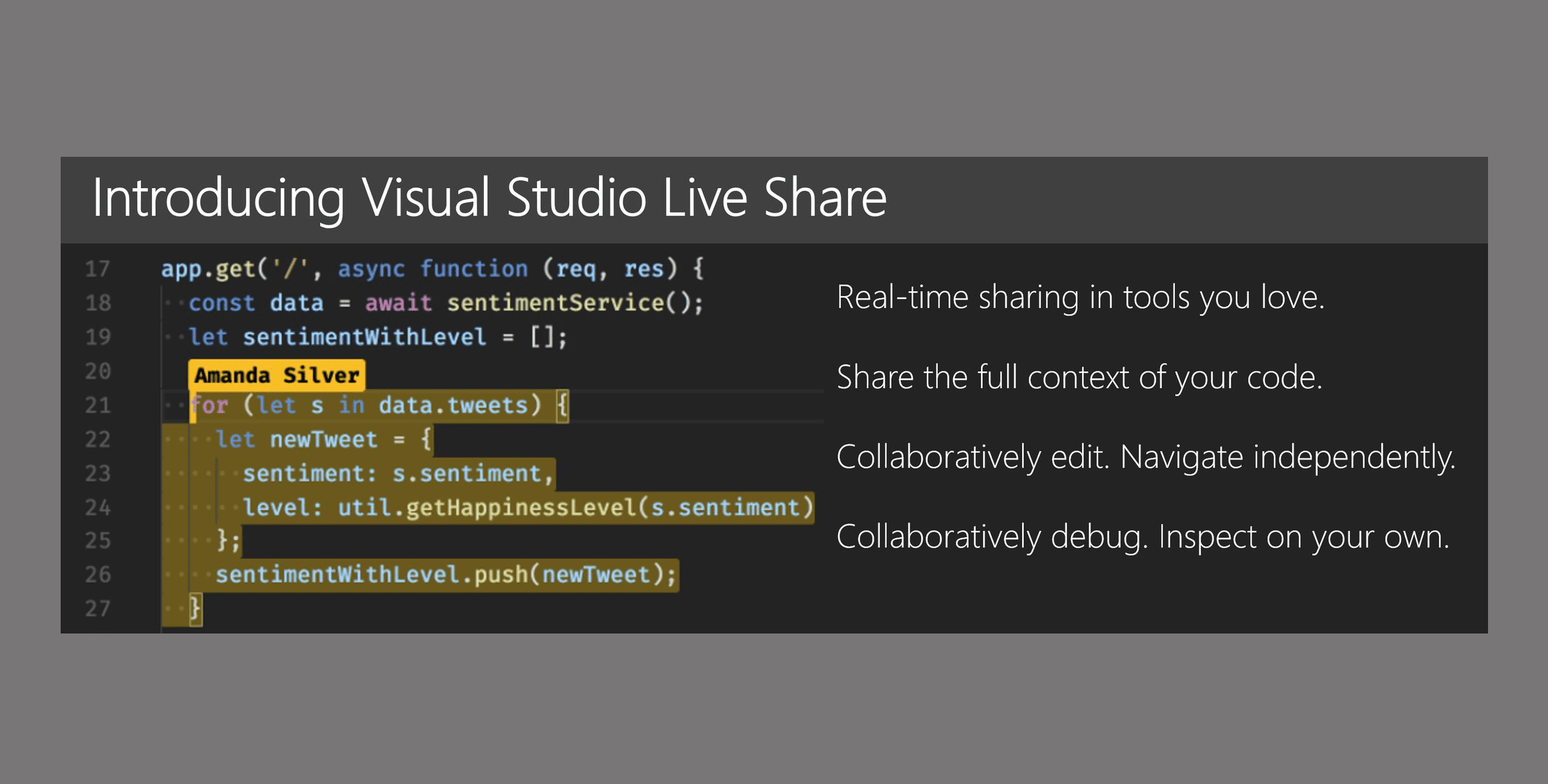
Today Microsoft announced a new feature coming to Visual Studio 2017 and Visual Studio Code that will allow you to collaborate in real-time.

When you share a collaborative session, your teammate sees the context of the workspace in their editor. This means your teammate can read the code you shared without having to clone a repo or install any dependencies your code relies on. They can use rich language features to navigate within the code; not only just opening other files as text but using semantic analysis-based navigation like Go to Definition or Peek.

This feature is called Visual Studio Live Share and everything is done right through the editor. This means you don’t have to share other items on your desktop and each person on the sharing session gets to keep their own IDE settings.

This looks like a huge leap forward in developer collaboration and you can find out more from their announcement post.

Eric L. Barnes photo

Eric is the creator of Laravel News and has been covering Laravel since 2012.

Sponsored

serpapi logo
SerpApi

The Web Search API for Your LLM and AI Applications

Visit SerpApi

The latest

View all →
Unlearn.dev goes free for a weekend, October 10 and 11 image

Unlearn.dev goes free for a weekend, October 10 and 11

Read article
Tashil: Laravel Subscription Plans and Feature Usage Limits image

Tashil: Laravel Subscription Plans and Feature Usage Limits

Read article
Decide with Jev: Laravel AI That Answers with a Probability image

Decide with Jev: Laravel AI That Answers with a Probability

Read article
JetBrains Air: Run AI Coding Agents in JetBrains IDEs image

JetBrains Air: Run AI Coding Agents in JetBrains IDEs

Read article
Memoize Tagged Cache Reads in Laravel image

Memoize Tagged Cache Reads in Laravel

Read article
Eloquent Refreshes: Load Generated Columns After Save image

Eloquent Refreshes: Load Generated Columns After Save

Read article