Laravel Livewire provides developers with an intuitive approach to implementing confirmation dialogs through the wire:confirm directive. This feature addresses the common need for preventing accidental execution of critical operations while maintaining clean, declarative code.
Livewire's wire:confirm directive seamlessly integrates confirmation prompts into your application's user interface. This directive triggers the browser's native confirmation dialog before executing any associated action, providing an essential safety layer for destructive operations.
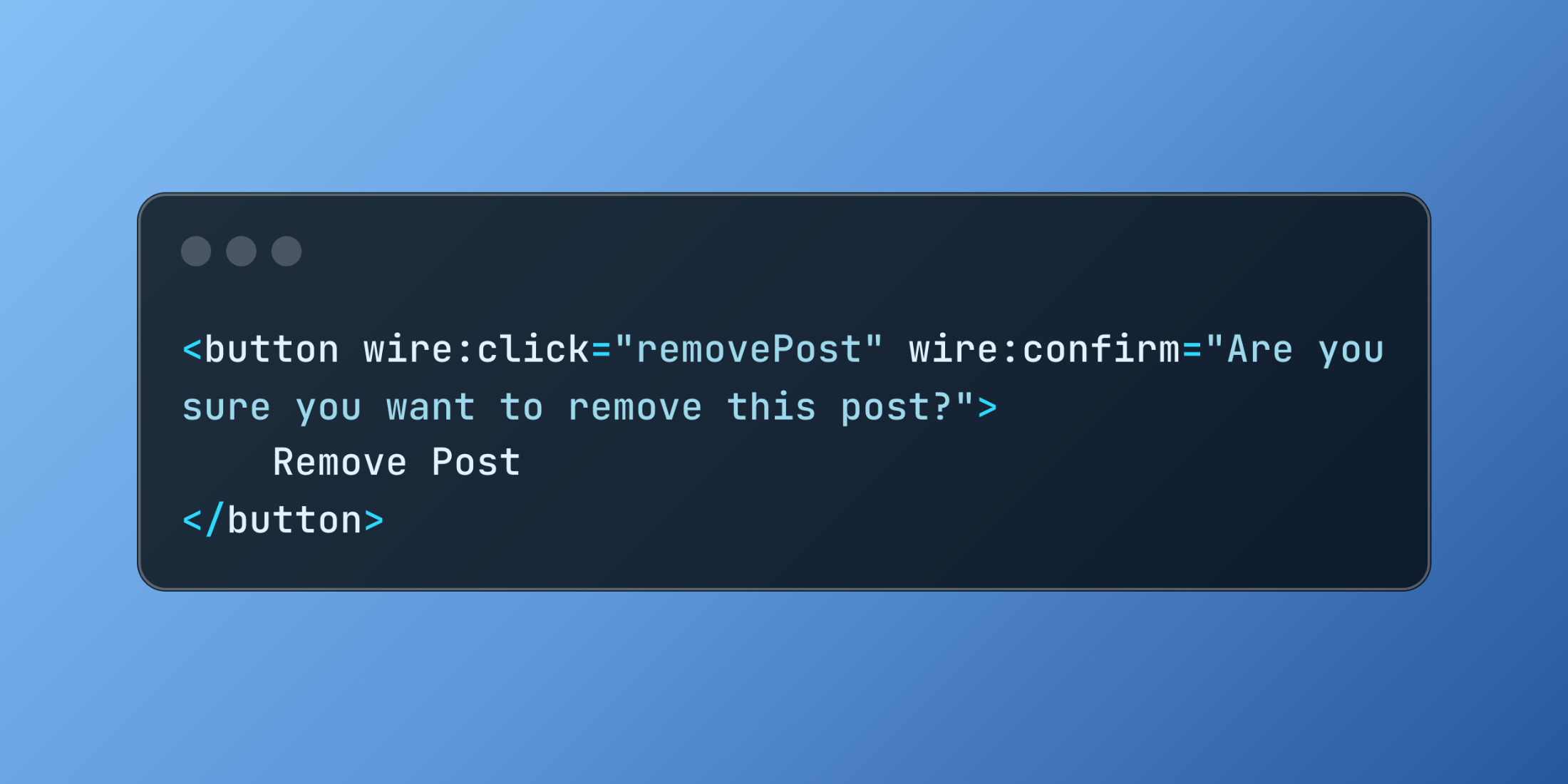
Here's the fundamental implementation:
<button wire:click="removePost" wire:confirm="Are you sure you want to remove this post?"> Remove Post</button>When users click this button, they encounter a confirmation dialog displaying the specified message. Only upon confirmation does Livewire execute the removePost method.
You can enhance confirmation messages by incorporating dynamic data from your component properties:
<button wire:click="removePost({{ $post->id }})" wire:confirm="Are you sure you want to remove '{{ $post->title }}'?"> Remove Post</button>The wire:confirm directive integrates seamlessly with other Livewire features:
<button wire:click="processOrder" wire:loading.attr="disabled" wire:confirm="This action will charge the customer immediately. Continue?"> Process Payment</button>This example combines confirmation dialogs with loading state management, ensuring users cannot accidentally trigger multiple requests.
Consider a comprehensive content management system that requires careful handling of various administrative actions:
class ContentManager extends Component{ public $articles; public $selectedCategory = null; public function mount() { $this->articles = Article::published()->get(); } public function archiveArticle($articleId) { $article = Article::findOrFail($articleId); $article->update(['status' => 'archived']); $this->articles = Article::published()->get(); $this->dispatch('article-archived', ['title' => $article->title]); } public function deleteArticle($articleId) { $article = Article::findOrFail($articleId); $article->delete(); $this->articles = Article::published()->get(); session()->flash('success', 'Article deleted permanently.'); } public function changeCategory($articleId, $newCategory) { $article = Article::findOrFail($articleId); $oldCategory = $article->category; $article->update(['category' => $newCategory]); $this->articles = Article::published()->get(); Log::info('Article category changed', [ 'article_id' => $articleId, 'from' => $oldCategory, 'to' => $newCategory ]); } public function render() { return view('livewire.content-manager'); }}The corresponding Blade template demonstrates various confirmation scenarios:
<div> @foreach ($articles as $article) <div class="article-card"> <h3>{{ $article->title }}</h3> <p>Category: {{ $article->category }}</p> <button wire:click="archiveArticle({{ $article->id }})" wire:confirm="Archive '{{ $article->title }}'? This will hide it from public view."> Archive </button> <button wire:click="deleteArticle({{ $article->id }})" wire:confirm="Permanently delete '{{ $article->title }}'? This action cannot be undone."> Delete </button> <select wire:change="changeCategory({{ $article->id }}, $event.target.value)" wire:confirm="Change category for '{{ $article->title }}'? This may affect its visibility."> <option value="news">News</option> <option value="tutorials">Tutorials</option> <option value="reviews">Reviews</option> </select> </div> @endforeach</div>For highly sensitive operations, Livewire offers the .prompt modifier that requires users to type a specific confirmation phrase:
<button wire:click="deleteUserAccount" wire:confirm.prompt="This will permanently delete your account.\n\nType DELETE to confirm|DELETE"> Delete Account</button>This advanced confirmation method ensures users fully understand the consequences of their actions by requiring active text input rather than a simple click confirmation.
When implementing confirmation dialogs, consider these strategic approaches: craft clear, contextual messages that explain the specific consequences of each action. Apply confirmations consistently across similar operations to establish predictable user patterns. Reserve confirmation dialogs for genuinely important actions to prevent user fatigue from excessive prompts.
For applications requiring custom-styled confirmation dialogs, you can combine Alpine.js with Livewire for enhanced visual control:
<div x-data="{ showDeleteModal: false }"> <button @click="showDeleteModal = true" class="btn-danger">Delete User</button> <div x-show="showDeleteModal" x-transition class="modal-overlay"> <div class="modal-content"> <h2>Confirm Deletion</h2> <p>Are you sure you want to permanently delete this user account?</p> <div class="modal-actions"> <button wire:click="deleteUser" @click="showDeleteModal = false" class="btn-danger"> Yes, Delete </button> <button @click="showDeleteModal = false" class="btn-secondary"> Cancel </button> </div> </div> </div></div>This approach enables fully customized confirmation interfaces while maintaining Livewire's reactive capabilities.
Livewire's wire:confirm directive provides an elegant, accessible solution for implementing confirmation dialogs that protect users from unintended actions. By strategically applying these confirmations to critical operations, you create more reliable, user-friendly applications that prevent costly mistakes while maintaining smooth interaction flows.