When working with Eloquent Models, it is common to tap into the events dispatched through the Models lifecycle. There are a few different ways you can do this, and in this tutorial, I will walk through them and explain the benefits and drawbacks of each one.
I will use the same example for each approach so that you can see a direct comparison. This example will assign the model's UUID property to a UUID during the creation of the model itself.
Our first approach uses the model's static boot method to register the behavior. This allows us to work directly on the model and register the callback we want to run when the model is being created.
declare(strict_types=1); namespace App\Models; use Illuminate\Database\Eloquent\Model;use Illuminate\Support\Str; class Office extends Model{ public static function boot(): void { static::creating(fn (Model $model) => $model->uuid = Str::uuid(), ); }}This approach is perfectly fine for small and straightforward reactions to model events like adding a UUID, as it is pretty easy to understand, and you can see exactly what is going on on the model. The biggest issue with this approach is code repetition, and if you have multiple models needing to assign UUIDs, you will do the same thing repeatedly.
This leads us nicely onto the second approach, using a trait. In Laravel, your models can inherit traits and automatically boot them if you create a method on your trait that starts with boot and ends with the trait name. Here is an example:
declare(strict_types=1); namespace App\Models\Concerns; use Illuminate\Database\Eloquent\Model;use Illuminate\Support\Str; trait HasUuid{ public static function bootHasUuid(): void { static::creating(fn (Model $model) => $model->uuid = Str::uuid(), ); }}Using a trait allows you to add this behavior to each model that requires it and is easy to implement. My most significant drawback is that stacking these behaviors can cause issues when multiple traits want to tap into the same model event. They begin fighting for priority and can get messy pretty quickly.
This leads us to the next option, Model Observers. Model Observers are a class-based approach to reacting to model events, where the methods correspond to the specific events being fired.
declare(strict_types=1); namespace App\Observers; use Illuminate\Database\Eloquent\Model;use Illuminate\Support\Str; class OfficeObserver{ public function creating(Model $model): void { $model->uuid = Str::uuid(); }}This class will need to be registered somewhere, in a Service Provider or the Model itself (this is where I recommend it). Registering this observer in the model provides visibility on the model level to the side effects that change the eloquent behavior. The problem with hiding this away in a Service Provider is that unless everyone knows it is there - it is hard to know about. The biggest drawback of this approach is its visibility. In my opinion, this approach is fantastic when used correctly.
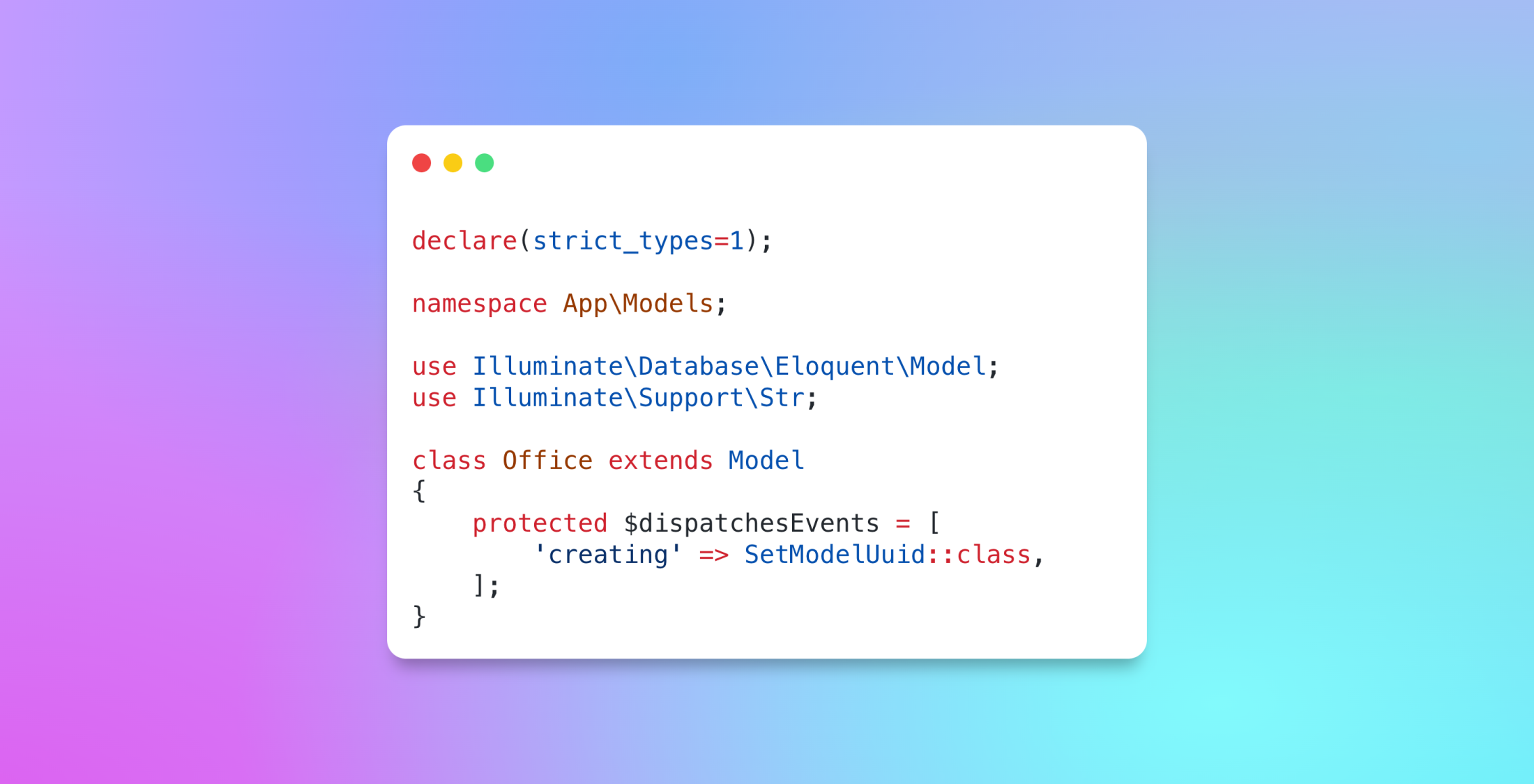
One more way you could approach this problem is to take advantage of the $dispatchesEvents property on the Eloquent Model itself. This is a property on every Eloquent Model that allows you to list the events you want to listen for and a class called for these events.
declare(strict_types=1); namespace App\Models; use Illuminate\Database\Eloquent\Model;use Illuminate\Support\Str; class Office extends Model{ protected $dispatchesEvents = [ 'creating' => SetModelUuid::class, ];}The SetModelUuid will be instantiated during the lifecycle of the Eloquent model and is your chance to add behavior and properties to the model.
declare(strict_types=1); namespace App\Models\Events; use Illuminate\Database\Eloquent\Model;use Illuminate\Support\Str; class SetModelUuid{ public function __construct(Model $model) { $model->uuid = Str::uuid(); }}This approach is one of the cleanest and easiest to understand, as there is plenty of visibility on the model, and you can easily share this class across models. The biggest issue you will face is if you need to trigger multiple actions on a model event.
In conclusion, in all honesty, there is no right way to do this. You can choose any of the above methods, and they will work, but you should choose the one that is right for you and your specific use case. I would like to see more options around this particular functionality.
For example, an observer is a good option if you need to add multiple properties to a model on model events. However, is it the best option? How about if we used the dispatch events property to run a custom pipeline for that model?
declare(strict_types=1); namespace App\Models\Pipelines; use App\Models\Office class OfficeCreatingPipeline{ public function __construct(Office $model) { app(Pipeline::class) ->send($model) ->through([ ApplyUuidProperty::class, TapCreatedBy::class, ]); }}As you can see, we can start to use pipelines to add multiple behaviors to model events. Now, this isn't tested, so I do not know 100% if it would work - but as a concept, it could open up a composable approach to reacting to model events.
How do you handle model events in your Laravel projects? Let us know on Twitter!