Sometimes you need to work with OS-level commands from your PHP application. Let's look at how we can do this and see if we can make the Developer Experience nicer.
Over the last few years, I have been focusing on various aspects of how I write code and how I can improve it. I started by looking into how I could make integrating with HTTP better and more object-oriented. I believe I found a way to achieve this and am now focusing my attention elsewhere.
There are some occasions when you want to work with the OS CLI within your applications. Either in a web application or another CLI application. In the past, we have used methods like exec or passthru or shell_exec and system. Then along came the Symfony Process component, and we were saved.
The Symfony process component made it super easy to integrate with OS processes and get the output. But how we integrate with this library is still a little frustrating. We create a new process, passing in an array of arguments that makes the command we wish to run. Let's take a look:
$command = new Process( command: ['git', 'push', 'origin', 'main'],); $command->run();What is wrong with this approach? Well, in all honesty, nothing. But is there a way we improve the developer experience? Let's say we switch from git to svn (not that likely I know).
To improve the developer experience, first, we need to understand the components that logically go into creating an OS command. We can break these down into:
executable arguments
Our executable is something we interact with directly, such as php, git, brew, or any other installed binary on our system. Then the arguments are how we might interact; these could be subcommands, options, flags, or arguments.
So if we abstract a little, we will have a process and a command that takes arguments. We will use interfaces/contracts to define our components to control how our workflow should work. Let's start with the Process Contract:
declare(strict_types=1); namespace JustSteveKing\OS\Contracts; use Symfony\Component\Process\Process; interface ProcessContract{ public function build(): Process;}We are saying here that each process must be able to be built, and the result of the created process should be a Symfony Process. Our process should build a Command for us to run, so now let us have a look at our Command Contract:
declare(strict_types=1); namespace JustSteveKing\OS\Contracts; interface CommandContract{ public function toArgs(): array;}The main thing we want from our command is to be able to be returned as arguments that we can pass into a Symfony Process as a command.
So enough about ideas, let's walk through a real example. We will use git as an example, as most of us should be able to relate to git commands.
First, let us create a Git process that implements the Process Contract that we just described:
class Git implements ProcessContract{ use HandlesGitCommands; private CommandContract $command;}Our Process implements the contract and has a command property that we will use the allow our process to be built and executed fluently. We have a trait that will enable us to centralize how things are built and made for our Git process. Let us take a look at that:
trait HandlesGitCommands{ public function build(): Process { return new Process( command: $this->command->toArgs(), ); } protected function buildCommand(Git $type, array $args = []): void { $this->command = new GitCommand( type: $type, args: $args, ); }}So our trait shows the implementation of the process contract itself and provides instructions on how processes should be built. It also contains a method to allow us to abstract building commands.
We can create a process and build a potential command up to this point. However, we have yet to make a command. We create a new Git Command in the trait, which uses a Git class for the type. Let's look at this other Git class, which is an enum. I will show a cut-down version, though - as realistically, you want this to map to all the git subcommands you wish to support:
enum Git: string{ case PUSH = 'push'; case COMMIT = 'commit';}Then we pass this through to the Git Command:
final class GitCommand implements CommandContract{ public function __construct( public readonly Git $type, public readonly array $args = [], public readonly null|string $executable = null, ) { } public function toArgs(): array { $executable = (new ExecutableFinder())->find( name: $this->executable ?? 'git', ); if (null === $executable) { throw new InvalidArgumentException( message: "Cannot find executable for [$this->executable].", ); } return array_merge( [$executable], [$this->type->value], $this->args, ); }}In this class, we accept the arguments from our Process, which is currently being handled by our HandledGitCommands trait. We then can turn this into arguments that the Symfony Process can understand. We use the ExecutableFinder from the Symfony package to allow us to minimize errors in paths. However, we also want to throw an exception if the executable cannot be found.
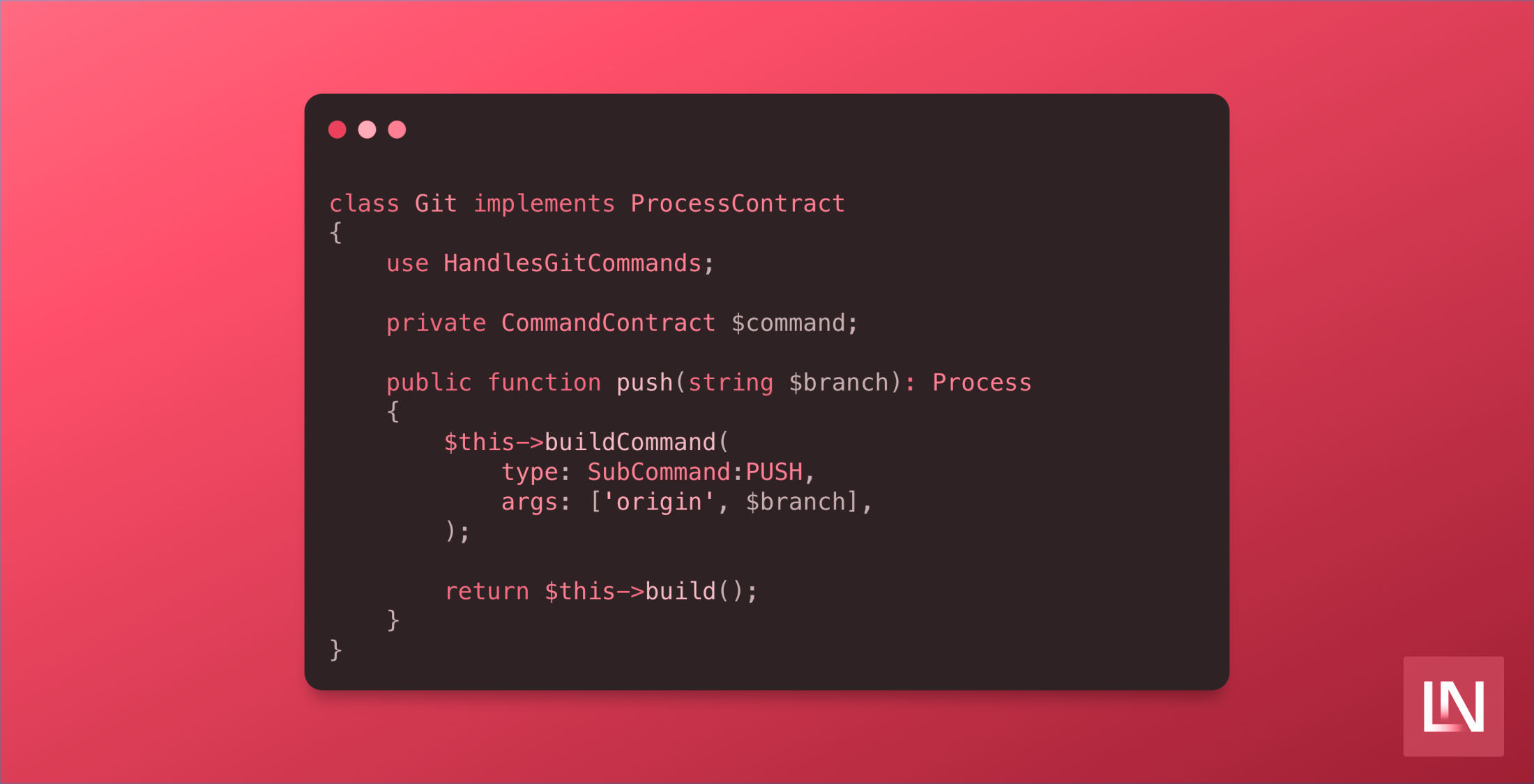
When we put it all together inside our Git Process, it looks a little like this:
use JustSteveKing\OS\Commands\Types\Git as SubCommand; class Git implements ProcessContract{ use HandlesGitCommands; private CommandContract $command; public function push(string $branch): Process { $this->buildCommand( type: SubCommand:PUSH, args: [ 'origin', $branch, ], ); return $this->build(); }}Now all that is left for us to do is run the code itself so that we can work with git nicely inside of our PHP application:
$git = new Git();$command = $git->push( branch: 'main',); $result = $command->run();The result of the push method will allow you to interact with the Symfony Process - meaning you can do all sorts with the command out the other side. The only thing we have changed is building an object-oriented wrapper around the creation of this process. This allows us to develop and keep context nicely and extends things in a testable and extendable way.
How often do you work with OS commands in your applications? Can you think of any use cases for this? I have published the example code in a repo on GitHub so that you might use it and see if you can improve your OS integrations.
An excellent example of this should be SSH, MySQL, or even ansible or terraform! Imagine if you could efficiently run MySQL dumps on a schedule from Laravel artisan without using third-party packages all the time!