Laravel Tutorials

Learn how to set up Xdebug for PhpStorm and Laravel Valet

Published
Learn how to set up Xdebug for PhpStorm and Laravel Valet image

I’ve been developing web applications for about 15 years, but somehow Xdebug is still challenging to set up. Follow along and learn how to find Xdebug settings and configure it for local development with PhpStorm.

If you are using PHP-FPM locally, you might have run into an annoying issue that no matter what you do Xdebug won’t work! I might have an answer for you in this video.

Here are my Xdebug settings from the video so you can easily copy and paste them if you want:

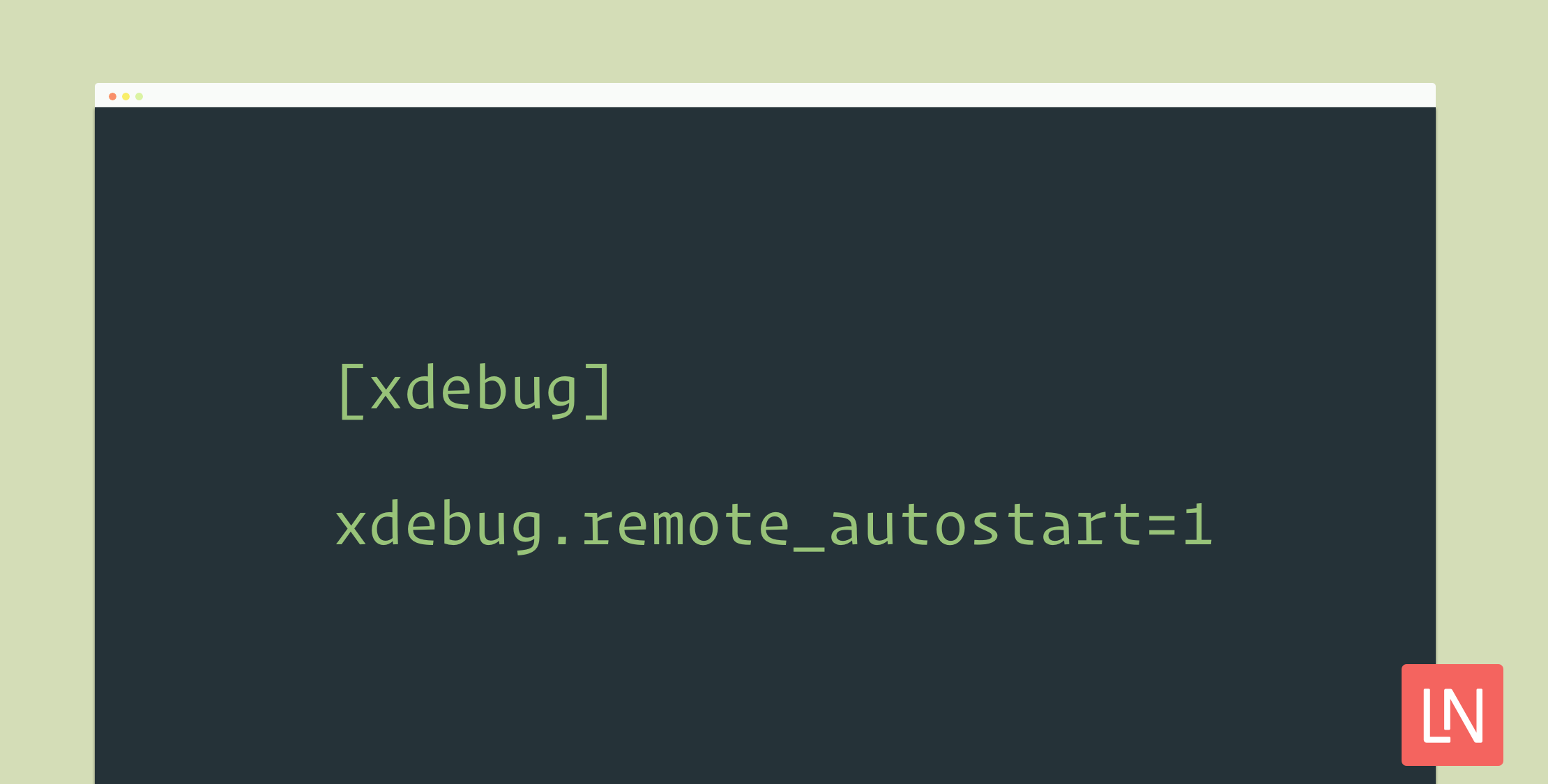
[xdebug]
zend_extension="/usr/local/opt/php71-xdebug/xdebug.so"
xdebug.remote_autostart=1
xdebug.default_enable=1
xdebug.remote_port=9001
xdebug.remote_host=127.0.0.1
xdebug.remote_connect_back=1
xdebug.remote_enable=1
xdebug.idekey=PHPSTORM

If you find this video useful, the best thing you can do is follow our YouTube channel and share this article on your favorite social networks!

Paul Redmond photo

Staff writer at Laravel News. Full stack web developer and author.

Sponsored

serpapi logo
SerpApi

The Web Search API for Your LLM and AI Applications

Visit SerpApi

The latest

View all →
Taylor disabled GitHub Issues on most Laravel open-source packages. image

Taylor disabled GitHub Issues on most Laravel open-source packages.

Read article
Exclude Vendor and Default Commands in `php artisan dev` image

Exclude Vendor and Default Commands in `php artisan dev`

Read article
The Laracon Archive image

The Laracon Archive

Read article
Group Adjacent Collection Items in Laravel with chunkBy() image

Group Adjacent Collection Items in Laravel with chunkBy()

Read article
Laravel queue:work Now Prints Why the Worker Stopped image

Laravel queue:work Now Prints Why the Worker Stopped

Read article
Sidecar Brings Statamic's Control Panel to Your Existing Markdown Sites image

Sidecar Brings Statamic's Control Panel to Your Existing Markdown Sites

Read article