Tinkerwell - The PHP Scratchpad

Troubleshooting Laravel Valet on macOS Sierra

Published on by

Troubleshooting Laravel Valet on macOS Sierra image

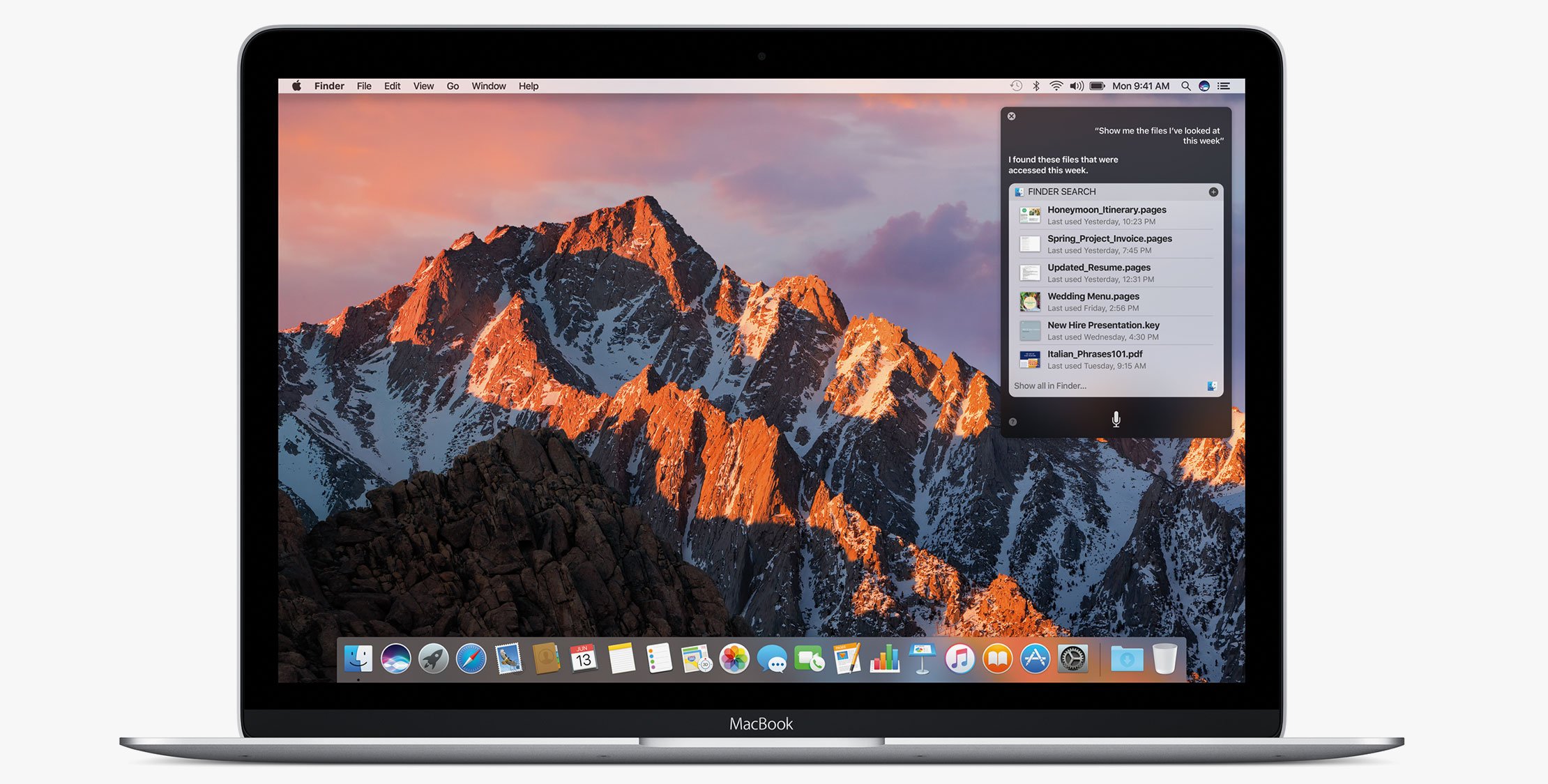
macOS Sierra was released just a few days ago and everybody is starting to upgrade. Some users of Laravel Valet have reported some problems and Adam Wathan has put together a list of common problems and troubleshooting tips to help resolve issues he’s been seeing.

With his permission to post here is a list of things to look for:

All I see is “It works!”

Apache is running on port 80 and interfering with Valet.

  1. Stop Apache: sudo /usr/sbin/apachectl stop
  2. Restart Valet: valet restart

Valet randomly dies

You are probably still on Valet <= 1.1.19, it’s recommended to pin to ^1.1.22.

First, edit ~/.composer/composer.json to point to ^1.1.22 like this:

```diff
- "laravel/valet": "^1.1.19",
+ "laravel/valet": "^1.1.22",
 
Next, run `composer global update` and then restart Valet with it’s `valet restart` command.
 
Every time I refresh I see a totally random file!
-------------------------------------------------
 
You are running Caddy 0.9.2, which has a known bug related to fastcgi connections.
 
Edit your `~/.composer/composer.json` to point to `^1.1.22` like this:
- "laravel/valet": "^1.1.19",
+ "laravel/valet": "^1.1.22",
 
Next, run `composer global update`, ensure you are now running Caddy 0.9.1 by running `~/.composer/vendor/laravel/valet/bin/caddy -version` and finally restart Valet `valet restart`
 
I’m getting a 502 Bad Gateway error.
------------------------------------
 
Usually, this means something is messed up with PHP FPM. The first step is to confirm that FPM is *not* running:

ps aux | grep fpm

 
You should see at least two processes there if PHP FPM is running (one is grep, ignore that one.) Chances are PHP FPM *is not* running.
 
Next, check the PHP FPM error log to find out why it’s not running:

cat /usr/local/opt/php70/var/log/php-fpm.log

 
Try to resolve any errors you see. Here’s a few common ones:
 
- `/var/run/valet/fpm.socket` does not exist
- Failed to open configuration file `/usr/local/etc/php/7.0/php-fpm.conf`
 
Problem: /var/run/valet/fpm.socket does not exist!
--------------------------------------------------
 
If you see an error similar to:
 
> Unable to bind listening socket for address ‘/var/run/valet/fpm.socket’: No such file or directory
 
in the file `/usr/local/opt/php70/var/log/php-fpm.log`, you were probably running `dev-master` and have now switched back to tagged releases.
 
Valet 1.1.22 attempts to automate fixing this issue by explicitly configuring where PHP FPM should listen.
 
First make sure `~/.composer/composer.json` points to `^1.1.22`:
  • "laravel/valet": "^1.1.19",
  • "laravel/valet": "^1.1.22",
 
Then run `composer global update` and finally `valet install`.
 
Problem: php-fpm.conf is missing!
---------------------------------
 
Something went wrong when installing PHP through Homebrew. This seems to happen on fresh non-upgrade installations of macOS Sierra.
 
1. Uninstall PHP 7: `brew uninstall php70`
2. Reinstall PHP 7 from source: `brew install php70 --build-from-source`
3. Re-run `valet install`
 
Where to Look for Valet Errors?
-------------------------------
 
If you are still running into problems, here’s a list of log files to check:
 
**Caddy start log:**

/tmp/com.laravel.valetServer.err

 
**PHP FPM error log:**

/usr/local/opt/php70/var/log/php-fpm.log

 
**Caddy error log:**

~/.valet/Log/error.log

 
Hopefully with this guide you will be able to pinpoint any errors you have and can fix them through either Brew or Composer.

Eric L. Barnes photo

Eric is the creator of Laravel News and has been covering Laravel since 2012.

Filed in:
Cube

Laravel Newsletter

Join 40k+ other developers and never miss out on new tips, tutorials, and more.

image
Tinkerwell

Enjoy coding and debugging in an editor designed for fast feedback and quick iterations. It's like a shell for your application – but with multi-line editing, code completion, and more.

Visit Tinkerwell
Curotec logo

Curotec

World class Laravel experts with GenAI dev skills. LATAM-based, embedded engineers that ship fast, communicate clearly, and elevate your product. No bloat, no BS.

Curotec
Bacancy logo

Bacancy

Supercharge your project with a seasoned Laravel developer with 4-6 years of experience for just $3200/month. Get 160 hours of dedicated expertise & a risk-free 15-day trial. Schedule a call now!

Bacancy
Tinkerwell logo

Tinkerwell

The must-have code runner for Laravel developers. Tinker with AI, autocompletion and instant feedback on local and production environments.

Tinkerwell
Cut PHP Code Review Time & Bugs into Half with CodeRabbit logo

Cut PHP Code Review Time & Bugs into Half with CodeRabbit

CodeRabbit is an AI-powered code review tool that specializes in PHP and Laravel, running PHPStan and offering automated PR analysis, security checks, and custom review features while remaining free for open-source projects.

Cut PHP Code Review Time & Bugs into Half with CodeRabbit
Get expert guidance in a few days with a Laravel code review logo

Get expert guidance in a few days with a Laravel code review

Expert code review! Get clear, practical feedback from two Laravel devs with 10+ years of experience helping teams build better apps.

Get expert guidance in a few days with a Laravel code review
Kirschbaum logo

Kirschbaum

Providing innovation and stability to ensure your web application succeeds.

Kirschbaum
Shift logo

Shift

Running an old Laravel version? Instant, automated Laravel upgrades and code modernization to keep your applications fresh.

Shift
Harpoon: Next generation time tracking and invoicing logo

Harpoon: Next generation time tracking and invoicing

The next generation time-tracking and billing software that helps your agency plan and forecast a profitable future.

Harpoon: Next generation time tracking and invoicing
Lucky Media logo

Lucky Media

Get Lucky Now - the ideal choice for Laravel Development, with over a decade of experience!

Lucky Media
Lunar: Laravel E-Commerce logo

Lunar: Laravel E-Commerce

E-Commerce for Laravel. An open-source package that brings the power of modern headless e-commerce functionality to Laravel.

Lunar: Laravel E-Commerce
SaaSykit: Laravel SaaS Starter Kit logo

SaaSykit: Laravel SaaS Starter Kit

SaaSykit is a Multi-tenant Laravel SaaS Starter Kit that comes with all features required to run a modern SaaS. Payments, Beautiful Checkout, Admin Panel, User dashboard, Auth, Ready Components, Stats, Blog, Docs and more.

SaaSykit: Laravel SaaS Starter Kit

The latest

View all →
A new beta of Laravel Wayfinder just dropped image

A new beta of Laravel Wayfinder just dropped

Read article
Ben Bjurstrom: Laravel is the best Vibecoding stack for 2026 image

Ben Bjurstrom: Laravel is the best Vibecoding stack for 2026

Read article
Laravel Altitude - Opinionated Claude Code agents and commands for TALL stack development image

Laravel Altitude - Opinionated Claude Code agents and commands for TALL stack development

Read article
JSON:API Resource in Laravel 12.45 image

JSON:API Resource in Laravel 12.45

Read article
Caching With MongoDB for Faster Laravel Apps image

Caching With MongoDB for Faster Laravel Apps

Read article
Laravel 12.44 Adds HTTP Client afterResponse() Callbacks image

Laravel 12.44 Adds HTTP Client afterResponse() Callbacks

Read article