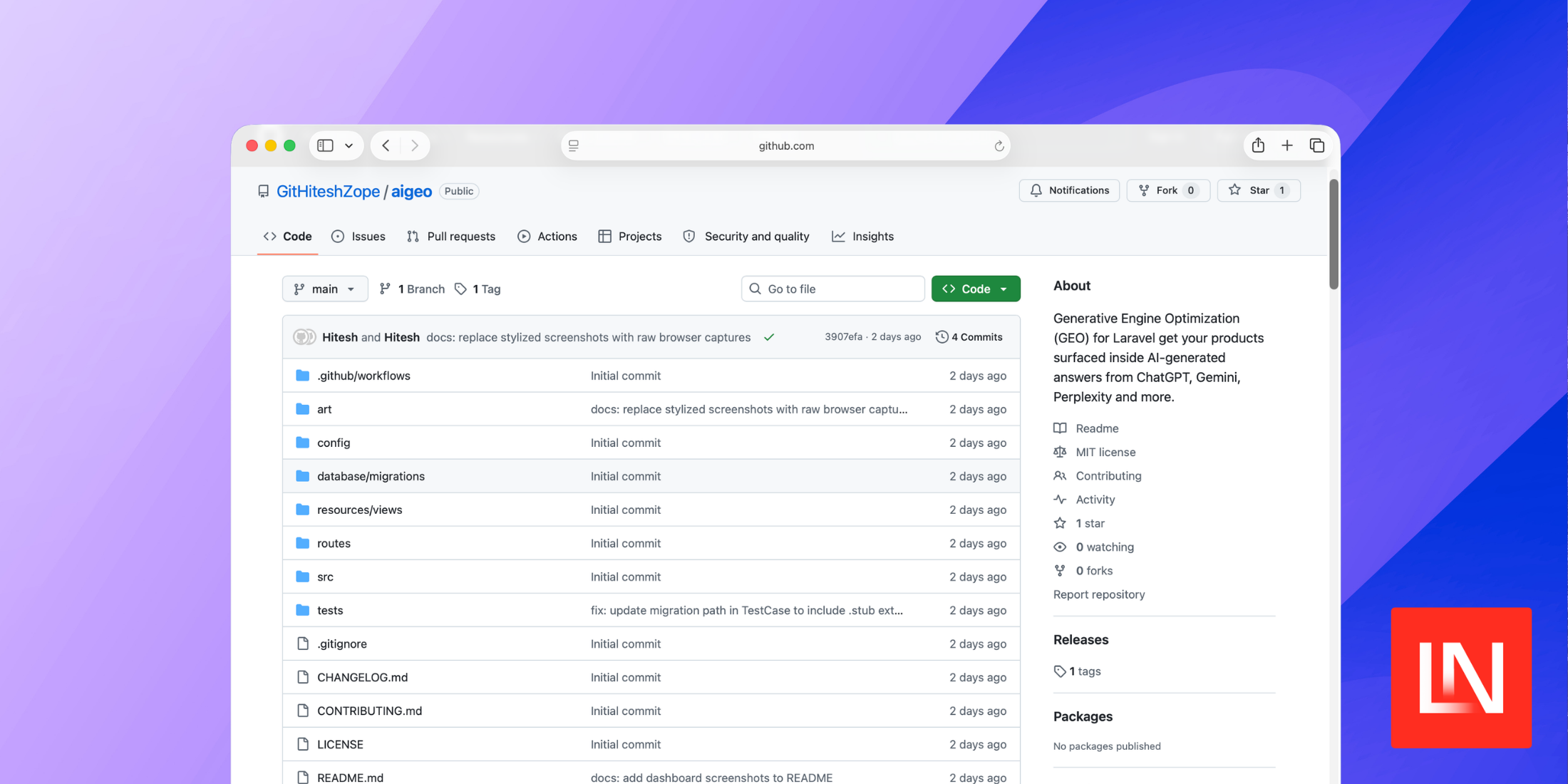
If you've been thinking about how your products show up in AI-generated answers, laravel-aigeo by Hitesh Zope is worth a look. It brings Generative Engine Optimization (GEO) tooling directly into your Laravel app, giving you structured metadata, AI-readable feeds, and an audit dashboard without a lot of glue code.
The HasGeoProfile Trait
The entry point is the HasGeoProfile trait, which you add to any Eloquent model you want visible to AI crawlers — a product, an article, a listing. You define a geoProfile() method that maps your model's fields to the schema the package uses for JSON-LD injection:
use Hszope\LaravelAigeo\Traits\HasGeoProfile; class Product extends Model{ use HasGeoProfile; public function geoProfile(): array { return [ 'name' => $this->name, 'description' => $this->description, 'price' => $this->price, 'sku' => $this->sku, 'image' => $this->image_url, 'url' => url("/products/{$this->id}"), 'rating' => $this->average_rating ?? null, 'review_count' => $this->review_count ?? null, 'currency' => 'USD', 'in_stock' => true, 'attributes' => [ 'Brand' => $this->brand->name, ], ]; }}Once the trait is in place, the package knows how to pull structured data from that model for schema generation and feed output.
Injecting JSON-LD with a Blade Component
With your model ready, you drop the <x-geo-head> component into your layout's <head>. It handles generating and injecting the JSON-LD <script> tag for that page:
<head> <x-geo-head :model="$product" /></head>The output is a structured JSON-LD block that describes your content in a format LLMs can parse when crawling your site.
llms.txt and the AI Product Feed
Two scheduled Artisan commands keep your AI-crawler-facing files up to date. The geo:llms-txt command generates a llms.txt file — a plain-text index that guides AI crawlers through your site's content. The geo:feed command outputs an ai-product-feed.json — a JSON feed structured specifically for LLM indexing rather than traditional RSS or sitemap formats.
Wire them up in your schedule:
use Illuminate\Support\Facades\Schedule; Schedule::command('geo:llms-txt')->daily();Schedule::command('geo:feed')->daily();GEO Scoring Dashboard
The package ships with a dashboard at /geo that gives each of your registered models a 0–100 score based on AI-signal completeness — things like whether descriptions are filled in, schema fields are present, and citation-worthy data exists. You configure which models appear in the audit view via config/geo.php:
'dashboard' => [ 'enabled' => true, 'path' => '/geo', 'middleware' => ['web', 'auth'], 'models' => [ ['model' => \App\Models\Product::class, 'label' => 'Products'], ['model' => \App\Models\Article::class, 'label' => 'Articles'], ],],Make sure to lock this down with auth or your admin middleware before deploying.
You can find the full source and documentation on GitHub.