Malware Blocking and Dependency Policies in Composer 2.10

Published on by

Malware Blocking and Dependency Policies in Composer 2.10 image

Composer 2.10 is now available with native malware filtering, a new dependency policy configuration system, and several security-related changes for PHP projects.

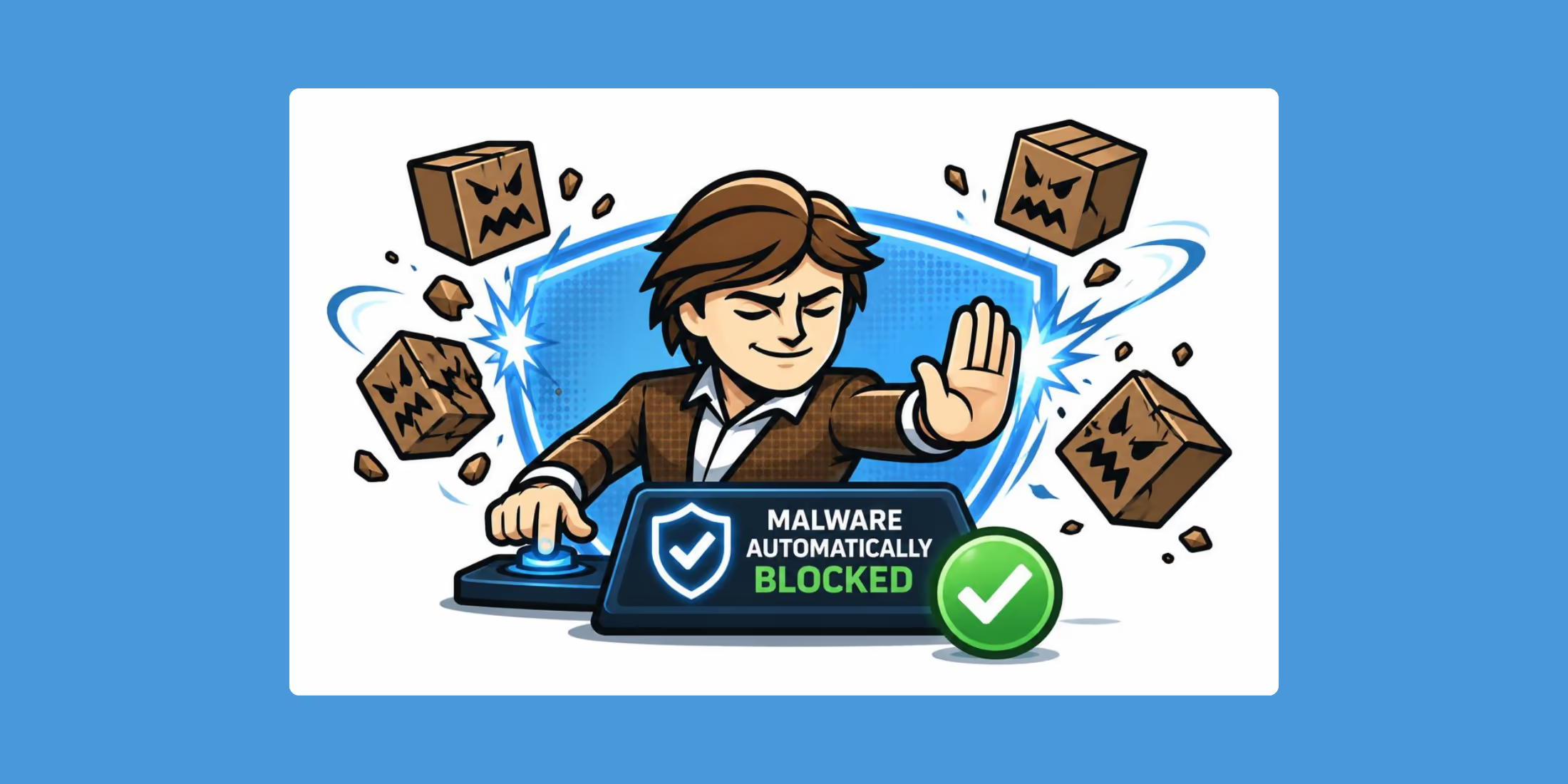
The release was announced by Stephan Vock and Nils Adermann on the Packagist blog, and the big feature is a malware policy that blocks package versions flagged as malicious from being installed through Packagist.org.

Composer 2.10 introduces a malware policy to enable rapid removal of malicious versions published either by attackers who briefly gained control of a legitimate package, or by maintainers acting in bad faith. Flagged versions are removed from the resolution pool, so they cannot be installed via composer update, composer require or composer create-project. Crucially, the check also runs during composer install where versions flagged after a composer.lock was generated will fail the next install. A malicious release that slipped into a lockfile will not be silently pulled in on CI runs or in production deployments. The same versions are surfaced by composer audit, which fails the audit when finding malware by default.

Composer already blocks package versions with known security advisories during updates. Composer 2.10 expands that protection to malware, including package versions published after an attacker gains control of a repository or package.

Other Composer 2.10 highlights include:

  • A new config.policy object for security advisories, abandoned packages, malware, and custom policies.
  • Deprecation of automatic source fallback when dist downloads fail, with a temporary source-fallback config option.
  • Wildcard support for composer update --with, for example composer update --with "acme/*:^2.0".
  • A new --require option for composer create-project.
  • Plugin autoloading and dependency resolver memory improvements.

Composer's changelog marks two backward-compatibility items in 2.10: automatic source fallback is disabled, and composer audit exit codes now use 0 for success and 1 when the audit fails.

You can update Composer with the self-update command:

composer self-update

Read the full Composer 2.10 release announcement on the Packagist blog for the full security context, default policy behavior, configuration examples, and links to the related implementation PRs. Also, if you release packages be sure and check out their other post on An Update on Composer & Packagist Supply Chain Security.

Eric L. Barnes photo

Eric is the creator of Laravel News and has been covering Laravel since 2012.

Filed in:
Cube

Laravel Newsletter

Join 40k+ other developers and never miss out on new tips, tutorials, and more.

image
Tinkerwell

Enjoy coding and debugging in an editor designed for fast feedback and quick iterations. It's like a shell for your application – but with multi-line editing, code completion, and more.

Visit Tinkerwell
Harpoon: Next generation time tracking and invoicing logo

Harpoon: Next generation time tracking and invoicing

The next generation time-tracking and billing software that helps your agency plan and forecast a profitable future.

Harpoon: Next generation time tracking and invoicing
No Compromises logo

No Compromises

Joel and Aaron, the two seasoned devs from the No Compromises podcast, are now available to hire for your Laravel project. ⬧ Flat rate of $9500/mo. ⬧ No lengthy sales process. ⬧ No contracts. ⬧ 100% money back guarantee.

No Compromises
Shift logo

Shift

Running an old Laravel version? Instant, automated Laravel upgrades and code modernization to keep your applications fresh.

Shift
Kirschbaum logo

Kirschbaum

Providing innovation and stability to ensure your web application succeeds.

Kirschbaum
PhpStorm logo

PhpStorm

The go-to PHP IDE with extensive out-of-the-box support for Laravel and its ecosystem.

PhpStorm
SaaSykit: Laravel SaaS Starter Kit logo

SaaSykit: Laravel SaaS Starter Kit

SaaSykit is a Multi-tenant Laravel SaaS Starter Kit that comes with all features required to run a modern SaaS. Payments, Beautiful Checkout, Admin Panel, User dashboard, Auth, Ready Components, Stats, Blog, Docs and more.

SaaSykit: Laravel SaaS Starter Kit
Lucky Media logo

Lucky Media

Get Lucky Now - the ideal choice for Laravel Development, with over a decade of experience!

Lucky Media
Tinkerwell logo

Tinkerwell

The must-have code runner for Laravel developers. Tinker with AI, autocompletion and instant feedback on local and production environments.

Tinkerwell
Laravel Cloud logo

Laravel Cloud

Easily create and manage your servers and deploy your Laravel applications in seconds.

Laravel Cloud
Acquaint Softtech logo

Acquaint Softtech

Acquaint Softtech offers AI-ready Laravel developers who onboard in 48 hours at $3000/Month with no lengthy sales process and a 100 percent money-back guarantee.

Acquaint Softtech

The latest

View all →
Scheduler List: A Web Dashboard for Laravel's Scheduled Tasks image

Scheduler List: A Web Dashboard for Laravel's Scheduled Tasks

Read article
Community Laravel Extension for Zed image

Community Laravel Extension for Zed

Read article
Advanced Eloquent Query Filtering with Filterable image

Advanced Eloquent Query Filtering with Filterable

Read article
Bulk Job Dispatching with Bus::bulk() in Laravel 13.13 image

Bulk Job Dispatching with Bus::bulk() in Laravel 13.13

Read article
Audit Laravel Apps for Security Issues with Checkpoint image

Audit Laravel Apps for Security Issues with Checkpoint

Read article
In-Memory Eloquent Models with Truffle image

In-Memory Eloquent Models with Truffle

Read article