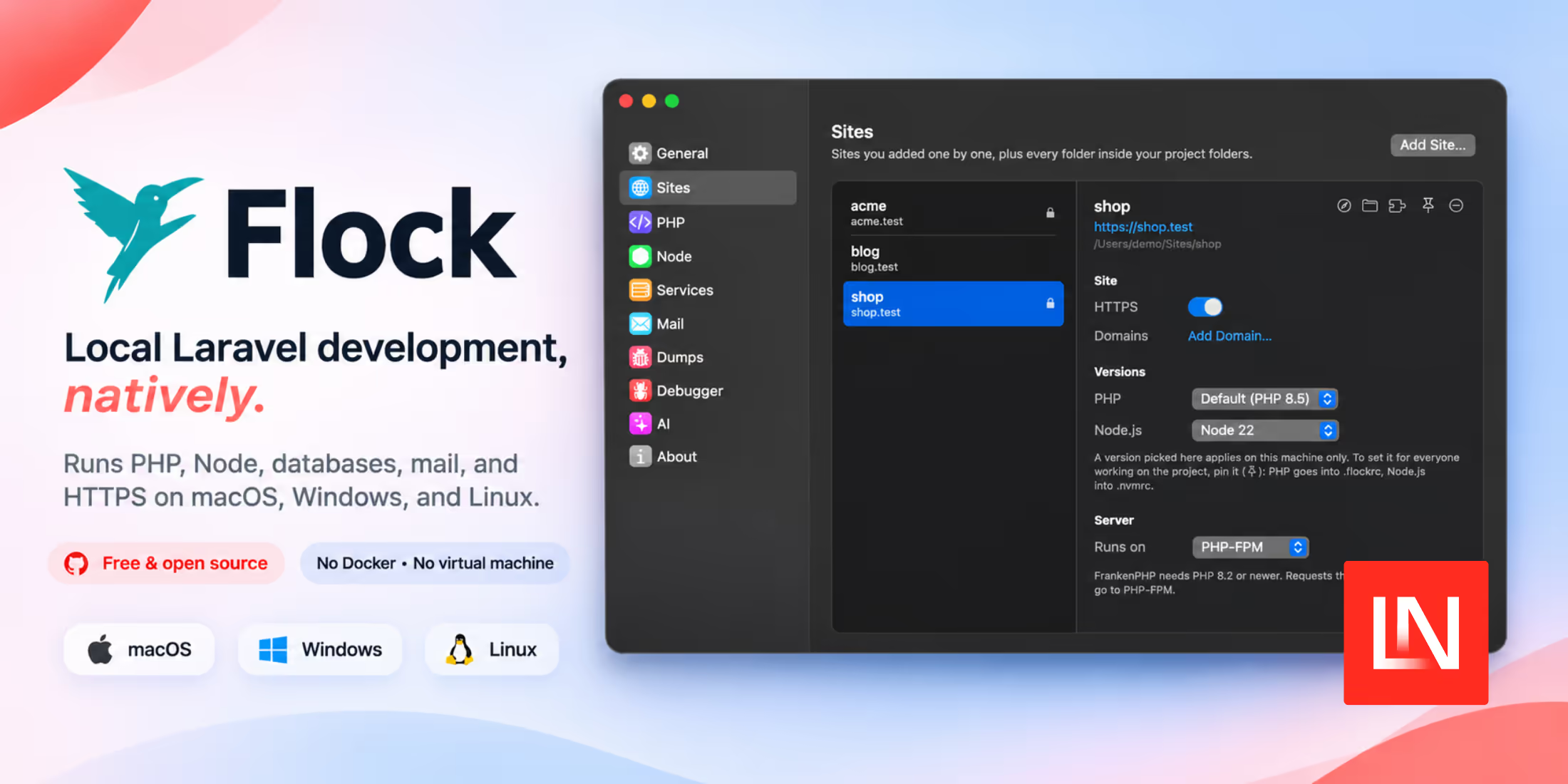
NativePHP now renders Blade components as real SwiftUI views on iOS and Jetpack Compose views on Android, with no web view or HTML involved. NativePHP calls this SuperNative, and Simon Hamp and Shane Rosenthal launched it at The Vibes, a 100-person event they hosted in Boston on 30 July, the day after Laracon US wrapped up.
If you looked at NativePHP a year ago and wrote it off as Laravel in a web view, v4 is worth another look. Web views still work, and you do not have to move off them, but they are no longer the only way to build a screen. SuperNative is the default in v4.
Highlights:
- Native UI from Blade. The component set is called EDGE, short for Element Definition and Generation Engine, and it compiles to SwiftUI and Jetpack Compose views rather than HTML.
- No network hop. PHP and the native layer share memory directly, so there is no round-trip and no web view bridge between your component and the screen.
- Livewire-shaped components. Public properties,
mount(), action methods, and attributes including#[Poll],#[Computed],#[Lazy], and#[Locked]. - A Pest test suite for native screens. Tests mount a component in-process and assert on what it published, so they run in CI without a simulator.
- Four plugins folded into core.
Device,Dialog,File, andSystemnow ship withnativephp/mobile, which is the one breaking change in the release.
How SuperNative Works
SuperNative isn't a fully custom renderer like Skia or Impeller, and it isn't another virtual machine sitting on top of or adjacent to PHP. It is not a transpiler or an HTML-to-native converter either.
From NativePHP's architecture docs:
We've built our own Blade engine that converts real Blade components into a simple binary representation instead of HTML.
That representation is a fixed-length byte array, and an interpreter on the native side reads it and builds the SwiftUI and Compose views.
A SuperNative screen starts faster than a web view screen. There is no web view to boot, no bundle to parse, and no serialising across a bridge on every tap.
Accessibility is usually a weak point in web view apps. Because these are genuine SwiftUI and Compose views, VoiceOver, TalkBack, dynamic type, and the platform's assistive controls work by default. Icon-only controls still need an explicit a11y-label.
Writing a SuperNative Screen
In v3, a screen was a web route. You wrote Blade, Livewire, or Inertia; it rendered as HTML in the web view, and EDGE wrapped it in native chrome: a real top bar, bottom nav, or floating action button declared in Blade. There was no PHP class for the screen itself.
In v4, the screen is the component. It is a PHP class extending NativeComponent and a Blade view. Public properties hold the state, public methods are the actions your view calls, and attributes like #[Poll] handle repeating work. This delivery tracker polls for status changes:
<?php

namespace App\NativeComponents;

use App\Models\Delivery;
use Illuminate\View\View;
use Native\Mobile\Attributes\Locked;
use Native\Mobile\Attributes\Poll;
use Native\Mobile\Edge\NativeComponent;

class DeliveryTracker extends NativeComponent
{
    #[Locked]
    public int $deliveryId;

    public string $status = 'awaiting_pickup';

    public ?string $courier = null;

    public function mount(): void
    {
        $this->syncFromDatabase();
    }

    #[Poll(5000)]
    public function syncFromDatabase(): void
    {
        $delivery = Delivery::findOrFail($this->deliveryId);

        $this->status = $delivery->status;
        $this->courier = $delivery->courier_name;
    }

    public function confirmReceipt(): void
    {
        Delivery::findOrFail($this->deliveryId)->markReceived();

        $this->syncFromDatabase();
    }

    public function render(): View
    {
        return view('native.delivery-tracker');
    }
}
Routes live in routes/mobile.php, registered with a Route::native macro that takes a component class instead of a controller. Native chrome comes from a layout class you write by extending NativeLayout, attached with ->layout(), and Route::nativeGroup applies one layout to several routes:
Route::native('/deliveries/{deliveryId}', DeliveryTracker::class)
    ->layout(DeliveryLayout::class)
    ->name('deliveries.show');
The view is Blade, but the elements are native primitives rather than HTML tags, and they are styled with Tailwind classes that the parser maps onto the platform layout:
<column class="flex-1 p-6 gap-4 bg-theme-background safe-area">
    <text class="text-2xl font-bold text-theme-on-background">
        {{ str($status)->headline() }}
    </text>

    @if ($courier)
        <text class="text-sm text-gray-500">Courier: {{ $courier }}</text>
    @endif

    <pressable @tap="confirmReceipt" class="px-6 py-4 rounded bg-theme-primary items-center">
        <text class="text-theme-on-primary font-semibold">Confirm receipt</text>
    </pressable>
</column>
<column> becomes a real SwiftUI layout on iOS and a Compose Column on Android. The @tap handler calls the method on your PHP class directly. v4 also added @pressDown and @pressUp for touch-down and touch-up events, which is what you need for press-and-hold behaviour rather than a single tap.
Running that screen on a phone does not require Xcode or Android Studio. php artisan native:jump starts a dev server and prints a QR code, and scanning it with Jump, the free companion app on the App Store and Google Play, loads your app on the device over Wi-Fi. Native calls are relayed back to the PHP running on your machine, so the camera and biometrics behave as they would in a packaged build. When NATIVEPHP_START_URL points to a Route::native screen, Jump renders the native UI rather than a web view, making it the quickest way to see SuperNative on real hardware.
Keeping Your Web Views
An existing v3 app does not have to be rewritten. A web view is now a component you place inside a native screen rather than the whole app:
<webview php url="/" fullscreen />
Point a native route at a screen containing that element, set NATIVEPHP_START_URL=/home in your .env, and your routes/web.php views keep rendering as before. You can mix the two: use native navigation around a web view for the screen you haven't converted yet. Each embedded php-mode web view gets its own dedicated PHP runtime, so it never competes with the native screen's runtime.
v4 also no longer boots a web view until a web route actually renders.
Testing Native Screens in Pest
Because a screen is a PHP object publishing a tree, you can test it without a device. The suite gives you a FakeBridge that captures every tree the component published and every native call it made, and the tests are plain Pest:
use App\NativeComponents\DeliveryTracker;
use Native\Mobile\Testing\Native;

it('confirms receipt of a delivery', function () {
    $delivery = Delivery::factory()->create(['status' => 'out_for_delivery']);

    Native::visit("/deliveries/{$delivery->id}")
        ->assertSee('Out For Delivery')
        ->tap('Confirm receipt')
        ->assertSet('status', 'received');
});
Native::test() mounts a component class directly, Native::visit() goes through your registered native routes and resolves route parameters, and tap() presses a pressable matching the given ref or visible text before re-rendering. php artisan native:make-test DeliveryTracker scaffolds the file. You can add your own assertions with FakeBridge macros to test a plugin's native calls.
Version 4.1
Version 4.1 arrived on 7 August. #[Locked] marks a property that a two-way binding cannot write to (#260). A native:model="deliveryId" typo throws instead of letting a text input rewrite the record on screen.
TreeObservers let you watch the element trees the runtime publishes (#259), which is what session recording and debugging tools need. The same release ships a TreeSpy testing utility built on that hook so that a test can assert on intermediate frames rather than only the final state.
Two smaller additions: NativeRouteFallback sets what a browser sees when it hits a native-only route (#268), and the Tailwind parser now warns about classes it does not support (#296) rather than ignoring them.
Upgrading from v3
Most of v4 is additive, and the upgrade guide says no application code changes are required. The one breaking change is in the dependencies. Device, Dialog, File, and System are core components now, and nativephp/mobile declares Composer conflicts with the four standalone plugin packages, so Composer will not resolve until they are gone:
php artisan native:plugin:uninstall --core-v4
That removes all four and unregisters them from your NativeServiceProvider. Add --force to skip the prompts. Then bump the constraint to ~4.0.0 and rebuild the native project files:
composer update
php artisan native:install --force
Facades and events remain unchanged, so your existing Dialog::alert() calls continue to work. The Vite dev server is opt-in now: pass --vite to native:watch or native:run if you want it, and drop the --no-vite flags from your scripts. Plugin authors should widen their constraint to ^3.0|^4.0. The package also ships a v3-to-v4 upgrade skill among its bundled Boost skills, if you would rather an agent did the upgrade for you.
The usual objection to NativePHP is that a web view in a native shell isn't a native app. For the screens you choose to convert, v4 answers that, and it does so without asking you to learn Swift or Kotlin. Your component is a PHP class, your template is Blade, and your tests are Pest.
You can also convert one screen at a time. Because <webview> is a component rather than the whole app, a team can move the screen where scroll performance or accessibility is a problem and leave the rest as-is.
The full changelog and the EDGE component reference are on GitHub and in the v4 docs.