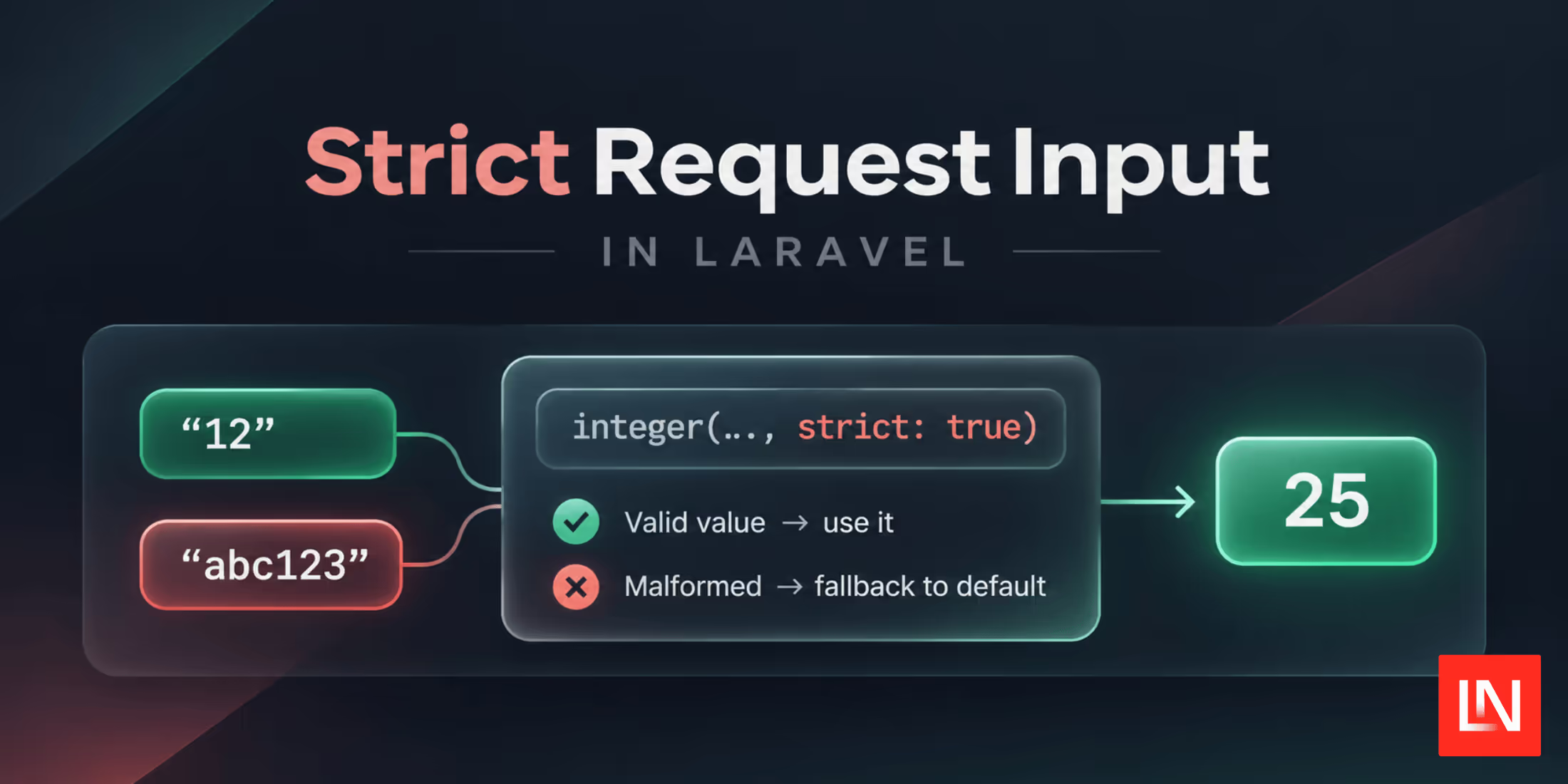
Laravel's request object has helpers that read a value and cast it to a specific type in one call (i.e., $request->integer('page')). They work well when the input looks the way you expect. When it doesn't, the cast can hide the problem or throw an error.
Laravel 13.40 adds a strict argument to these helpers. With it, input that is not a valid value for the type returns your default instead.
Casting Without the Strict Flag
The helpers cast with plain PHP casts. Take a listing page that reads a per-page count from the query string:
$perPage = $request->integer('per_page', 25);
The default only applies when per_page is missing. A request to /posts?per_page=abc123 results in the string abc123, and (int) 'abc123' is 0.
The string() helper throws an error instead. A request to /search?name[]=chris sends an array, and casting an array to a string raises an Array to string conversion error:
$name = $request->string('name'); // ErrorException with ?name[]=chris
Writing the above code seems fine, but ends up causing sneaky edge-case bugs. However, we can ensure these issues don't happen when using the strict param.
Adding strict: true
Pass strict: true as a named argument and the helper checks the value before casting it:
$perPage = $request->integer('per_page', 25, strict: true);
$archived = $request->boolean('archived', false, strict: true);
$price = $request->float('max_price', 100.0, strict: true);
$name = $request->string('name', 'guest', strict: true);
The str() alias accepts the flag too. Each method has its own rule for what counts as valid.
The following are examples of each cast, and what you might expect:
integer()
The value has to be a valid integer. Decimals, leading zeros, and numbers too big for PHP's int return the default:
$perPage = $request->integer('per_page', 25, strict: true);

// ?per_page=50                   => 50
// ?per_page=+12                  => 12
// ?per_page=12.5                 => 25
// ?per_page=007                  => 25
// ?per_page=12abc                => 25
// ?per_page=9999999999999999999  => 25
float()
Whole numbers and exponent notation are accepted. Thousands separators and other text are not:
$maxPrice = $request->float('max_price', 100.0, strict: true);

// ?max_price=49.99  => 49.99
// ?max_price=12     => 12.0
// ?max_price=1e3    => 1000.0
// ?max_price=1,000  => 100.0
// ?max_price=abc    => 100.0
Booleans in a JSON body return the default for both integer() and float().
boolean()
Without the flag, anything that isn't 1, true, on, or yes is false. With it, 0, false, off, and no are false, and every other value returns the default. Case and surrounding whitespace are ignored:
$notify = $request->boolean('notify', true, strict: true);

// ?notify=yes    => true
// ?notify=ON     => true
// ?notify=off    => false
// ?notify=0      => false
// ?notify=maybe  => true (default)
// ?notify=       => true (default)
Without strict: true, ?notify=maybe would turn notifications off.
string()
Strings and numbers pass. Arrays, booleans, and null return the default, still wrapped in a Stringable:
$sort = $request->string('sort', 'created_at', strict: true)->lower();

// ?sort=Title    => "title"
// ?sort[]=title  => "created_at"
// ?sort=         => "created_at"
The empty value case differs from the non-strict call. The middleware turns ?sort= into null, and without the flag the key counts as present, so you get an empty string instead of the default.
Defaults in Strict Mode
The default can be a closure. The helpers pass it through value(), so the closure only runs when the default is needed:
$teamId = $request->integer(
	'team_id',
	fn () => $request->user()->current_team_id,
	strict: true
);
In strict mode, the default is returned as given and is not cast. If you pass null, you get null back for missing or invalid input:
$limit = $request->integer('limit', null, strict: true);

if ($limit === null) {
    // No usable limit in the request
}
Without the flag, the same call returns 0, so you can't tell "no limit" from a limit of zero. Note that the docblocks still declare int and float return types, so static analysis may flag a null default.
Where Else the Flag Works
The helpers come from the InteractsWithData trait, so the flag is available on every class that uses it:
Illuminate\Http\RequestIlluminate\Support\FluentIlluminate\Support\ValidatedInput, returned by$request->safe()Illuminate\Support\UriQueryString, returned byUri::query()Illuminate\View\ComponentAttributeBag, the$attributesin Blade componentsIlluminate\Console\CommandInput, returned by$this->input()in an Artisan command
For example, reading a page number from a URL you received from somewhere else:
use Illuminate\Support\Uri;

$page = Uri::of($nextPageUrl)->query()->integer('page', 1, strict: true);
When to Use Validation Instead
The strict flag returns a default and keeps going. Nobody is told the input was wrong. That fits optional parameters where a fallback is the right answer: page sizes, sort directions, display toggles, filters on a listing page.
When the input is required, or when a bad value means the user made a mistake they should fix, use validation. A form field for an order quantity should return a validation error for "abc", not quietly order 25 items. The validation guide covers the rules and form requests.
Further Reading
- Slow Job Alerts and Replica Commit IDs in Laravel 13.40
- Handling Missing Request Data in Laravel
- Access Request Data Fluently in Laravel 11.34
- Laravel Validation: A Practical Guide with Examples
Chris Morrell (@inxilpro) contributed the strict flag in #62254.