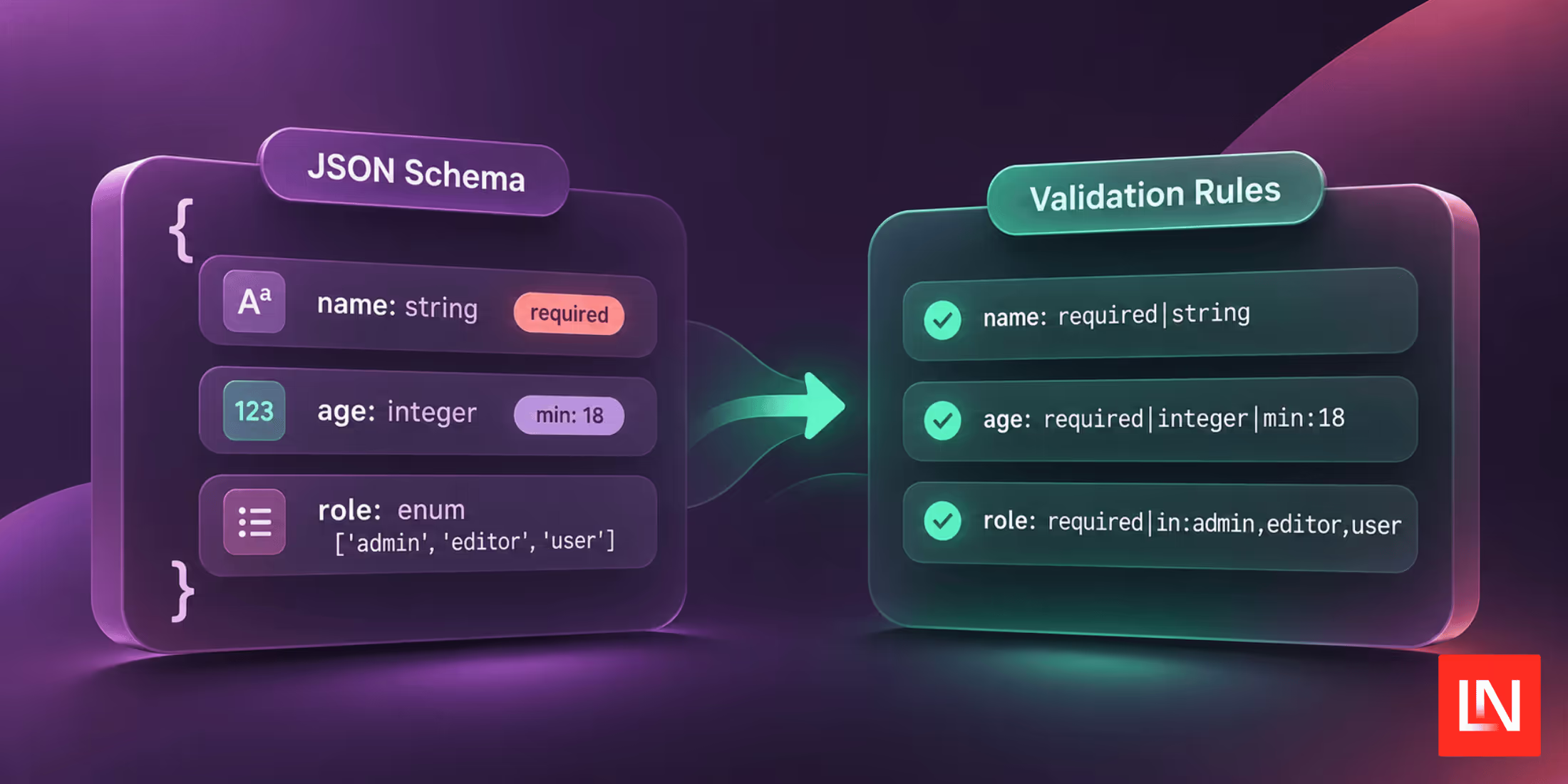
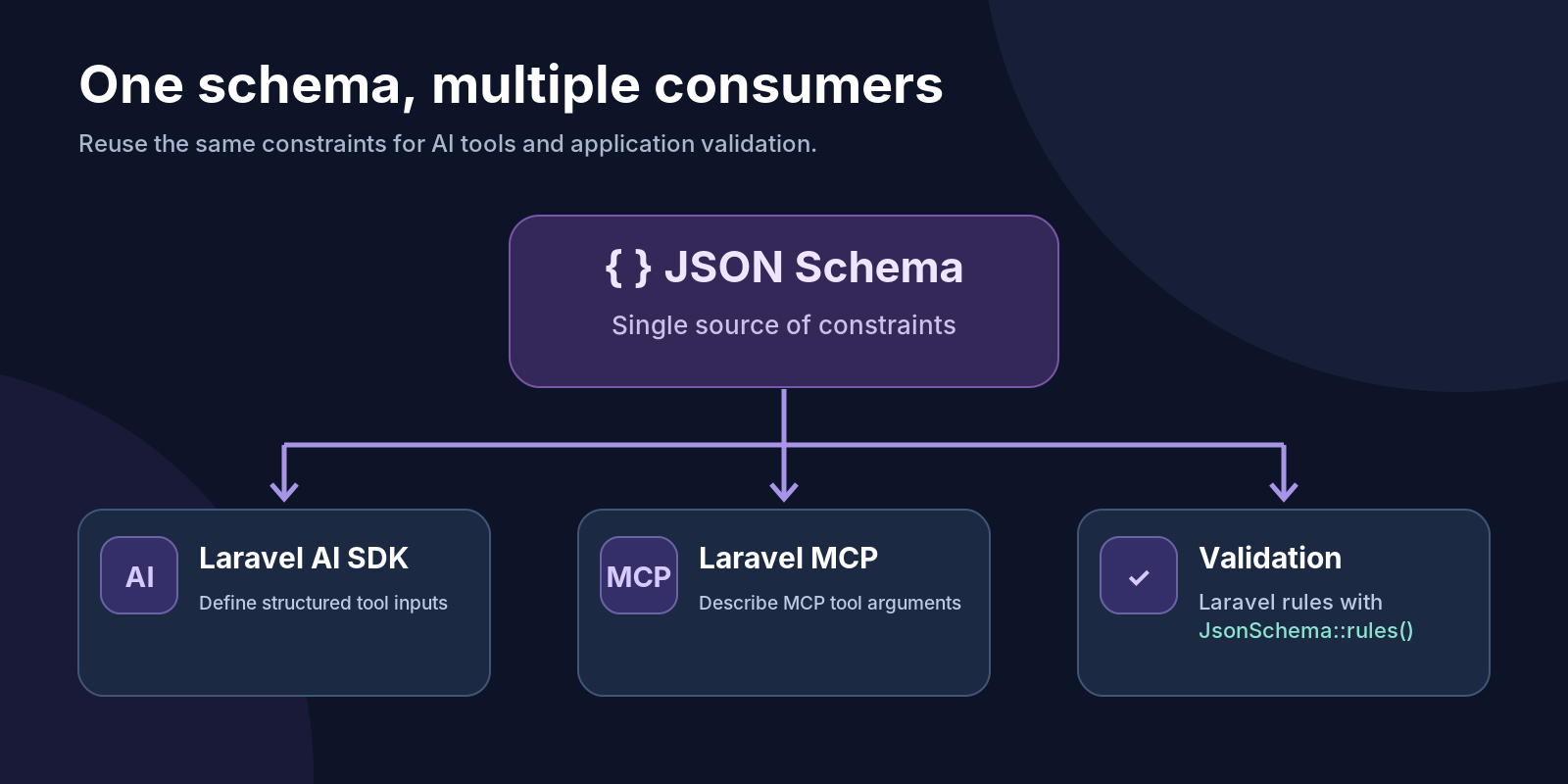
Laravel MCP and Laravel AI SDK tools describe their input with a JSON schema, which the model reads to decide what arguments to send. Nothing checks the arguments against that schema, so handle() repeats every constraint as a Laravel validation rule. Each limit and enum value then lives in two places, and updating one without the other either rejects valid input or lets bad input through.
Laravel 13.43 adds JsonSchema::rules() that builds the validation rules from the schema, so you only define the constraints once. Let's see how that works with an example.
Validate Tool Input by Hand
The following MCP tool creates a subscription. The schema() method tells the client what to send, and handle() repeats the same constraints as validation rules:
use Illuminate\Contracts\JsonSchema\JsonSchema;
use Illuminate\Validation\Rule;
use Laravel\Mcp\Request;
use Laravel\Mcp\Response;
use Laravel\Mcp\Server\Tool;

class CreateSubscription extends Tool
{
    protected string $description = 'Create a subscription for a customer.';

    public function schema(JsonSchema $schema): array
    {
        return [
            'email' => $schema->string()->format('email')->required(),
            'plan' => $schema->string()->enum(['monthly', 'yearly'])->required(),
            'seats' => $schema->integer()->min(1)->max(500),
        ];
    }

    public function handle(Request $request): Response
    {
        $validated = $request->validate([
            'email' => ['required', 'string', 'email'],
            'plan' => ['required', 'string', Rule::in(['monthly', 'yearly'])],
            'seats' => ['sometimes', 'integer', 'min:1', 'max:500'],
        ]);

        // ...
    }
}
Generate the Rules With JsonSchema Rules
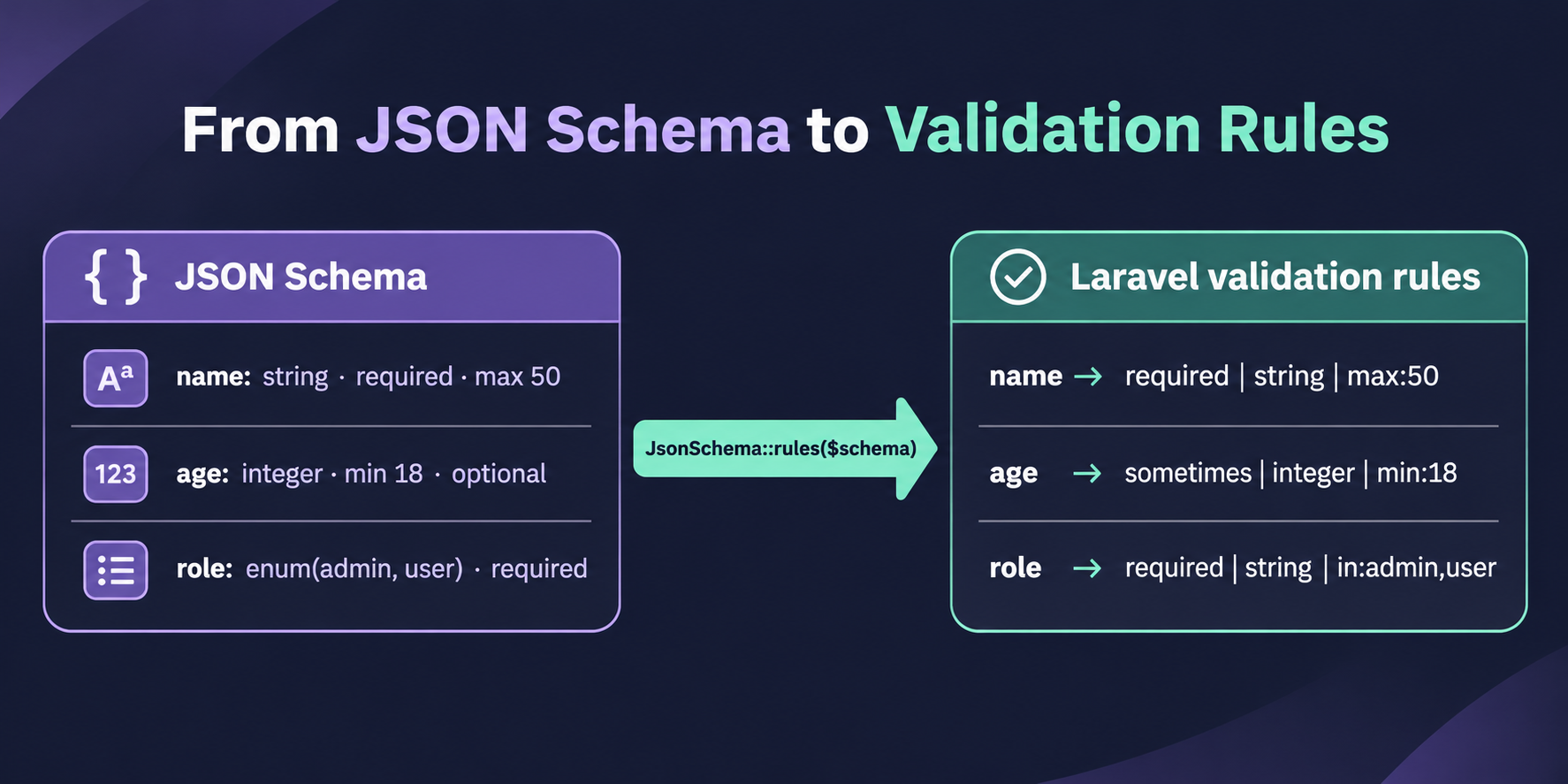
The JsonSchema rules() method, introduced in Laravel 13, takes an object schema and returns an array of rules keyed by property. The tool's schema() method returns the properties, so you wrap them in JsonSchema::object() and pass the result through:
use Illuminate\JsonSchema\JsonSchema as Schema;

public function handle(Request $request): Response
{
    $validated = $request->validate(
        Schema::rules(Schema::object(fn ($schema) => $this->schema($schema)))
    );

    $subscription = Subscription::start(
        $validated['email'],
        $validated['plan'],
        $validated['seats'] ?? 1,
    );

    return Response::text("Started a {$subscription->plan} subscription.");
}
Laravel MCP catches the ValidationException from a tool and returns the messages to the client as a tool error, so the model can see which argument was wrong and try again.
The result is a plain rules array, so you can also pass it to Validator::make(), return it from a form request's rules() method, or merge it with rules of your own.
Rules for a Nested Schema
The following schema has a nullable field, a nested object, and an array:
use Illuminate\JsonSchema\JsonSchema;

$schema = JsonSchema::object(fn ($schema) => [
    'email' => $schema->string()->format('email')->required(),
    'plan' => $schema->string()->enum(['monthly', 'yearly'])->required(),
    'seats' => $schema->integer()->min(1)->max(500),
    'coupon' => $schema->string()->nullable(),
    'address' => $schema->object(fn ($schema) => [
        'line1' => $schema->string()->required(),
        'country' => $schema->string()->pattern('^[A-Z]{2}$')->required(),
    ])->withoutAdditionalProperties(),
    'tags' => $schema->array()->items($schema->string())->max(5),
]);

JsonSchema::rules($schema);
Using Laravel >= v13.43.0, that returns:
[
    'email' => ['required', 'string', 'email'],
    'plan' => ['required', 'string', Rule::in(['monthly', 'yearly'])],
    'seats' => ['sometimes', new RejectEmptyString, 'integer', 'min:1', 'max:500'],
    'coupon' => ['sometimes', 'nullable', new RejectEmptyString, 'string'],
    'address' => ['sometimes', new RejectEmptyString, 'array:"line1","country"', 'required_array_keys:"line1","country"'],
    'address.line1' => ['sometimes', 'filled', 'string'],
    'address.country' => ['sometimes', 'filled', 'string', 'regex:/^[A-Z]{2}$/u'],
    'tags' => ['sometimes', new RejectEmptyString, 'list', 'max:5'],
    'tags.*' => ['sometimes', new RejectEmptyString, 'string'],
]
Nested properties become dot-notation keys, and array items become a .* key. The other keywords map to rules like this:
| JSON Schema | Laravel rule |
|---|---|
type |
string, integer, numeric, boolean, list, or array |
minLength, minimum, minItems |
min |
maxLength, maximum, maxItems |
max |
exclusiveMinimum, exclusiveMaximum |
gt, lt |
multipleOf |
multiple_of |
pattern |
regex with the u flag |
uniqueItems |
distinct:strict on the items |
format |
email, url (for uri and url), uuid, date_format:Y-m-d (for date), or a date-time check. Other formats add no rule |
Generate Rules From a Schema Array
You can also generate rules from a schema array using the rules() method. It accepts a plain array for a schema that doesn't come from the builder, such as a stored tool definition or a schema file:
JsonSchema::rules([
    'type' => 'object',
    'properties' => [
        'email' => ['type' => 'string', 'format' => 'email'],
    ],
    'required' => ['email'],
]);

// ['email' => ['required', 'string', 'email']]
Note: Each union type in an anyOf, or in a type array like ["string", "integer"], becomes one rule that passes when any branch passes.